編輯:Android開發教程
前面介紹了利用Android自帶的控件,進行滑動翻頁制作效果,現在我們通過代碼實現一些滑動翻頁的動畫效果。
Animation實現動畫有兩個方式:幀動畫(frame-by-frame animation)和補間動畫(tweened animation)
本示 例通過繼承Animation自定義Rotate3D,實現3D翻頁效果。效果圖如下:

1、Rotate3D(Animation)
首先,自定義Animation的3D動畫類Rotate3D
public class Rotate3D extends

Animation {
    private float fromDegree;   // 旋轉起始角度
    private float toDegree;     // 旋轉終止角度
    private float mCenterX;     // 旋轉中心x
    private float mCenterY;     // 旋轉中心y
    private Camera mCamera;

    public Rotate3D(float fromDegree, float toDegree, float centerX, float centerY) {
        this.fromDegree = fromDegree;
        this.toDegree = toDegree;
        this.mCenterX = centerX;
        this.mCenterY = centerY;

    }

    @Override
    public void initialize(int width, int height, int parentWidth, int parentHeight) {
        super.initialize(width, height, parentWidth, parentHeight);
        mCamera = new Camera();
    }

    @Override
    protected void applyTransformation(float interpolatedTime, Transformation t) {
        final float FromDegree = fromDegree;
        float degrees = FromDegree + (toDegree - fromDegree) * interpolatedTime;    // 旋轉角度(angle)
        final float centerX = mCenterX;
        final float centerY = mCenterY;
        final Matrix matrix = t.getMatrix();

        if (degrees <= -76.0f) {
            degrees = -90.0f;
            mCamera.save();
            mCamera.rotateY(degrees);       // 旋轉
            mCamera.getMatrix(matrix);
            mCamera.restore();
        } else if (degrees >= 76.0f) {
            degrees = 90.0f;
            mCamera.save();
            mCamera.rotateY(degrees);
            mCamera.getMatrix(matrix);
            mCamera.restore();
        } else {
            mCamera.save();
            mCamera.translate(0, 0, centerX);       // 位移x
            mCamera.rotateY(degrees);
            mCamera.translate(0, 0, -centerX);
            mCamera.getMatrix(matrix);
            mCamera.restore();
        }

        matrix.preTranslate(-centerX, -centerY);
        matrix.postTranslate(centerX, centerY);
    }
}
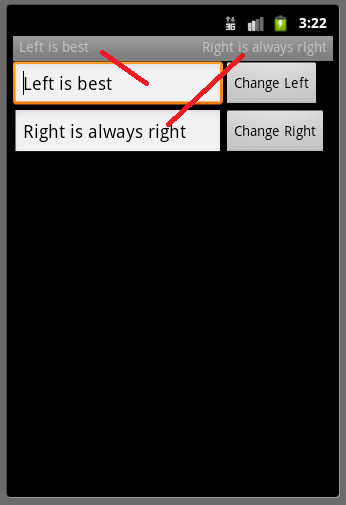 Android ApiDemos示例解析(5) App->Activity->Custom Title
Android UI缺省的標題欄由android:label 定義,顯示在屏幕左上角,Android允許Activity自定義標題欄,使用自定義 Layout重新設置標題
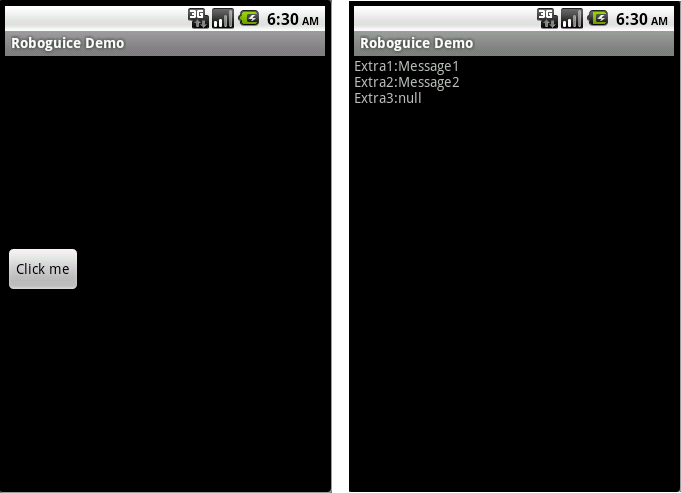 Android RoboGuice使用指南(17) Inject Extra
使用Intent 啟動一個Activity,Service等時,可以通過putExtra 傳送數據 ,被觸發的Activity,Service可以使用getIntent(
 Android Studio 的 Preview窗口
Android Studio的功能包含preview窗口, 可以查看布局(layout)的樣式;位置: app->src->main->res(資源)-
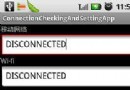 Android中Wifi/3G網絡連接
獲取網絡連接狀態隨著3G和Wifi的推廣,越來越多的Android應用程序需要調用網絡資源,檢測網 絡連接狀態也就成為網絡應用程序所必備的功能。Android平台提供了C