

編輯:更多教學
若你的安卓手機 GPS 定位速度不理想,可以嘗試調整系統中的 gps.conf 設定檔。這個檔案通常位於 /system/etc,修改前請先備份,並確認需要 root 權限。
NTP_SERVER=cn.pool.ntp.org
XTRA_SERVER_1=https://xtra2.gpsonextra.net/xtra.bin
XTRA_SERVER_2=https://xtra1.gpsonextra.net/xtra.bin
XTRA_SERVER_3=https://xtra3.gpsonextra.net/xtra.bin
SUPL_HOST=suplcn.sirf.com
SUPL_PORT=7275
PPP1_ID=ctwap@mycdma.cn
PPP1_PW=vnet.mobi
NTP_SERVER=cn.pool.ntp.org
XTRA_SERVER_1=https://xtra2.gpsonextra.net/xtra.bin
XTRA_SERVER_2=https://xtra1.gpsonextra.net/xtra.bin
XTRA_SERVER_3=https://xtra3.gpsonextra.net/xtra.bin
SUPL_HOST=suplcn.sirf.com
SUPL_PORT=7275
修改完成後儲存並重新啟動手機。若定位行為沒有改善,或出現異常,請還原原設定檔再重新嘗試。
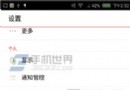 努比亞Z9 Max桌面模式在哪裡切換?四步完成
努比亞Z9 Max 內建了多種桌面情境模式,可以依使用場合切換版面配置。入口藏在個性功能底下,四步就能找到。 切換步驟 1. 進入努比亞Z9 Max 的【設定】,點擊【個
 安卓手機如何重設便攜式熱點密碼
想更改手機熱點密碼卻不知從何下手?其實只要幾個步驟就能搞定,一起來看看具體操作:開啟手機,進入手機的「設定」介面。選擇「無線與網路」。選擇「綁定與便攜式熱點」。選擇「便攜
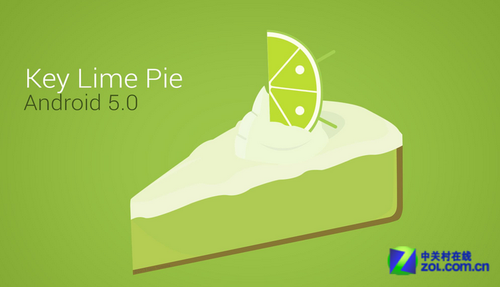 Android 5.0 Key Lime Pie傳出內部測試?
有線索顯示,Google 可能正在內部測試 Android 5.0 Key Lime Pie,並使用 Nexus 7 與 Nexus 4 等裝置進行驗證。 版本號線索 從
 Android 5.0首批升級機型整理
Android 5.0首批升級機型以Nexus裝置為主,包含Nexus 5、Nexus 7、Nexus 10與部分舊款機型。此外,摩托羅拉與HTC部分機型也在後續升級計畫