

編輯:關於 Android 程式設計
需要展示進度、需要讓用戶確認一項操作、需要從幾個選項裡挑一個——這些需求都能用 AlertDialog 搞定。實用範圍內其實只有四種形態:普通提示框、單選框、多選框和進度框。下面逐一拆解。
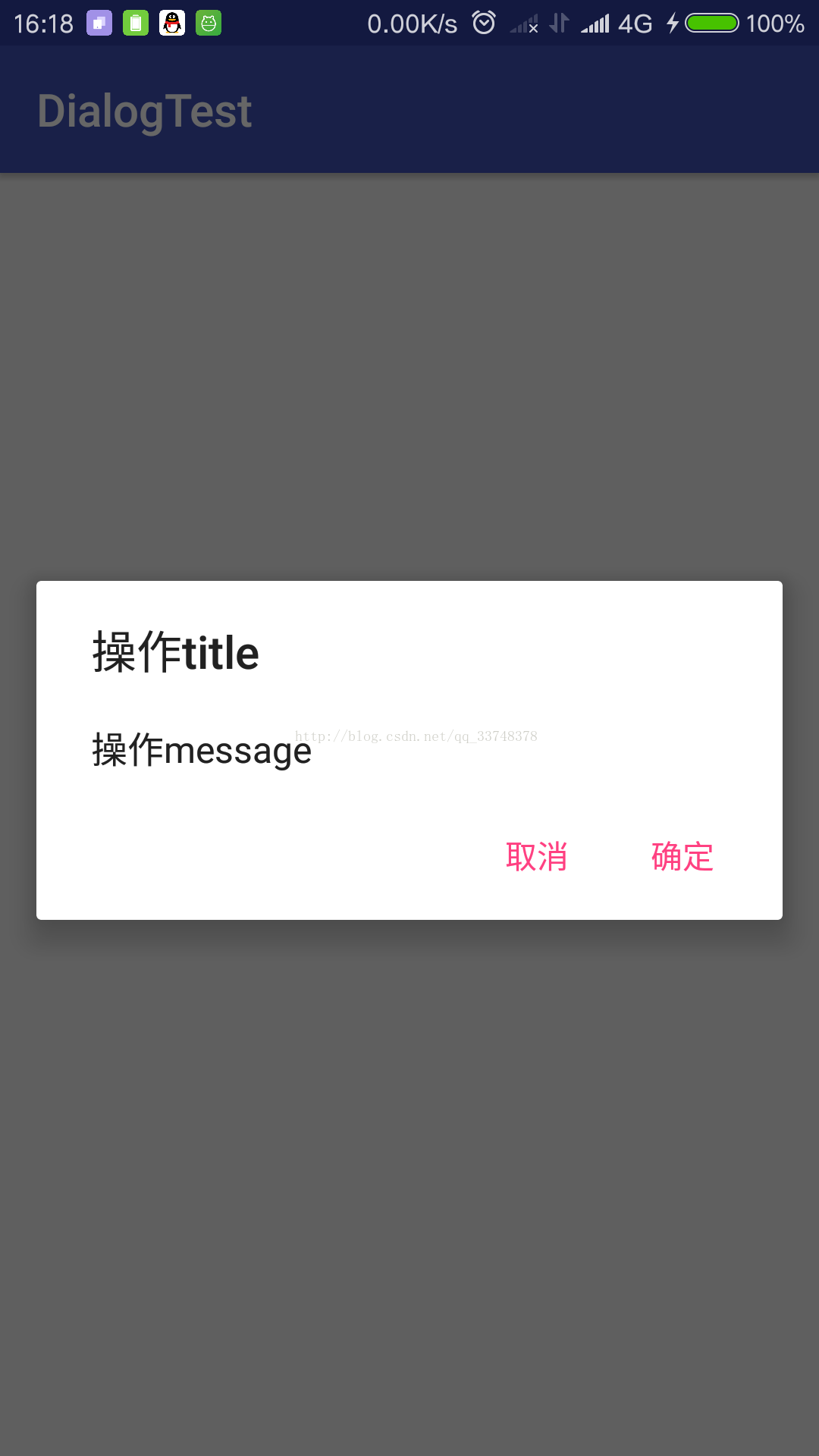
最基礎的形態:標題 + 內容 + 確定/取消。默認情況下點擊「確定」或「取消」按鈕會自動關閉對話框,所以不需要手動 dismiss()。
public class GeneralDialogActivity extends AppCompatActivity {

    @Override
    protected void onCreate(Bundle savedInstanceState) {
        super.onCreate(savedInstanceState);
        setContentView(R.layout.activity_general_dialog);

        AlertDialog.Builder alertDialog = new AlertDialog.Builder(this)
                .setTitle("操作title")            // 設置標題
                .setMessage("操作message")        // 設置顯示內容
                .setCancelable(false)             // 點擊其它區域不能取消
                .setPositiveButton("確定", new DialogInterface.OnClickListener() {
                    @Override
                    public void onClick(DialogInterface dialogInterface, int i) {
                        Toast.makeText(GeneralDialogActivity.this, "點擊了確定",
                                Toast.LENGTH_SHORT).show();
                    }
                })
                .setNegativeButton("取消", new DialogInterface.OnClickListener() {
                    @Override
                    public void onClick(DialogInterface dialogInterface, int i) {
                        // dialogInterface.dismiss();
                    }
                });

        alertDialog.show();   // 別忘了 show
    }
}
setCancelable(false) 常用於「不可逆操作」的二次確認,避免用戶誤觸空白區域就跳過了提示。
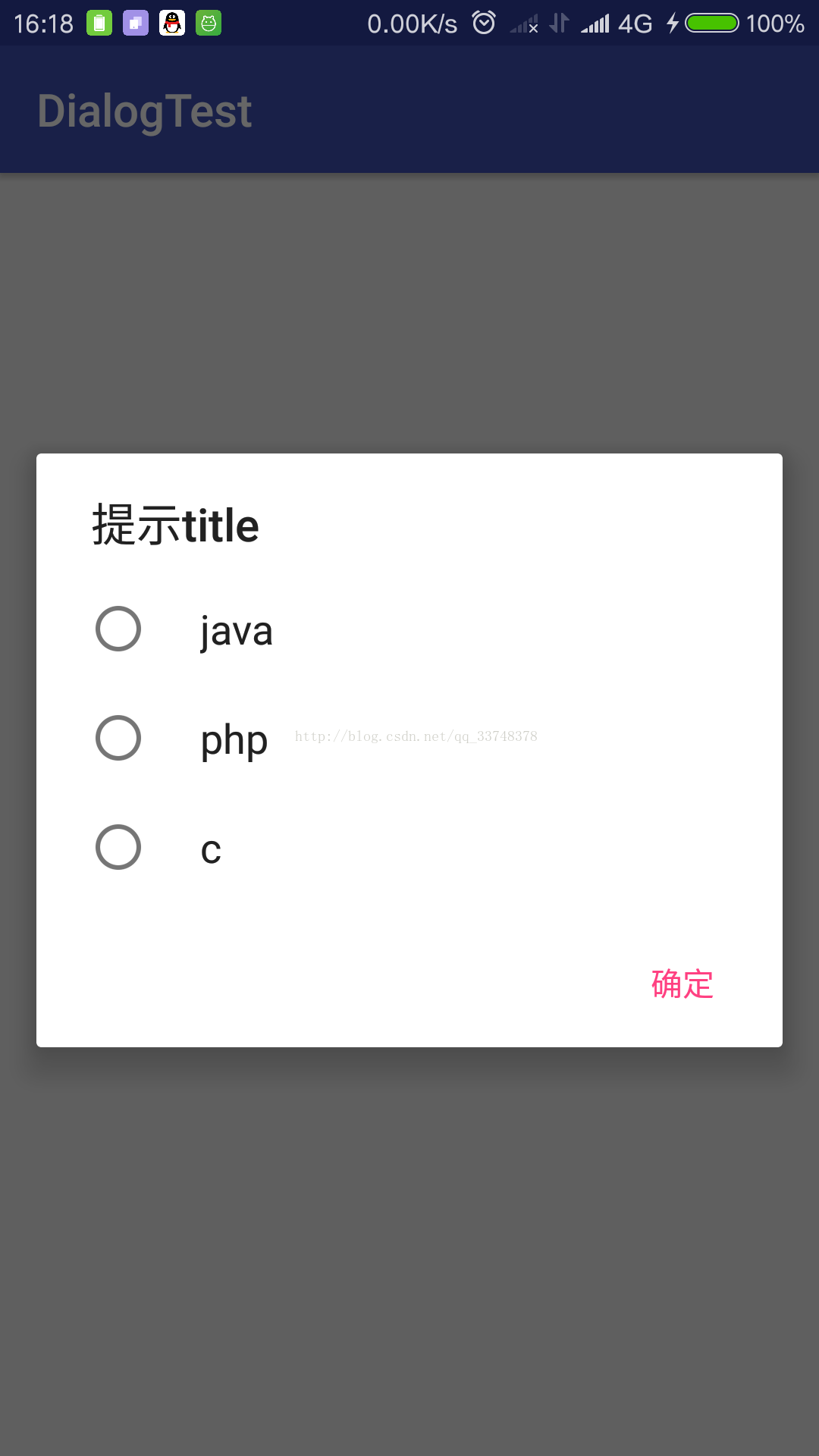
用 setSingleChoiceItems(),第二個參數是默認選中項下標,-1 表示不預選。
public class SingleDialogActivity extends AppCompatActivity {

    private String[] items = {"java", "php", "c"};

    @Override
    protected void onCreate(Bundle savedInstanceState) {
        super.onCreate(savedInstanceState);
        setContentView(R.layout.activity_single_dialog);

        AlertDialog.Builder alertDialog = new AlertDialog.Builder(this)
                .setTitle("提示title")
                // 注意:單選框下不能設置 message,否則列表內容會失效
                .setSingleChoiceItems(items, -1, new DialogInterface.OnClickListener() {
                    @Override
                    public void onClick(DialogInterface dialogInterface, int i) {
                        Toast.makeText(SingleDialogActivity.this, "選中了" + items[i],
                                Toast.LENGTH_SHORT).show();
                    }
                })
                .setPositiveButton("確定", new DialogInterface.OnClickListener() {
                    @Override
                    public void onClick(DialogInterface dialogInterface, int i) { }
                });

        alertDialog.show();
    }
}
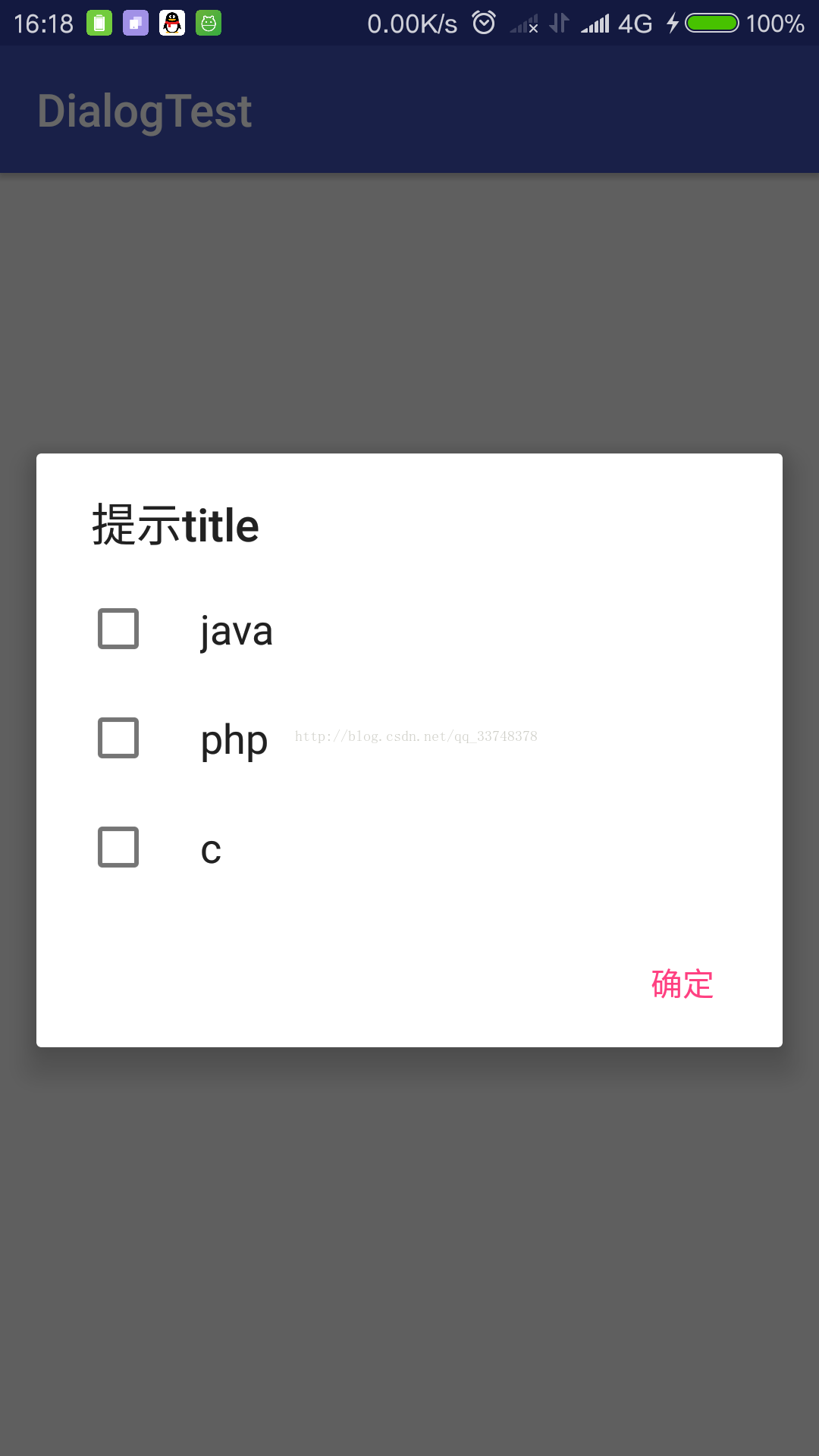
用 setMultiChoiceItems(),第二個參數是與選項等長的布爾數組,用來指定初始勾選狀態。
public class MultiChoiceDialogActivity extends AppCompatActivity {

    private String[] items = {"java", "php", "c"};

    @Override
    protected void onCreate(Bundle savedInstanceState) {
        super.onCreate(savedInstanceState);
        setContentView(R.layout.activity_multi_choice_dialog);

        AlertDialog.Builder alertDialog = new AlertDialog.Builder(this)
                .setTitle("提示title")
                .setCancelable(false)
                .setMultiChoiceItems(items, new boolean[]{false, false, false},
                    new DialogInterface.OnMultiChoiceClickListener() {
                        @Override
                        public void onClick(DialogInterface dialogInterface, int i, boolean b) {
                            if (b) {
                                Toast.makeText(MultiChoiceDialogActivity.this,
                                        "選中了" + items[i], Toast.LENGTH_SHORT).show();
                            }
                        }
                    })
                .setPositiveButton("確定", new DialogInterface.OnClickListener() {
                    @Override
                    public void onClick(DialogInterface dialogInterface, int i) { }
                });

        alertDialog.show();
    }
}
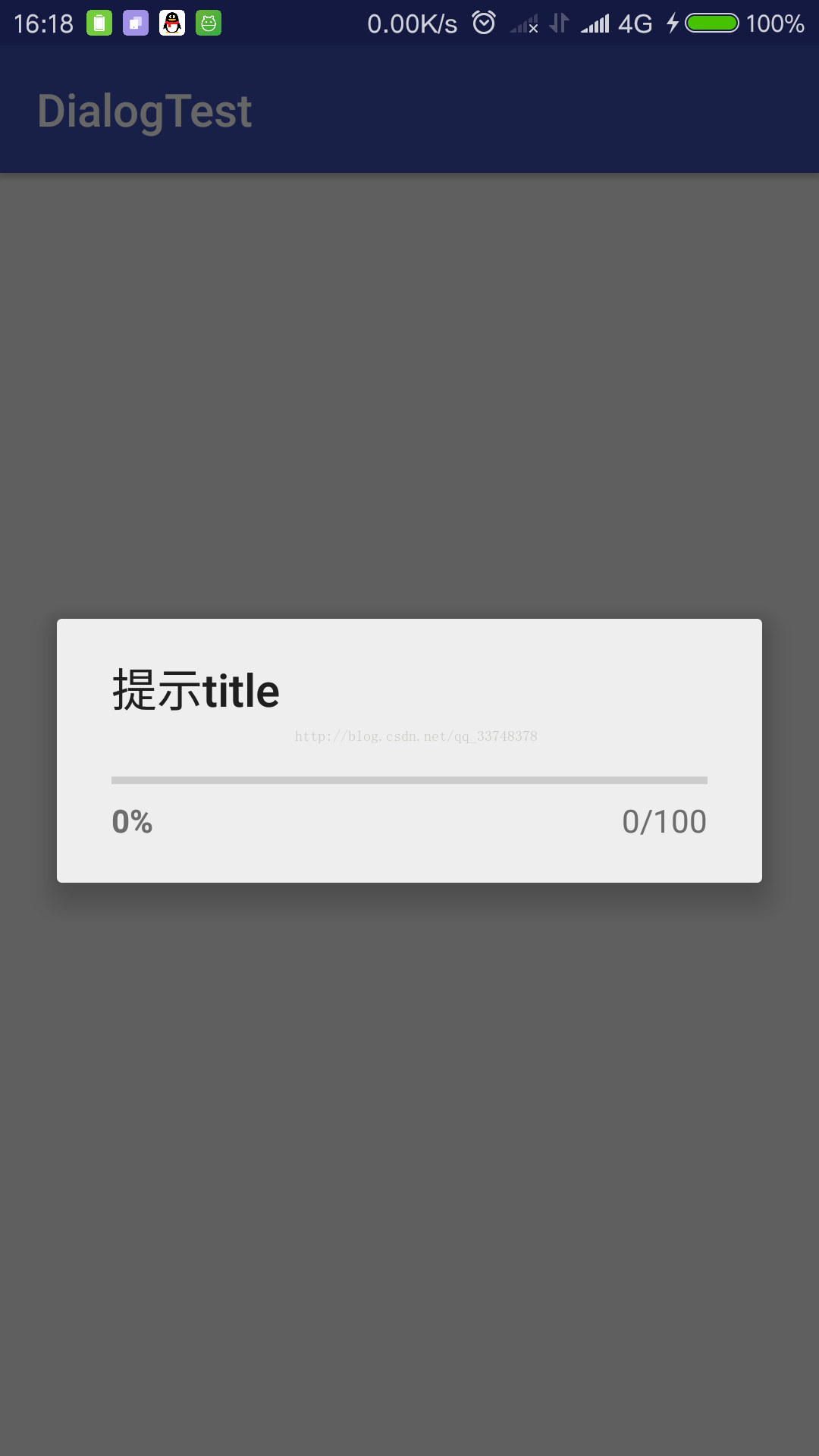
進度框要用 ProgressDialog 而非 AlertDialog.Builder。它提供兩種樣式:STYLE_SPINNER(轉圈,默認)與 STYLE_HORIZONTAL(橫向進度條)。
public class ProgressDialogActivity extends AppCompatActivity {

    private ProgressDialog progressDialog;

    @Override
    protected void onCreate(Bundle savedInstanceState) {
        super.onCreate(savedInstanceState);
        setContentView(R.layout.activity_progress_dialog);

        progressDialog = new ProgressDialog(this);
        progressDialog.setTitle("提示title");
        progressDialog.setCancelable(true);
        // progressDialog.setProgressStyle(ProgressDialog.STYLE_SPINNER);  // 旋轉樣式,默認
        progressDialog.setProgressStyle(ProgressDialog.STYLE_HORIZONTAL); // 橫向進度條
        progressDialog.show();
    }
}
四種形態的選擇很直接:單純告知用普通框;訪問「一組互斥選項」用單選;「一組可多選項」用多選;耗時任務用進度框。
兩個容易忽略的細節:單選框與 setMessage() 互斥,同時設置會讓列表消失;ProgressDialog 已被官方標記為過時,新項目中更推薦 ProgressBar 配合 DialogFragment 自行組裝,一方面能避免 Activity 銷毀時洩漏 window,另一方面樣式也更可控。
 Android 通用下拉刷新與上拉加載控制元件
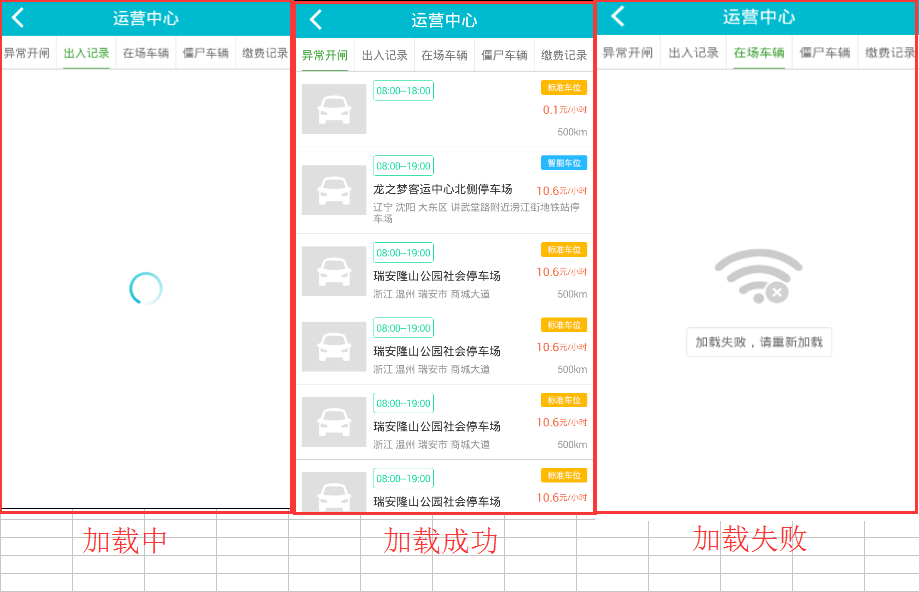
通用下拉刷新與上拉加載 在列表頁面中,下拉刷新與上拉加載是高頻互動。若每個頁面都重新實作,容易產生不一致的體驗。本文介紹一個通用型方案,讓 ListView、GridVi
 Android WebView 實戰技巧整理:標題抓取、檔案下載、錯誤處理與 Cookie 同步
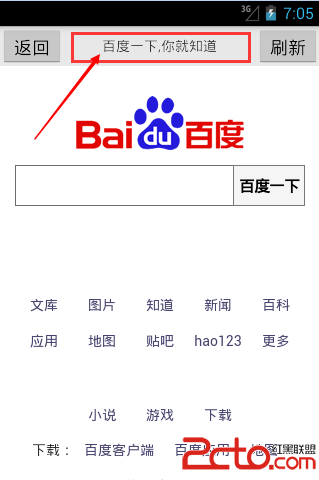
前陣子做專案時用到了 WebView,途中遇到不少問題,於是找資料逐一解決,順手整理成這篇筆記,方便日後快速查閱。 先說背景:Android 的 WebView 是一個相
 單Activity多Fragment封裝:BaseFragment、BasePagerFragment與BaseListFragment
前言 單Activity多Fragment模式很適合用來快速搭建Android應用框架。若再搭配適當的基類封裝,可以大幅減少重複程式碼,讓專案結構更清楚,也更容易維護。
 Android Studio 三種方式快速切換 Git Branch
這個系列一直是「一篇解決一個小問題」的寫法,沒有把內容攏在一起,主要是方便大家按需要檢索;為了讓說明更直觀,能配圖的地方我都直接上圖。 我這邊使用的版本控制工具是 Git