

編輯:關於 Android 程式設計
在 Android 中,若按鈕需要背景圖片,又希望保留圓角與邊框,直接切一張圓角圖是最簡單的方式;但若想保持背景圖可替換,也可以用 shape 與 layer-list 組合。
先建立一個 shape 資源,設定 corners 與 stroke:
<shape xmlns:android="https://schemas.android.com/apk/res/android">
    <corners android:radius="10dp"/>
    <stroke android:width="1dp" android:color="#FF6238" />
</shape>
再用 layer-list 把背景圖與 shape 疊起來:
<layer-list xmlns:android="https://schemas.android.com/apk/res/android">
    <item android:drawable="@mipmap/ic_launcher"/>
    <item android:drawable="@drawable/shape"/>
</layer-list>
最後在版面配置或程式碼中把 background 指向這個 layer-list:
<TextView
    android:gravity="center"
    android:background="@drawable/list"
    android:layout_width="match_parent"
    android:layout_height="50dp"
    android:textSize="16sp"
    android:textColor="#FF0000"
    android:text="按鈕" />
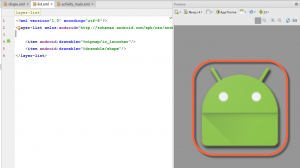
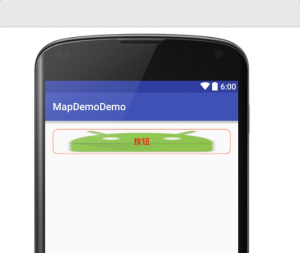
這種做法能讓背景圖與圓角樣式分離,後續修改 Radius 或顏色時也比較容易。
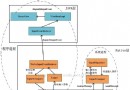 Android 輸入系統剖析:InputChannel 如何把觸控事件送進 App 進程
先前幾篇關於「錘子快捷鍵」的文章已經分析過輸入事件的讀取、處理與分發。我們知道事件是以 window 為單位傳遞的:system_server 只負責把事件交給某個或多個
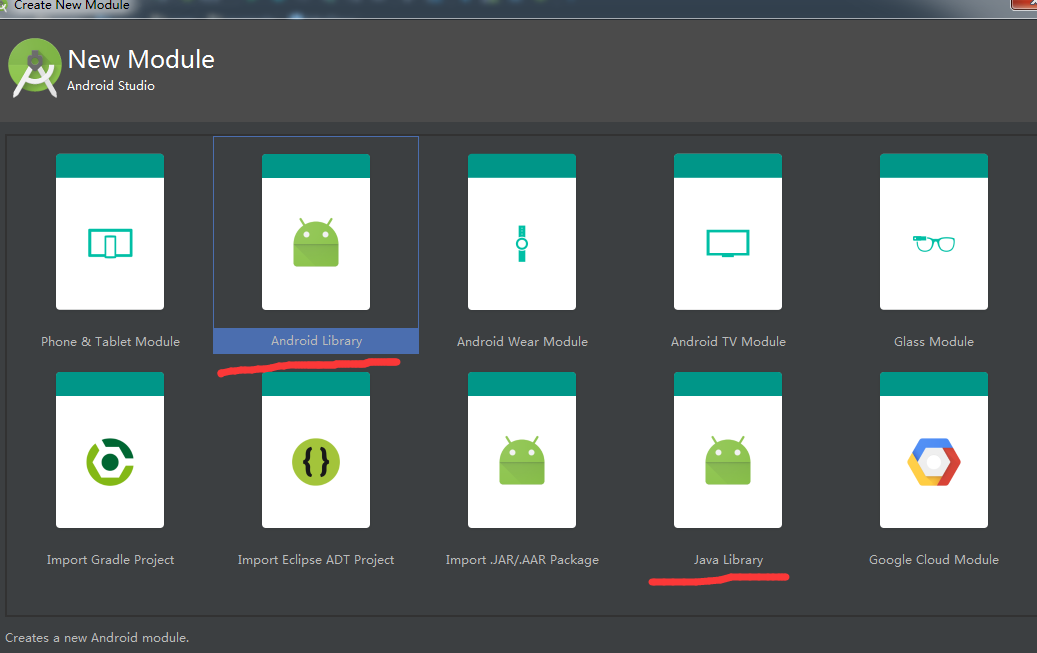 Android Studio 生成與引用 .aar、.jar 的方法詳解
要把自己寫的模組做成可複用的庫,就得先搞懂 jar 與 aar 的差別,以及 Android Studio 裡怎麼產出、怎麼引用。這兩件事釐清了,模組化開發就少一半阻礙。
 自製 ImageLoader:從 LruCache 到非同步圖片載入的完整實作
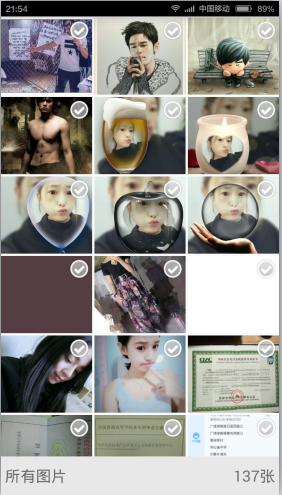
先看幾張效果圖: 在載入大量圖片時,我們採用後進先出策略(滑到哪裡就先載入哪裡的圖片),既節省記憶體,使用者體驗也更好。下面就來打造自己的 ImageLoader。
 華為榮耀8流量監控怎麼打開
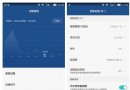
EMUI 3.0 的華為手機管家加入了期待已久的流量管理功能,可以隨時掌握流量消耗,避免超標。不過仍有不少用戶沒有升級到 EMUI 3.0,難道就沒法監控流量了嗎?当然不