

編輯:關於 Android 程式設計
Google 官方提供的 apktool 可以逆向已發布的 APK 應用,也就是反編譯已打包完成的 APK 檔案。使用它,你能將 APK 還原成非常接近打包前的原始格式——具體來說,可以逆向 AndroidManifest.xml、資源檔 resources.arsc,並將 dex 檔案反編譯成可調試的 smali 檔案。
但請注意,apktool 並非用於侵犯原作者作品的工具,使用者千萬不要將它用於不正當、非法的用途。
It is NOT intended for piracy and other non-legal uses. It could be used for localizing, adding some features or support for custom platforms and other GOOD purposes. Just try to be fair with authors of an app, that you use and probably like.
1、反編譯資源檔到原始格式(包括 resources.arsc、XMLs 與 9.png 檔案)並重建它們;
2、smali debugging:SmaliDebugging 已不再支援,推測可能是因為 dex2jar 這類工具崛起太快,已能直接將 dex 反編譯成 jar;
3、更多關於 apktool 的資訊。
walfred 認為 apktool 目前最大的作用在於逆向 AndroidManifest.xml 與資源檔 resources.arsc。這裡就用 apktool 來逆向一個簡單的 hello 程式吧。只要你有 Android 開發環境,就能很快上手 apktool,本文假設你已能直接使用它。
walfred@ubuntu:~/lab/apktool$ apktool d HelloOurAndroid.apk
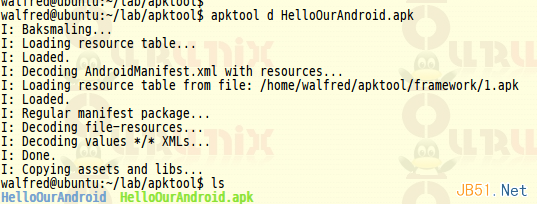
這時我們可以看到當前目錄下已生成 HelloOurAndroid/ 資料夾。來看看反編譯後的 AndroidManifest.xml 與 strings.xml:
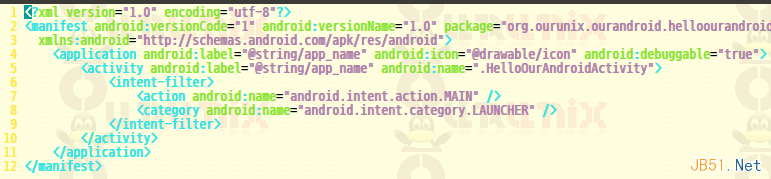
反編譯後的 AndroidManifest.xml 與工程中的版本幾乎一模一樣,因此我們可以藉此檢查該應用的所有權限。同樣也能查看這些寫死在程式裡(hardcode)的內容:

接下來重新打包剛剛修改過的 HelloOurAndroid.apk。我們把 strings.xml 中的「hello」改成「Hello,OurUnix!」:

然後使用 apktool 重新打包,命令如下:
walfred@ubuntu:~/lab/apktool$ apktool b HelloOurAndroid
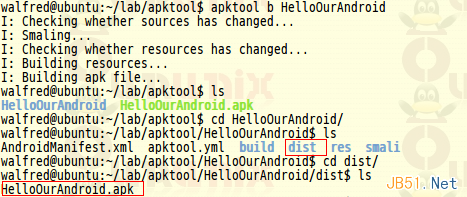
最後,將重新編譯後的 APK 進行簽名就能運行了。當然,如果你不想這麼麻煩地解包查看,aapt 這個工具也能做到類似的功能,而且它最大的特點是不需要解包。
 仿知乎日報:首頁網絡數據加載與 Gson 解析
首頁數據加載流程 這個章節以仿知乎日報為例,說明如何從網絡取得首頁資料,解析後填入輪播圖與新聞列表。整體流程可先讀取本地快取,若沒有再請求網絡,成功後更新介面並保存快取。
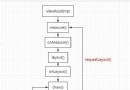 Android View 源碼剖析:requestLayout、invalidate 與 postInvalidate 的差異
requestLayout:請求重新布局當 View 的大小、位置或可見狀態可能改變時,可以呼叫 requestLayout。它會從目前 View 開始,沿著父容器層層向
 Android Frame 逐幀動畫完整示例
Android Frame 逐幀動畫 Frame 動畫是 Android Animation 的一種形式,其原理與電影放映類似:將多張圖片依序切換,形成連續動畫效果。它適
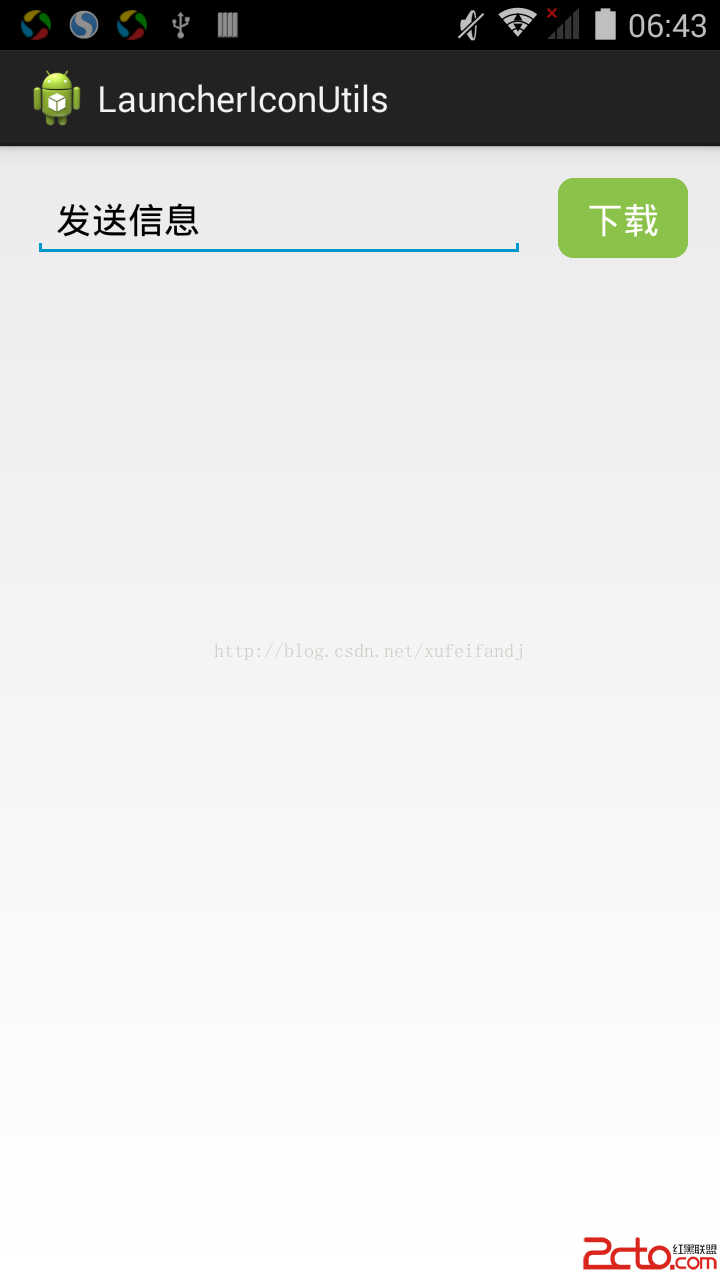 仿騰訊應用寶:自訂帶下載進度的按鈕控件
近來在開發應用市場時,需要一個能顯示下載進度的按鈕。我在其他先進的基礎上做了改良,並刪減掉大量用不到的程式碼,這裡分享改良後的成果。 改良重點在於:當下載有進度時,按鈕會