

編輯:關於 Android 程式設計
頁面跳轉如果硬邦邦地瞬間切換,操作起來總少了點順暢感。從 Android 2.0 開始,我們可以透過 overridePendingTransition() 為切換加上動畫,這個方法接受兩個參數:前者對應「離開的頁面」,後者對應「進場的頁面」。
@Override
public void onCreate(Bundle savedInstanceState) {
    super.onCreate(savedInstanceState);
    setContentView(R.layout.SplashScreen);
    new Handler().postDelayed(new Runnable() {
        @Override
        public void run() {
            Intent mainIntent = new Intent(SplashScreen.this, AndroidNews.class);
            SplashScreen.this.startActivity(mainIntent);
            SplashScreen.this.finish();
            overridePendingTransition(R.anim.mainfadein, R.anim.splashfadeout);
        }
    }, 3000);
}
動畫必須在 startActivity() 或 finish() 之後立刻呼叫才會生效。
另一個比較粗淺的方式是直接指定整個視窗的動畫:
getWindow().setWindowAnimations(int);
淡入淡出:
overridePendingTransition(android.R.anim.fade_in, android.R.anim.fade_out);
由左向右滑入:
overridePendingTransition(android.R.anim.slide_in_left, android.R.anim.slide_out_right);
縮放進出(效果近似 iOS 的頁面進出):
overridePendingTransition(R.anim.zoomin, R.anim.zoomout);
<?xml version="1.0" encoding="utf-8"?>
<set xmlns:android="https://schemas.android.com/apk/res/android"
    android:interpolator="@android:anim/decelerate_interpolator">
    <scale
        android:fromXScale="2.0"
        android:toXScale="1.0"
        android:fromYScale="2.0"
        android:toYScale="1.0"
        android:pivotX="50%p"
        android:pivotY="50%p"
        android:duration="@android:integer/config_mediumAnimTime" />
</set>
<?xml version="1.0" encoding="utf-8"?>
<set xmlns:android="https://schemas.android.com/apk/res/android"
    android:interpolator="@android:anim/decelerate_interpolator"
    android:zAdjustment="top">
    <scale
        android:fromXScale="1.0"
        android:toXScale=".5"
        android:fromYScale="1.0"
        android:toYScale=".5"
        android:pivotX="50%p"
        android:pivotY="50%p"
        android:duration="@android:integer/config_mediumAnimTime" />
    <alpha
        android:fromAlpha="1.0"
        android:toAlpha="0"
        android:duration="@android:integer/config_mediumAnimTime" />
</set>
zoomin 做的是「從大縮回正常」的進場感,zoomout 則是「縮小並淡出」的退場感,兩者搭配就能做出近似 iOS 的轉場節奏。pivotX 與 pivotY 決定縮放的原點,用 50%p 可以讓動畫以畫面中心為基準,這點在調整手感時很值得玩。
希望本文對你的 Android 開發有所幫助。
 在 Android 上實作 tcpdump 抓包應用
Android 應用大量涉及網絡,當請求出錯時,抓包是定位問題最有效的手段。業界通常用 tcpdump 抓包,再用 Wireshark 分析產生的檔案。關於 tcpdum
 Android 5.0 重啟恢復 Task 功能的源碼剖析
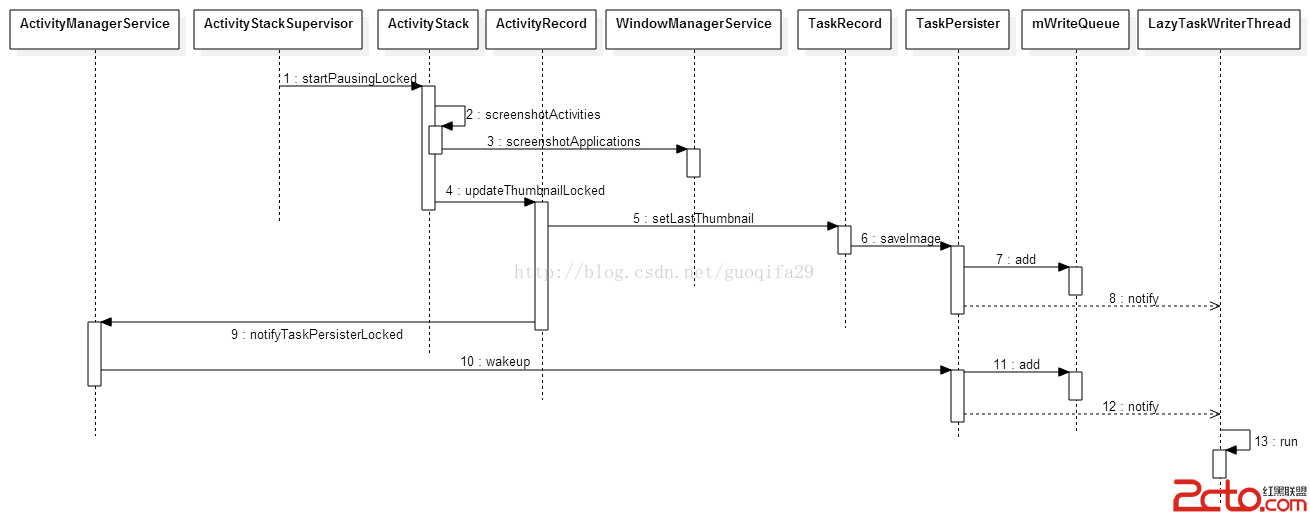
Android 5.0 引入了一項實用功能:設備重啟後仍能恢復 Task。在正常的 Activity 切換過程中,AMS(Activity Manager Service
 Android 反射機制:動態載入資源與 View ID
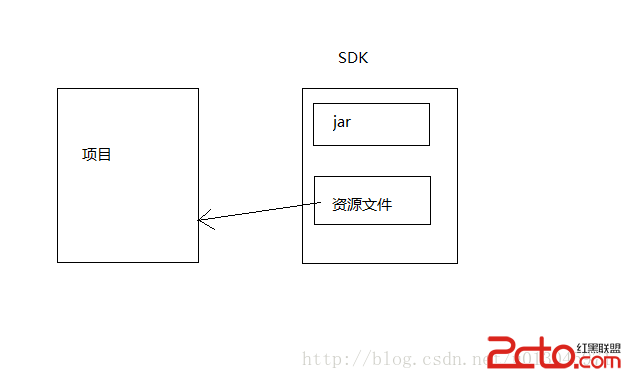
本文要探討的是如何利用 Java 反射機制,在執行期動態取得 Android 的資源與控制項 ID。 問題的起點 市面上常見一種稱為「應用牆」的廣告形式,例如豌豆、廣點通
 談談 Android 中 Context 的靈活使用技巧
大家好,今天想和大家聊聊 Android 裡 Context 的幾種用法。以前常有朋友在群組裡問我:如果在某個工具類的方法裡,或者在 View 當中需要使用 Contex