

編輯:關於 Android 程式設計
身為 Android 應用開發者,不得不面對一個尷尬的現實:自己辛辛苦苦開發的應用,可能被別人輕易反編譯出來。其實 Google 也注意到了這個問題,從 SDK 2.3 開始,我們可以在 android-sdk-windows\tools\ 底下看到多了一個 proguard 資料夾。
proguard 是一個 Java 程式碼混淆工具。透過它,即使別人反編譯你的 APK 包,也只會看到一堆難以看懂的程式碼,從而達到保護程式碼的作用。
先來看看 android-sdk-windows\tools\lib\proguard.cfg 的內容:
-optimizationpasses 5
-dontusemixedcaseclassnames
-dontskipnonpubliclibraryclasses
-dontpreverify
-verbose
-optimizations !code/simplification/arithmetic,!field/*,!class/merging/*
-keep public class * extends android.app.Activity
-keep public class * extends android.app.Application
-keep public class * extends android.app.Service
-keep public class * extends android.content.BroadcastReceiver
-keep public class * extends android.content.ContentProvider
-keepclasseswithmembernames class * { native <methods>; }
-keepclassmembers enum * { public static **[] values(); public static ** valueOf(java.lang.String); }
從腳本可以看出,混淆過程中保留了繼承自 Activity、Service、Application、BroadcastReceiver、ContentProvider 等基本組件的類別,並保留了所有 Native 變數名與類名、部分設定了固定參數格式的建構子,以及列舉等等。這是因為這些部分若被混淆,可能導致程式在執行時出錯。詳細資訊可參考 proguard 路徑下 examples 中的例子與註解。
做法很簡單,只要在 Eclipse 自動產生的 default.properties 檔案中加上一句 proguard.config=proguard.cfg 即可。完整的檔案內容如下:
# This file is automatically generated by Android Tools.
# Do not modify this file -- YOUR CHANGES WILL BE ERASED!
target=android-9
proguard.config=proguard.cfg
大功告成。正常編譯並簽名後,就能有效防止程式碼被輕易反編譯了。經過代碼混淆的 APK,反編譯得到的程式碼會變得極難看懂。
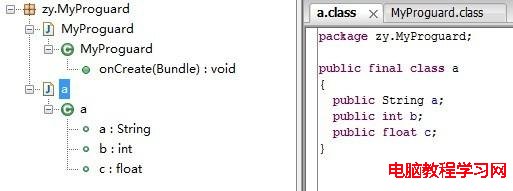
如果你使用的是 2.3 之前的 SDK 版本也沒關係,只要把上面的 proguard.cfg 複製一份放進專案,再做相同的操作即可。
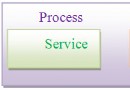 Service 與 Thread 到底有什麼關係?一次說清楚
很多 Android 初學者都有個疑問:Service 和 Thread 是什麼關係?什麼時候該用哪一個?答案可能出乎意料——兩者之間沒有任何關係。 之所以常被搞混,是
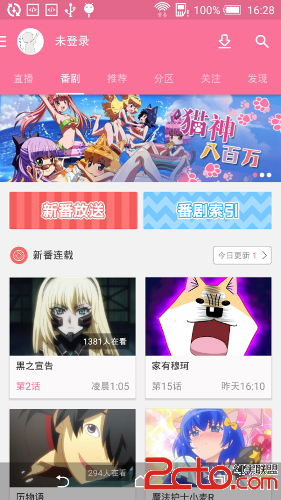 Android 自定義狀態欄與導航欄的分析與實現
效果展示 從 Android 4.4 起,系統開始支持自定義狀態欄和導航欄。最典型的例子莫過於 B 站客戶端——它在 iOS 和 Android 上採用了兩套各自符合系統
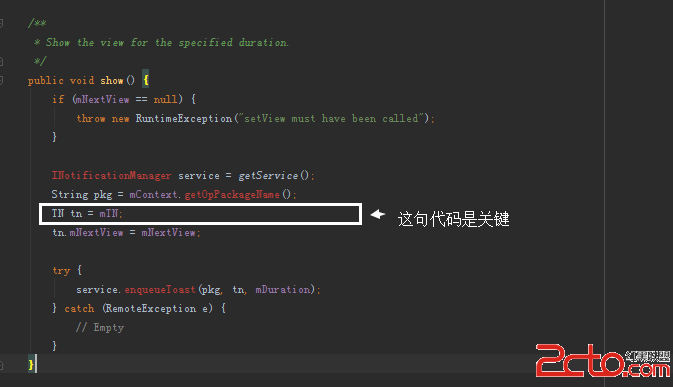 藍牙開發踩坑:BluetoothAdapter 報 Can't create handler inside thread 的真正原因
完整錯誤訊息是這樣的:BluetoothAdapter: Cant create handler inside thread that has not called Lo
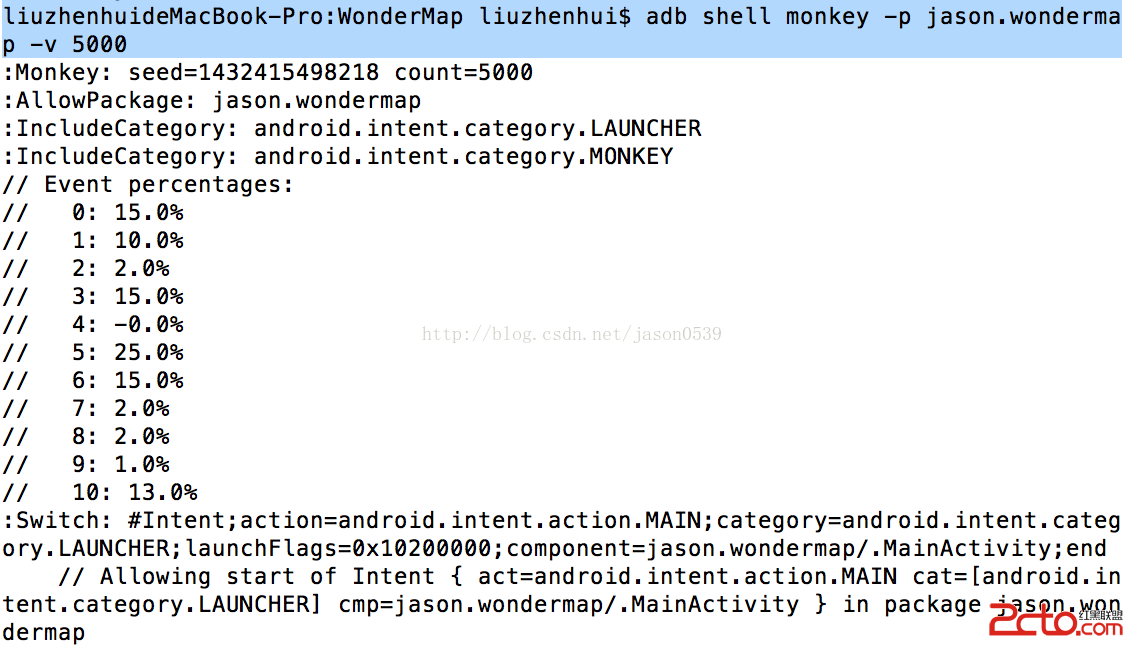 Android 開發之 Monkey 測試——看看你的應用夠不夠健壯
上一篇提到讓應用自動抓取 Crash 日誌並提交到伺服器。其實很多個人在練手時做的小應用,發布前若沒有經過嚴格測試,往往會存在大量顯而易見卻被忽略的錯誤。好在 Andro