

編輯:關於 Android 程式設計
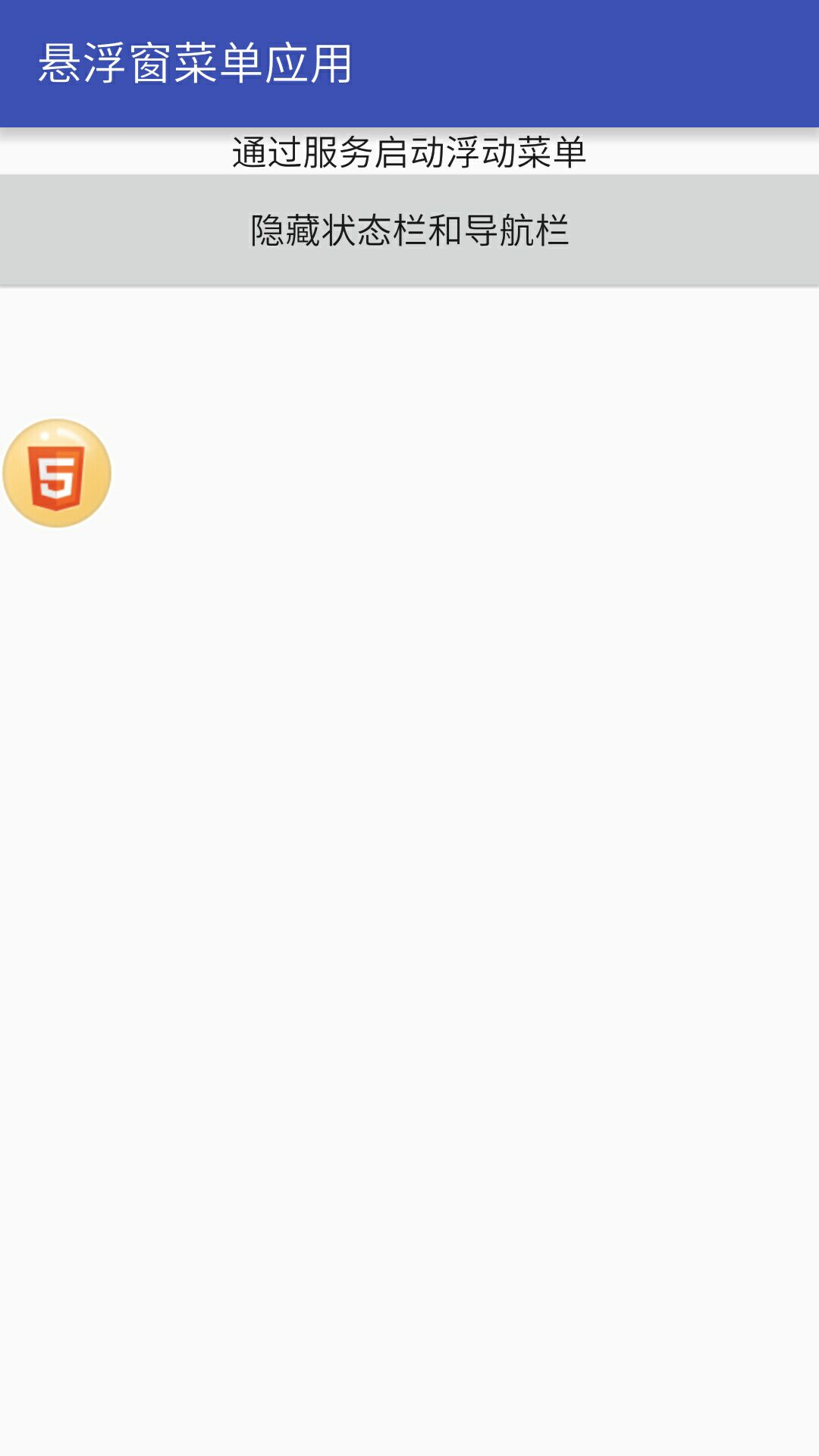
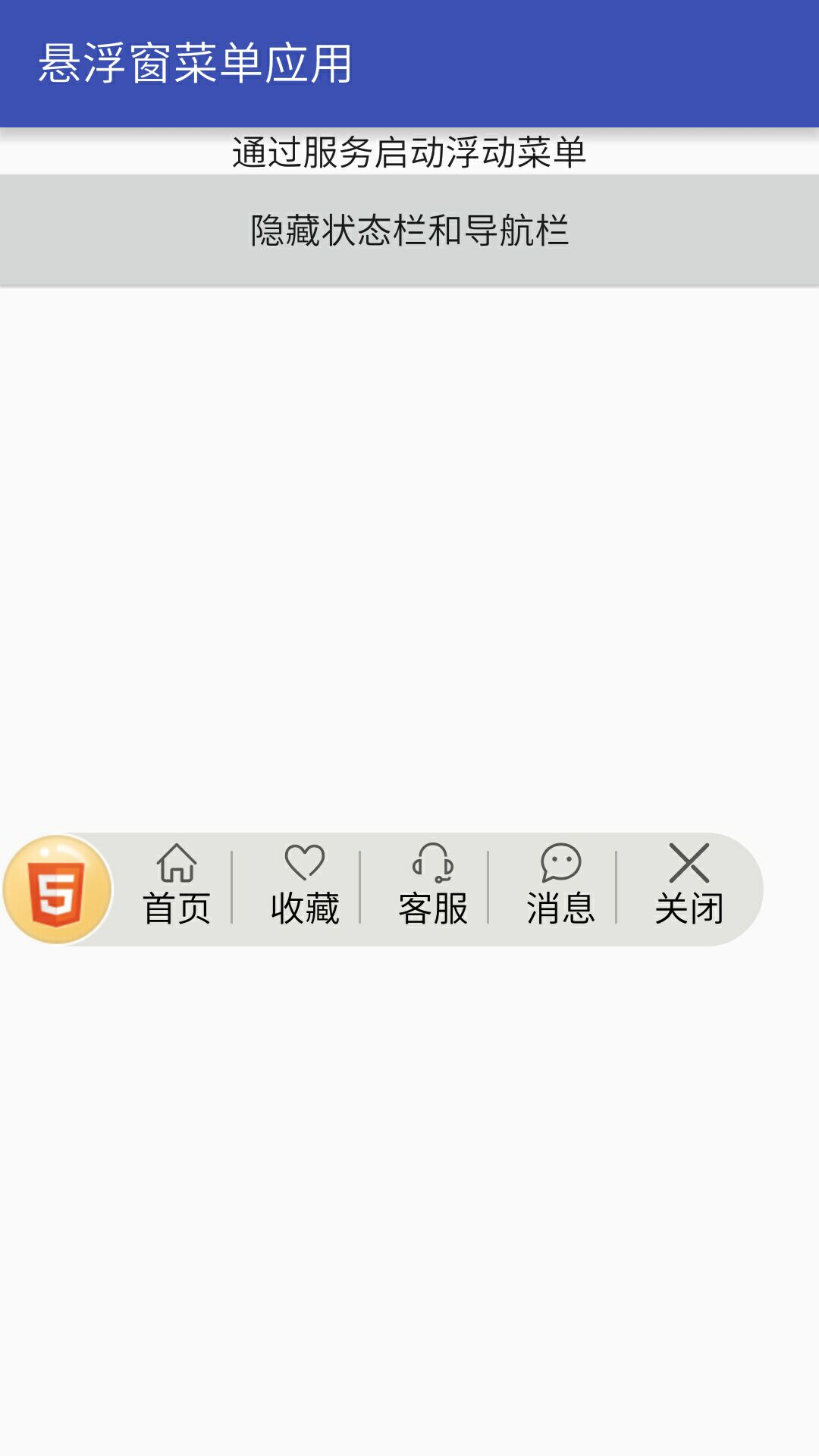
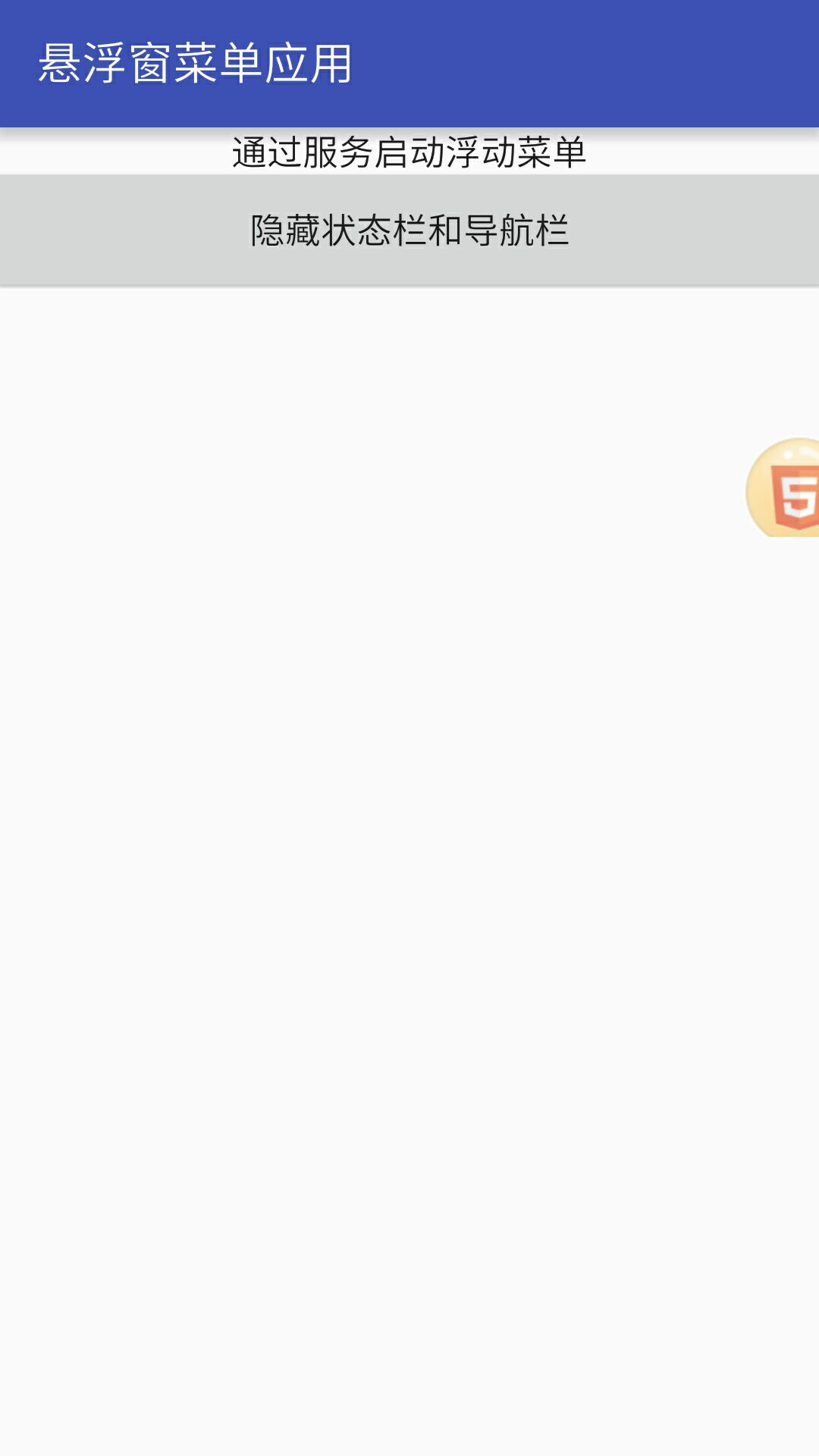
本篇帶大家動手實現一個懸浮窗菜單,透過 Service 管理浮動視圖,並示範如何隱藏狀態欄與導航欄。以下是各個關鍵文件的完整代碼。
package siso.multilistview; import android.os.Build; import android.support.v7.app.AppCompatActivity; import android.os.Bundle; import android.view.View; public class MainActivity extends AppCompatActivity implements View.OnClickListener { @Override protected void onCreate(Bundle savedInstanceState) { super.onCreate(savedInstanceState); hideBothNavigationBarAndStatusBar(); setContentView(R.layout.activity_main); FloatMenuManager.getInstance().startFloatView(this.getApplicationContext()); findViewById(R.id.hideStatuBarNaviBar).setOnClickListener(this); } private void hideBothNavigationBarAndStatusBar() { View decorView = getWindow().getDecorView(); if (Build.VERSION.SDK_INT >= Build.VERSION_CODES.JELLY_BEAN) { int uiOptions = View.SYSTEM_UI_FLAG_HIDE_NAVIGATION | View.SYSTEM_UI_FLAG_FULLSCREEN; decorView.setSystemUiVisibility(uiOptions); } } @Override protected void onResume() { super.onResume(); hideBothNavigationBarAndStatusBar(); FloatMenuManager.getInstance().showFloatingView(); } @Override protected void onPause() { super.onPause(); FloatMenuManager.getInstance().hideFloatingView(); } @Override protected void onDestroy() { super.onDestroy(); FloatMenuManager.getInstance().destroy(); } @Override public void onClick(View v) { switch (v.getId()) { case R.id.hideStatuBarNaviBar: hideBothNavigationBarAndStatusBar(); break; } } }
package siso.multilistview; public interface Const { String GAME_URL = "https://www.cnblogs.com/cate/html5/"; String HOME = "首頁"; String FAVOUR = "收藏"; String FEEDBACK = "客服"; String MESSAGE = "消息"; String CLOSE = "關閉"; String[] MENU_ITEMS = {HOME, FAVOUR, FEEDBACK, MESSAGE, CLOSE}; }
這裡用靜態內部類實現單例,比雙重檢查鎖(DCL)更優雅,也能天然規避 DCL 失效的問題,同時透過 readResolve 防止反序列化破壞單例。
package siso.multilistview; import android.content.ComponentName; import android.content.Context; import android.os.IBinder; import java.io.ObjectStreamException; public class FloatMenuManager implements ServiceConnectionManager.QdServiceConnection { private ServiceConnectionManager mServiceConnectionManager; private FloatMenuManager() { } public static FloatMenuManager getInstance() { return FloatMenuHolder.single; } private static class FloatMenuHolder { private static final FloatMenuManager single = new FloatMenuManager(); } private Object readResolve() throws ObjectStreamException { return FloatMenuHolder.single; } private FloatMenuService mFloatViewService; public void startFloatView(Context context) { if (mFloatViewService != null) { mFloatViewService.showFloat(); return; } if (mServiceConnectionManager == null) { mServiceConnectionManager = new ServiceConnectionManager(context, FloatMenuService.class, this); mServiceConnectionManager.bindToService(); } } public void addFloatMenuItem() { if (mFloatViewService != null) { } } public void removeMenuItem() { if (mFloatViewService != null) { } } public void showFloatingView() { if (mFloatViewService != null) { mFloatViewService.showFloat(); } } public void hideFloatingView() { if (mFloatViewService != null) { mFloatViewService.hideFloat(); } } public void destroy() { if (mFloatViewService != null) { mFloatViewService.hideFloat(); mFloatViewService.destroyFloat(); } if (mServiceConnectionManager != null) { mServiceConnectionManager.unbindFromService(); } mFloatViewService = null; } @Override public void onServiceConnected(ComponentName name, IBinder service) { mFloatViewService = ((FloatMenuService.FloatMenuServiceBinder) service).getService(); if (mFloatViewService != null) { mFloatViewService.showFloat(); } } @Override public void onServiceDisconnected(ComponentName name) { mFloatViewService = null; } }
package siso.multilistview; import android.app.Service; import android.content.Context; import android.content.Intent; import android.content.pm.ApplicationInfo; import android.content.pm.PackageManager; import android.graphics.drawable.Drawable; import android.net.Uri; import android.os.Binder; import android.os.Handler; import android.os.IBinder; import android.view.View; import android.widget.Toast; import com.yw.game.sclib.Sc; import com.yw.game.sclib.ScCreateResultCallback; import java.util.ArrayList; import siso.floatmenu.FloatMenu; import siso.floatmenu.MenuItem; import siso.floatmenu.MenuItemView; public class FloatMenuService extends Service implements View.OnClickListener { private FloatMenu mFloatMenu; private final static String TAG = FloatMenuService.class.getSimpleName(); private Handler mHandler = new Handler(); private int[] menuIcons = new int[]{R.drawable.yw_menu_account, R.drawable.yw_menu_favour, R.drawable.yw_menu_fb, R.drawable.yw_menu_msg, R.drawable.yw_menu_close}; @Override public IBinder onBind(Intent intent) { return new FloatMenuServiceBinder(); } @Override public void onCreate() { super.onCreate(); ArrayList
package siso.multilistview; import android.app.Service; import android.content.ComponentName; import android.content.Context; import android.content.Intent; import android.content.ServiceConnection; import android.os.IBinder; public class ServiceConnectionManager implements ServiceConnection { private final Context context; private final Class service; private boolean attemptingToBind = false; private boolean bound = false; private QdServiceConnection mQdServiceConnection; public ServiceConnectionManager(Context context, Class service, QdServiceConnection mQdServiceConnection) { this.context = context; this.service = service; this.mQdServiceConnection = mQdServiceConnection; } public void bindToService() { if (!attemptingToBind) { attemptingToBind = true; context.bindService(new Intent(context, service), this, Context.BIND_AUTO_CREATE); } } @Override public void onServiceConnected(ComponentName componentName, IBinder iBinder) { attemptingToBind = false; bound = true; mQdServiceConnection.onServiceConnected(componentName, iBinder); } @Override public void onServiceDisconnected(ComponentName componentName) { mQdServiceConnection.onServiceDisconnected(componentName); bound = false; } public void unbindFromService() { attemptingToBind = false; if (bound) { context.unbindService(this); bound = false; } } public interface QdServiceConnection { void onServiceConnected(ComponentName name, IBinder service); void onServiceDisconnected(ComponentName name); } }
 Android 機型適配之痛:那些年我們踩過的相容性坑
Android 平台的誕生為手機智慧化的普及立下汗馬功勞,但它最大的缺點也日益凸顯——碎片化嚴重:裝置繁多、品牌林立、版本各異,晶片、鏡頭、解析度都不統一。這不僅造成系統
 Android 開機啟動流程剖析:從 Init 進程到 Launcher 亮起
Linux 內核完成初始化之後,控制权交給 Android 的 init 進程,接下來一連串的服務與應用才會依次啟動。本文以 Android 4.0 源碼為基礎,把這條啟
 Android 使用 AlarmManager 實現鬧鐘提醒
AlarmManager 的作用Android 提供 AlarmManager,可用於在指定時間或週期性觸發任務。它能在系統待機時仍保持提醒能力,因此常用於鬧鐘、定時提醒
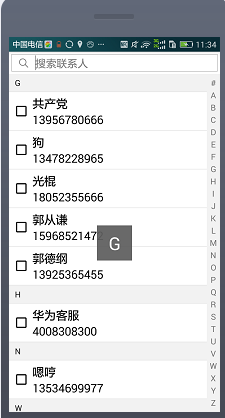 Android 通訊錄搜索與多選功能實作
在需要推薦好友或選擇聯絡人的場景中,仿通訊錄的搜尋與多選功能很常見。本文整理讀取聯絡人、拼音搜尋、側邊索引與勾選操作的實作重點。 讀取通訊錄 需要先宣告 READ