

編輯:關於 Android 程式設計
以下是一個實用的螢幕單位轉換工具類,用於在 px、dp、sp 之間進行轉換:
package com.lengxiaocai.myutil.screentool;

import android.content.Context;

/**
 * 螢幕像素檢測工具
 */
public class ScreenTool {
    public static int dip2px(Context context, float dpValue) {
        final float scale = context.getResources().getDisplayMetrics().density;
        return (int) (dpValue * scale + 0.5f);
    }

    public static int px2dip(Context context, float pxValue) {
        final float scale = context.getResources().getDisplayMetrics().density;
        return (int) (pxValue / scale + 0.5f);
    }

    public static int px2sp(float pxValue, float fontScale) {
        return (int) (pxValue / fontScale + 0.5f);
    }

    public static int sp2px(float spValue, float fontScale) {
        return (int) (spValue * fontScale + 0.5f);
    }
}
核心原理是透過 DisplayMetrics.density 取得螢幕密度縮放因子,dp 轉 px 時乘以 density,px 轉 dp 時除以 density,並用 +0.5f 做四捨五入處理;sp 的轉換則使用 fontScale 字型縮放因子。
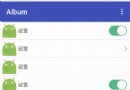 自訂 Android View 實作:打造可重複使用的 MenuItemView 設定列
在設定頁或選單頁中,常會出現大量重複的列表樣式。若每次都重寫版面,維護成本很高。本文介紹如何自訂 MenuItemView,將常見的設定列封裝成可重複使用的 View。
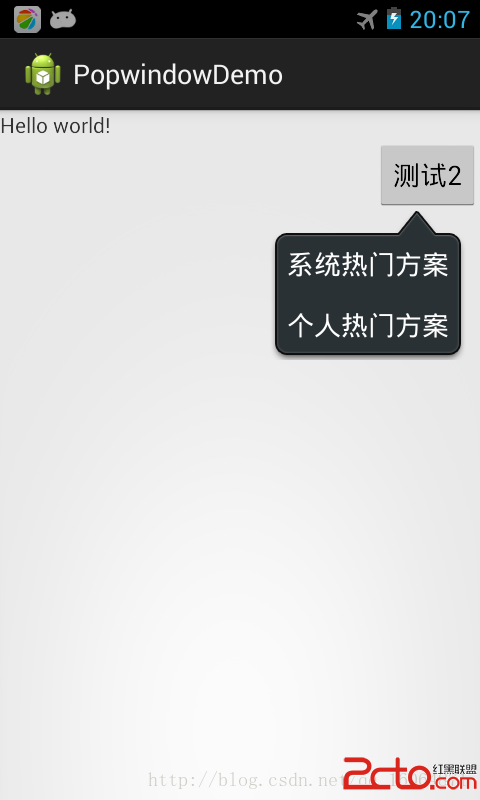 Android PopupWindow 實戰:讓彈窗精準出現在指定控件下方
PopupWindow 的定位一直是新手最容易翻车的地方。經過幾輪嘗試,我總結出一套能讓它穩定彈出在目標控件正下方的寫法,這裡把完整代碼和幾個容易踩雷的細節一起記錄下來。
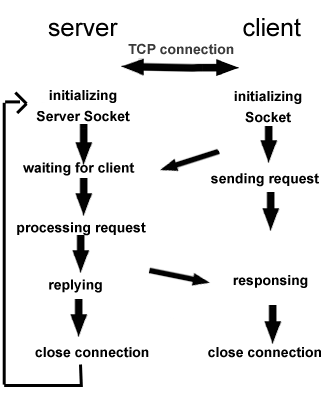 Android 中實作 TCP 與 UDP 傳輸的完整示例
從 TCP 到 UDP:Android 網路傳輸實作解析 TCP 與 UDP 是行動應用開發中最常見的傳輸層協定。在 Android 環境中,兩者的使用方式與 Java
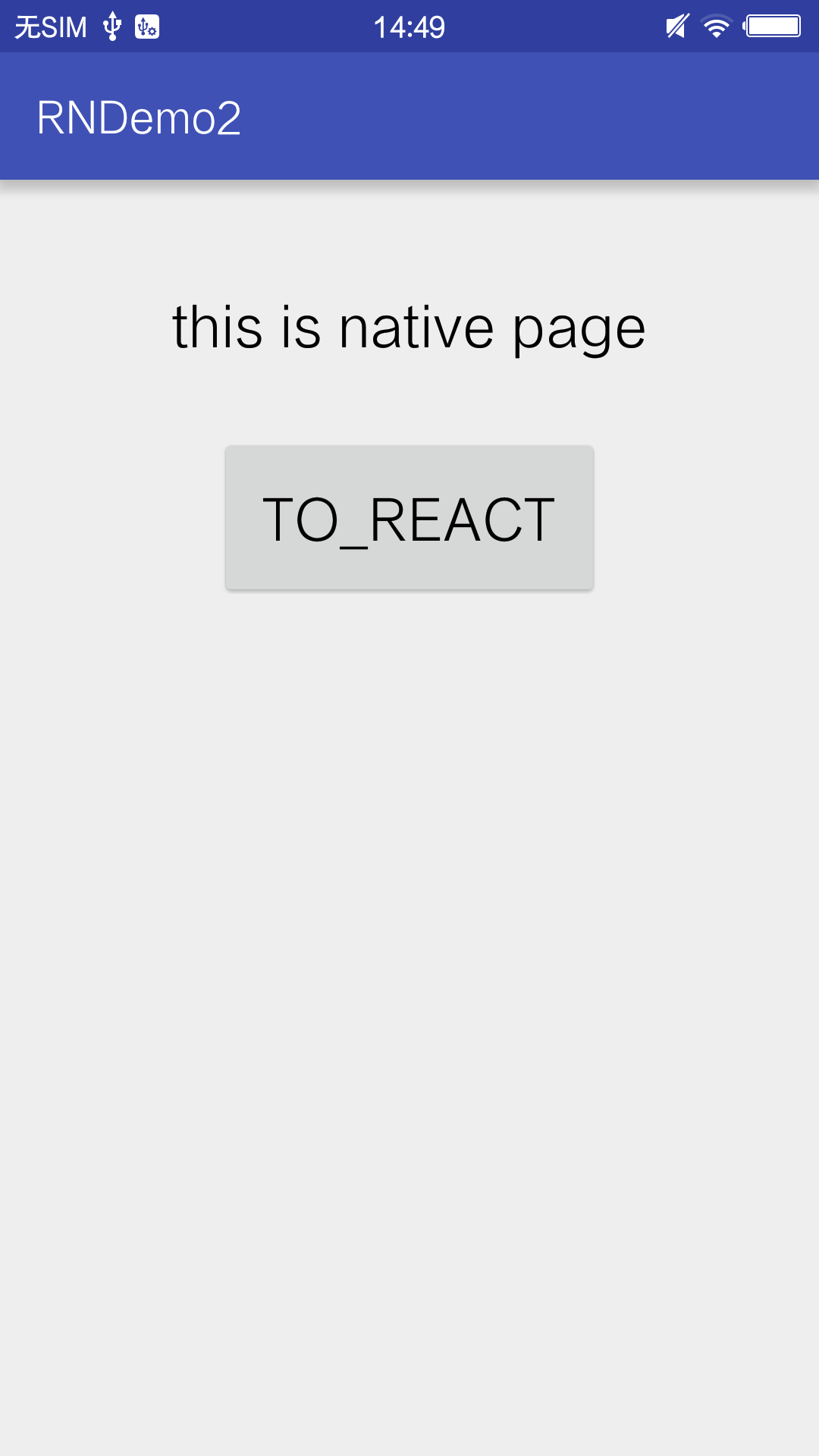 React Native 整合進既有專案:完整步驟與踩坑修復紀錄
前言 React Native 已經存在一段時間,不少團隊都在評估導入。前面幾篇說明了如何從零建立 RN 專案、如何架好原生與 JS 的開發環境,但真實世界的專案往往不是