

編輯:關於 Android 程式設計
耳機線控的播放/暫停鍵,系統預設是交給音樂播放器處理的。若 FM 正在播放,卻希望這個鍵能控制收音機,就得自己攔下 MEDIA_BUTTON 這個廣播。以下做法以 MTK 平台的 FMRadioActivity 為例。
在清單檔中為 Activity 的內部類別 MediaButtonReceiver 加上 intent-filter,action 為 android.intent.action.MEDIA_BUTTON。用內部類別的好處是能直接存取 Activity 狀態,命名上要寫成「.FMRadioActivity$MediaButtonReceiver」。
在 Activity 中宣告一個 MediaButtonListener 介面,並實作它來處理實際的按鍵邏輯:
public interface MediaButtonListener {
    void onMediaButtonCall(Intent intent);
}

private MediaButtonListener mMediaButtonListener = new MediaButtonListener() {
    @Override
    public void onMediaButtonCall(Intent intent) {
        String action = intent.getAction();
        KeyEvent event = (KeyEvent)
            intent.getParcelableExtra(Intent.EXTRA_KEY_EVENT);

        if (Intent.ACTION_MEDIA_BUTTON.equals(action)) {
            if (KeyEvent.KEYCODE_MEDIA_PLAY_PAUSE == event.getKeyCode()
                    && event.getAction() == KeyEvent.ACTION_UP) {
                if (mIsPlaying) {
                    refreshImageButton(false);
                    refreshActionMenuItem(false);
                    refreshPopupMenuItem(false);
                    refreshActionMenuPower(false);
                    exitService();
                }
            } else if (KeyEvent.KEYCODE_MEDIA_NEXT == event.getKeyCode()
                    && event.getAction() == KeyEvent.ACTION_UP) {
                if (mIsPlaying) {
                    seekStation(mCurrentStation, true);   // 換下一個台
                }
            }
        }
    }
};
這裡刻意判斷 ACTION_UP,避免按下與放開各觸發一次而變成「按一下等於按兩下」;KEYCODE_MEDIA_NEXT 則借用來做「下一個電台」,很符合收音機的使用語彙。
public static class MediaButtonReceiver extends BroadcastReceiver {
    static MediaButtonListener mListener = null;

    @Override
    public void onReceive(Context context, Intent intent) {
        if (null != mListener) {
            mListener.onMediaButtonCall(intent);
            this.abortBroadcast();     // 攔截,不讓音樂播放器接手
        }
    }

    public static void registerMediaButtonListener(MediaButtonListener callback) {
        mListener = callback;
    }
}
然後在三個時機做對應處理:onCreate 中註冊監聽器並呼叫 AudioManager.registerMediaButtonEventReceiver 指定自己的 ComponentName;powerupFM 時再註冊一次,確保 FM 一開就取得控制權;exitService 時呼叫 unregisterMediaButtonEventReceiver 釋放,把控制權還給系統。
abortBroadcast() 是這裡的關鍵。少了它,即使你的接收器收到了事件,系統仍會把按鍵繼續派送給其他接收器,音樂播放器可能同時被觸發。
第一,Android 8.0 之後隱含廣播的註冊限制收緊,MEDIA_BUTTON 雖屬豁免名單,但用 MediaSession 才是官方推薦路線——建立 MediaSession 並設定 MediaSession.Callback,能同時拿到線控按鍵與藍牙耳機、手錶的控制事件,相容性遠比廣播好。第二,接收器中使用靜態變數傳遞監聽器容易在 Activity 重建後指向已銷毀的物件,記得在 onDestroy 中清空。第三,多按鍵耳機(音量、上一首)需要分別判斷 keyCode,並注意長按與連擊的行為定義。
 Android 自學筆記(六):動手做一個簡易簡訊發送器
用 SmsManager 做一個最小可用的簡訊發送器,是很適合入門的練習:元件少、流程清楚,還能順便學到長簡訊該怎麼處理。 版面配置 畫面很單純:一個輸入號碼的 E
 通過 Intent 啟動 Activity:讓界面跳轉靈活解耦
為什麼要用 Intent 關聯 Activity 寫界面跳轉時,最直白的做法是 startActivity(new Intent(this, TargetActivity
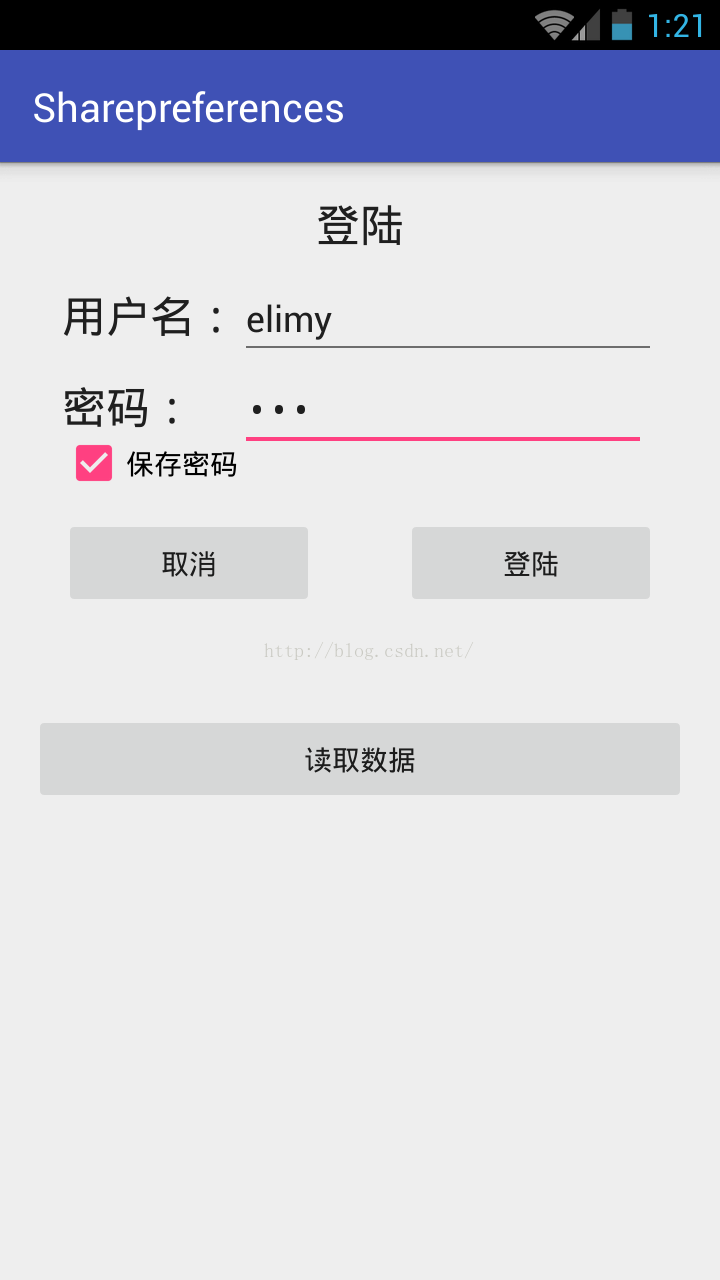 Android 資料存儲詳解:SQLite、SharedPreferences、File 與更多方案
在 Android 應用開發中,資料存儲是不可避免的一環。無論是使用者設定、離線內容、圖片檔案,還是需要跨應用共享的資料,都需要選擇合適的存儲方式。Android 常見的
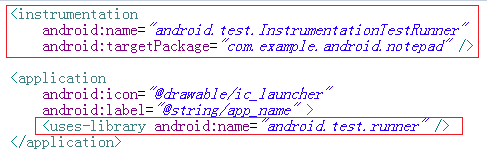 Android 開發筆記:單元測試、Robotium 與效能測試工具整理
本篇文章整理 Android 開發中常見的測試工具與流程,包含 Activity 單元測試、Robotium 自動化測試、模擬器選擇、DDMS、APT、GT 以及雲端機型