

編輯:關於 Android 開發
本文參考 IBM developerWorks 的示例,示範如何透過 SensorManager 與 SensorListener 讀取加速度計與方向感測器的資料,並即時顯示在畫面的六個 TextView 上。
package com.msi.ibm.eyes;
import android.app.Activity;
import android.os.Bundle;
import android.util.Log;
import android.widget.TextView;
import android.hardware.SensorManager;
import android.hardware.SensorListener;

public class IBMEyes extends Activity implements SensorListener {
    final String tag = "IBMEyes";
    SensorManager sm = null;
    TextView xViewA = null;
    TextView yViewA = null;
    TextView zViewA = null;
    TextView xViewO = null;
    TextView yViewO = null;
    TextView zViewO = null;

    @Override
    public void onCreate(Bundle savedInstanceState) {
        super.onCreate(savedInstanceState);
        sm = (SensorManager) getSystemService(SENSOR_SERVICE);
        setContentView(R.layout.main);
        xViewA = (TextView) findViewById(R.id.xbox);
        yViewA = (TextView) findViewById(R.id.ybox);
        zViewA = (TextView) findViewById(R.id.zbox);
        xViewO = (TextView) findViewById(R.id.xboxo);
        yViewO = (TextView) findViewById(R.id.yboxo);
        zViewO = (TextView) findViewById(R.id.zboxo);
    }

    public void onSensorChanged(int sensor, float[] values) {
        synchronized (this) {
            Log.d(tag, "onSensorChanged: " + sensor + ", x: " + values[0] + ", y: " + values[1] + ", z: " + values[2]);
            if (sensor == SensorManager.SENSOR_ORIENTATION) {
                xViewO.setText("Orientation X: " + values[0]);
                yViewO.setText("Orientation Y: " + values[1]);
                zViewO.setText("Orientation Z: " + values[2]);
            }
            if (sensor == SensorManager.SENSOR_ACCELEROMETER) {
                xViewA.setText("Accel X: " + values[0]);
                yViewA.setText("Accel Y: " + values[1]);
                zViewA.setText("Accel Z: " + values[2]);
            }
        }
    }

    public void onAccuracyChanged(int sensor, int accuracy) {
        Log.d(tag, "onAccuracyChanged: " + sensor + ", accuracy: " + accuracy);
    }

    @Override
    protected void onResume() {
        super.onResume();
        sm.registerListener(this,
            SensorManager.SENSOR_ORIENTATION |
            SensorManager.SENSOR_ACCELEROMETER,
            SensorManager.SENSOR_DELAY_NORMAL);
    }

    @Override
    protected void onStop() {
        sm.unregisterListener(this);
        super.onStop();
    }
}
package com.msi.ibm.eyes;
public final class R {
    public static final class attr {}
    public static final class drawable {
        public static final int icon=0x7f020000;
    }
    public static final class id {
        public static final int xbox=0x7f050000;
        public static final int xboxo=0x7f050003;
        public static final int ybox=0x7f050001;
        public static final int yboxo=0x7f050004;
        public static final int zbox=0x7f050002;
        public static final int zboxo=0x7f050005;
    }
    public static final class layout {
        public static final int main=0x7f030000;
    }
    public static final class string {
        public static final int app_name=0x7f040001;
        public static final int hello=0x7f040000;
    }
}
關鍵觀念:在 onResume 註冊感測器監聽、在 onStop 取消註冊,能有效節省電力並避免資源浪費。onSensorChanged 會依感測器類型分別更新加速度與方向的顯示數值。
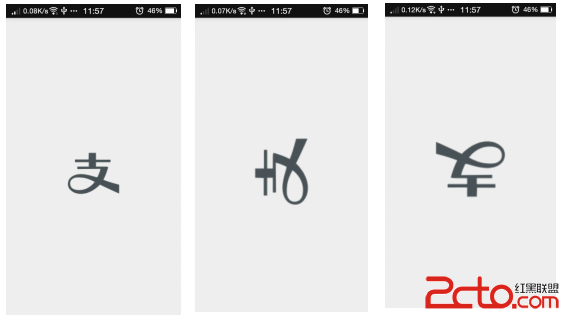 Android 圖片平移、縮放與旋轉同步實現
在圖片瀏覽類應用中,平移、縮放與旋轉是非常常見的交互需求。很多示例只實現單一手勢,但實際業務往往要求多種操作可以同時進行,並在
 Fragment 配合 RadioGroup 實現底部選單切換
使用 RadioGroup 打造底部選單 在 Android 中,常見的底部導覽列可以使用 RadioGroup 搭配多個 RadioButton 實作。再透過 Frag
 用 ListView 搭配 ViewPager 打造新聞 App 首頁
 成品預覽 這次要實作的是一個類似新聞 App 的資訊流首頁:頂端是一張可自動輪播的大圖(用 Vi
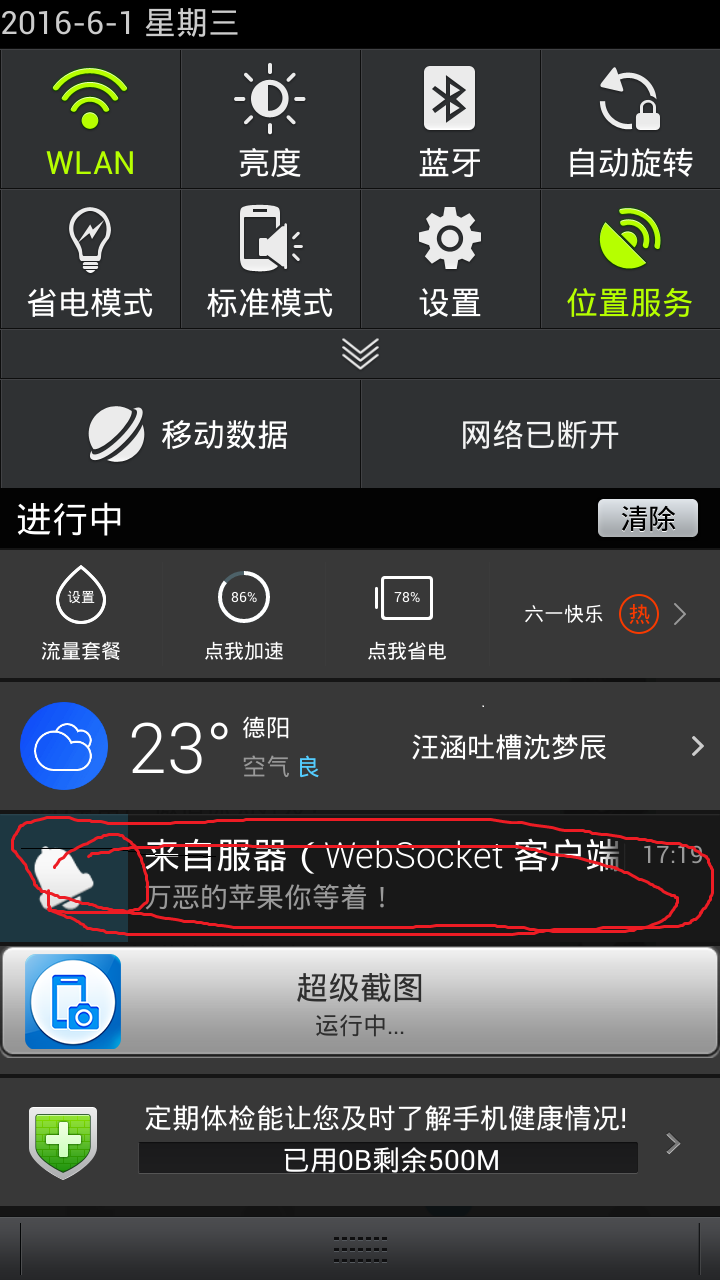 Cordova 訊息推送:WebSocket 與本機通知整合
 本文介紹如何在 Cordova 專案中整合 WebSocket Server 與本機通知,讓行動裝置能接收來