

編輯:關於 Android 開發
本文說明如何在 Android 專案中整合百度地圖定位功能,並將定位結果顯示在地圖上,常用於簽到、位置分享與附近服務等情境。
在 AndroidManifest.xml 中加入百度地圖 API Key。請將 value 替換為你在百度地圖開放平台申請的 Key。
<meta-data
    android:name="com.baidu.lbsapi.API_KEY"
android:value="你的百度地圖 API Key" />在版面配置中加入百度地圖 MapView 元件。
<com.baidu.mapapi.map.MapView
    android:id="@+id/map_view"
    android:layout_width="match_parent"
android:layout_height="match_parent" />在 Activity 中初始化 SDK、取得地圖物件、建立 LocationClient,並註冊定位監聽器。
SDKInitializer.initialize(getApplicationContext());
mMapView = findViewById(R.id.map_view);
mBaiduMap = mMapView.getMap();
mBaiduMap.setMyLocationEnabled(true);
mLocationClient = new LocationClient(getApplicationContext());
mLocationClient.setLocOption(getDefaultLocationClientOption());
mLocationClient.registerLocationListener(mBDLocationListener);
mLocationClient.start();LocationClientOption 可設定定位模式、座標系統、是否需要地址資訊與周邊 POI 等。
mOption = new LocationClientOption();
mOption.setLocationMode(LocationClientOption.LocationMode.Hight_Accuracy);
mOption.setCoorType("bd09ll");
mOption.setIsNeedAddress(true);
mOption.setIsNeedLocationDescribe(true);
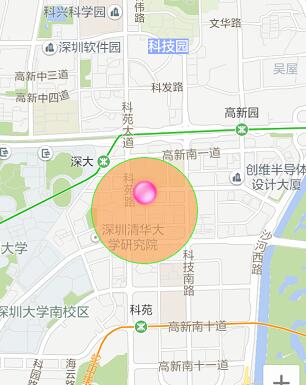
mOption.setIsNeedLocationPoiList(true);收到定位結果後,可建立 MyLocationData 顯示目前位置;若是第一次定位,可加上標記與圓圈,並將地圖中心移動到該座標。
MyLocationData locData = new MyLocationData.Builder()
        .accuracy(location.getRadius())
        .latitude(location.getLatitude())
        .longitude(location.getLongitude())
        .build();
mBaiduMap.setMyLocationData(locData);記得在 onResume、onPause 與 onDestroy 中呼叫 MapView 對應方法,並停止定位與釋放資源。
完成以上步驟後,即可實現基本的定位簽到畫面。若要計算兩點距離,可再使用座標轉換與距離公式進行處理。
 Android 屏幕適配終極方案:用百分比思路告別適配噩夢
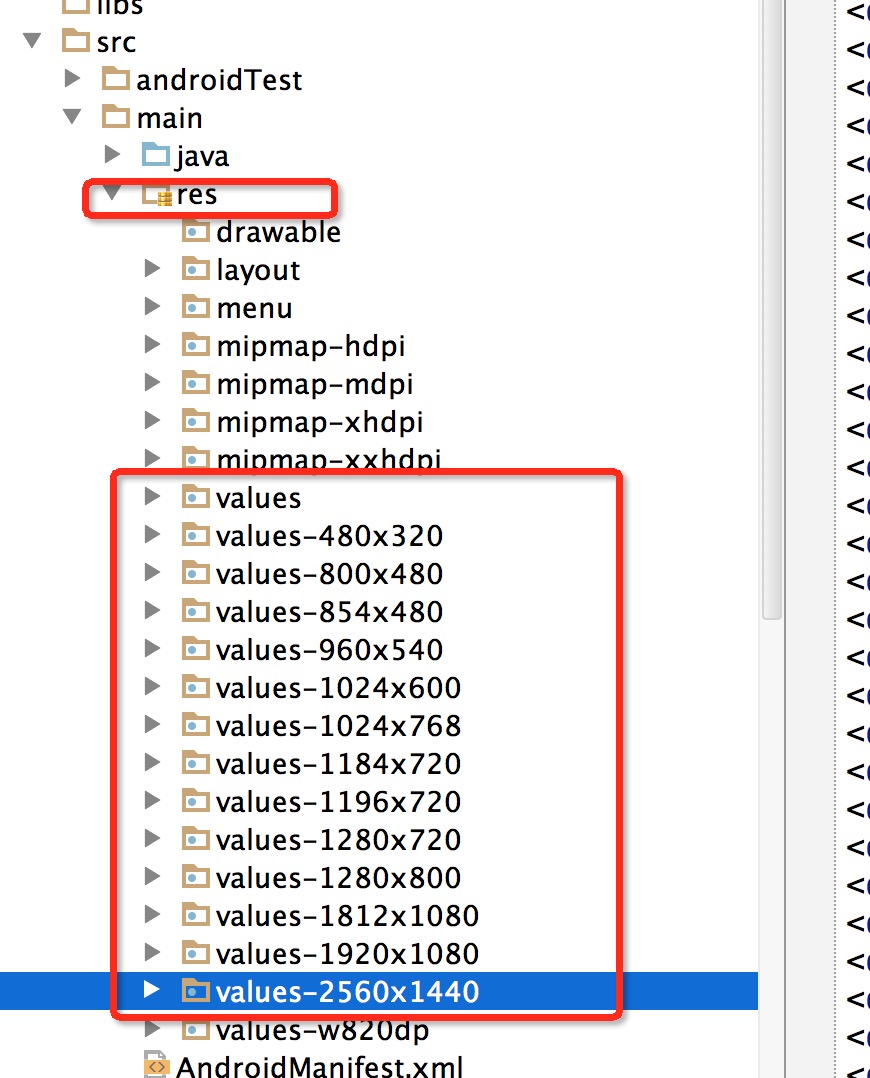
一、概述 做 Android 開發時,屏幕適配往往是讓人頭疼的事,各種屏幕尺寸適配起來實在痛苦。但如果換個角度思考,看看 Web 前端開發——電腦螢幕與手機解析度的種類遠
 Android Developer:Heap Viewer 堆內存查看工具實操演示
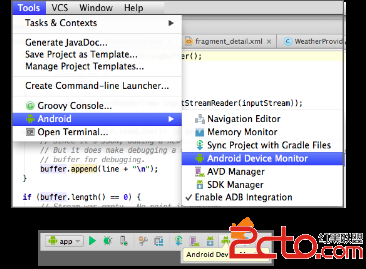
本演示展示 Heap Viewer 工具的基本用法。它能即時報告你的應用已經分配了哪些類型的對象、各有多少個,以及它們在堆內存中佔用的大小。它的優勢:幫助你直觀了解應用如
 Android AIDL 深入解析:進程間通信的實現原理
 AIDL 與其他 IDL 語言類似,需要開發者做一些工作。它允許你定義客戶端與服務端共同遵守的程序接口,讓雙方通
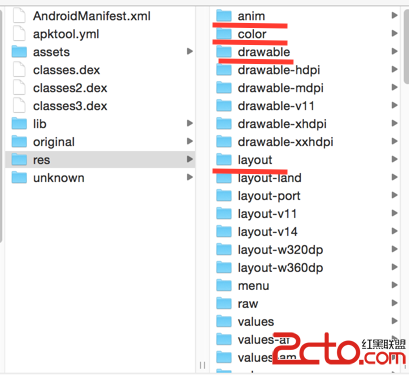 美團 Android 資源混淆保護實踐:修改 AAPT 隱藏資源檔名
Android 資源混淆保護實踐APK 容易被反編譯與修改,除了程式碼,資源檔名也可能洩漏功能。資源混淆的目的,是把 res 下的檔名替換為短而無意義的名稱,增加逆向理解