

編輯:關於 Android 開發
日常開發中,總有一些小而實用的功能會反覆用到。本文彙編了手機號取得、網路檢查、簽名驗證、運營商判斷等常用程式碼片段,方便隨取隨用。
public String getLocalNumber() {
 TelephonyManager tManager = (TelephonyManager) this.getSystemService(TELEPHONY_SERVICE);
 return tManager.getLine1Number();
}
public boolean checkInternet() {
 ConnectivityManager cm = (ConnectivityManager) this.getSystemService(Context.CONNECTIVITY_SERVICE);
 NetworkInfo info = cm.getActiveNetworkInfo();
 return info != null && info.isConnected();
}
public static String GetDate(String url) {
 HttpGet get = new HttpGet(url);
 HttpClient client = new DefaultHttpClient();
 try {
 HttpResponse response = client.execute(get);
 return EntityUtils.toString(response.getEntity());
 } catch (Exception e) {
 return null;
 }
}
透過 PackageManager 取得已安裝套件的簽名,可用於校驗 APK 是否為官方版本,防止被二次打包。
查詢 content://telephony/carriers/preferapn 並比對 apn 欄位前綴,即可判斷當前接入點。
透過 TelephonyManager 的 getSubscriberId 取得 IMSI,還可搭配 getSimSerialNumber、getSimOperator 等方法取得更多 SIM 卡資訊。
將字串取位元組後逐位轉為十六進位字串,常用於資料加密或協議傳輸場景。
Intent intent = new Intent();
intent.setAction("android.intent.action.VIEW");
intent.setData(Uri.parse(exitUrl));
startActivity(intent);
依 IMSI 前綴判斷:46000/46002 為中國移動、46001 為中國聯通、46003 為中國電信,可用於根據運營商切換不同的業務邏輯。
遍歷已安裝套件清單並比對包名,即可判斷指定應用是否安裝於裝置上。此外,long 型別轉位元組陣列也是常見的底層資料處理技巧。
 Android 逆向之旅:解析編譯後的 AndroidManifest 檔案格式
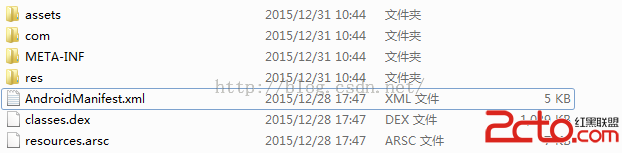
一、前言 我們都知道,APK 本質上就是一個壓縮包,用解壓軟體打開後,會看到 AndroidManifest.xml、classes.dex、resources.arsc
 Android Studio 環境搭建隨筆
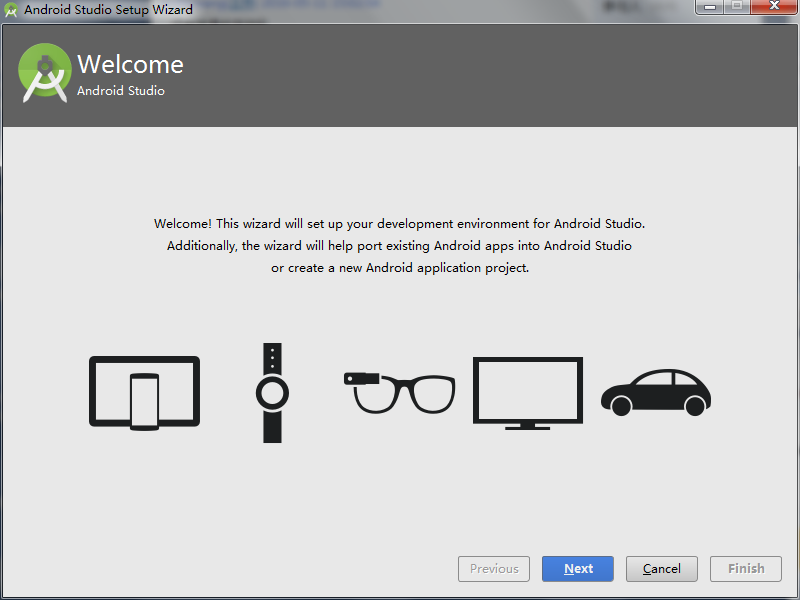
隨著 Android Studio 成為主流開發工具,環境搭建也變得比以前更簡單。安裝前建議先確認 JDK 版本,再下載 Android Studio 並等待 SDK 元
 Android ListView 實作單選與多選投票列表
在許多應用场景中,會需要提供一組選項讓使用者勾選,例如投票、問卷或偏好設定。本文以 ListView 為基礎,說明
 Android 為 Activity 加入選單的完整步驟
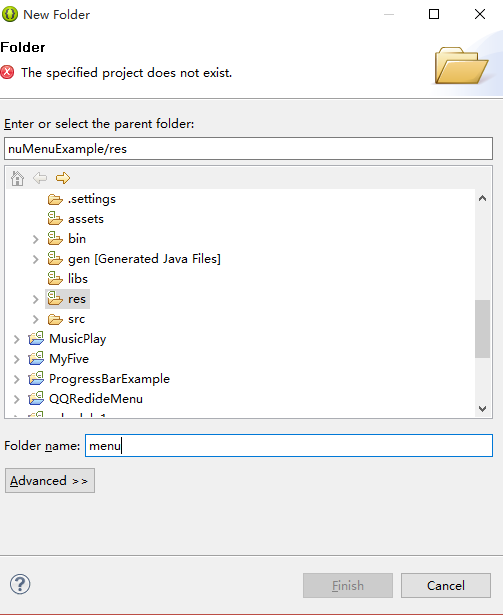
在 Android 中為 Activity 加入選單,主要可以分成建立選單資源、載入選單、處理點擊事件三個步驟。這