編輯:關於android開發
Android中Toast的默認位置在屏幕靠近底部的位置,這個默認位置有時候並不合適。比如頁面上內容較少時,內容一般集中在屏幕上半部分,用戶的注意力也集中在屏幕上半部分,默認位置的Toast用戶可能沒有注意到。還有可能是默認位置的Toast被用戶的手擋住了。實踐中感覺將Toast顯示在屏幕的中部或中上部會比較好。如何修改Toast的默認位置呢?下面做一個簡單的例子來演示一下。
先上截圖:
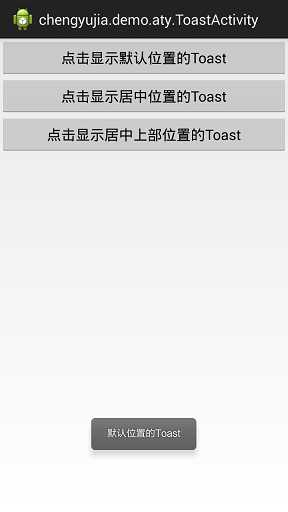
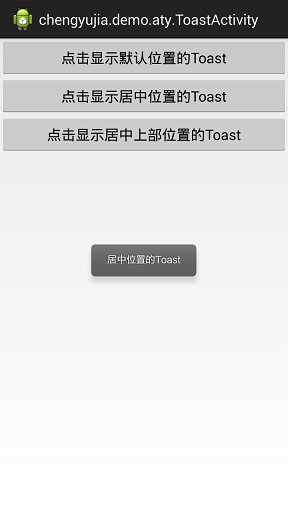
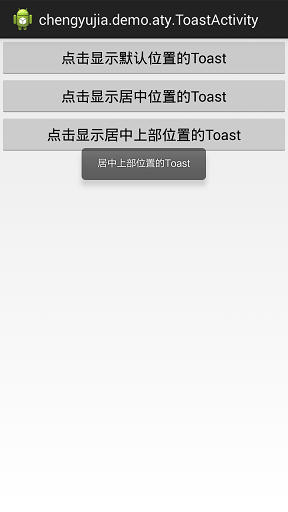
布局文件activity_toast.xml代碼如下:
<?xml version="1.0" encoding="utf-8"?>
<LinearLayout xmlns:android="http://schemas.android.com/apk/res/android"
    android:layout_width="match_parent"
    android:layout_height="match_parent"
    android:orientation="vertical" >

    <Button
        android:layout_width="fill_parent"
        android:layout_height="wrap_content"
        android:onClick="onClickDefaultToast"
        android:text="點擊顯示默認位置的Toast" />

    <Button
        android:layout_width="fill_parent"
        android:layout_height="wrap_content"
        android:onClick="onClickCenterToast"
        android:text="點擊顯示居中位置的Toast" />


    <Button
        android:layout_width="fill_parent"
        android:layout_height="wrap_content"
        android:onClick="onClickTopToast"
        android:text="點擊顯示居中上部位置的Toast" />

</LinearLayout>
後台ToastActivity.java代碼如下:
package chengyujia.demo.aty;

import android.os.Bundle;
import android.view.Display;
import android.view.Gravity;
import android.view.View;
import android.widget.Toast;
import chengyujia.demo.R;

public class ToastActivity extends BaseActivity {

    @Override
    protected void onCreate(Bundle savedInstanceState) {
        super.onCreate(savedInstanceState);
        setContentView(R.layout.activity_toast);
    }

    public void onClickDefaultToast(View v) {
        Toast.makeText(this, "默認位置的Toast", Toast.LENGTH_LONG).show();
    }

    public void onClickCenterToast(View v) {
        Toast toast = Toast.makeText(this, "居中位置的Toast", Toast.LENGTH_LONG);
        toast.setGravity(Gravity.CENTER, 0, 0);
        toast.show();
    }

    public void onClickTopToast(View v) {
        Display display = getWindowManager().getDefaultDisplay();
        // 獲取屏幕高度
        int height = display.getHeight();
        Toast toast = Toast.makeText(this, "居中上部位置的Toast", Toast.LENGTH_LONG);
        // 這裡給了一個1/4屏幕高度的y軸偏移量
        toast.setGravity(Gravity.TOP, 0, height / 4);
        toast.show();
    }
}
 【lushengduan】02、Activity的基本認識 如何彈出一條Toast提示框,lushengduantoast
【lushengduan】02、Activity的基本認識 如何彈出一條Toast提示框,lushengduantoast一、Activity的簡要理解 &n
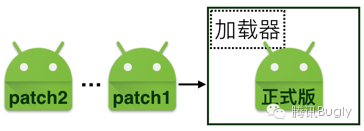 【騰訊Bugly干貨分享】Android Patch 方案與持續交付,buglyandroid
【騰訊Bugly干貨分享】Android Patch 方案與持續交付,buglyandroid本文來自於騰訊bugly開發者社區,非經作者同意,請勿轉載,原文地址:htt
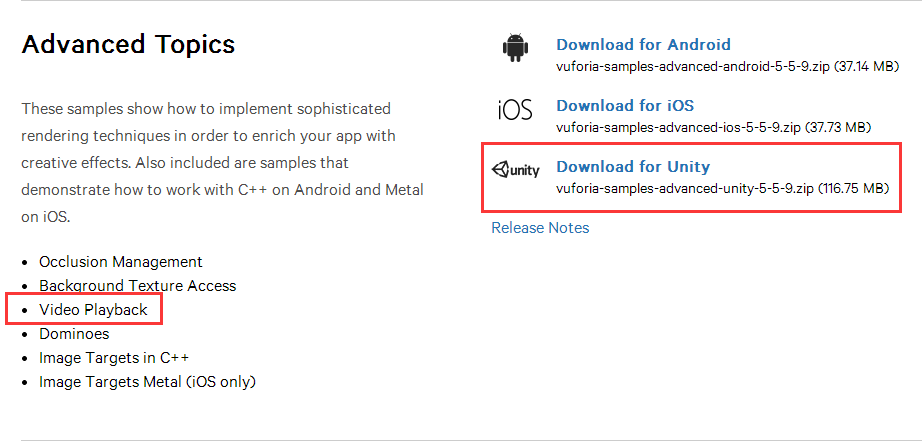 Unity+高通Vuforia SDK——AR播放視頻
Unity+高通Vuforia SDK——AR播放視頻 在之前的文章中我們已經實現了基本的圖片識別,並在識別的圖片上顯示3D模型,但是有的時候我們實際上需要在
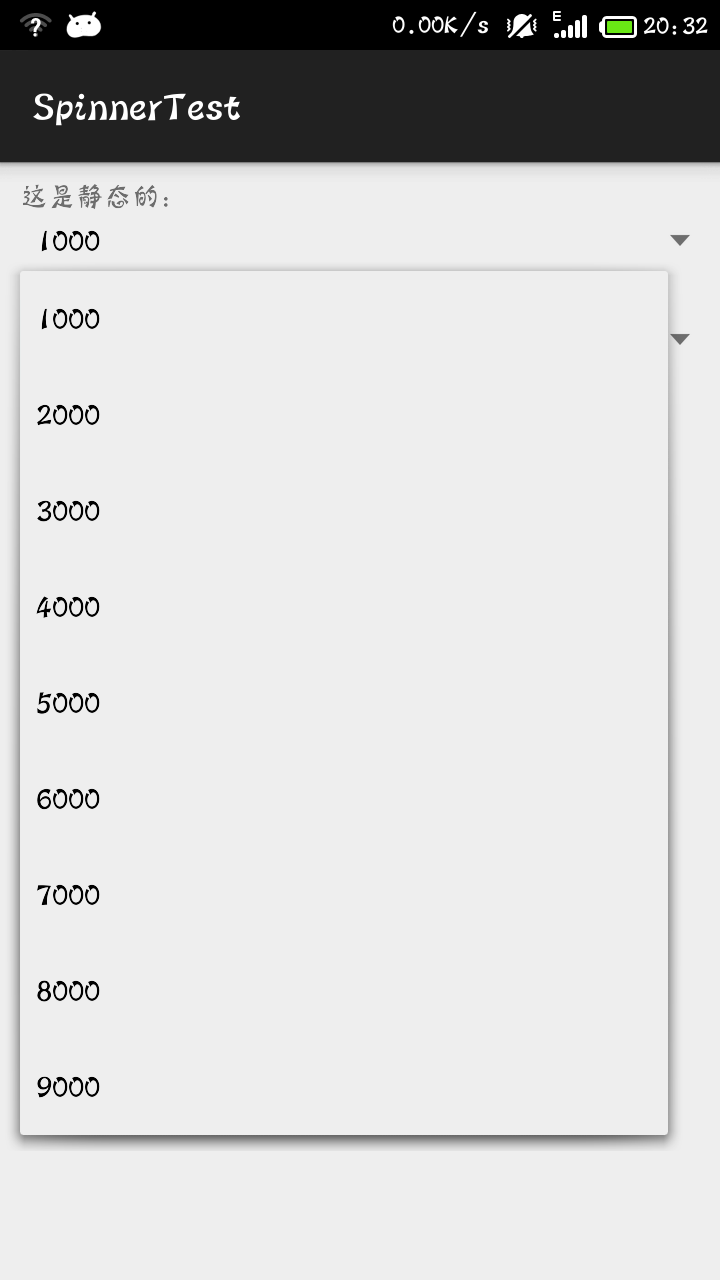 android 之 spinner的簡單使用,androidspinner
android 之 spinner的簡單使用,androidspinner先看spinner的效果圖: 代碼: MainActivity package