編輯:關於android開發
<?xml version="1.0" encoding="utf-8"?>
<LinearLayout xmlns:android="http://schemas.android.com/apk/res/android"
    android:layout_width="match_parent"
    android:layout_height="match_parent"
    android:orientation="vertical" >

    <TextView
        android:layout_width="match_parent"
        android:layout_height="wrap_content"
        android:layout_marginTop="20dp"
        android:ellipsize="marquee"
        android:focusable="true"
        android:focusableInTouchMode="true"
        android:singleLine="true"
        android:text="很多安卓軟件的頂部或者底部有一些跑馬燈文字,這個只需要在TextView代碼裡添加一些屬性即可"
        android:textSize="18sp" />

</LinearLayout>
在eclipse中常用的快捷鍵
Ctrl+Alt+↓ 復制當前行到下一行(復制增加)
Ctrl+Q 定位到最後編輯的地方
Ctrl+O 快速顯示 OutLine
Ctrl+T 快速顯示當前類的繼承結構
Ctrl+K 參照選中的Word快速定位到下一個
Ctrl+Shift+K 參照選中的Word快速定位到上一個
Alt+Shift+L 抽取本地變量( 可以直接把一些魔法數字和字符串抽取成一個變量,尤其是多處調用的時候)
Java編輯器 格式化 Ctrl+Shift+F
 Android Selector和Shape的用法,androidselector
Android Selector和Shape的用法,androidselector一、Shape的用法 :shape用於設定形狀,可以在selector,layout等裡
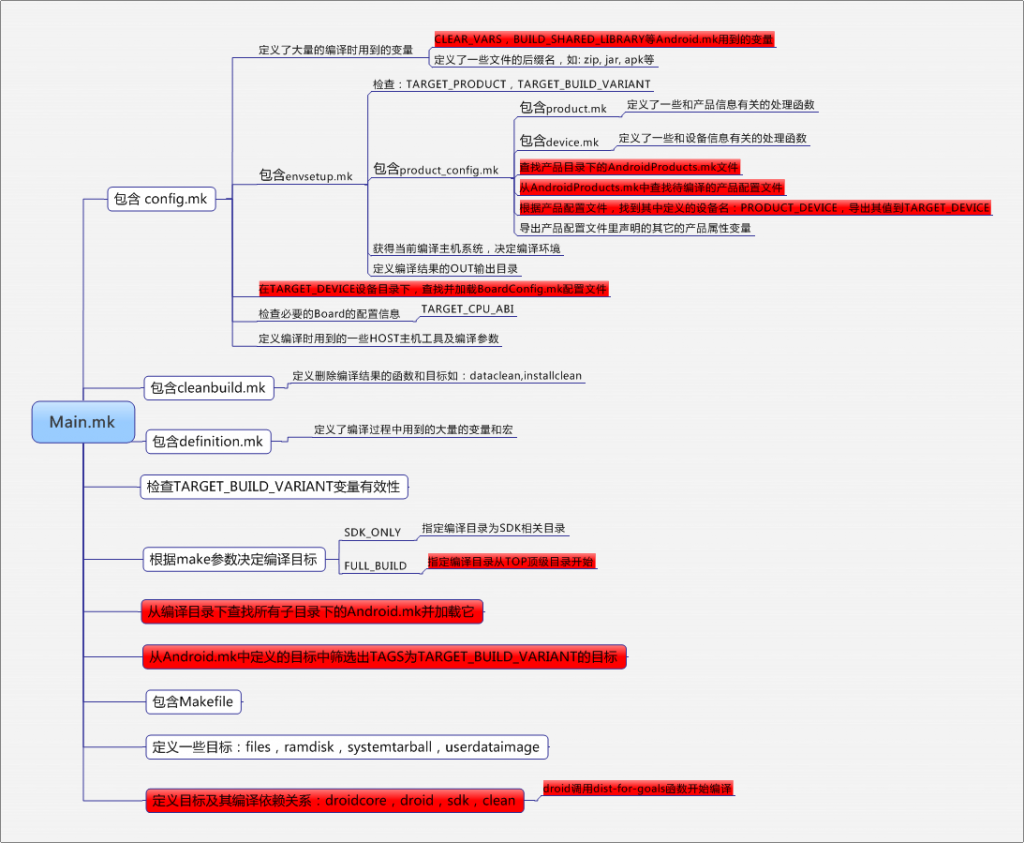 android編譯系統學習,android編譯學習
android編譯系統學習,android編譯學習近日接手了後續android新平台項目搭建的任務。 本文內容基於sprd公司提供的android5.1源碼。 一、一般的
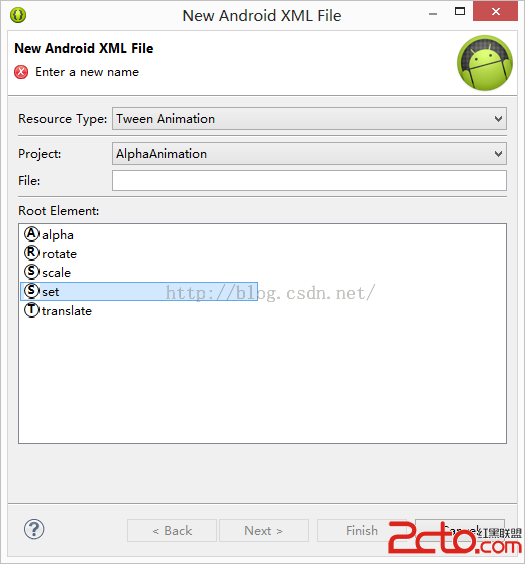 Android學習第五篇——動畫效果
Android學習第五篇——動畫效果 接下來我要介紹的是Android的一些動畫效果 一、AlphaAnimation透明動畫 這裡我用到了兩種不同的方法來實現透明動畫效
 Android文件下載之進度檢測,android文件下載
Android文件下載之進度檢測,android文件下載 近期因為項目的需要,研究了一下Android文件下載進度顯示的功能實現,接下來就和大家一起分享學習一下,希望對