編輯:關於android開發
JSON常用與服務器進行數據交互,JSON中“{}”表示JSONObject,“[]”表示JSONArray
如下json數據:
1  {"singers":[
2 {"id":"02","name":"tom","gender":"男","tel":["123456","789012"]},
3 {"id":"03","name":"jerry","gender":"男","tel":["899999","666666"]},
4 {"id":"04","name":"jim","gender":"男","tel":["7777","5555"]},{"id":"05","name":"lily","gender":"女","tel":["222222","111111"]}
5 ]}
生成json數據代碼:
 1 public String buildJson() throws JSONException {
 2
 3         JSONObject persons = new JSONObject();
 4
 5         JSONArray personArr = new JSONArray();
 6
 7         JSONObject person = new JSONObject();
 8         person.put("id", "02");
 9         person.put("name", "tom");
10         person.put("gender", "男");
11
12         JSONArray tel = new JSONArray();
13         tel.put("123456");
14         tel.put("789012");
15
16         person.put("tel", tel);
17
18         personArr.put(person);
19
20         JSONObject person2 = new JSONObject();
21         person2.put("id", "03");
22         person2.put("name", "jerry");
23         person2.put("gender", "男");
24
25         JSONArray tel2 = new JSONArray();
26         tel2.put("899999");
27         tel2.put("666666");
28
29         person2.put("tel", tel2);
30
31         personArr.put(person2);
32
33
34         JSONObject person3 = new JSONObject();
35         person3.put("id", "04");
36         person3.put("name", "jim");
37         person3.put("gender", "男");
38
39         JSONArray tel3 = new JSONArray();
40         tel3.put("7777");
41         tel3.put("5555");
42
43         person3.put("tel", tel3);
44
45         personArr.put(person3);
46
47
48         JSONObject person4 = new JSONObject();
49         person4.put("id", "05");
50         person4.put("name", "lily");
51         person4.put("gender", "女");
52
53         JSONArray tel4 = new JSONArray();
54         tel4.put("222222");
55         tel4.put("111111");
56
57         person4.put("tel", tel4);
58
59         personArr.put(person4);
60
61
62         persons.put("singers", personArr);
63
64
65         return persons.toString();
66     }
解析json數據代碼:
 1  private void parseJsonMulti(String strResult) {
 2         try {
 3             JSONArray jsonObjs = new JSONObject(strResult).getJSONArray("singers");
 4             String s = "";
 5
 6             for (int i = 0; i < jsonObjs.length(); i++) {
 7                 JSONObject jsonObj = ((JSONObject) jsonObjs.opt(i));
 8                 int id = jsonObj.getInt("id");
 9                 String name = jsonObj.getString("name");
10                 String gender = jsonObj.getString("gender");
11                 s += "ID號" + id + ", 姓名:" + name + ",性別:" + gender + ",電話:";
12                 JSONArray tel = jsonObj.getJSONArray("tel");
13                 for (int j = 0; j < tel.length(); j++) {
14
15                     s += tel.getString(j)+"/";
16                 }
17
18                 s += "\n";
19
20             }
21             tv.setText(s);
22         } catch (JSONException e) {
23             e.printStackTrace();
24         }
25     }
 Android提高21篇之二十一:MediaPlayer播放網絡視頻
上次講解了MediaPlayer播放網絡音頻,介紹了MediaPlayer關於網絡音頻的緩沖和進度
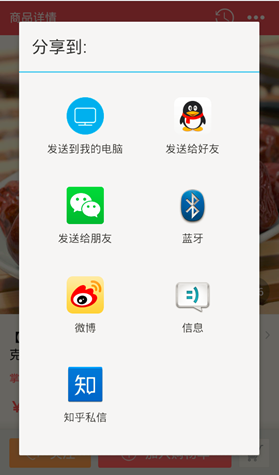 Android 不一樣的原生分享,android分享
Android 不一樣的原生分享,android分享Android做分享功能百度一下就兩種方案,其一是用系統原生的Activity,最終彈出一個對話框,下面這種的還好,像
 [FastDev4Android框架開發]神器ViewGragHelper完全解析,媽媽再也不擔心我自定義ViewGroup滑動View操作啦~(三十三)
[FastDev4Android框架開發]神器ViewGragHelper完全解析,媽媽再也不擔心我自定義ViewGroup滑動View操作啦~(三十三) &nbs
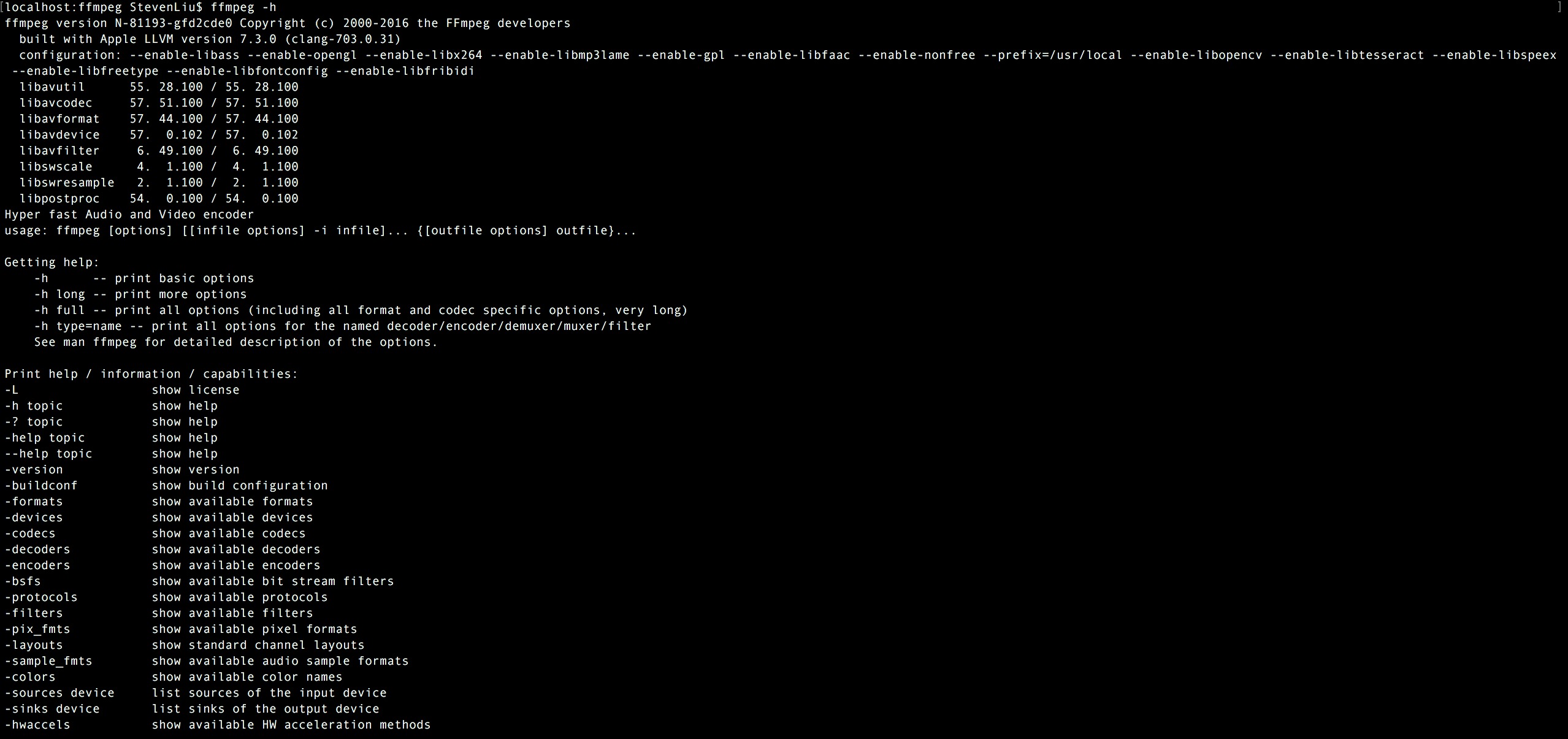 FFmpeg使用手冊 - FFmpeg 的常用命令
FFmpeg使用手冊 - FFmpeg 的常用命令ffmpeg在做音視頻編解碼時非常方便,所以很多場景下轉碼使用的是ffmpeg,銅鼓通過ffmpeg –help命令操作
 如何處理 android 方法總數超過 65536 . the number of method references in a .dex file exceed 64k,android.dex
如何處理 android 方法總數超過 65536 . the numb