編輯:關於android開發
文件路徑:frameworks\base\services\core\java\com\android\server\power\ShutdownThread.java
在beginShutdownSequence()方法中:
 1 private static void beginShutdownSequence(Context context) {
 2     ...... 3     // throw up an indeterminate system dialog to indicate radio is
 4     // shutting down.
 5     //***********************  系統默認的Dialog   ***********************
 6     /*ProgressDialog pd = new ProgressDialog(context);
 7     pd.setTitle(context.getText(com.android.internal.R.string.power_off));
 8     pd.setMessage(context.getText(com.android.internal.R.string.shutdown_progress));
 9     pd.setIndeterminate(true);
10     pd.setCancelable(false);
11     pd.getWindow().setType(WindowManager.LayoutParams.TYPE_KEYGUARD_DIALOG);
12     pd.show();*/
13     //***********************  替換為自定義的全屏Dialog   ***********************
14     Point outSize = new Point();
15     Dialog dialog = new Dialog(context, android.R.style.Theme_Black_NoTitleBar_Fullscreen);
16     IndeterminateProgressBar view = new IndeterminateProgressBar(context);
17     dialog.getWindow().setType(WindowManager.LayoutParams.TYPE_KEYGUARD_DIALOG);
18     dialog.getWindow().getWindowManager().getDefaultDisplay().getSize(outSize);  //獲取屏幕寬高
19     dialog.setContentView(view, new LayoutParams(outSize.x, outSize.y));         //設置自定義view寬高為全屏
20     dialog.show();
21
22     ......
23 }
注意:必須要設置 dialog.getWindow().setType(WindowManager.LayoutParams.TYPE_KEYGUARD_DIALOG); 之前忘了加導致什麼都不顯示
替換的自定義View:
  1 class IndeterminateProgressBar extends View {
  2     static final String TAG = "ProgressBar";
  3     private int delayMillis = 30;
  4     private Handler mHandler;
  5     private ArrayList<Entity> entities;
  6     private int width = 0;
  7     // private int height = 0;
  8     private int r = 15;
  9     private int shift = 20;
 10     private int radius = 3;
 11     private int color = Color.WHITE;
 12     private long time = 0;
 13     private boolean started = false;
 14     public IndeterminateProgressBar(Context context) {
 15         super(context);
 16         init();
 17     }
 18     @Override
 19     protected void onLayout(boolean changed, int left, int top, int right,
 20             int bottom) {
 21         super.onLayout(changed, left, top, right, bottom);
 22         width = getLayoutParams().width / 2;
 23         // height = getLayoutParams().height;
 24         if (width > 0) {
 25             radius = width / 20;
 26             r = 2 * width / 5;
 27             //shift = width / 2;
 28             shift = width / 1;
 29         }
 30     }
 31     private void init() {
 32         setBackgroundResource(android.R.color.transparent);
 33         mHandler = new Handler(new Handler.Callback() {
 34             @Override
 35             public boolean handleMessage(Message msg) {
 36                 for (Entity e : entities) {
 37                     e.update();
 38                 }
 39                 invalidate();
 40                 mHandler.sendEmptyMessageDelayed(0, delayMillis);
 41                 time += delayMillis;
 42                 return false;
 43             }
 44         });
 45     }
 46     public void setColor(int color) {
 47         this.color = color;
 48     }
 49     public void stop() {
 50         mHandler.removeMessages(0);
 51         started = false;
 52         invalidate();
 53     }
 54     public boolean isStart() {
 55         return started;
 56     }
 57     public void start() {
 58         if (started)
 59             return;
 60         started = true;
 61         time = 0;
 62         entities = new ArrayList<IndeterminateProgressBar.Entity>();
 63         float s = .25f;
 64         entities.add(new Entity(0, color, 0));
 65         entities.add(new Entity(1 * s, color, delayMillis * 4));
 66         entities.add(new Entity(2 * s, color, delayMillis * 8));
 67         entities.add(new Entity(3 * s, color, delayMillis * 12));
 68         entities.add(new Entity(4 * s, color, delayMillis * 16));
 69         // entities.add(new Entity(5 * s, color, delayMillis * 20));
 70             if (mHandler != null)
 71                 mHandler.sendEmptyMessage(0);
 72         }
 73         @Override
 74         protected void onDraw(Canvas canvas) {
 75             if (entities != null && entities.size() > 0) {
 76                 for (Entity e : entities) {
 77                     e.draw(canvas);
 78                 }
 79             }
 80             super.onDraw(canvas);
 81         }
 82         class Entity {
 83             private float x;
 84             private float y;
 85             private int color;
 86             private Paint paint;
 87             private double sp = 0;
 88             private long delay;
 89             private int sec = 0;
 90             private float pec = 0;
 91             boolean visiable = true;
 92             public float getInterpolation(float input) {
 93                 return (float) (Math.cos((input + 1) * Math.PI) / 2.0f) + 0.5f;
 94             }
 95             public Entity(float sp, int color, int delay) {
 96                 paint = new Paint();
 97                 paint.setAntiAlias(true);
 98                 paint.setStyle(Paint.Style.FILL);
 99                 this.color = color;
100                 this.sp = sp;
101                 this.delay = delay;
102                 paint.setColor(this.color);
103             }
104             public void update() {
105                 if (time < delay)
106                     return;
107                 visiable = true;
108                 pec += 0.03;
109                 if (pec > 1) {
110                     pec = 0;
111                     sec = ++sec == 3 ? 0 : sec;
112                     delay = sec == 0 ? time + delayMillis * 22 : time + delayMillis
113                             * 3;
114                     visiable = sec == 0 ? false : true;
115                 }
116                 double θ = Math.PI
117                         * .5
118                         + (sec == 0 ? 0 : sec * Math.PI / sec)
119                         - (sec == 0 ? 0 : sp)
120                         + (Math.PI * (sec == 1 ? 2 : 1) - (sec == 0 ? sp : 0) + (sec == 2 ? sp
121                                 : 0)) * getInterpolation(pec);
122                 x = (float) (r / 2 * Math.cos(θ)) + shift / 2;
123                 y = (float) (r / 2 * Math.sin(θ)) + shift / 2;
124             }
125             public void draw(Canvas canvas) {
126                 if (!visiable || x == 0 || y == 0)
127                     return;
128                 canvas.save();
129                 canvas.translate(x, y);
130                 canvas.drawCircle(x, y, radius, paint);
131                 canvas.restore();
132             }
133         }
134         @Override
135         protected void onAttachedToWindow() {
136             super.onAttachedToWindow();
137             if (getVisibility() == View.VISIBLE) {
138                 start();
139             }
140         }
141         @Override
142         protected void onDetachedFromWindow() {
143             super.onDetachedFromWindow();
144             stop();
145         }
146         public void setDelayMillis(int delayMillis) {
147             this.delayMillis = delayMillis;
148         }
149 }
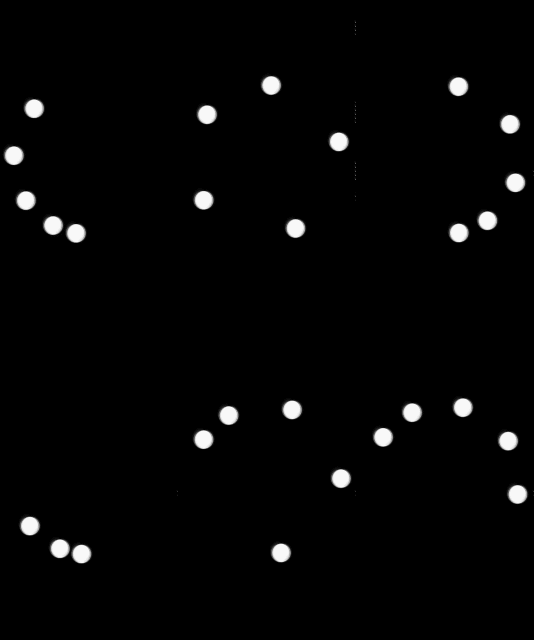
效果圖:
 Android自定義標題TitleView,androidtitleview
Android自定義標題TitleView,androidtitleview Android開發過程中,經常遇到一個項目需要重復的定義相同樣式的標題欄,And
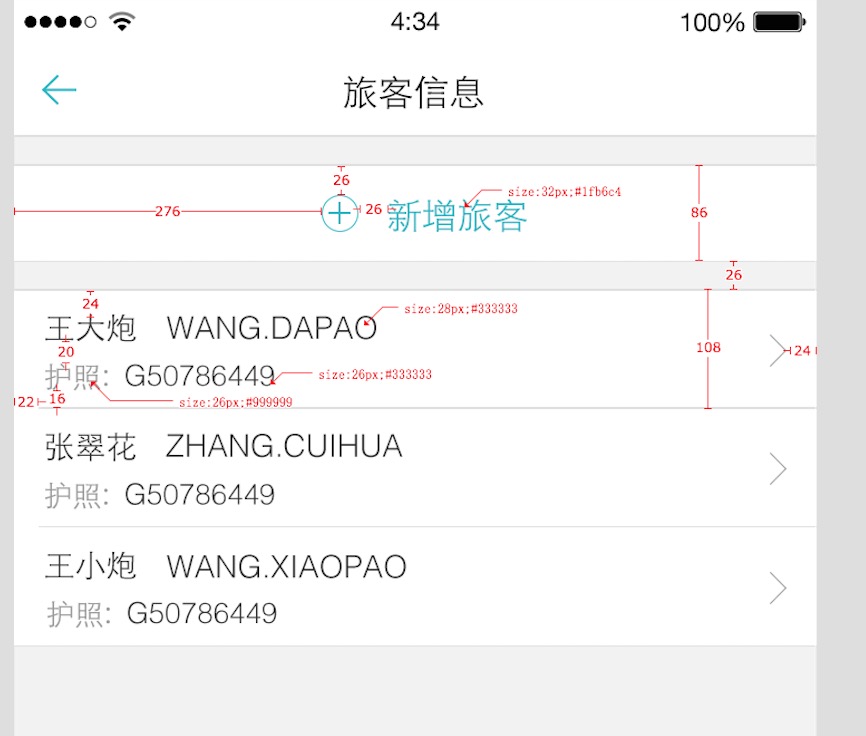 Android AutoLayout全新的適配方式 堪稱適配終結者
Android AutoLayout全新的適配方式 堪稱適配終結者 一、概述 相信Android的開發者對於設配問題都比較苦惱,Google官方雖
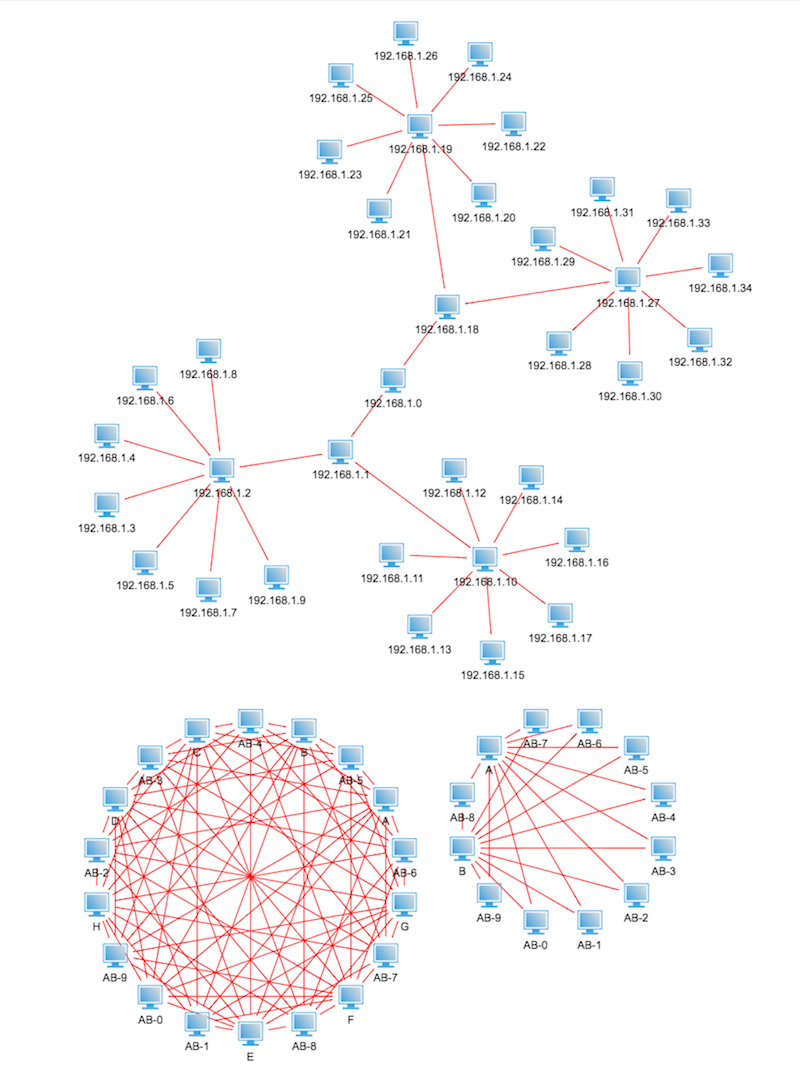 電信網絡拓撲圖自動布局
電信網絡拓撲圖自動布局在電信網絡拓撲圖中,很經常需要用到自動布局的功能,在大數據的層級關系中,通過手工一個一個擺放位置是不太現實的,工作量是相當大的,那麼就有了自動布局這
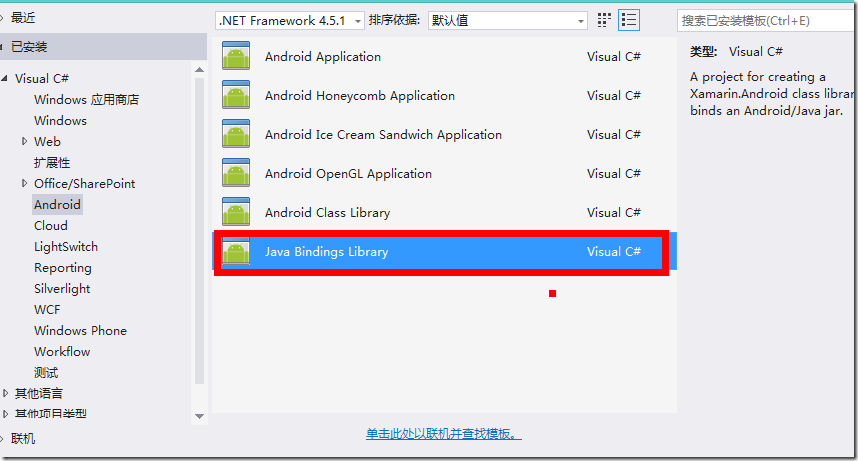 Xamarin Android中引用Jar包的方法,xamarinandroid
Xamarin Android中引用Jar包的方法,xamarinandroid新建一個Java Bingdings Library 將Jar包復制,或使用添加已存在的