編輯:關於Android編程
注:這裡只是說一下sendmessage的一個過程,post就類似的
如果我們需要發送消息,會調用sendMessage方法
 public final boolean sendMessage(Message msg)
{
 return sendMessageDelayed(msg, 0);
}
這個方法會調用如下的這個方法
public final boolean sendMessageDelayed(Message msg, long delayMillis)
{
 if (delayMillis < 0) {
  delayMillis = 0;
 }
 return sendMessageAtTime(msg, SystemClock.uptimeMillis() + delayMillis);
}
接下來設定延遲時間,然後繼續調用sendMessageAtTime方法
public boolean sendMessageAtTime(Message msg, long uptimeMillis) {
 MessageQueue queue = mQueue;
 if (queue == null) {
  RuntimeException e = new RuntimeException(
    this + " sendMessageAtTime() called with no mQueue");
  Log.w("Looper", e.getMessage(), e);
  return false;
 }
 return enqueueMessage(queue, msg, uptimeMillis);
}
這裡獲得了消息隊列,檢查隊列是否存在,然後返回enqueMessage的方法的執行結果,這個結果是說明消息能否進入隊列的一個布爾值
private boolean enqueueMessage(MessageQueue queue, Message msg, long uptimeMillis) {
 msg.target = this;
 if (mAsynchronous) {
  msg.setAsynchronous(true);
 }
 return queue.enqueueMessage(msg, uptimeMillis);
}
這裡是對消息進行入隊處理,下面就是在MessageQueue中對消息進行入隊
boolean enqueueMessage(Message msg, long when) {
 if (msg.target == null) {
  throw new IllegalArgumentException("Message must have a target.");
 }
 if (msg.isInUse()) {
  throw new IllegalStateException(msg + " This message is already in use.");
 }

 synchronized (this) {
  if (mQuitting) {
   IllegalStateException e = new IllegalStateException(
     msg.target + " sending message to a Handler on a dead thread");
   Log.w(TAG, e.getMessage(), e);
   msg.recycle();
   return false;
  }

  msg.markInUse();
  msg.when = when;

  Message p = mMessages;
  boolean needWake;
  if (p == null || when == 0 || when < p.when) {
   // New head, wake up the event queue if blocked.
   msg.next = p;
   mMessages = msg;
   needWake = mBlocked;
  } else {
   // Inserted within the middle of the queue. Usually we don't have to wake
   // up the event queue unless there is a barrier at the head of the queue
   // and the message is the earliest asynchronous message in the queue.
   needWake = mBlocked && p.target == null && msg.isAsynchronous();
   Message prev;
   for (;;) {
    prev = p;
    p = p.next;
    if (p == null || when < p.when) {
     break;
    }
    if (needWake && p.isAsynchronous()) {
     needWake = false;
    }
   }
   msg.next = p; // invariant: p == prev.next
   prev.next = msg;
  }

  // We can assume mPtr != 0 because mQuitting is false.
  if (needWake) {
   nativeWake(mPtr);
  }
 }
 return true;
}
就是對傳遞過來的消息進行一些封裝然後放到隊列中,至此我們的sendMessage處理完畢,返回的結果是進隊是否成功的布爾值,那麼究竟消息之後是如何被處理的呢?
我們可以看到在Handler構造的時候記錄了一個Looper對象,也記錄了一個回掉函數
public Handler(Callback callback, boolean async) {
 if (FIND_POTENTIAL_LEAKS) {
  final Class<? extends Handler> klass = getClass();
  if ((klass.isAnonymousClass() || klass.isMemberClass() || klass.isLocalClass()) &&
    (klass.getModifiers() & Modifier.STATIC) == 0) {
   Log.w(TAG, "The following Handler class should be static or leaks might occur: " +
    klass.getCanonicalName());
  }
 }

 mLooper = Looper.myLooper();
 if (mLooper == null) {
  throw new RuntimeException(
   "Can't create handler inside thread that has not called Looper.prepare()");
 }
 mQueue = mLooper.mQueue;
 mCallback = callback;
 mAsynchronous = async;
}
這裡的myLooper方法返回的是當前線程關聯的一個Looper對象
 public static @Nullable Looper myLooper() {
 return sThreadLocal.get();
}
當Looper實例化了以後會執行自己的prepare方法然後執行loop方法,loop方法就是不斷的讀取消息隊列中的消息然後執行相應的操作的方法,因為是在其他線程中執行的循環所以不會影響其他線程
public static void loop() {
 final Looper me = myLooper();
 if (me == null) {
  throw new RuntimeException("No Looper; Looper.prepare() wasn't called on this thread.");
 }
 final MessageQueue queue = me.mQueue;

 // Make sure the identity of this thread is that of the local process,
 // and keep track of what that identity token actually is.
 Binder.clearCallingIdentity();
 final long ident = Binder.clearCallingIdentity();

 for (;;) {
  Message msg = queue.next(); // might block
  if (msg == null) {
   // No message indicates that the message queue is quitting.
   return;
  }

  // This must be in a local variable, in case a UI event sets the logger
  Printer logging = me.mLogging;
  if (logging != null) {
   logging.println(">>>>> Dispatching to " + msg.target + " " +
     msg.callback + ": " + msg.what);
  }

  msg.target.dispatchMessage(msg);

  if (logging != null) {
   logging.println("<<<<< Finished to " + msg.target + " " + msg.callback);
  }

  // Make sure that during the course of dispatching the
  // identity of the thread wasn't corrupted.
  final long newIdent = Binder.clearCallingIdentity();
  if (ident != newIdent) {
   Log.wtf(TAG, "Thread identity changed from 0x"
     + Long.toHexString(ident) + " to 0x"
     + Long.toHexString(newIdent) + " while dispatching to "
     + msg.target.getClass().getName() + " "
     + msg.callback + " what=" + msg.what);
  }

  msg.recycleUnchecked();
 }
}
在循環中如果讀取到了消息,就會執行dispatchMessage方法,然後分派完消息之後再執行一次recycleUnchecked方法來重用這個Message,我們看到dispatchMessage方法
public void dispatchMessage(Message msg) {
 if (msg.callback != null) {
  handleCallback(msg);
 } else {
  if (mCallback != null) {
   if (mCallback.handleMessage(msg)) {
    return;
   }
  }
  handleMessage(msg);
 }
}
這裡看到直接執行了一個handlerMessage方法,這個方法是一個回調方法,我們是必須實現的,否則Handler什麼都不會做,為什麼呢?還記得剛剛說構造Handler的時候我們記錄了一個CallBack的回掉嗎?Handler中的這個handlerMessage方法是一個空方法,如果我們重寫了這個方法,在回調的時候就會執行我們先寫下的代碼,也就是接收到消息之後要做什麼。
public interface Callback {
 public boolean handleMessage(Message msg);
}

public void handleMessage(Message msg) {
}
這裡簡單說下整個過程:
當我們實例化一個Handler的子類並重寫handleMessage方法之後,這個時候系統已經幫我們做了幾個事情
1.實例化了一個消息隊列MessageQueue
2.實例化了一個關聯的Looper對象,並讓Looper不斷的讀取消息隊列
3.把我們重寫的handleMessage方法記錄為我們需要回調的方法
當我們執行Handler的sendMessage方法的時候,系統會把我們傳過去的Message對象添加到消息隊列,這個時候如果Looper讀取到了消息,就會把消息派發出去,然後回調handleMessage方法,執行我們設定的代碼。
以上就是本文的全部內容,希望對大家的學習有所幫助,也希望大家多多支持本站。
 手機看nba直播軟件推薦
出們在外想看NBA。手機看NBA直播用什麼軟件?現在推薦三款NBA手機直播軟件,讓你直接用手機看NBA決賽,讓你出行也不用錯過每一場球賽!有需要
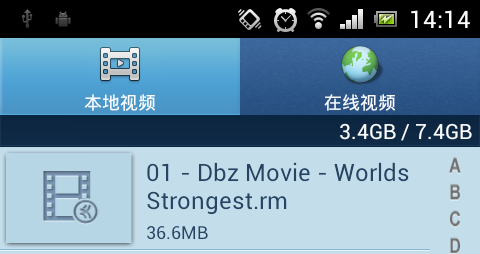 Android 使用Vitamio打造自己的萬能播放器(8)——細節優化
前言 成功的產品往往在細節之處也做到極致,產品和項目從使用的角度來看最大的區別我認為也就是細節的處理上。開播視頻的目標是產品,前面7篇文章高歌猛進,添加了很多的功能,也
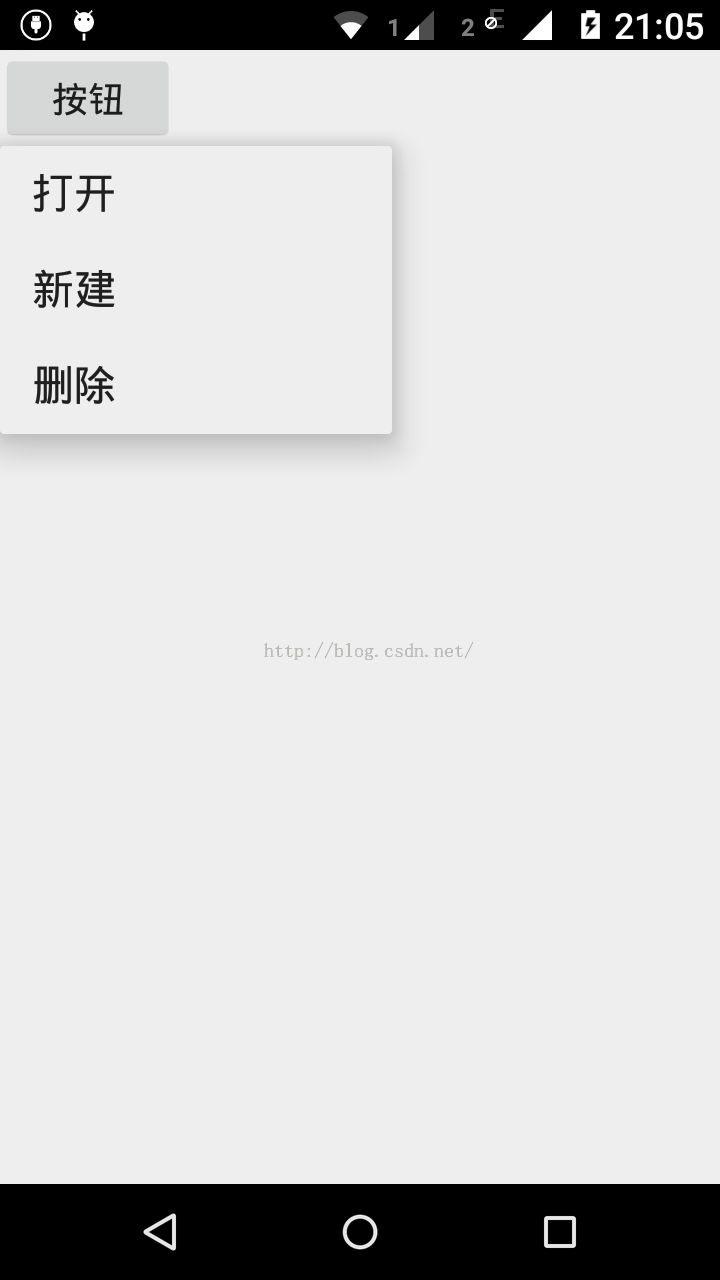 基於Android實現點擊某個按鈕讓菜單選項從按鈕周圍指定位置彈出
Android Material Design:PopupMenuAndroid Material Design 引入的PopupMenu類似過去的上下文菜單,但是更靈活
 Android使用GridView實現日歷功能示例(詳細代碼)
Android使用GridView實現日歷功能示例,代碼有點多,發個圖先:如果懶得往下看的,可以直接下載源碼吧,最近一直有人要,由於時間太久了,懶得找出來整理,今天又看到