編輯:關於Android編程
本文實例講述了android實現http中請求訪問添加cookie的方法。分享給大家供大家參考,具體如下:
第一種
HashMap<String, String> map = new HashMap<String, String>();
map.put("cookie","p1u_id=4eb591e73554db0f4d3300cb656113abfb968ef6b0ee2b5de0a35caa5217c51faa028b453576b35c");
networkConnection.setHeaderList(map);
NetworkConnection.ConnectionResult result = networkConnection.execute();
第二種是用okhttp
OkHttpClient client = new OkHttpClient();
String returnData=null;
com.squareup.okhttp.Request request = new com.squareup.okhttp.Request.Builder()
  .addHeader("cookie", "p1u_id=4eb591e73554db0f4d3300cb656113abfb968ef6b0ee2b5de0a35caa5217c51faa028b453576b35c")
  .url(url)
  .build();
Response response = null;
try {
  response = client.newCall(request).execute();
  returnData=response.body().string();
  Log.i("ss", "url is " + url + "_______RETUNRN DATA IS " + returnData);
} catch (IOException e) {
  e.printStackTrace();
}
希望本文所述對大家Android程序設計有所幫助。
 Android開發技巧二--避免在EditText中驗證日期
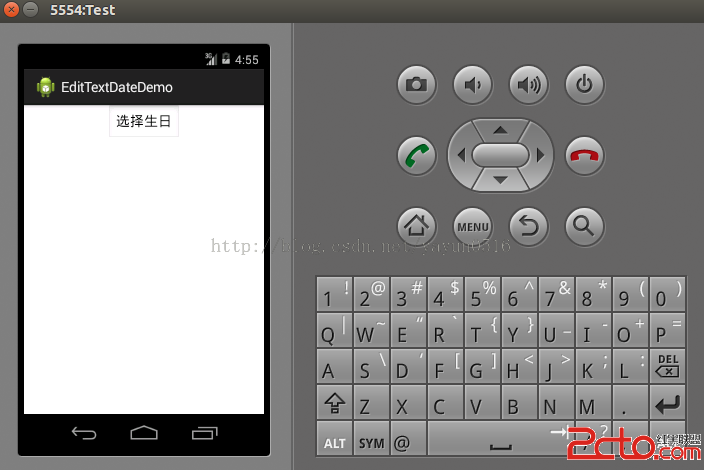
開發者都知道驗證表單裡的數據是令人厭煩而且容易出錯的,日期輸入框的驗證也是如此。我們可以開發出一個外觀看起來與EditText相同Button,點擊該Button後,會顯
 【Android】ORM數據庫框架之GreenDao【關聯】關系操作
上一篇我們介紹了greendao的基本使用方法,如果您還不了解,建議先看下上篇文章再來看這篇會有更好的效果。今天我們來繼續學習greendao的relation部分,即數
 Android Studio 錯誤: 非法字符: '\ufeff' 及 Gradle不能自動查找xml自定義屬性
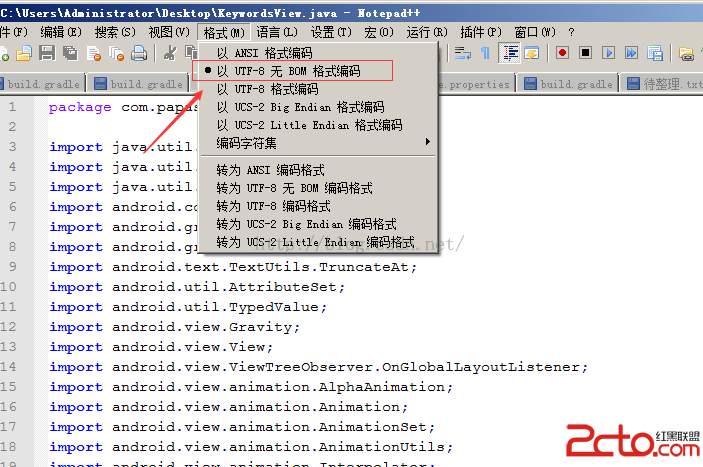
一、非法字符: '?'在將項目導入到Studio時提示 錯誤:非法字符: '?',編譯器沒報錯但編譯出錯,比較頭疼,後來發現原
 Android框架設計模式(五)——Singleton Method
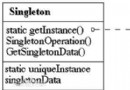
一、單例模式介紹什麼是單例模式單例模式就是在整個全局中(無論是單線程還是多線程),該對象只存在一個實例,而且只應該存在一個實例,沒有副本(副本的制作需要花時間和空間資源)