編輯:關於Android編程
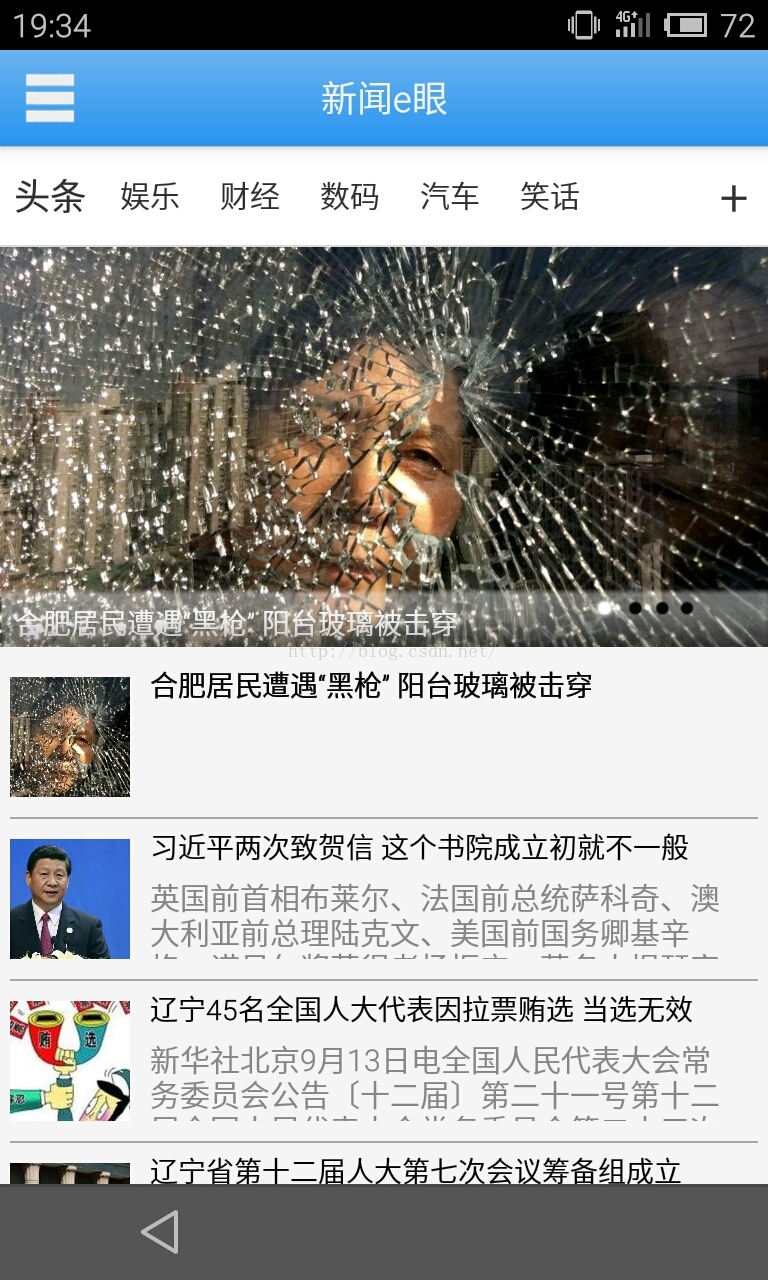
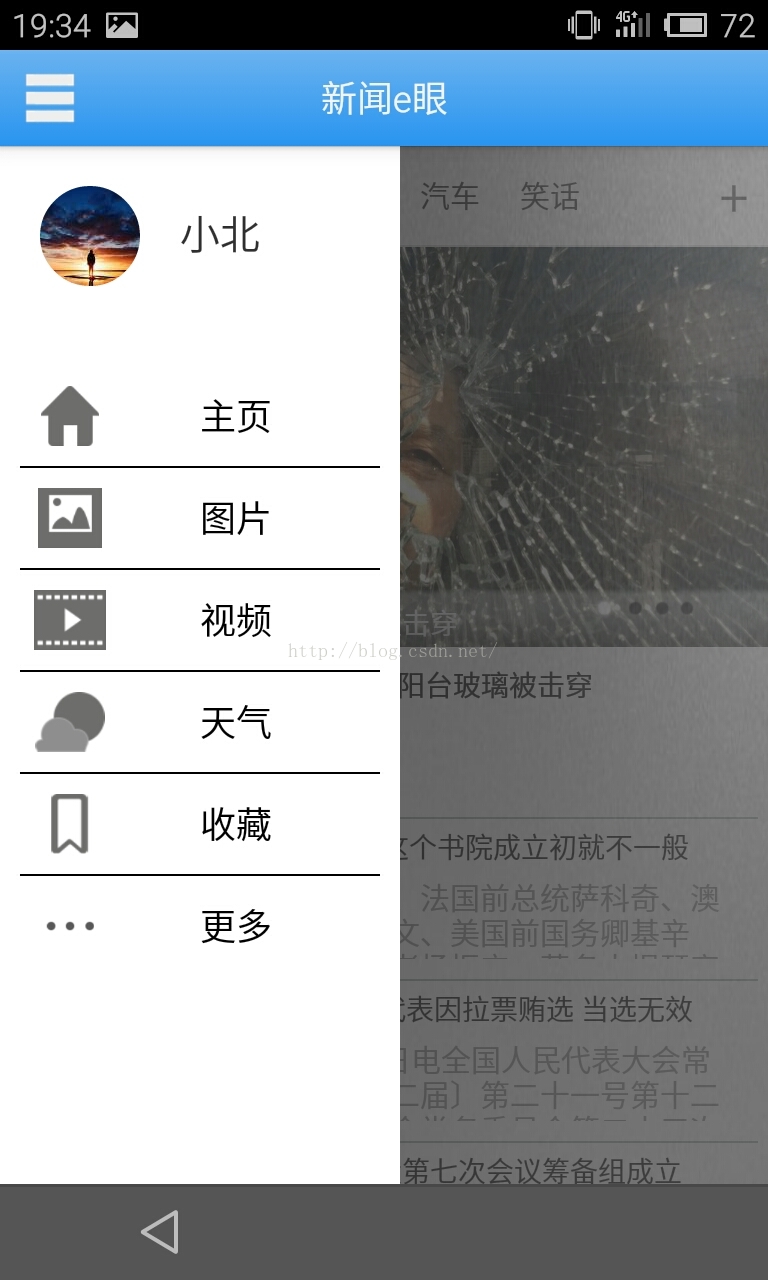
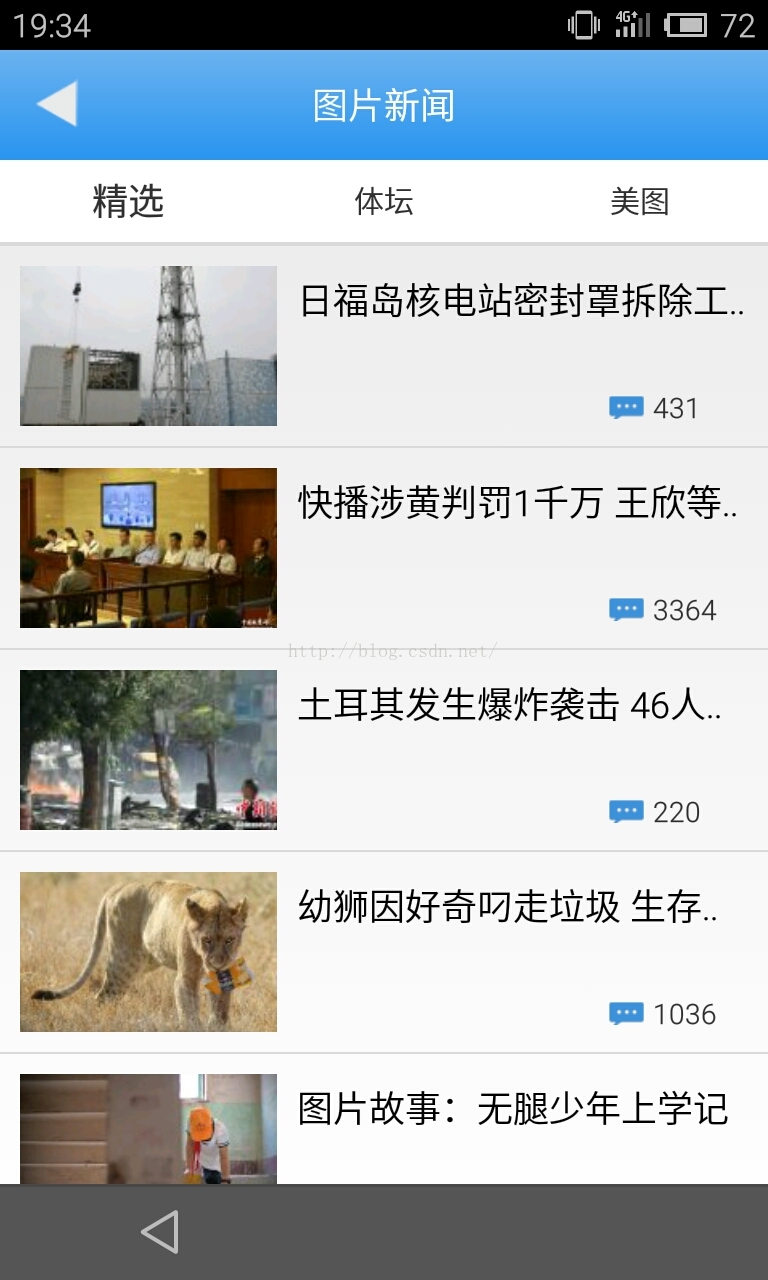
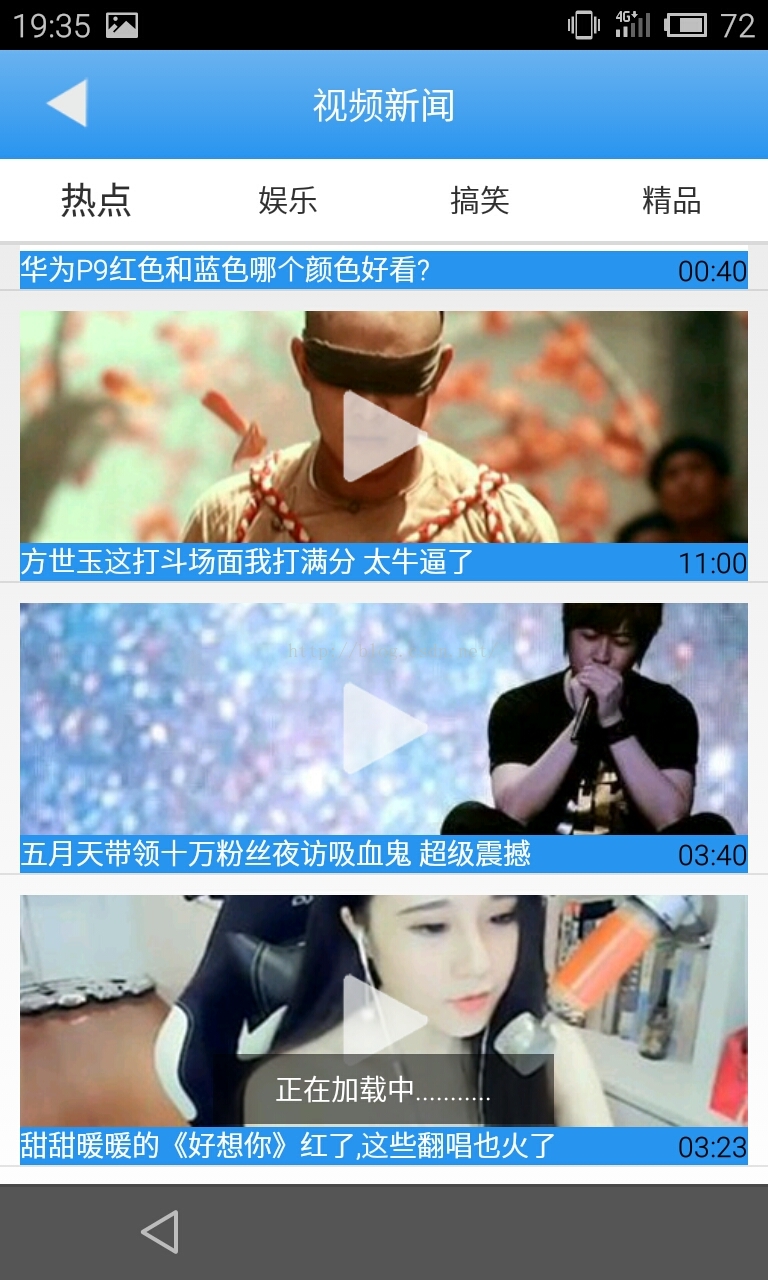 新聞主界面 側滑菜單界面 圖片新聞界面 視頻列表界面
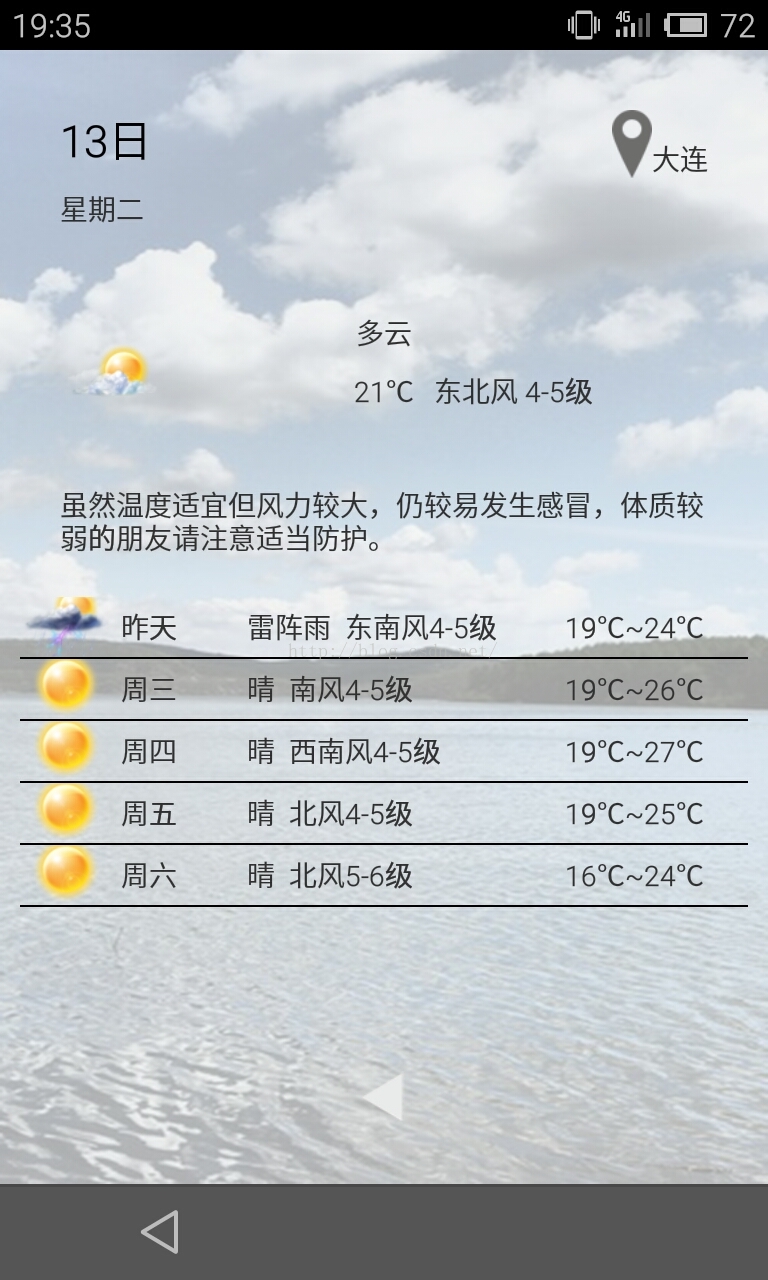
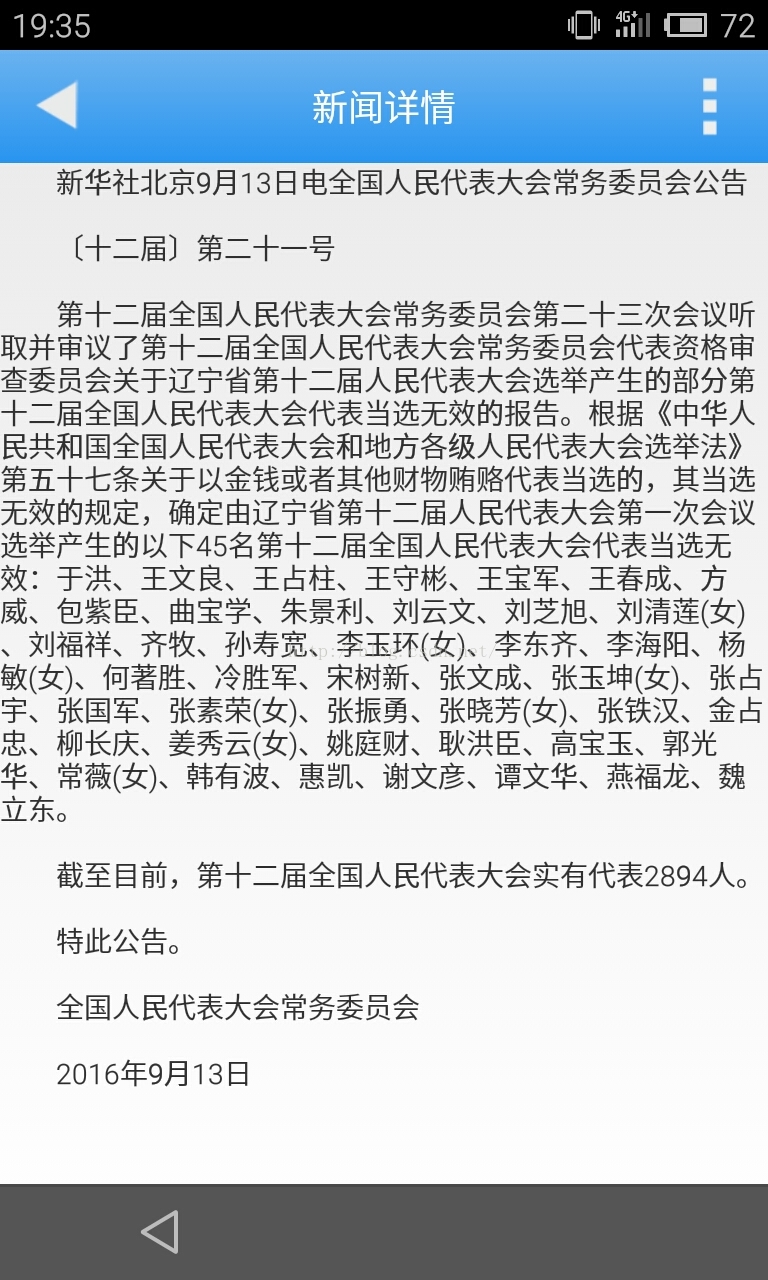 天氣預報界面 新聞詳情界面
以上幾個界面是項目所需要的核心界面,布局擺放並不怎麼難,為了比例協調,我用了很多的layout_weight 屬性 ;
控制界面mainWindows.xml 這是項目的主界面布局文件
天氣預報界面 新聞詳情界面
以上幾個界面是項目所需要的核心界面,布局擺放並不怎麼難,為了比例協調,我用了很多的layout_weight 屬性 ;
控制界面mainWindows.xml 這是項目的主界面布局文件
//
DrawerLayout 控件可輕松實現側滑功能 //碎片會顯示在這裡 <framelayout android:id="@+id/frame_content" android:layout_height="match_parent" android:layout_width="match_parent"> </framelayout>
新聞主頁布局文件activity_main.xml
            //使用自定義ListView 避免與 HorizontalScrollView 沖突

                android:id="@+id/newsListView"
                android:layout_width="match_parent"
                android:layout_height="wrap_content"
                android:background="@color/list_view_bg"
                android:divider="@color/list_view_divier"
                android:dividerHeight="1dp"
                android:padding="5dp" >
視頻新聞布局//圖片新聞列表
package eNews.customview;

import android.content.Context;
import android.util.AttributeSet;
import android.widget.ListView;

/**
 *
 * @author 王凱
 * @date 2016-9-12 新聞列表控件
 */
public class NewsListView extends ListView {

	public NewsListView(Context context, AttributeSet attrs) {
		super(context, attrs);
		// TODO Auto-generated constructor stub
	}

	@Override
	protected void onMeasure(int widthMeasureSpec, int heightMeasureSpec) {
		// TODO Auto-generated method stub
		super.onMeasure(widthMeasureSpec, heightMeasureSpec);
	}
}
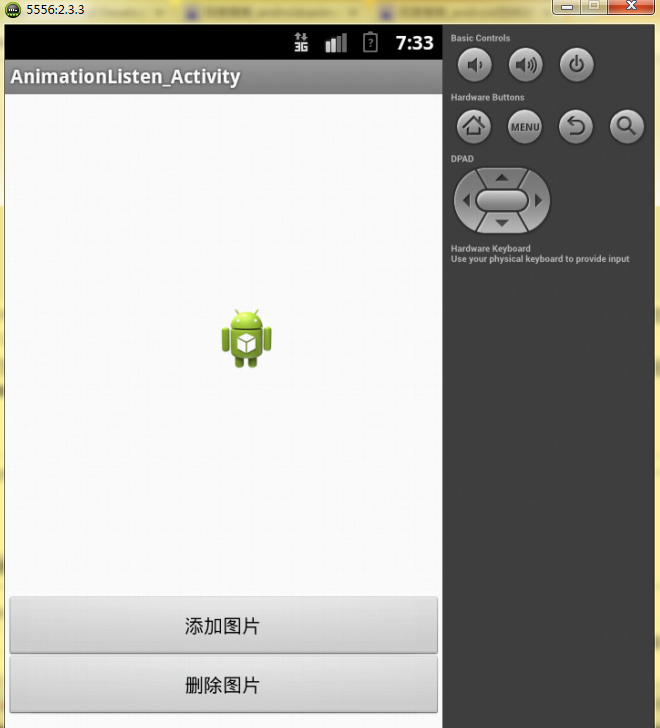 Android開發之圖形圖像與動畫(四)AnimationListener簡介
就像Button控件有監聽器一樣,動畫效果也有監聽器,只需要實現AnimationListener就可以實現對動畫效果的監聽,其中需要重載三個函數,就是下面的這幾個函數:
 安卓(Android)開發之自定義餅狀圖
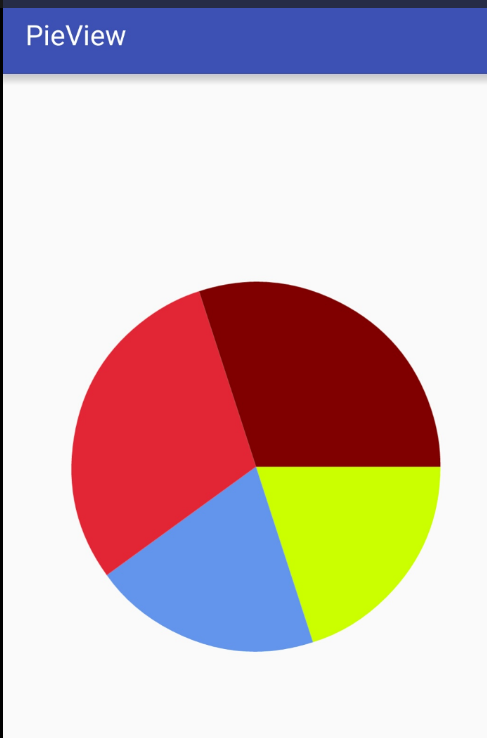
先來看看效果圖先分析餅狀圖的構成,非常明顯,餅狀圖就是一個又一個的扇形構成的,每個扇形都有不同的顏色,對應的有名字,數據和百分比。經以上信息可以得出餅狀圖的最基本數據應包
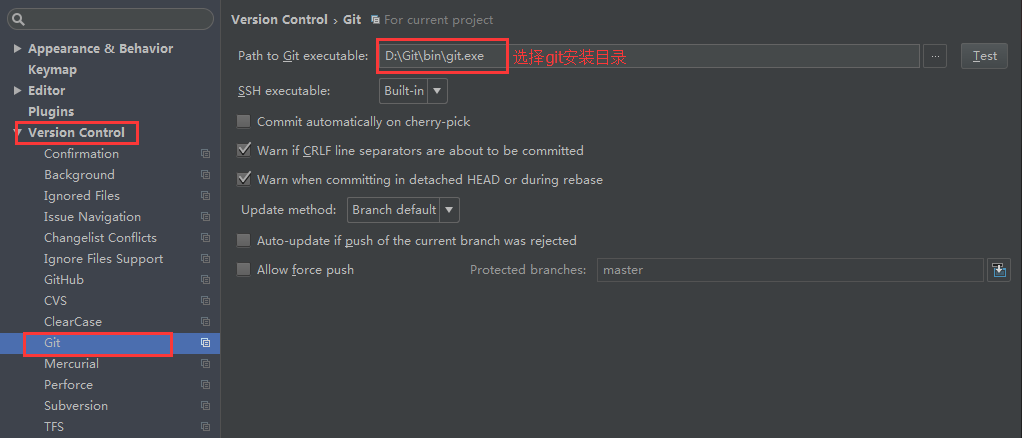 IntelliJ IDEA和Android Studio上使用Git
因為Android Studio是基於IntelliJ IDEA開發過來的,使用的插件其實都是IDEA上面的。IDEA與Android Studio默認已經安裝了Git插
 Android系統聯系人全特效實現(上)分組導航和擠壓動畫(附源碼)
記得在我剛接觸Android的時候對系統聯系人中的特效很感興趣,它會根據手機中聯系人姓氏的首字母進行分組,並在界面的最頂端始終顯示一個當前的分組。如下圖所示: