編輯:關於Android編程
開發後台服務的時候經常需要對屏幕狀態進行判斷,如果是想要監聽屏幕解鎖事件,可以在配置裡面注冊action為 android.intent.action.USER_PRESENT的廣播,則可以監聽解鎖事件。但有時候,在後台執行某個操作時,需要主動判斷屏幕的狀態,比如是否是亮著的,可以使用PowerManager的isScreenOn方法進行判斷,比如屏幕是否開啟了自動旋轉等。
注冊監聽解鎖廣播:
1 2 3 4 5<receiver android:name="com.home.testscreen.MyReceiver">
<intent-filter>
<action android:name="android.intent.action.USER_PRESENT" />
intent-filter>
        receiver>


MyReceiver:


?


1
2
3
4
5
6
7
8
9
10
11
12
13
14
15
16
17
18
19


package com.home.testscreen;

import android.content.BroadcastReceiver;
import android.content.Context;
import android.content.Intent;
import android.widget.Toast;

public class MyReceiver extends BroadcastReceiver
 {

    @Override
    public void onReceive(Context
 context, Intent intent) {
        // 解鎖
        if (intent != null
                && Intent.ACTION_USER_PRESENT.equals(intent.getAction())) {
            Toast.makeText(context, "屏幕已解鎖", Toast.LENGTH_SHORT).show();
        }
    }

}


主動判斷屏幕是否亮著:


?


1
2
3
4
5
6
7


public boolean isScreenOn(Context
 context) {
    PowerManager pm = (PowerManager) context.getSystemService(Context.POWER_SERVICE);
    if (pm.isScreenOn()) {
        return true;
    }
    return false;
}


判斷是否開啟了重力感應:


?


1
2
3
4
5
6
7
8
9
10
11
12
13
14
15
16
17
18


/**
 * 是否開啟了重力感應
 * @param context
 * @return
 */
public boolean screenIsOpenRotate(Context
 context) {
    int gravity = 0;
    try {
        gravity = Settings.System.getInt(context.getContentResolver(),
                Settings.System.ACCELEROMETER_ROTATION);
    } catch (SettingNotFoundException
 e) {
        e.printStackTrace();
    }
    if (gravity == 1)
 {
        return true;
    }
    return false;
}
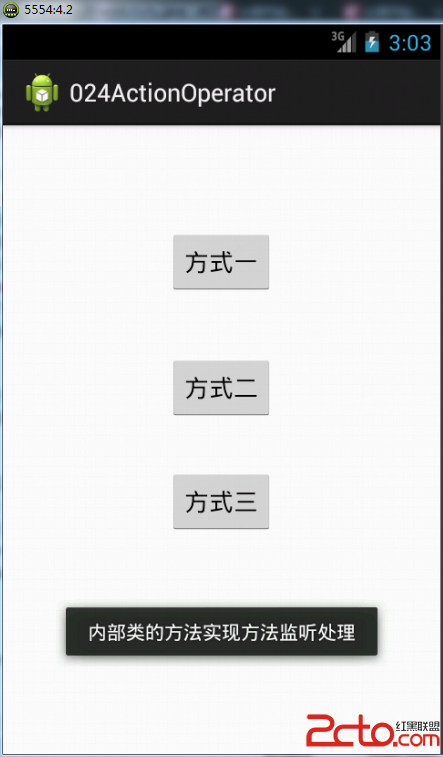 從零開始學android(android事件的處理方式.二十四.)
在android中一共有 多種事件,每種事件都有自己相對應的處理機制 如以下幾種 1 單擊事件 View.OnClickListener pub
 Android入門之PopupWindow用法實例解析
本文實例介紹一下PopupWindow對話框。PopupWindow是阻塞對話框,只有在外部線程 或者 PopupWindow本身做退出操作才可以執行。PopupWind
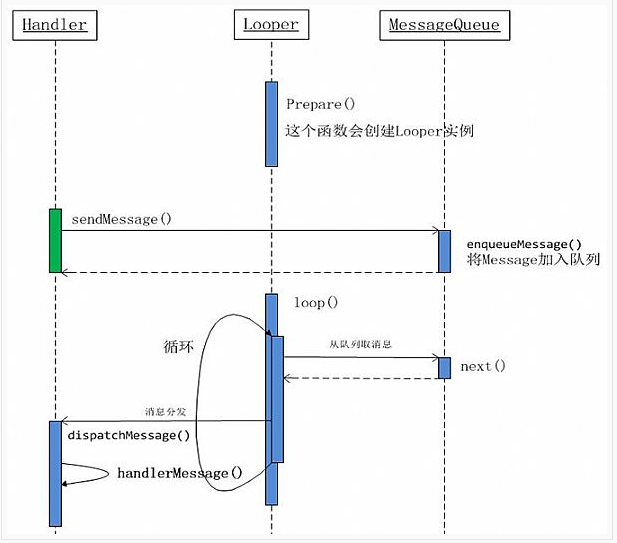 從源碼角度剖析Handler機制
android中,在進行耗時操作更新UI用到最多的方法就是Handler了,一般在子線程中進行耗時操作(訪問網絡等),然後發送消息到UI線程(主線程),使得界面得以更新。
 Android ListFragment實例Demo
該篇文章是一個ListFragment的一個實例,通過了解該實例,更能了解比較常用的ListFragment的用法,以及各Fragment之間的數據傳遞。 實現效果圖: