編輯:關於Android編程
//使用Bitmap加Matrix來縮放
    public static Drawable resizeImage(Bitmap bitmap, int w, int h)
    {
        Bitmap BitmapOrg = bitmap;
        int width = BitmapOrg.getWidth();
        int height = BitmapOrg.getHeight();
        int newWidth = w;
        int newHeight = h;

        float scaleWidth = ((float) newWidth) / width;
        float scaleHeight = ((float) newHeight) / height;

        Matrix matrix = new Matrix();
        matrix.postScale(scaleWidth, scaleHeight);
        // if you want to rotate the Bitmap
        // matrix.postRotate(45);
        Bitmap resizedBitmap = Bitmap.createBitmap(BitmapOrg, 0, 0, width,
                        height, matrix, true);
        return new BitmapDrawable(resizedBitmap);
    }
//使用BitmapFactory.Options的inSampleSize參數來縮放
public static Drawable resizeImage2(String path,
int width,int height)
{
BitmapFactory.Options options = new BitmapFactory.Options();
options.inJustDecodeBounds = true;//不加載bitmap到內存中
BitmapFactory.decodeFile(path,options);
int outWidth = options.outWidth;
int outHeight = options.outHeight;
options.inDither = false;
options.inPreferredConfig = Bitmap.Config.ARGB_8888;
options.inSampleSize = 1;
if (outWidth != 0 && outHeight != 0 && width != 0 && height != 0)
{
int sampleSize=(outWidth/width+outHeight/height)/2;
Log.d(tag, "sampleSize = " + sampleSize);
options.inSampleSize = sampleSize;
}
options.inJustDecodeBounds = false;
return new BitmapDrawable(BitmapFactory.decodeFile(path, options));
}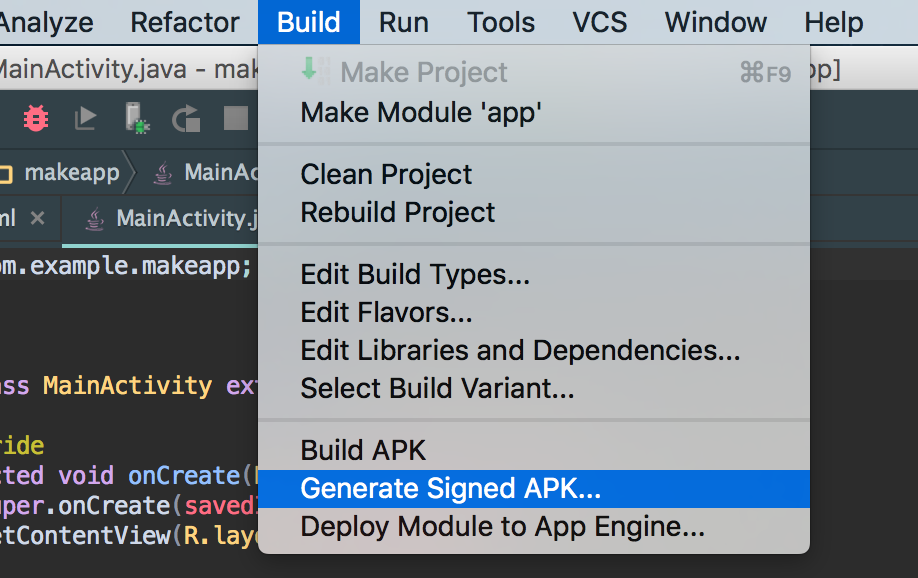 Android Studio打包全攻略---從入門到精通
初出茅廬 手動打包怎麼手動打包項目寫完了,現在需要把應用上傳到市場,問題出現—怎麼把代碼變成.apk(Android的可安裝文件)。1. 創建簽名文件2. 填
 自定義控件三部曲之繪圖篇(十三)——Canvas與圖層(一)
在給大家講解了paint的幾個方法之後,我覺得有必要插一篇有關Canvas畫布的知識,在開始paint之前,我們講解了canvas繪圖的幾篇文章和cavas的save()
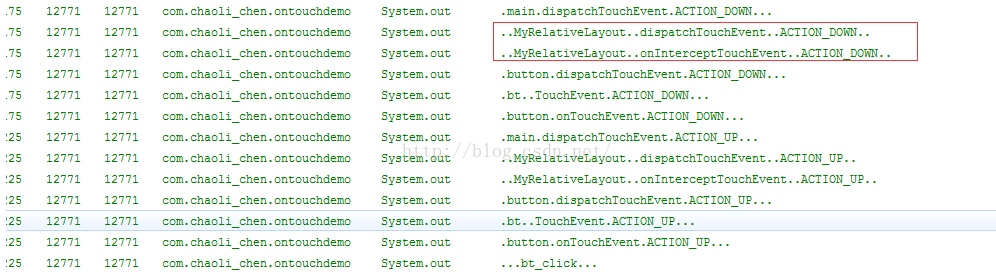 Android事件傳遞(二)ViewGroup事件的傳遞
經過上一篇的實驗,我門只是僅僅對View的事件的傳遞進行了分析,但是還有一個比較厲害的ViewGroup我們肯定是要說一下的,ViewGroup的二叉視圖分析 我們能看到
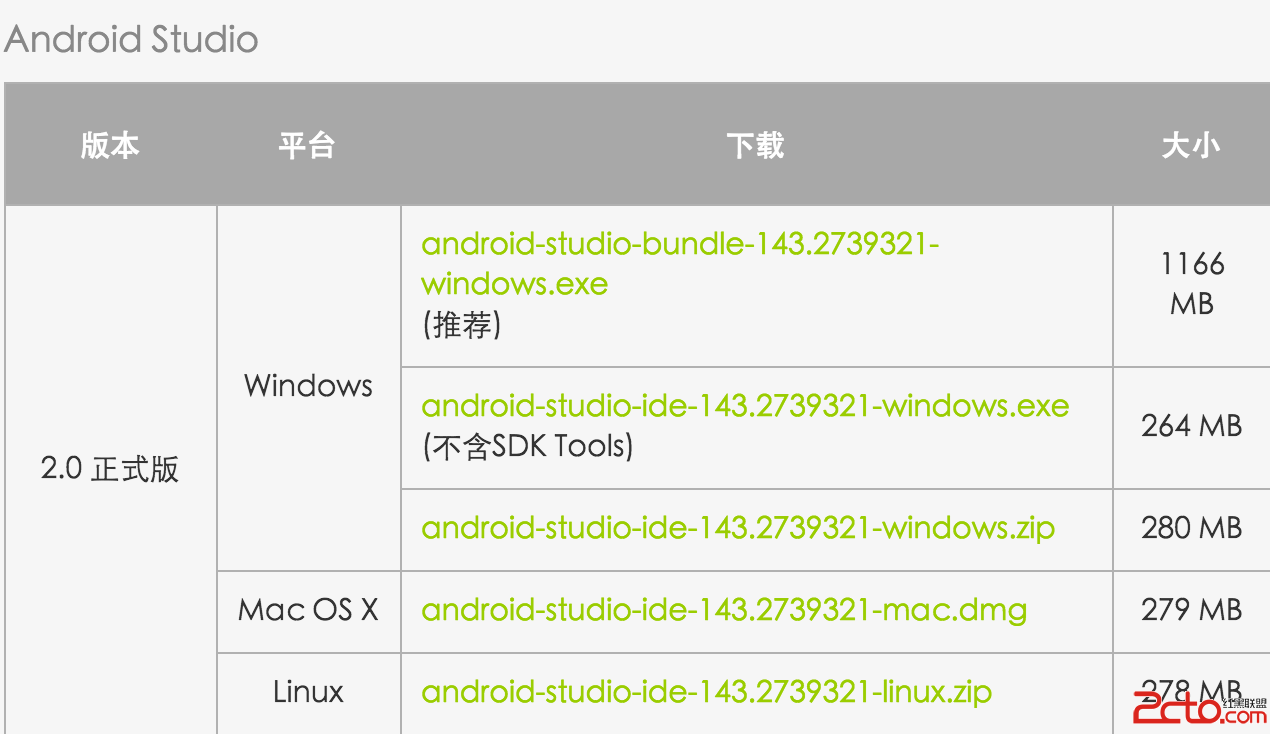 Android Studio 入門
一. 下載安裝 JDK安裝並配置JAVA_HOME環境變量 這個就略過了,純小白請自行百度 Android Studio安裝 截止到2016年4月9日Andro