編輯:關於Android編程

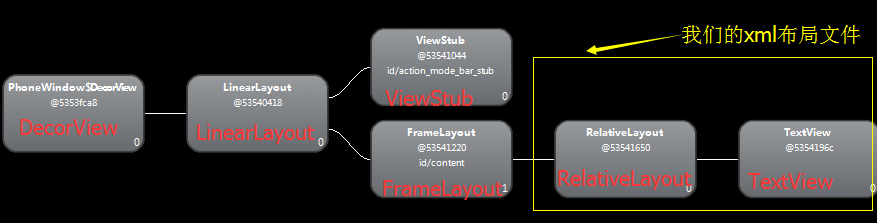
視圖結構

package com.rainsong.pulltorefreshdemo;

import java.util.Arrays;
import java.util.LinkedList;

import android.app.Activity;
import android.os.AsyncTask;
import android.os.Bundle;
import android.text.format.DateUtils;
import android.view.Menu;
import android.widget.ArrayAdapter;
import android.widget.ListView;

import com.handmark.pulltorefresh.library.PullToRefreshBase;
import com.handmark.pulltorefresh.library.PullToRefreshBase.OnRefreshListener;
import com.handmark.pulltorefresh.library.PullToRefreshListView;

public class MainActivity extends Activity {
    private PullToRefreshListView mPullToRefreshListView;
    private LinkedList mListItems;
    private ArrayAdapter mAdapter;

    @Override
    protected void onCreate(Bundle savedInstanceState) {
        super.onCreate(savedInstanceState);
        setContentView(R.layout.activity_main);

        // Set a listener to be invoked when the list should be refreshed.
        mPullToRefreshListView = (PullToRefreshListView) findViewById(R.id.pull_to_refresh_listview);
        mPullToRefreshListView.setOnRefreshListener(new OnRefreshListener() {
            @Override
            public void onRefresh(PullToRefreshBase refreshView) {
                String label = DateUtils.formatDateTime(getApplicationContext(), System.currentTimeMillis(),
                        DateUtils.FORMAT_SHOW_TIME | DateUtils.FORMAT_SHOW_DATE | DateUtils.FORMAT_ABBREV_ALL);

                // Update the LastUpdatedLabel
                refreshView.getLoadingLayoutProxy().setLastUpdatedLabel(label);

                // Do work to refresh the list here.
                new GetDataTask().execute();
            }
        });

        ListView actualListView = mPullToRefreshListView.getRefreshableView();

        mListItems = new LinkedList();
        mListItems.addAll(Arrays.asList(mStrings));

        mAdapter = new ArrayAdapter(this, android.R.layout.simple_list_item_1, mListItems);
        actualListView.setAdapter(mAdapter);
    }

    private class GetDataTask extends AsyncTask {

        @Override
        protected String[] doInBackground(Void... params) {
            // Simulates a background job.
            try {
                Thread.sleep(4000);
            } catch (InterruptedException e) {
            }
            return mStrings;
        }
        @Override
        protected void onPostExecute(String[] result) {
            mListItems.addFirst(Added after refresh...);
            mAdapter.notifyDataSetChanged();

            // Call onRefreshComplete when the list has been refreshed.
            mPullToRefreshListView.onRefreshComplete();
            super.onPostExecute(result);
        }
    }

    @Override
    public boolean onCreateOptionsMenu(Menu menu) {
        // Inflate the menu; this adds items to the action bar if it is present.
        getMenuInflater().inflate(R.menu.main, menu);
        return true;
    }

    private String[] mStrings = { John, Michelle, Amy, Kim, Mary,
            David, Sunny, James, Maria, Michael, Sarah, Robert,
            Lily, William, Jessica, Paul, Crystal, Peter,
            Jennifer, George, Rachel, Thomas, Lisa, Daniel, Elizabeth,
            Kevin };
}
 Android 自定義View 密碼框實例代碼
暴露您view中所有影響可見外觀的屬性或者行為。•通過XML添加和設置樣式•通過元素的屬性來控制其外觀和行為,支持和重要事件交流的事件監聽器詳細步
 Android OpenGLES2.0(五)——繪制立方體
上篇博客中我們提到了OpenGLES中繪制的兩種方法,頂點法和索引法。之前我們所使用的都是頂點法,這次繪制立方體使用索引法來繪制立方體。構建立方體上篇博客講到正方形的繪制
 Android中使用RecyclerView和CardView實現瀑布流效果(StaggeredGrid)
在Android 5.0 中引入了Material Design的設計理念,並加入了RecyclerView和CardView兩個控件。本文就講解如何使用者兩個控件來實現
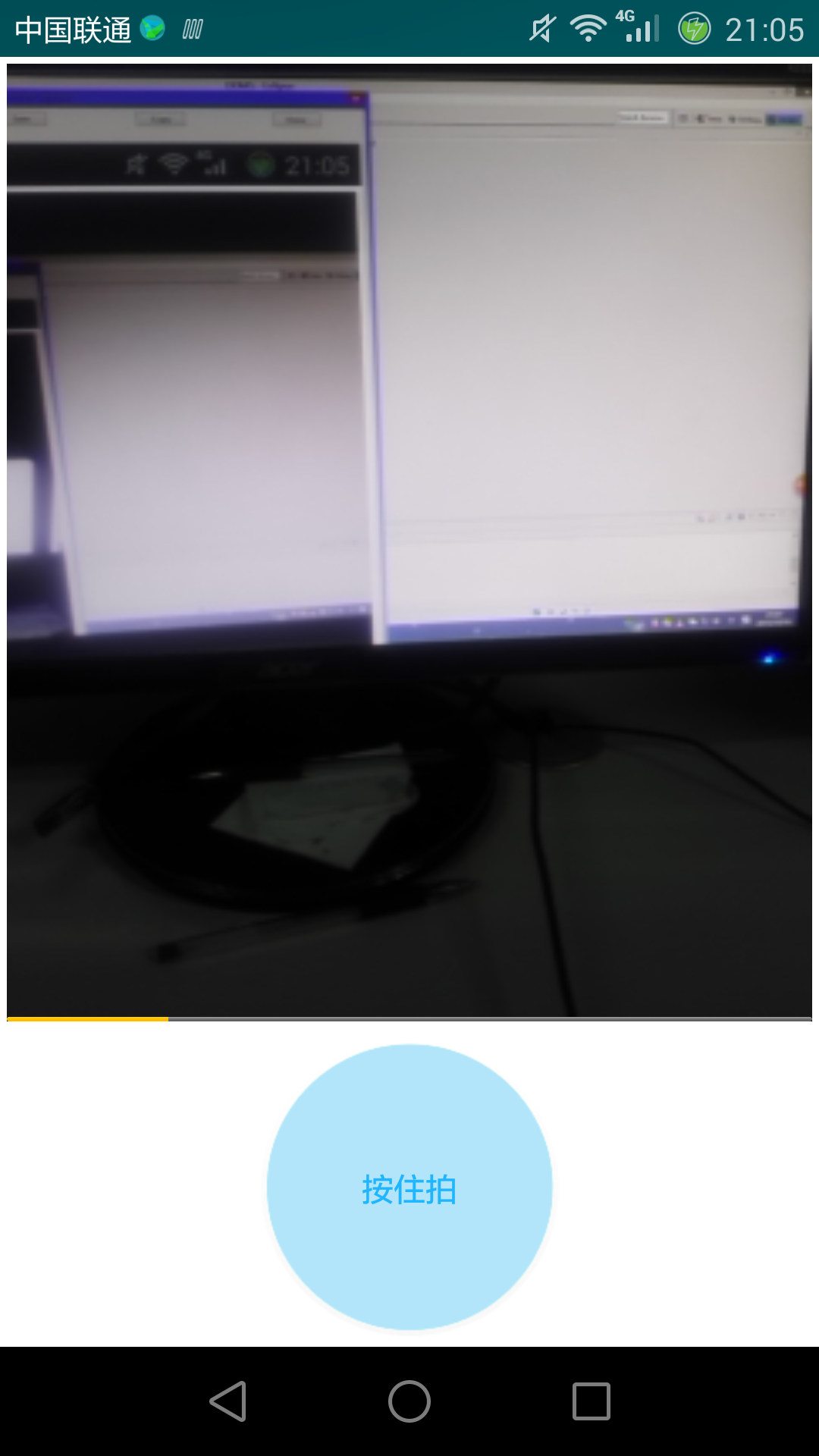 Android仿微信拍攝短視頻
近期做項目需要添加上傳短視頻功能,功能設置為類似於微信,點擊開始拍攝,設置最長拍攝時間,經過研究最終實現了這個功能,下面就和大家分享一下,希望對你有幫助。1.視頻錄制自定