編輯:關於Android編程
最近又把volley拿出來整理了下。之前沒有遇到過的一些小問題又來了,在此記錄下:
這個可以算是一個系統級的bug,為什麼這麼說,請看這裡,這個問題在java8中才得以解決。沒辦法直接過去,咱就繞過去。查看HttpUrlConnection,我們發現他是一個抽象類,因此可以試試能不能通過它的其他實現來達到我們的目的。最終我們決定使用okhttp這個實現。地址為:https://github.com/square/okhttp。
接著我們還得去看看volley的源碼,由於我們的app兼容的最低版本是4.0,因此我們知道最終調用的是HurlStack:
    public static RequestQueue newRequestQueue(Context context, HttpStack stack) {
...
        if (stack == null) {
            if (Build.VERSION.SDK_INT >= 9) {
                stack = new HurlStack();
            } else {
                // Prior to Gingerbread, HttpUrlConnection was unreliable.
                // See: http://android-developers.blogspot.com/2011/09/androids-http-clients.html
                stack = new HttpClientStack(AndroidHttpClient.newInstance(userAgent));
            }
        }
...
    }
因此我們只需要將HurlStack的相關代碼修改即可,如下:
volley.java
public static RequestQueue newRequestQueue(Context context, HttpStack stack) {
...
        if (stack == null) {
            if (Build.VERSION.SDK_INT >= 9) {
                // old way: stack = new HurlStack();
            		// http://square.github.io/okhttp/
                stack = new HurlStack(null, null, new OkUrlFactory(new OkHttpClient()));
            } else {
                // Prior to Gingerbread, HttpUrlConnection was unreliable.
                // See: http://android-developers.blogspot.com/2011/09/androids-http-clients.html
                stack = new HttpClientStack(AndroidHttpClient.newInstance(userAgent));
            }
        }
...
    }
HurlStack.java
/**
 * An {@link HttpStack} based on {@link HttpURLConnection}.
 */
public class HurlStack implements HttpStack {

    private final OkUrlFactory mOkUrlFactory;

    /**
     * @param urlRewriter Rewriter to use for request URLs
     * @param sslSocketFactory SSL factory to use for HTTPS connections
     * @param okUrlFactory solution delete body(https://github.com/square/okhttp)
     */
    public HurlStack(UrlRewriter urlRewriter, SSLSocketFactory sslSocketFactory, OkUrlFactory okUrlFactory) {
        mUrlRewriter = urlRewriter;
        mSslSocketFactory = sslSocketFactory;
        mOkUrlFactory = okUrlFactory;
    }
    /**
     * Create an {@link HttpURLConnection} for the specified {@code url}.
     */
    protected HttpURLConnection createConnection(URL url) throws IOException {
		if(null != mOkUrlFactory){
			return mOkUrlFactory.open(url);
		}
        return (HttpURLConnection) url.openConnection();
    }


    @SuppressWarnings("deprecation")
    /* package */
    static void setConnectionParametersForRequest(HttpURLConnection connection,
            Request request) throws IOException, AuthFailureError {
        switch (request.getMethod()) {
            ...
            case Method.DELETE:
                connection.setRequestMethod("DELETE");
                addBodyIfExists(connection, request);
                break;
            ...
            default:
                throw new IllegalStateException("Unknown method type.");
        }
    }

...
}
volley有完整的一套緩存機制。而目前我們想做個簡單的需求:部分界面(幾乎不會改動的)簡單的做一定時間的緩存,研究了下代碼發現很容易修改達到自己的目的(有時間在分析下volley的緩存機制,這個一定要做)。簡單來說修改一個地方:request.parseNetworkResponse中的
HttpHeaderParser(此處突然感慨volley的設計TMD靈活了,想怎麼改就怎麼改)。HttpHeaderParser修改後的代碼如下:
/**
 * 修改後的,用戶處理緩存
 */
public class BHHttpHeaderParser {

    /**
     * Extracts a {@link Cache.Entry} from a {@link NetworkResponse}.
     *
     * @param response The network response to parse headers from
     * @return a cache entry for the given response, or null if the response is not cacheable.
     */
    public static Cache.Entry parseCacheHeaders(NetworkResponse response, boolean isCustomCache) {
...
        if(isCustomCache){
        		softExpire = now + Config.HTTP_CACHE_TTL;
        } else {
	        	if (hasCacheControl) {
	            softExpire = now + maxAge * 1000;
	        } else if (serverDate > 0 && serverExpires >= serverDate) {
	            // Default semantic for Expire header in HTTP specification is softExpire.
	            softExpire = now + (serverExpires - serverDate);
	        }
        }

        Cache.Entry entry = new Cache.Entry();
        entry.data = response.data;
        entry.etag = serverEtag;
        entry.softTtl = softExpire;
        entry.ttl = entry.softTtl;
        entry.serverDate = serverDate;
        entry.responseHeaders = headers;

        return entry;
    }
...
}
此處大家可以發現,我們主要是根據自定義的變量決定如何修改cache的TTL來達到自己的目的。
以後有其他關於volley的總結都記錄在此。
 android產品研發(十三)--)App輪訓操作
上一篇文章中我們講解了android app實現長連接的幾種方式,各自的優缺點以及具體的實現,一般而言使用第三方的推送服務已經可以滿足了基本的業務需求,當然了若是對技術有
 android sqlite另類用法(對象存取)
在andorid端使用sqlite數據庫是經常的事,通常來說都是對每個屬性對應一個字段,然後分字段的來讀取,但是今天我要說的不是這樣的。我們通過對象序列化來存取。因為一個
 移動端HTML5頁面端去掉input輸入框的白色背景和邊框(兼容Android和ios)
前兩天在開發在微信訪問的HTML5頁面,裡面有個訂單查詢要選擇時間,剛開始使用的<input type="date">輸入框,沒加任何的樣
 butterknife源碼詳解
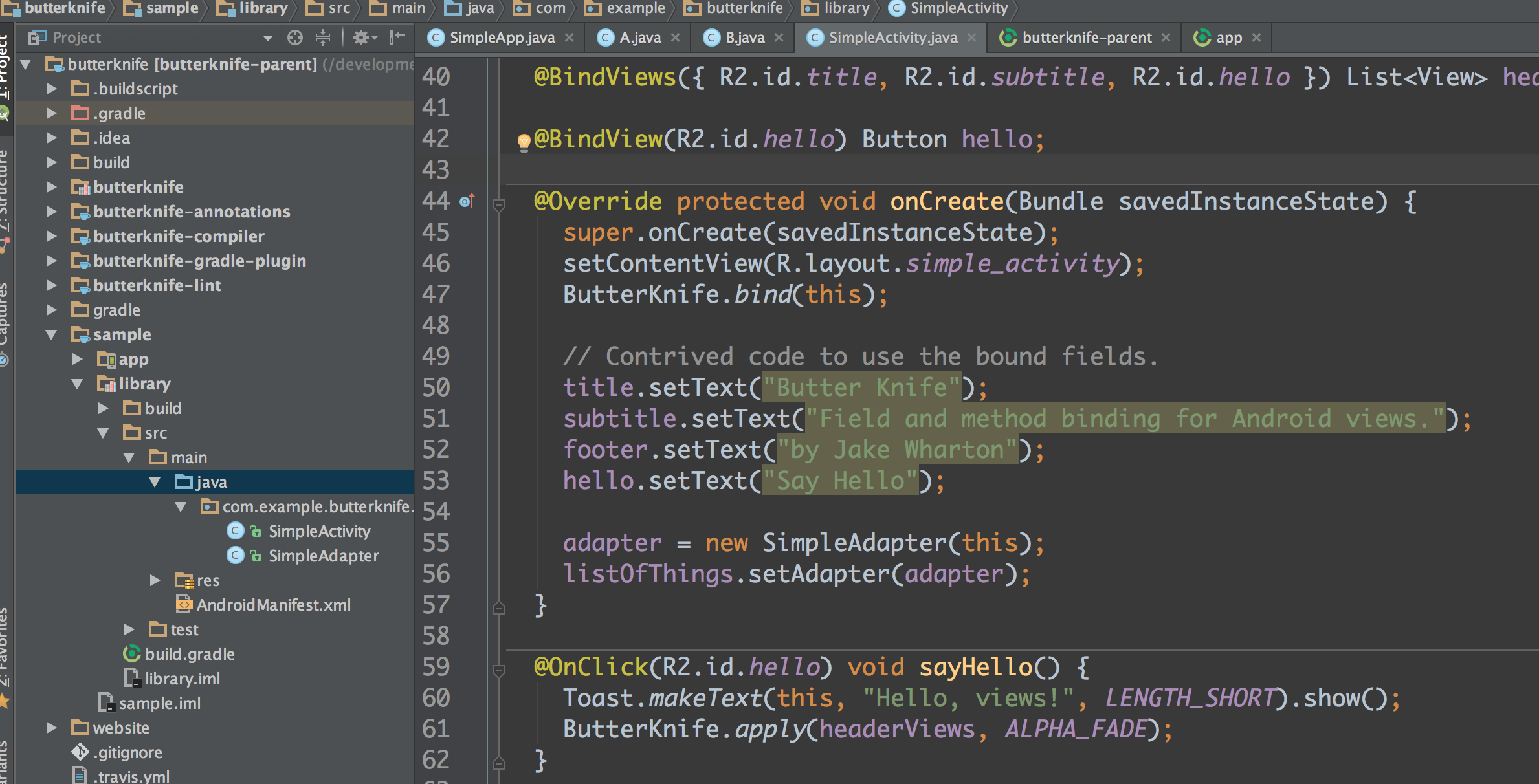
作為Android開發者,大家肯定都知道大名鼎鼎的butterknife。它大大的提高了開發效率,雖然在很早之前就開始使用它了,但是只知道是通過注解的方式實現的,卻一直沒