編輯:關於Android編程
Android設置壁紙有許多方法,主要思路有兩種:
1:通過WallpaperManager設置
2:通過系統程序設置
下文將分開說明:
該方法可以直接將圖片置為壁紙,對於所有平台的Android系統都使用,但無法裁剪/調整圖片。
try {
    WallpaperManager wpm = (WallpaperManager) getActivity().getSystemService(
                Context.WALLPAPER_SERVICE);

    if (wallpaper != null) {
       wpm.setBitmap(bitmap);
       Log.i("xzy", "wallpaper not null");
    }
} catch (IOException e) {
    Log.e(TAG, "Failed to set wallpaper: " + e);
}
AndroidManifest.xml中需要申明權限:
通過系統應用設置的優點是可以裁剪圖片,設置後的壁紙效果最好,操作體驗和平台保持一致。並且該方法不許要申明權限
可行的方法有兩種
1:調用系統裁剪Activity,通過裁剪Activity設置壁紙:
            Intent intent = new Intent("com.android.camera.CropImage");
            int width = getActivity().getWallpaperDesiredMinimumWidth();
            int height = getActivity().getWallpaperDesiredMinimumHeight();
            intent.putExtra("outputX",         width);
            intent.putExtra("outputY",         height);
            intent.putExtra("aspectX",         width);
            intent.putExtra("aspectY",         height);
            intent.putExtra("scale",           true);
            intent.putExtra("noFaceDetection", true);
            intent.putExtra("setWallpaper",    true);
            intent.putExtra("data", ((BitmapDrawable) wallpaper).getBitmap());
            startActivity(intent);
該方法有一個弊端,com.android.camera.CropImage是一個可選Action,而非標准Action,因此並分所有Android設備都支持該API,許多設備會出現ActivityNotFoundException.
2.調用系統的Intent.ACTION_ATTACH_DATA,該Intent會喚起所有的設置壁紙程序以及設置聯系人頭像程序,用戶可以通過ChooseActivity進行選擇:
該Intent是一個標准Intent,因此所有設置都會支持。
                Intent intent = new Intent(Intent.ACTION_ATTACH_DATA);
                intent.addFlags(Intent.FLAG_GRANT_READ_URI_PERMISSION);
                intent.putExtra("mimeType", "image/*");
                Uri uri = Uri.parse(MediaStore.Images.Media
                        .insertImage(getActivity().getContentResolver(),
                                ((BitmapDrawable) wallpaper).getBitmap(), null, null));
                intent.setData(uri);
                startActivityForResult(intent, SET_WALLPAPER);
作者:xzy2046,轉載需注明。博客主頁:http://blog.csdn.net/xzy2046
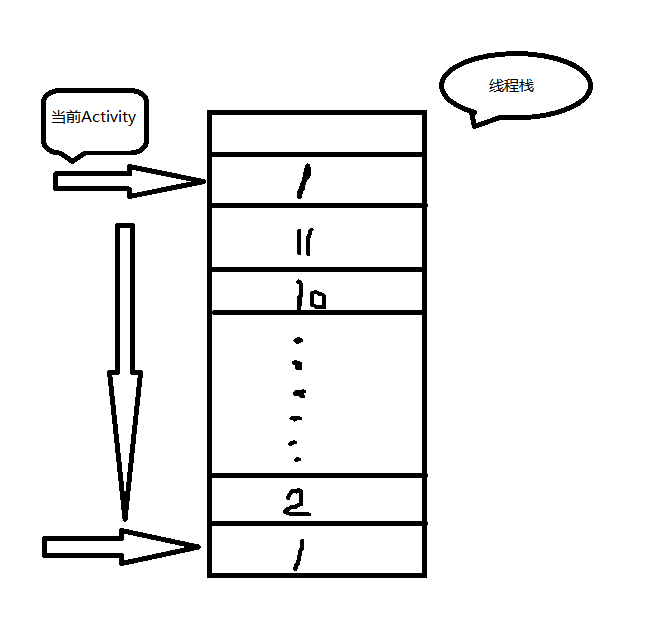 怎樣防止App在後台運行,點擊應用桌面圖標重新啟動?
在項目中,遇到一個問題百思不得其解,那就是:我在app使用過程中,點擊了home鍵,然後去看看微信之類的其他應用,這個時候再點擊app桌面的圖標,這個時候app是重新啟動
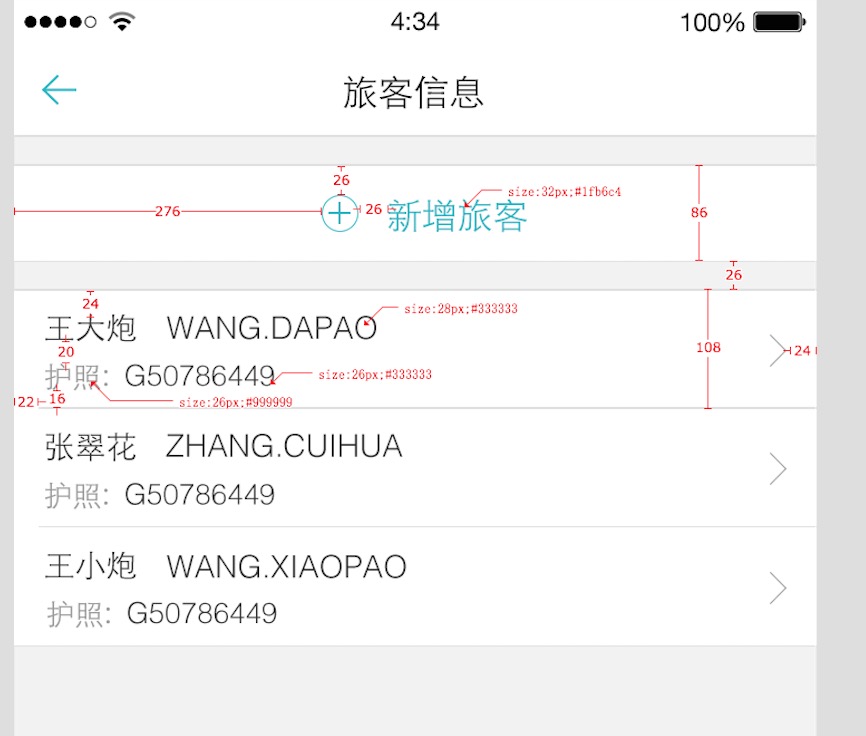 Android AutoLayout全新的適配方式 堪稱適配終結者
一、概述相信Android的開發者對於設配問題都比較苦惱,Google官方雖然給出了一系列的建議,但是想要單純使用這些建議將設備很輕松的做好,還是相當困難的
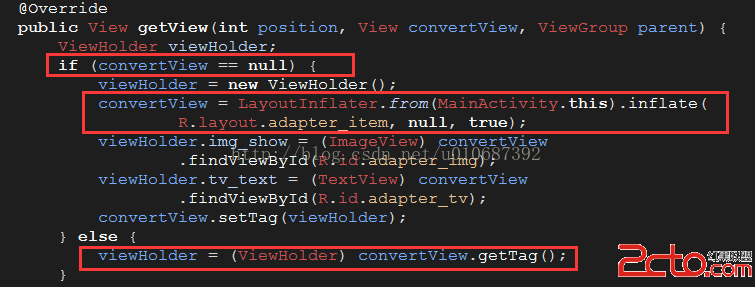 Android性能優化之Listview(ViewHolder重用機制)
相信大家在很多時候都會用到ListView這個控件,因為確實是用的很多很多,但是有木有遇到過當數據很多很多的時候,往下滑ListView時有時候會卡頓,這就需要我們來優化
 Android actionBar與Fragment結合使用Demo
本文介紹ActionBar與Fragment結合使用的一個實例,ActionBar是一個標識應用程序和用戶位置的窗口功能,並且給用戶提供操作和導航模式。 Actio