編輯:關於Android編程
首先介紹功能,我要實現動態加載布局的效果,之前是采用的new組件的辦法來實現,但是android內存有限,new的對象會達到500多個,為了減少new的對象,我決定使用xml布局代替new的對象。
自定義控件的布局:
public class ViewMY extends LinearLayout{
	public ViewMY(Context context) {
		super(context);
		LayoutInflater mInflater = (LayoutInflater) context.getSystemService(Context.LAYOUT_INFLATER_SERVICE);
		View v = mInflater.inflate(R.layout.activity_main, null);
		this.addView(v);
	}

	public ViewMY(Context context, AttributeSet attrs) {
		super(context, attrs);

	}
	@Override
	public void setLayoutParams(android.view.ViewGroup.LayoutParams params) {
		//參數設置不合理,顯示效果很差
		params.width=300;
		params.height=100;
		super.setLayoutParams(params);
	}
}MainActivity:
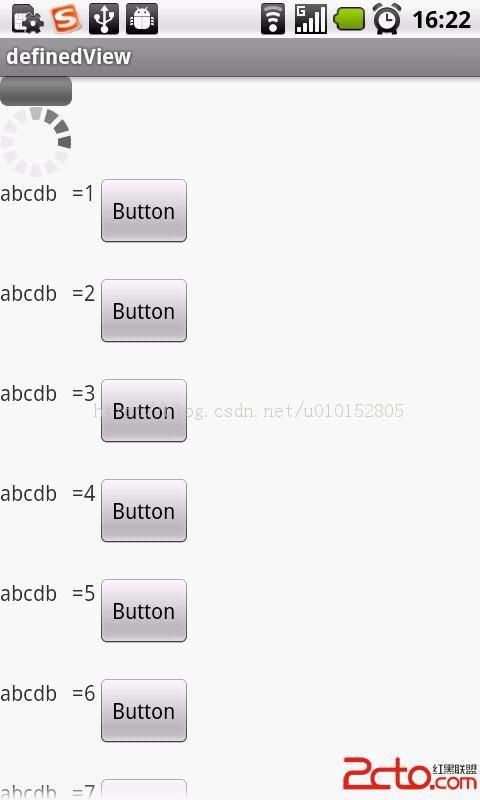
開啟一條線程定時發送消息,來模擬加載組件的效果,自定義組件使用ScrollView展示,注意,這裡ScrollView內部必須要有 一個子布局。把自定義控件new出來添加到子布局中。就可以實現每隔5秒中產生一個控件並設置相對應的參數。
public class MainActivity extends Activity {

	private Handler handler = new Handler(){
		public void handleMessage(Message msg) {
			if(msg.what==1){
				ViewMY v = new ViewMY(MainActivity.this);
				TextView tv = (TextView) v.findViewById(R.id.textView1);
				tv.setText("abcdb   ="+count);
				v.setLayoutParams(new LayoutParams(LayoutParams.MATCH_PARENT,600));
				ll.addView(v);
			}
		};
	};
	private ScrollView sv;
	private LinearLayout ll;
	int count=0;
	boolean isRun;
	@Override
	protected void onCreate(Bundle savedInstanceState) {
		super.onCreate(savedInstanceState);
		setContentView(R.layout.main_activity);
		sv = (ScrollView) findViewById(R.id.scrollView1);
		ll = (LinearLayout) findViewById(R.id.scrollView1_layout);
		isRun=true;
		new Thread(new Runnable() {

			@Override
			public void run() {
				while(isRun){
					try {
						Thread.sleep(5000);
					} catch (InterruptedException e) {
						e.printStackTrace();
					}
					handler.sendEmptyMessage(1);
					count++;
					if(count==10){
						isRun=false;
					}
				}
			}
		}).start();
	}
}
 Android動畫總結(屬性動畫,補間動畫,幀動畫)
動畫分類Android中動畫大概分為3類:TweenAnimation(補間動畫)TranslateAnimation ScaleAnimation RotateAnim
 android 自定義dialog初探
1,創建dialog的布局,如 2,在style中聲明如下風格 1
 android之三種方式解析xml(dom,sax,pull)
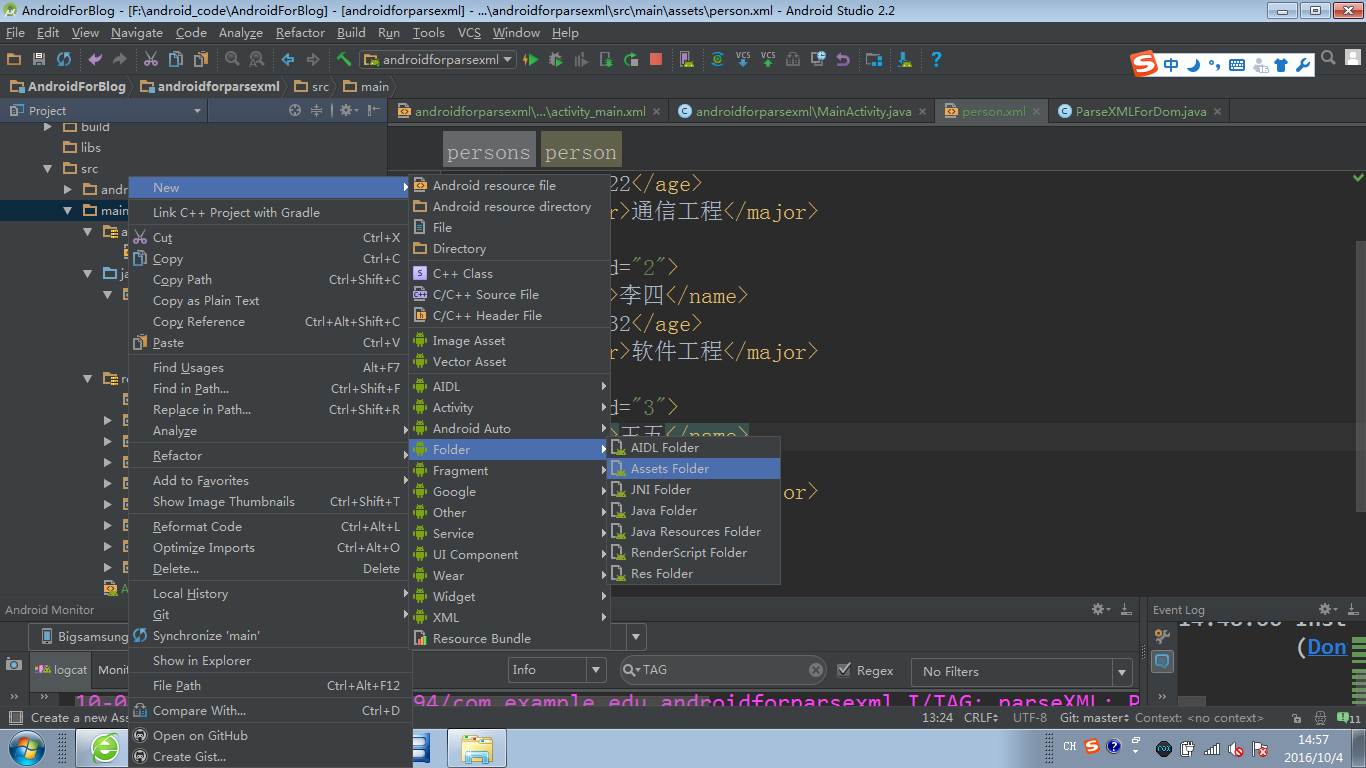
dom 我的理解就是先把整個文檔讀取到內存中,然後才解析,讀取大點的文件的話這樣效率就會很低。而 sax和pull 它們是基於事件解析的。一行一行去解析,效率會高點。下面
 高德地圖查看街景方法 手機高德地圖怎麼看街景
手機高德地圖怎麼看街景呢?高德地圖查看街景方法是什麼呢?下面,小編來教教大家如何利用手機高德地圖來看街景。高德地圖app查看街景方法第一步、打開手機版【高德