編輯:關於Android編程
主界面上是兩個EditText和一個按鈕。用於輸入兩個數字參數。
calcute.xml:
<?xml version="1.0" encoding="utf-8"?>
<LinearLayout xmlns:android="http://schemas.android.com/apk/res/android"
    android:layout_width="fill_parent"
    android:layout_height="wrap_content"
    android:orientation="vertical"
    android:gravity="center">

    <LinearLayout
        android:layout_width="fill_parent"
        android:layout_height="wrap_content"
        android:orientation="horizontal"
        android:gravity="center"
        >

        <EditText
            android:id="@+id/factory1"
            android:layout_height="wrap_content"
            android:layout_width="100dip"
            />
        <TextView
            android:layout_width="50dip"
            android:layout_height="wrap_content"
            android:text="X"
            android:layout_marginLeft="30dip"
            />
         <EditText
             android:id="@+id/factory2"
             android:layout_height="wrap_content"
             android:layout_width="100dip"
             />
    </LinearLayout>
    <Button
        android:id="@+id/calute"
        android:layout_width="wrap_content"
        android:layout_height="wrap_content"
        android:text="計算"
        />

</LinearLayout>
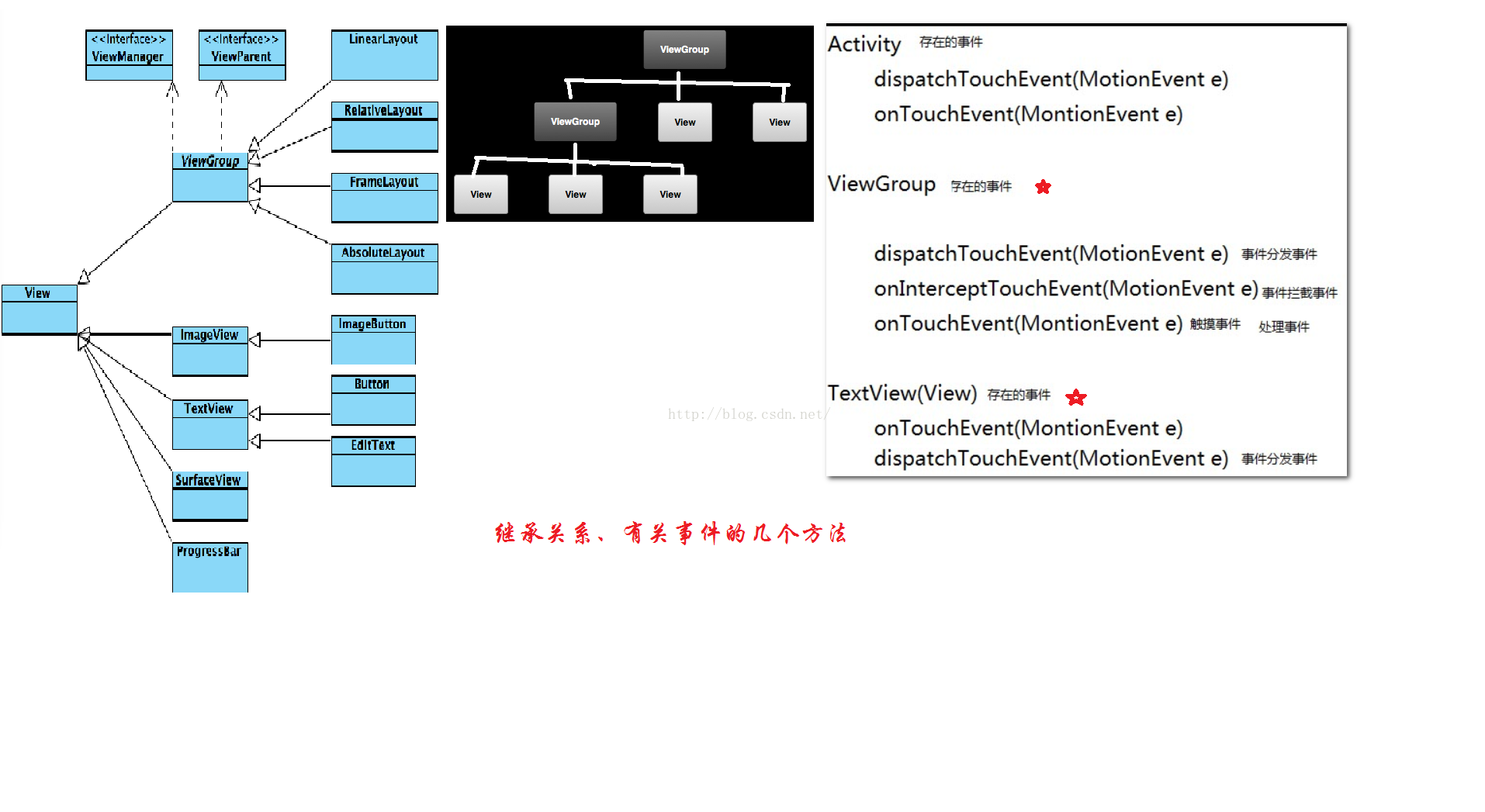 Android事件分發傳遞回傳機制詳解
如果想參與實際開發項目,若不理解事件分發回傳機制的話,幾乎等於“”摸黑抓鳅”,因為幾乎每個項目都會出現滑動沖突問題;而要想解決滑動沖突
 Android開發之模仿微信打開網頁的進度條效果(高仿)
一,為什麼說是真正的高仿? 闡述這個問題前,先說下之前網上的,各位可以復制這段字,去百度一下 仿微信打開網頁的進度條效果 ,你會看到有很多類似的文章,不過他
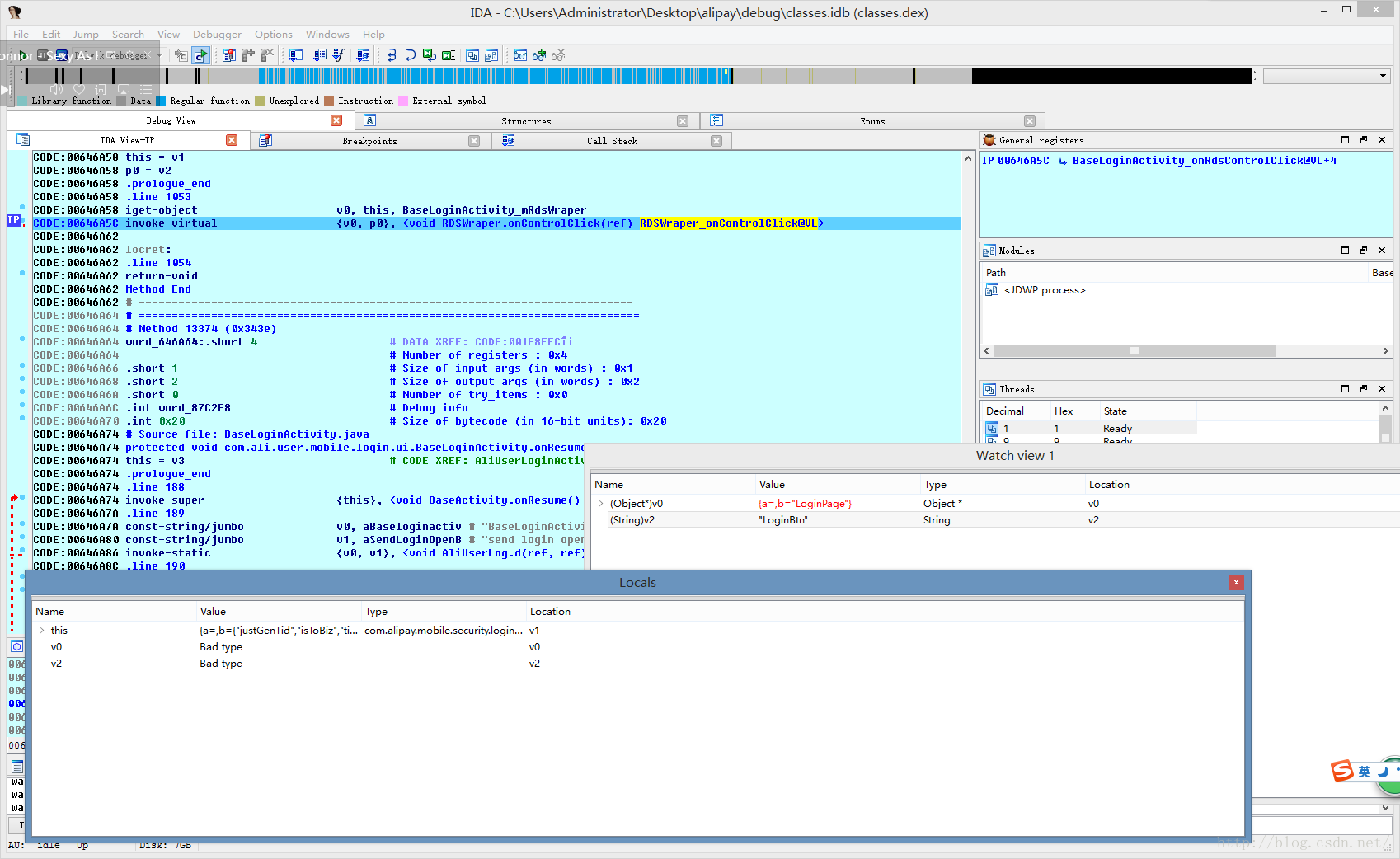 Android應用逆向——最好用的兩個無源碼調試器
要逆向分析並修改一個Android應用,首先是對APK進行解包和打包,這一部分網上資料鋪天蓋地,不再贅述了。值得一提的一點就是,如果apktool無法解包或打包的話,可以
 Android實現多線程下載文件的方法
本文實例講述了Android實現多線程下載文件的方法。分享給大家供大家參考。具體如下:多線程下載大概思路就是通過Range 屬性實現文件分段,然後用RandomAcces