編輯:關於Android編程

minSdkVersion 18
在build.gradle添加對Uiautomator的依賴
dependencies {
    compile fileTree(include: ['*.jar'], dir: 'libs')
    androidTestCompile('com.android.support.test.espresso:espresso-core:2.2.2', {
        exclude group: 'com.android.support', module: 'support-annotations'
    })
    compile 'com.android.support:appcompat-v7:25.1.0'
    testCompile 'junit:junit:4.12'

    //uiautomator
    androidTestCompile 'com.android.support.test.uiautomator:uiautomator-v18:2.1.0'
}
隨便寫了個demo
xml:
Activity:
private int clicks=0;

    @Override
    protected void onCreate(Bundle savedInstanceState) {
        super.onCreate(savedInstanceState);
        setContentView(R.layout.activity_main);

        final TextView textView= (TextView) findViewById(R.id.textView);

        findViewById(R.id.button).setOnClickListener(new View.OnClickListener() {
            @Override
            public void onClick(View v) {
                textView.setText("click: " + clicks);
                clicks++;
            }
        });
    }
在androidTest下,添加測試類。

測試代碼:
public class MainTest extends UiAutomatorTestCase {

    public void testMain() throws UiObjectNotFoundException {
//        getUiDevice().pressHome();
//        UiObject Calculator = new UiObject(new UiSelector().description("計算器"));
//
//        Calculator.clickAndWaitForNewWindow();
//        UiObject seven = new UiObject(new UiSelector().resourceId("com.android.calculator2:id/digit7"));
//        seven.click();
//        UiObject plus = new UiObject(new UiSelector().resourceId("com.android.calculator2:id/plus"));
//        plus.click();
//        UiObject one = new UiObject(new UiSelector().resourceId("com.android.calculator2:id/digit1"));
//        one.click();
//        UiObject result = new UiObject(new UiSelector().resourceId("com.android.calculator2:id/equal"));
//        result.click();
//        getUiDevice().pressBack();

        getUiDevice().pressHome();

        Context context = InstrumentationRegistry.getContext();
        Intent launchIntent = new Intent();
        launchIntent.setComponent(new ComponentName("app.test.myapplication", "app.test.myapplication.MainActivity"));
        context.startActivity(launchIntent);

        UiObject main = new UiObject(new UiSelector().resourceId("app.test.myapplication:id/button"));
        main.click();
    }
}
相關的類:
異常:

官網–Uiautomator
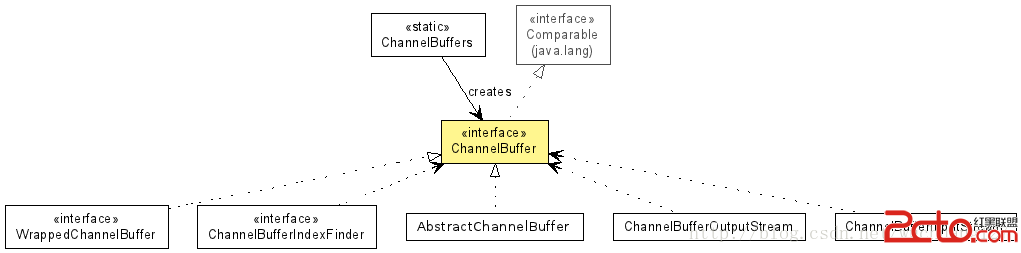 Android 基於Netty的消息推送方案之字符串的接收和發送(三)
在上一篇文章中《Android 基於Netty的消息推送方案之概念和工作原理(二)》 ,我們介紹過一些關於Netty的概念和工作原理的內容,今天我們先來介紹一個叫做Cha
 Android提高之多級樹形菜單的實現方法
一般來說在Android裡要實現樹形菜單,都是用ExpandableList(也有高手自己繼承ListView或者LinearLayout來做),但是Expandable
 不怕應用名字亂 在手機端輕松給APK重命名
很多Android手機用戶都喜歡收集APK安裝包並保存在存儲卡內。可是,網上下載的APK大都以英文或亂碼命名,管理起來好不麻煩。那麼,無需借助PC,我們能否
 【首發】AndroidStudio配置JavaCV環境
由於最近參加一個比賽需要用到人臉識別,但賽方限制使用第三方服務商提供的API雲服務調用,因此想到了使用javacv來實現,但通過百度、google搜索發現所有的教程都是在