編輯:Android開發教程
環境: Android 0.5.2 + gradle 1.11 + kindle fire
Download, 下載項目, 從Internet上下載資源, 並存入本地SD卡.
點擊Download按鈕, 下載圖片, 然後顯示下載內容, 可以點擊查看.
Download的具體設計:
1. 修改activity_main.xml
位置: res->layout->activity_main.xml
<RelativeLayout xmlns:android="http://schemas.android.com/apk/res/android"
    xmlns:tools="http://schemas.android.com/tools"
    android:layout_width="match_parent"
    android:layout_height="match_parent"
    android:paddingLeft="@dimen/activity_horizontal_margin"
    android:paddingRight="@dimen/activity_horizontal_margin"
    android:paddingTop="@dimen/activity_vertical_margin"
    android:paddingBottom="@dimen/activity_vertical_margin"
    tools:context="mzx.spike.download.app.MainActivity">

    <Button
        android:id="@+id/download_button"
        android:layout_width="match_parent"
        android:layout_height="wrap_content"
        android:text="Download" />

    <TextView
        android:text="@string/hello_world"
        android:layout_width="wrap_content"
        android:layout_height="wrap_content"
        android:layout_below="@id/download_button"  />

</RelativeLayout>
添加一個按鈕(Button), 使"hello_world"在其下方, 使用layout_below屬性;
2. 修改AndroidManifest.xml
位置: main->AndroidManifest.xml
<?xml version="1.0" encoding="utf-8"?>
<manifest xmlns:android="http://schemas.android.com/apk/res/android"
    package="mzx.spike.download.app" >

    <uses-permission android:name="android.permission.INTERNET" />
    <uses-permission android:name="android.permission.WRITE_EXTERNAL_STORAGE" />

    <application
        android:allowBackup="true"
        android:icon="@drawable/ic_launcher"
        android:label="@string/app_name"
        android:theme="@style/AppTheme" >
        <activity
            android:name="mzx.spike.download.app.MainActivity"
            android:label="@string/app_name" >
            <intent-filter>
                <action android:name="android.intent.action.MAIN"  />

                <category android:name="android.intent.category.LAUNCHER"  />
            </intent-filter>
        </activity>
    </application>

</manifest>
需要INTERNET, 連接互聯網的權限; WRITE_EXTERNAL_STORAGE, 寫入存儲器的權限;
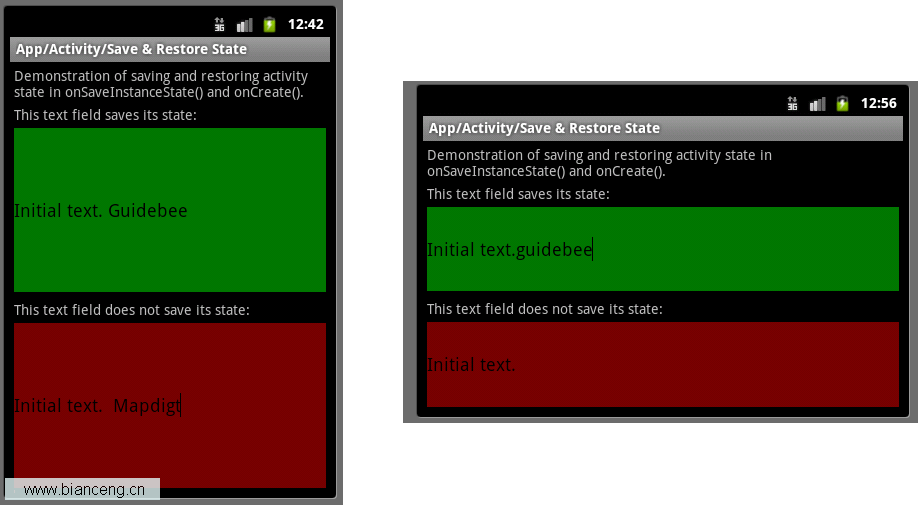 Android ApiDemos示例解析(14) App->Activity->Save & Restore State
Save & Restore State與之前的例子Android ApiDemo示例解析(9):App->Activity->Persistent
 Android版Chrome支持更快的安全加密算法
谷歌最近通過控制浏覽器及其訪問的站點來加速Android平台安全網頁的浏覽——谷歌anti-abuse研究團隊主管Elie Bursztein在本
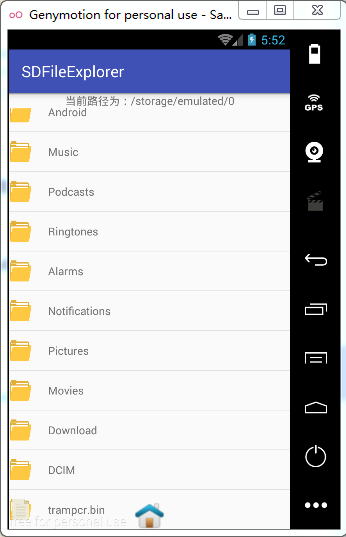 Android數據存儲之File文件儲存數據
Android數據儲存之File文件儲存數據 一.存儲在內部還是外部? AndroidManifest.xml中manifest標簽下有一個屬性andro
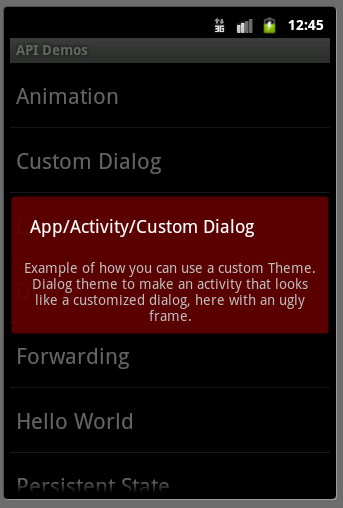 Android ApiDemos示例解析(4) App->Activity->Custom Dialog
App->Activity->Custom Dialog 例子使用Activity 來實現自定義對話框。 類CustomDialogActivity本身無任何
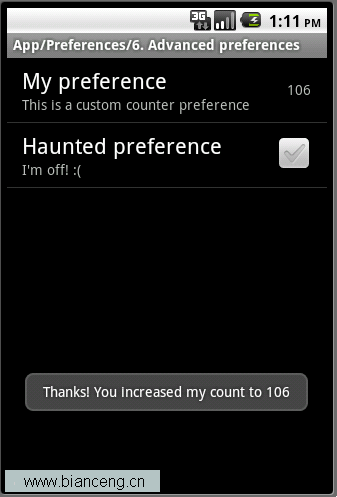 Android ApiDemos示例解析(31):App->Preferences->Launching preferences
前給例子介紹了如何使用PreferenceActivity 來顯示修改應