

編輯:關於 Android 程式設計
起步(Starting)
建立手勢密碼可參考 CreateGestureActivity.java 檔案;登入時驗證手勢密碼則可參考 GestureLoginActivity.java 檔案。
功能特色(Features)
本範例使用了 JakeWharton/butterknife(ButterKnife)做視圖綁定,並使用 ACache 來儲存手勢密碼。
/** * 保存手勢密碼 */ private void saveChosenPattern(List<LockPatternView.Cell> cells) { byte[] bytes = LockPatternUtil.patternToHash(cells); aCache.put(Constant.GESTURE_PASSWORD, bytes); } 注意(Warning):使用 ACache 類別保存密碼並非永久保存,具體保存期限請參閱 ACache 類別的說明。
密碼保存時採用 SHA 演算法雜湊處理:
/** * Generate an SHA-1 hash for the pattern. * Not the most secure, but it is at * least a second level of protection. First level is that the file is in a * location only readable by the system process.* * @param pattern * @return the hash of the pattern in a byte array. */ public static byte[] patternToHash(List<LockPatternView.Cell> pattern) { if (pattern == null) { return null; } else { int size = pattern.size(); byte[] res = new byte[size]; for (int i = 0; i < size; i++) { LockPatternView.Cell cell = pattern.get(i); res[i] = (byte) cell.getIndex(); } MessageDigest md = null; try { md = MessageDigest.getInstance("SHA-1"); return md.digest(res); } catch (NoSuchAlgorithmException e) { e.printStackTrace(); return res; } } } 值得一提的是,這裡先把每個節點的 index 轉成 byte 陣列,再用 SHA-1 雜湊,屬於第二層保護;第一層則是檔案存放在只有系統程序能讀取的位置。
此外還可以開啟震動回饋模式——當選中一個節點時,手機會震動:
/** * Set whether the view will use tactile feedback. *If true, there will be * tactile feedback as the user enters the pattern. * @param tactileFeedbackEnabled Whether tactile feedback is enabled */ public void setTactileFeedbackEnabled(boolean tactileFeedbackEnabled) { mEnableHapticFeedback = tactileFeedbackEnabled; } 也可以開啟繪製路徑隱藏模式(隱身模式):
/** * Set whether the view is in stealth mode. If true, there will be no * visible feedback as the user enters the pattern. * @param inStealthMode Whether in stealth mode. */public void setInStealthMode(boolean inStealthMode) { mInStealthMode = inStealthMode; } 示例(Example)
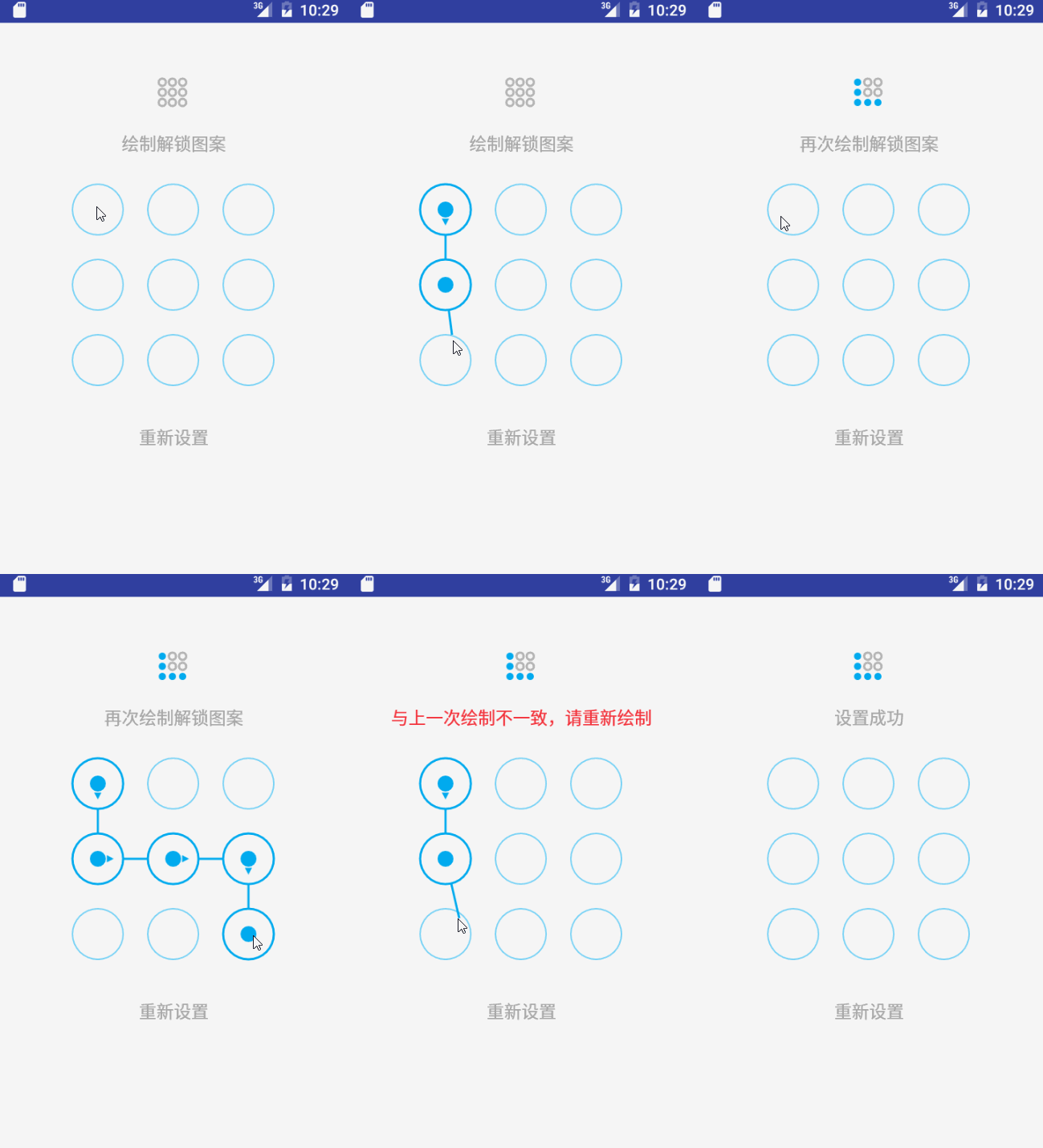
以上就是本文的全部內容,希望對你在實作手勢密碼解鎖時有所幫助。
 Android 經典面試題知識點總結(未完待續)
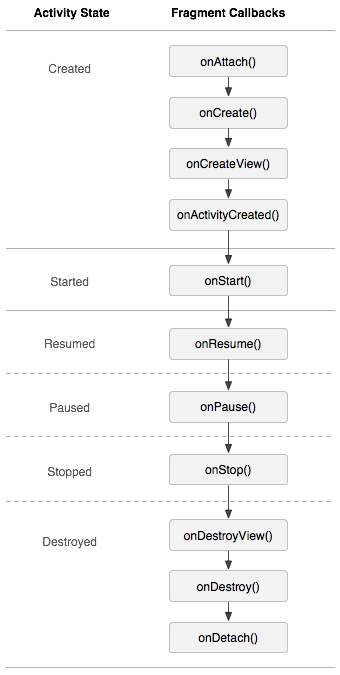
本文整理了 Android 面試中常見的一批核心知識點,涵蓋生命周期、四大組件、Handler 機制、性能優化與數據存儲等,適合複習鞏固。 1. Fragment 生命
 深入淺出 Java 反射:核心概念、常見用途與限制
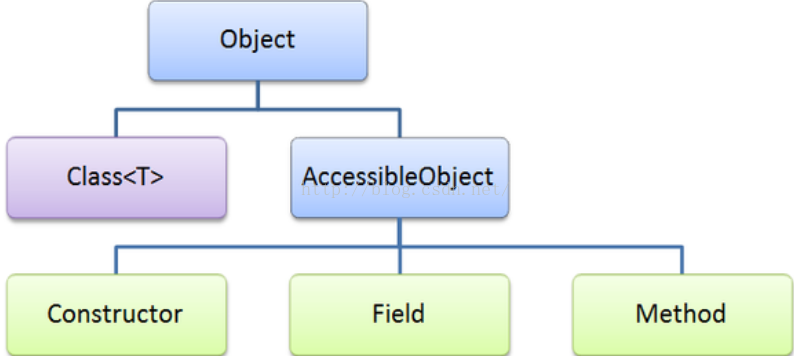
反射是 Java 與 Android 開發中常見的動態機制。它允許程式在執行期取得類別資訊、建立物件、呼叫方法,甚至存取私有成員。本文用深入淺出的方式整理反射的核心概念、
 Android 用 AnimationDrawable 輕鬆模擬動態圖
Drawable animation 是 Android 做逐幀動畫最省力的方式:把一張張連續的圖當作影格,依序播放就成了動畫。核心類別是 AnimationDrawab
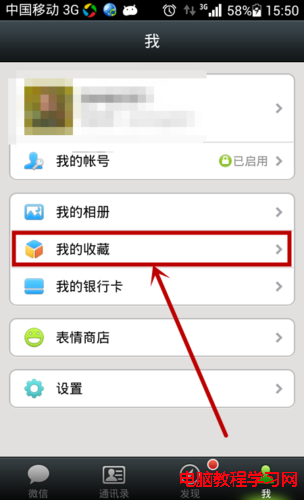 微信收藏如何導出到電腦?兩種方法整理
若想備份微信收藏內容,可嘗試以下兩種方式。方法一:複製本機資料圖片通常位於 Tencent/MicroMsg/camera;文件則位於 sdcard 的 Tencent/