

編輯:關於 Android 程式設計
在 Android 開發中,經常會用到帶文字和圖片的按鈕。下面介紹如何使用 RadioButton 實現圖片和文字的上下布局(或左右布局),代碼非常簡單,就不多做解釋了。
布局文件用來展示 RadioButton 的使用方法:
<?xml version="." encoding="utf-"?> <RelativeLayout xmlns:android="https://schemas.android.com/apk/res/android" android:layout_width="match_parent" android:layout_height="match_parent" android:orientation="vertical" > <RadioButton android:layout_width="wrap_content" android:layout_height="wrap_content" android:layout_centerInParent="true" android:button="@null" android:drawableTop="@drawable/ic_launcher" android:text="Test Button" /> </RelativeLayout>
效果圖如下:
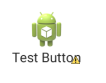
這裡的關鍵在於 android:button="@null" 去掉系統默認的單選按鈕,再用 android:drawableTop 把圖片放在文字上方,從而實現圖文上下排列的效果。以上代碼沒有添加注釋,相信大家都能看懂;如有任何問題,歡迎留言交流。
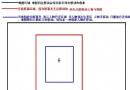 Android 遊戲開發:主角移動與地圖平滑滾動,含卡馬克地圖緩衝演算法
RPG 的地圖通常遠大於手機螢幕,因此「角色走到哪裡、畫面就跟到哪裡」是必解的題目。本篇說明地圖滾動的原理與實作,並進一步介紹卡馬克(Carmack)地圖緩衝演算法——一
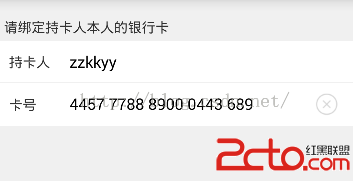 Android 自定義控件案例:銀行卡號分隔與清空圖標
案例效果 本案例實作一個自定義 EditText,支援銀行卡號每四位自動以空格分隔,並在輸入框右側顯示清空圖標。 需求分析 銀行卡號需要即時格式化,方便使用者核對。清
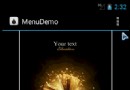 Android 仿微信選單效果:C# 與 Java 雙版本實作對照
本篇示範以程式化方式建立選單,同時提供 C#(Xamarin.Android)與 Java 兩種寫法。由於兩邊呼叫的原生 API 完全相同,邏輯寫法幾乎一致,讀者可以互相
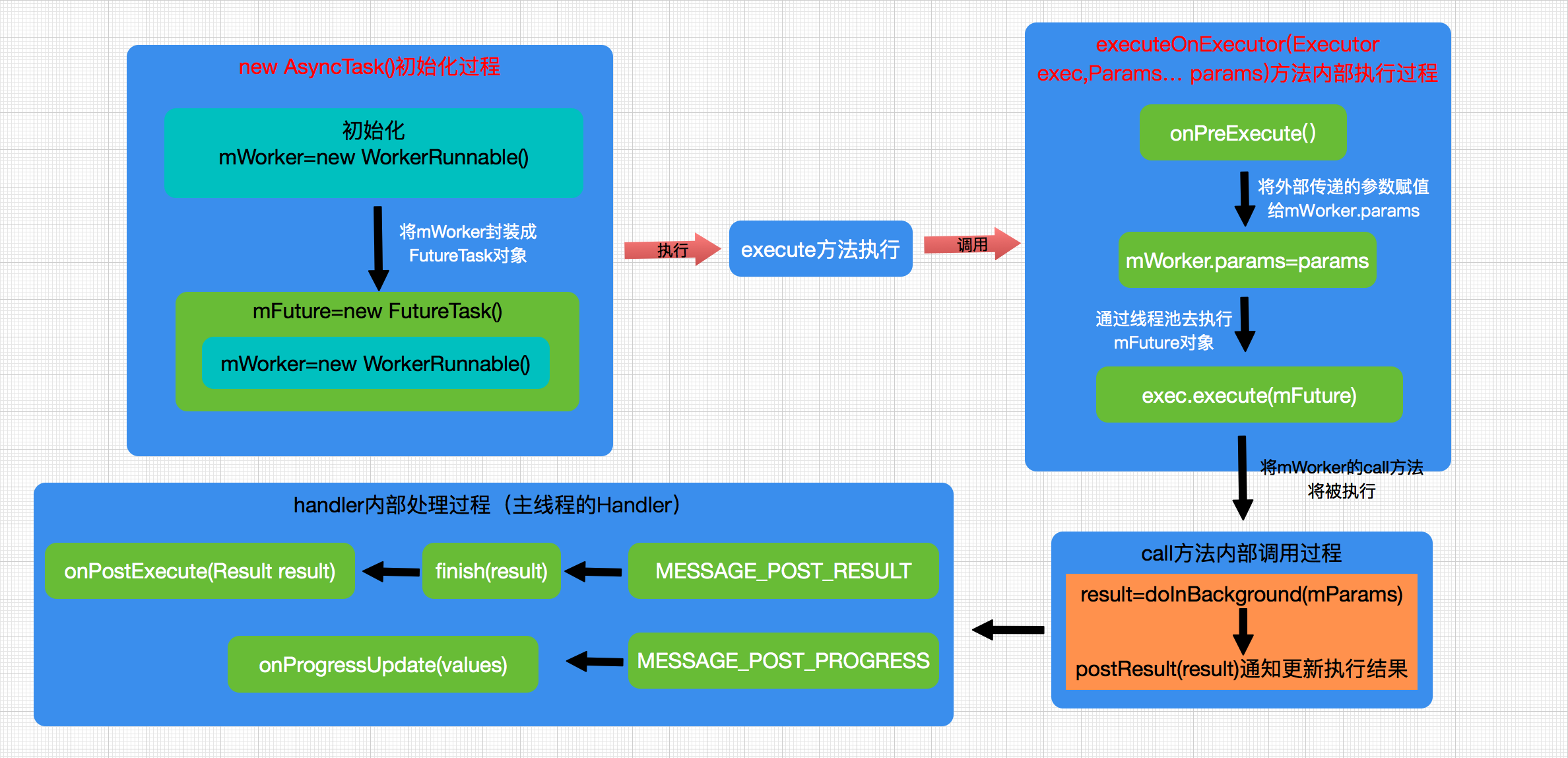 Android 多線程之 AsyncTask 工作原理深度解析(下):源碼全剖析
上一篇我們梳理了 AsyncTask 的基本用法以及不同 Android 版本下的區別,本篇則要徹底拆解 AsyncTask 的內部工作原理。正式開始前,先補充一個多線程