

編輯:關於 Android 程式設計
核心只有一句:BitmapFactory.decodeStream()。把網絡流直接交給它解碼,就能拿到 Bitmap 對象。
public static Bitmap getBitmapFromServer(String imagePath) {

    HttpGet get = new HttpGet(imagePath);
    HttpClient client = new DefaultHttpClient();
    Bitmap pic = null;
    try {
        HttpResponse response = client.execute(get);
        HttpEntity entity = response.getEntity();
        InputStream is = entity.getContent();

        // 關鍵:直接把流交給 BitmapFactory 解碼
        pic = BitmapFactory.decodeStream(is);

    } catch (ClientProtocolException e) {
        e.printStackTrace();
    } catch (IOException e) {
        e.printStackTrace();
    }
    return pic;
}
其中 imagePath 是圖片在服務器上的完整地址。
imageView.setImageBitmap(bitmap);
1. 網絡請求不能放在 UI 線程。Android 4.0 之後拋 NetworkOnMainThreadException,需配合線程、AsyncTask 或 Handler 使用。
2. InputStream 用完要關閉,建議用 try-with-resources 或 finally 顯式關流,否則容易洩露連接。
3. 大圖直接 decodeStream 極易 OOM。實用做法是先用 BitmapFactory.Options 的 inJustDecodeBounds 讀取尺寸,再按目標顯示大小計算 inSampleSize 做降採樣。
4. 高頻加載場景(如列表縮略圖)應引入內存緩存與磁盤緩存,避免反覆網絡請求。
5. 上述 HttpClient / DefaultHttpClient 已在較新版本 Android 中被標記為廢棄,新項目建議改用 HttpURLConnection 或 OkHttp。
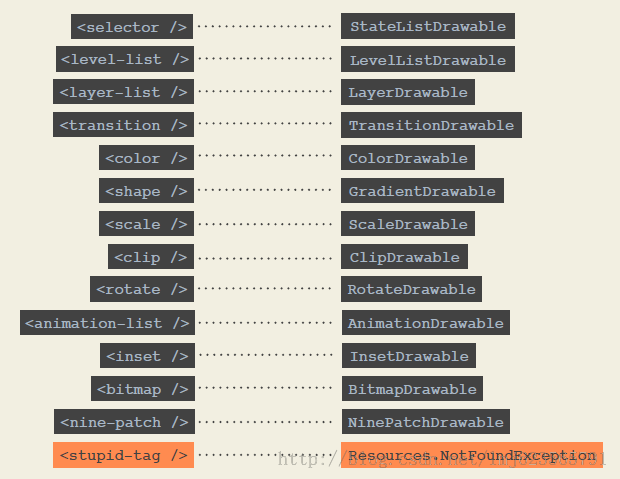 Android Drawable 的高效玩法:自定義、狀態與性能優化
一、概述 Drawable 在日常開發中幾乎無處不在,而且非常實用。那它到底是什麼?簡單說,就是能畫在 canvas 上的東西。相比 View,它無需操心 measure
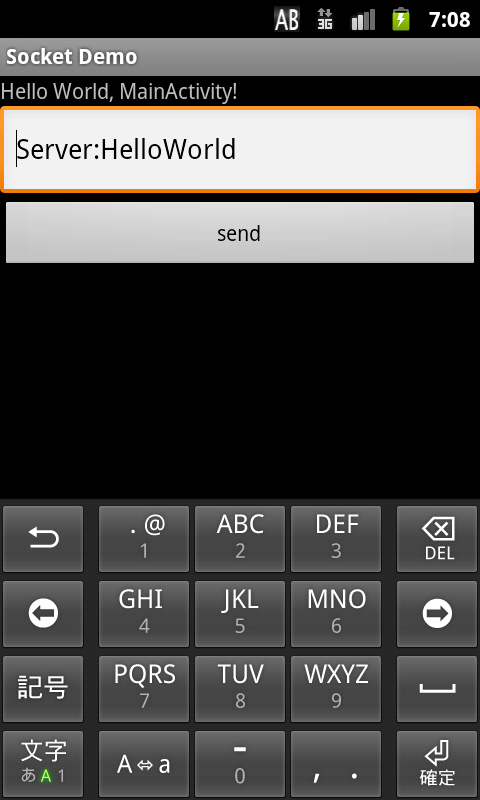 談談 Android 的三種網路通信方式
Android 平台主要提供三套網路 API:java.net.*(標準 Java 介面)、org.apache 介面,以及 android.net.*(Android
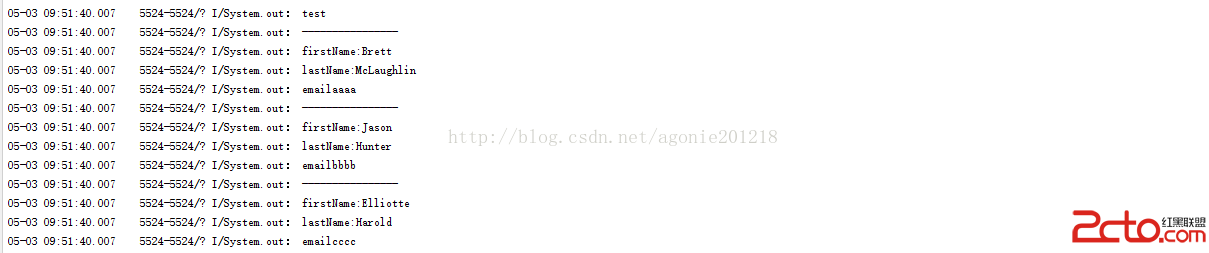 Android 中的 JSON 應用:從 assets 讀取到程式動態組裝
JSON 大概是 Android 裡最常打交道的資料格式,無論是解析本地設定檔還是承接伺服器回傳,都離不開它。本文把讀與寫兩件事各做一遍。 一、讀取 assets 裡的
 ListView 下拉刷新與上拉加載的多種實現方案
ListView 的下拉刷新與上拉加載,是許多應用都會遇到的需求。以下整理四種常見實現思路,從完全自定義到成熟第三方庫,方便依專案情境選擇。 一、自定義 View 實現