

編輯:關於 Android 程式設計
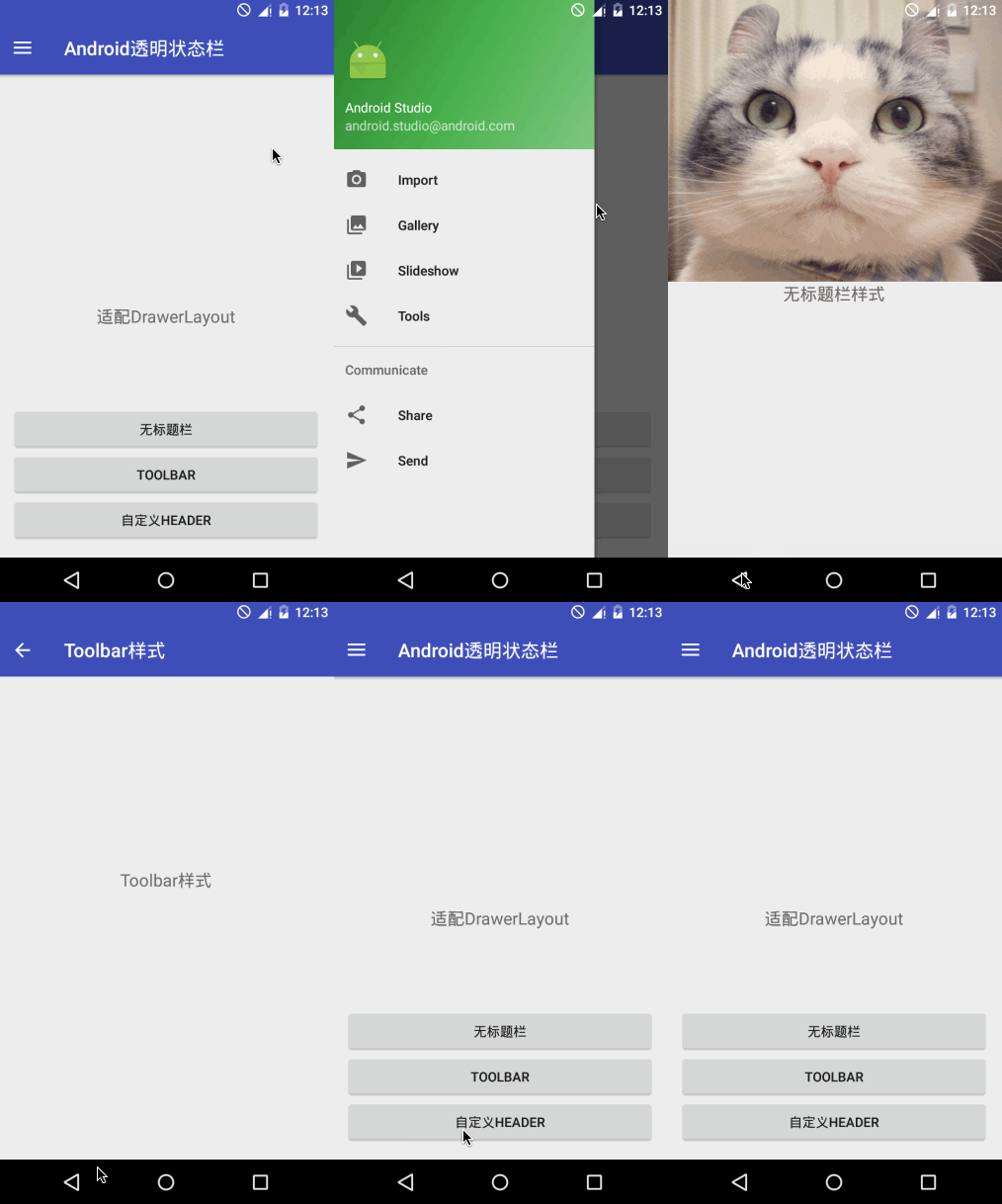
現在越來越多 App 採用了透明狀態欄,效果確實很出彩。本文記錄一下實現過程,方便以後使用。先來看看要達到的效果:
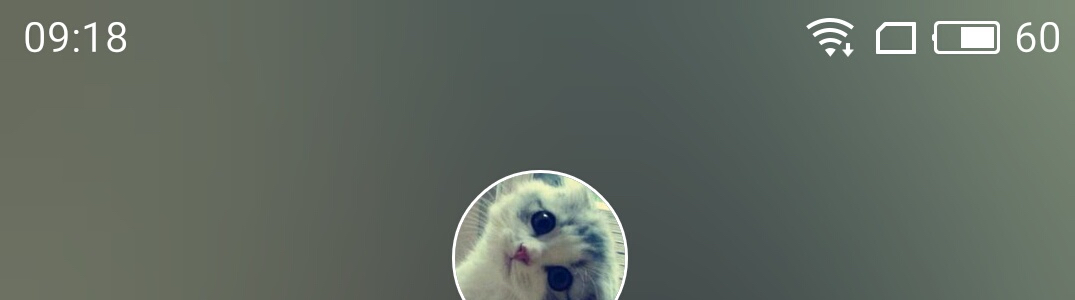
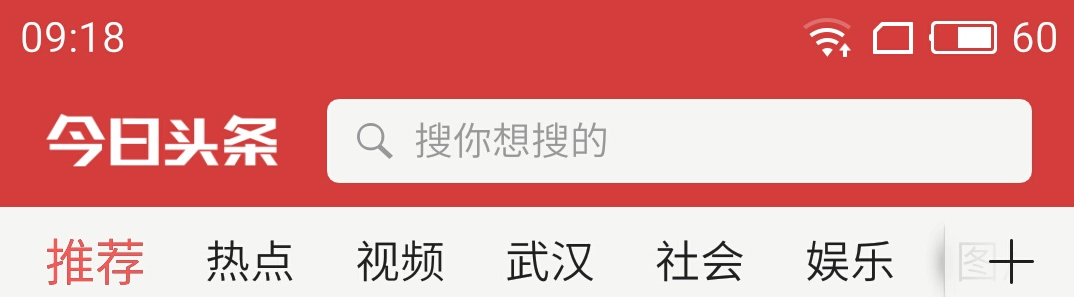
其實原理很簡單:把 StatusBar 背景變成透明,再讓頭部 View 填充到頂部,佔用 StatusBar 的位置。
新建項目,為方便起見把 App 的 Style 設置為 NoActionBar,並定義一個便於擴展的 BaseTheme:
<style name="BaseTheme" parent="Theme.AppCompat.Light.NoActionBar">
    <item name="colorPrimary">@color/colorPrimary</item>
    <item name="colorPrimaryDark">@color/colorPrimaryDark</item>
    <item name="colorAccent">@color/colorAccent</item>
    <item name="android:windowAnimationStyle">@style/ActivityAnimaton</item>
</style>
新建一個簡單布局,放一個 ImageView:
<RelativeLayout xmlns:android="https://schemas.android.com/apk/res/android"
    xmlns:tools="https://schemas.android.com/tools"
    android:id="@+id/content_no_header"
    android:layout_width="match_parent"
    android:layout_height="match_parent"
    tools:context="com.mteeyu.transparentstatusbardemo.NoHeaderActivity">
    <ImageView
        android:id="@+id/id_img"
        android:layout_width="match_parent"
        android:layout_height="300dp"
        android:background="@drawable/cat" />
    <TextView
        android:layout_width="wrap_content"
        android:layout_height="wrap_content"
        android:layout_below="@id/id_img"
        android:layout_centerHorizontal="true"
        android:text="無標題欄樣式"
        android:textSize="18sp" />
</RelativeLayout>
運行效果:
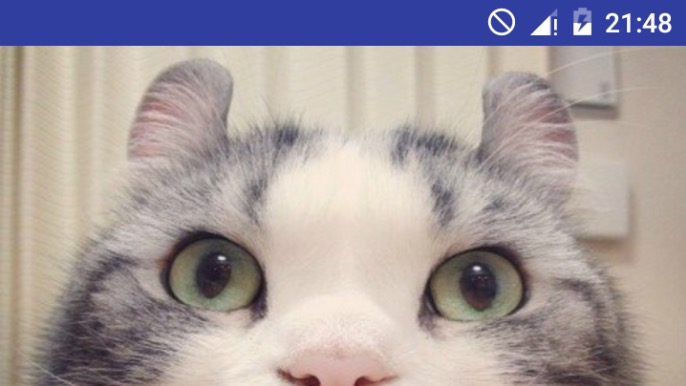
從 4.4 開始支持修改狀態欄,只需配置 windowTranslucentStatus 屬性即可。由於只適配到 4.4,新建 values-v19 目錄並在其中創建 styles 文件:
<resources>
    <style name="AppTheme" parent="BaseTheme">
        <item name="android:windowTranslucentStatus">true</item>
    </style>
</resources>
某些情況下設置 styles 可能無效,因此抽取一個基類,用代碼再設置一次。注意 4.4 只能做到半透明,狀態欄其實仍帶有一個陰影:
public class BaseActivity extends AppCompatActivity {
    @Override
    protected void onCreate(@Nullable Bundle savedInstanceState) {
        super.onCreate(savedInstanceState);
        if (Build.VERSION.SDK_INT >= Build.VERSION_CODES.KITKAT) {
            // Android 4.4 statusBar 半透明
            getWindow().addFlags(WindowManager.LayoutParams.FLAG_TRANSLUCENT_STATUS);
        }
    }
}
運行結果:
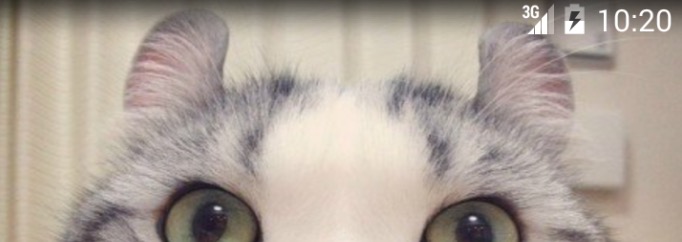
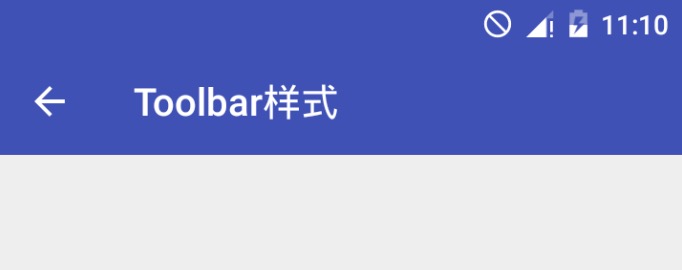
但當頭部元素不是圖片而是 Toolbar 或自定義 Header 時,會發現頭部被狀態欄遮擋:
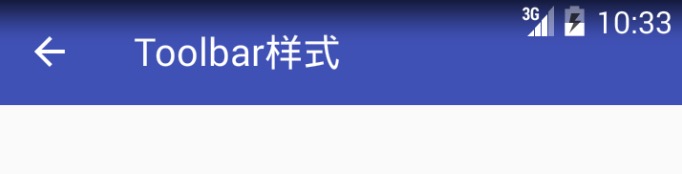
原因是頭部元素佔據了 StatusBar 的位置,此時需要給頭部設置一個 Padding,值等於 StatusBar 的高度(通過源碼可知約為 25dp)。同樣考慮兼容性,只在 4.4 及以上進行填充。
values 下的 dimens 中配置:
<dimen name="toobar_padding_top">0dp</dimen>
values-v19 中創建 dimens 文件並配置:
<resources>
    <dimen name="toobar_padding_top">25dp</dimen>
</resources>
自定義 Header 的代碼:
<RelativeLayout
    android:layout_width="match_parent"
    android:layout_height="wrap_content"
    android:background="?attr/colorPrimary"
    android:minHeight="?attr/actionBarSize">
    <RelativeLayout
        android:layout_width="match_parent"
        android:layout_height="?attr/actionBarSize"
        android:layout_marginTop="@dimen/toobar_padding_top"
        android:orientation="horizontal">
        <ImageView
            android:id="@+id/id_back"
            android:layout_width="wrap_content"
            android:layout_height="wrap_content"
            android:layout_centerVertical="true"
            android:padding="10dp"
            android:src="@drawable/icon_back" />
        <TextView
            android:layout_width="wrap_content"
            android:layout_height="wrap_content"
            android:layout_centerVertical="true"
            android:layout_toRightOf="@id/id_back"
            android:paddingLeft="10dp"
            android:text="自定義頭部"
            android:textColor="#FFF"
            android:textSize="18sp" />
    </RelativeLayout>
</RelativeLayout>
運行效果:
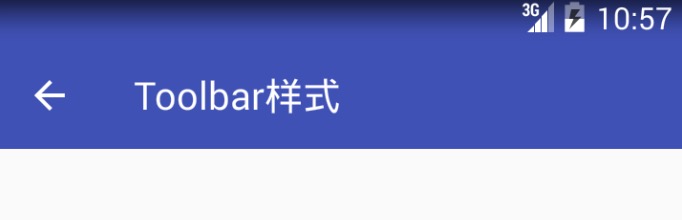
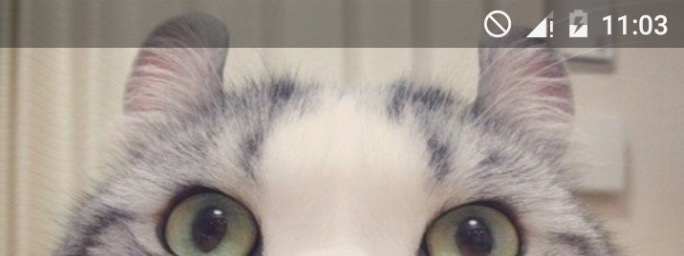
上述代碼跑在 5.0 上效果並不理想:
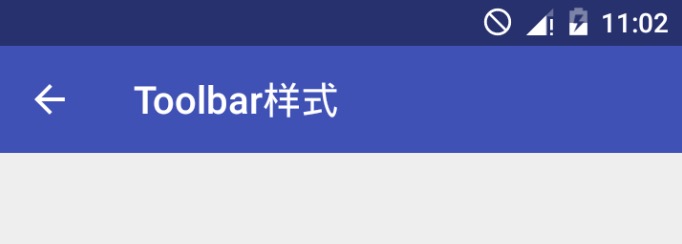
可以看到 windowTranslucentStatus 在 4.4 與 5.0 上顯示效果不同。為了在 5.0 上實現全透明,需要借助另一種 UI flag。在之前抽取的 BaseActivity 中增加適配代碼:
if (Build.VERSION.SDK_INT >= Build.VERSION_CODES.LOLLIPOP) {
    // Android 5.0 以上 statusBar 背景全透明
    Window window = getWindow();
    window.clearFlags(WindowManager.LayoutParams.FLAG_TRANSLUCENT_STATUS);
    window.getDecorView().setSystemUiVisibility(
            View.SYSTEM_UI_FLAG_LAYOUT_FULLSCREEN | View.SYSTEM_UI_FLAG_LAYOUT_STABLE);
    window.addFlags(WindowManager.LayoutParams.FLAG_DRAWS_SYSTEM_BAR_BACKGROUNDS);
    window.setStatusBarColor(Color.TRANSPARENT);
}
運行效果:

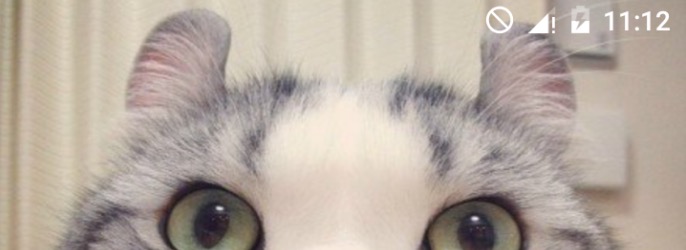
這就是我們想要的結果。
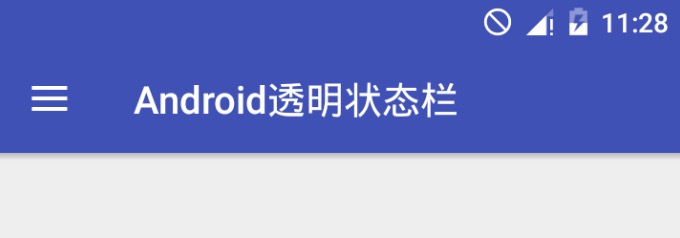
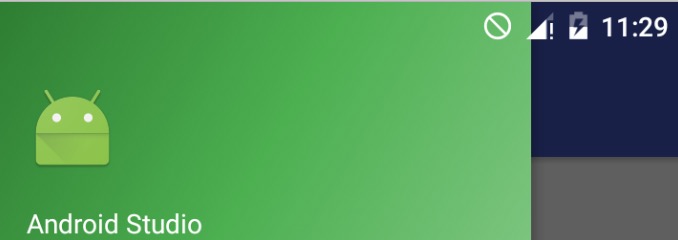
若集成了側滑功能(如 DrawerLayout),需要單獨適配。此時會發現頭部多往上填充了一個 StatusBar 的高度,且陰影沒有去除,根本原因是在 DrawerLayout 中設置了 fitsSystemWindows=true。
為兼容 4.4 與 5.0 及以上,我們去掉 android:fitsSystemWindows="true",並在使用了 DrawerLayout 的類中添加適配代碼:
if (Build.VERSION.SDK_INT >= Build.VERSION_CODES.KITKAT) {
    drawer.setFitsSystemWindows(true);
    drawer.setClipToPadding(false);
}
運行結果:
至此問題解決。
源碼下載地址:https://github.com/MteeYu/TransparentStatusBarDemo
 Android Fragment 完全入門:核心概念、生命週期與動態操作
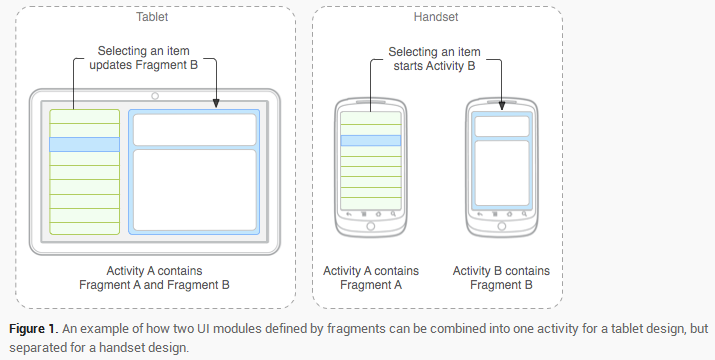
自 Android 3.0 起,Fragment 這位新成員正式登場。它被引入的初衷很明確:讓平板這類大螢幕裝置也能擁有靈活多變的介面。平板的面積遠比手機寬裕,可以同時塞
 Android TV 開發總結:TV 屏幕適配規則與資源讀取優先級
背景知識 Android 屏幕適配涉及尺寸、解析度與像素密度等概念。屏幕尺寸通常以對角線英寸表示,解析度表示橫向與縱向像素數,像素密度則是每英寸像素數。 以 Nexus
 Activity 生命週期淺析(一):形態、回調時機與實測驗證
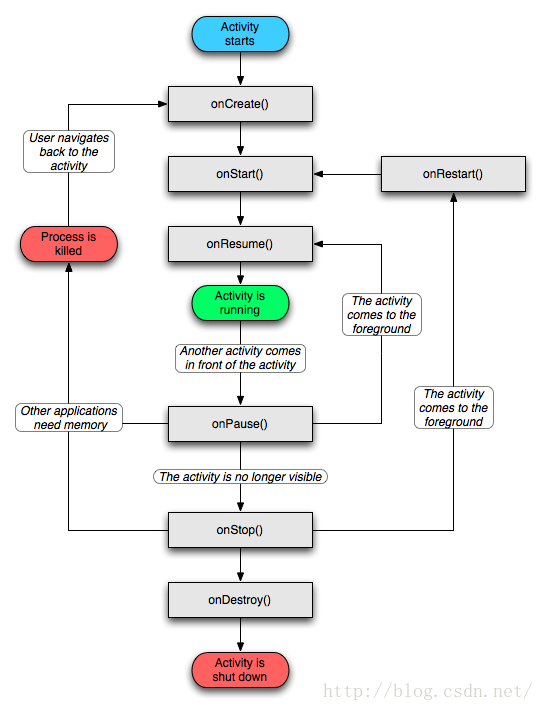
Activity 是四大組件之一,出現頻率高到幾乎在 Android 的各個角落都能看到它的身影。深入理解 Activity,對開發高質量應用程序有不小的幫助。今天先把它
 從零開始學 Android(四十):Intent 的第一堂課
Intent(意圖)是 Android 中極為關鍵的一塊拼圖,在 Activity 與 Service 之間的跳轉、資料傳遞都有大量應用。本文從最基礎的用法開始,逐步示範