

編輯:關於 Android 程式設計
Android 的動畫體系大致分三類:逐幀動畫、補間動畫與屬性動畫。本文先聚焦前兩種,把概念、優缺點與兩種宣告方式(Java 程式碼、XML)一次講清楚,最後再補上插值器的行為對照。
顧名思義,就是把一段連續動畫拆成一張張獨立圖片,再依序播放串成動畫,原理和卡通影片完全相同。
缺點明顯:不夠靈活,大量圖片會吃掉可觀的記憶體,圖片尺寸一多就容易 OOM。適合簡單、幀數少的 loading 或圖示動效。
先在 res/drawable 下建立描述檔,用 animation-list 作為根節點:
<animation-list xmlns:android="https://schemas.android.com/apk/res/android" android:oneshot="false">
    <item android:drawable="@mipmap/icon1" android:duration="300" />
    <item android:drawable="@mipmap/icon2" android:duration="300" />
    <item android:drawable="@mipmap/icon3" android:duration="300" />
    <item android:drawable="@mipmap/icon4" android:duration="300" />
    <item android:drawable="@mipmap/icon5" android:duration="300" />
    <item android:drawable="@mipmap/icon6" android:duration="300" />
    <item android:drawable="@mipmap/icon7" android:duration="300" />
    <item android:drawable="@mipmap/icon8" android:duration="300" />
    <item android:drawable="@mipmap/icon9" android:duration="300" />
</animation-list>
oneshot 決定是否循環:設為 true 只播放一次,設為 false 則不斷重播。
程式碼中啟動與停止:
// 把動畫資源設給 ImageView
imgView.setImageResource(R.drawable.icons);

// 取出 AnimationDrawable 物件
AnimationDrawable animationDrawable = (AnimationDrawable) imgView.getDrawable();

// 開始播放
animationDrawable.start();

// 停止播放
animationDrawable.stop();
「補間」就是補上中間過程:只要給系統起始值與結束值,中間的每一幀由系統自動插補計算。它也被稱為 View 動畫,因為作用對象只能是 View,共四種基本型態——平移、縮放、透明、旋轉。
大部分常見動效都能覆蓋,但它只改動 View 的「繪製呈現」,並不改變 View 真實的位置與大小,這正是它的侷限所在。要操作真正的屬性,就得靠第三類的屬性動畫了。
最簡單的構造形式:
public TranslateAnimation(float fromXDelta, float toXDelta, float fromYDelta, float toYDelta)
參數含義:fromXDelta 是動畫開始時 X 座標相對原位置的位移量,toXDelta 是結束時的位移量,Y 軸同理,單位為像素。
TranslateAnimation translateAnimation = new TranslateAnimation(0f, 100f, 0f, 100f);
以 X 軸為例:toXDelta 減 fromXDelta 大於 0 表示向右移動,小於 0 表示向左;Y 軸則是大者向下、小者向上。
更完整的構造形式,可指定位移的參考基準:
public TranslateAnimation(int fromXType, float fromXValue, int toXType, float toXValue,
                          int fromYType, float fromYValue, int toYType, float toYValue)
參數含義:
X 方向的移動型別有三種可選:
Animation.ABSOLUTE          // 絕對像素
Animation.RELATIVE_TO_SELF  // 相對自身
Animation.RELATIVE_TO_PARENT// 相對父容器
當型別為 ABSOLUTE 時,對應的值就是具體像素數;當型別為 RELATIVE_TO_SELF 或 RELATIVE_TO_PARENT 時,對應值是比例,範圍 0.0f ~ 1.0f。Y 方向完全一致。
TranslateAnimation translateAnimation = new TranslateAnimation(
        Animation.RELATIVE_TO_SELF, 0f, Animation.RELATIVE_TO_SELF, 0.5f,
        Animation.RELATIVE_TO_SELF, 0f, Animation.RELATIVE_TO_SELF, 0.5f);
translateAnimation.setDuration(3000);
translateAnimation.setRepeatCount(Animation.INFINITE);
translateAnimation.setRepeatMode(Animation.REVERSE);
imageView.startAnimation(translateAnimation);
幾個常用設定:
setDuration:動畫持續時間,單位毫秒。setRepeatCount:重複次數,可填具體數字或 Animation.INFINITE 代表無限循環。setRepeatMode:重複模式,需與 setRepeatCount 搭配。REVERSE 為來回播放,RESTART 為每次從頭開始。public AlphaAnimation(float fromAlpha, float toAlpha)
參數含義:fromAlpha 為起始透明度,toAlpha 為結束透明度,兩者都是 0.0f ~ 1.0f 的浮點數。1.0f 完全不透明,0.0f 完全透明。
AlphaAnimation alphaAnimation = new AlphaAnimation(1.0f, 0.2f);
alphaAnimation.setDuration(3000);
alphaAnimation.setRepeatCount(Animation.INFINITE);
alphaAnimation.setRepeatMode(Animation.REVERSE);
imageView.startAnimation(alphaAnimation);
// 形式一
public RotateAnimation(float fromDegrees, float toDegrees)

// 形式二
public RotateAnimation(float fromDegrees, float toDegrees, float pivotX, float pivotY)

// 形式三
public RotateAnimation(float fromDegrees, float toDegrees,
                       int pivotXType, float pivotXValue,
                       int pivotYType, float pivotYValue)
參數含義:fromDegrees 與 toDegrees 分別是起始與結束角度。pivotX、pivotY 是旋轉中心點座標,以左上角原點為 0;型別同樣可選 ABSOLUTE、RELATIVE_TO_SELF、RELATIVE_TO_PARENT,若為相對型別則數值代表比例(1.0 即 100%)。Y 方向規則相同。
RotateAnimation rotateAnimation = new RotateAnimation(
        0f, 360f,
        Animation.RELATIVE_TO_SELF, 0.5f,
        Animation.RELATIVE_TO_SELF, 0.5f);
rotateAnimation.setDuration(3000);
rotateAnimation.setRepeatMode(Animation.REVERSE);
rotateAnimation.setRepeatCount(Animation.INFINITE);
imageView.startAnimation(rotateAnimation);
// 形式一
public ScaleAnimation(float fromX, float toX, float fromY, float toY)

// 形式二
public ScaleAnimation(float fromX, float toX, float fromY, float toY, float pivotX, float pivotY)

// 形式三
public ScaleAnimation(float fromX, float toX, float fromY, float toY,
                      int pivotXType, float pivotXValue,
                      int pivotYType, float pivotYValue)
參數含義:fromX、toX 是動畫開始與結束時的水平縮放倍率;fromY、toY 是垂直方向的縮放倍率。pivotXType、pivotXValue、pivotYType、pivotYValue 的規則與旋轉動畫完全相同。
ScaleAnimation scaleAnimation = new ScaleAnimation(1.0f, 1.5f, 1.0f, 1.5f, 0.5f, 0.5f);
scaleAnimation.setDuration(3000);
scaleAnimation.setRepeatMode(Animation.REVERSE);
scaleAnimation.setRepeatCount(Animation.INFINITE);
imageView.startAnimation(scaleAnimation);
組合動畫不是新類型,而是把多個動畫打包在一起同時播放,用來做出更豐富的視覺效果。
public AnimationSet(boolean shareInterpolator)
參數含義:shareInterpolator 為 true 時,集合內所有動畫共用集合自身的插值器;為 false 時,每個子動畫使用自己的插值器。
// shareInterpolator:是否共用插值器
AnimationSet animationSet = new AnimationSet(true);
animationSet.setDuration(3000);
animationSet.setRepeatMode(Animation.REVERSE);
animationSet.setInterpolator(new LinearInterpolator());

RotateAnimation rotateAnimation1 = new RotateAnimation(0.0f, 720f,
        Animation.RELATIVE_TO_SELF, 0.5f, Animation.RELATIVE_TO_SELF, 0.5f);
AlphaAnimation alphaAnimation1 = new AlphaAnimation(1.0f, 0.3f);
ScaleAnimation scaleAnimation1 = new ScaleAnimation(1.0f, 0.5f, 1.0f, 0.5f);

// 讓縮放動畫晚 3 秒才啟動,製造錯落感
scaleAnimation1.setStartOffset(3000);

animationSet.addAnimation(rotateAnimation1);
animationSet.addAnimation(alphaAnimation1);
animationSet.addAnimation(scaleAnimation1);

imageView.startAnimation(animationSet);
在 res 下建立 anim 目錄,各類動畫對應一個根節點不同的 XML,屬性名稱與 Java 版一一對應。
<translate xmlns:android="https://schemas.android.com/apk/res/android"
    android:duration="3000"
    android:fillAfter="true"
    android:fromXDelta="0"
    android:fromYDelta="0"
    android:repeatCount="infinite"
    android:repeatMode="reverse"
    android:toXDelta="100%"
    android:toYDelta="100%" />
幾個容易混淆的寫法:
fromXDelta / toXDelta:動畫起始與結束時 X 座標上的位置;Y 軸同理。duration:持續時間,單位毫秒。% 或 %p:100% 代表自身的 100%,80%p 代表父容器的 80%(p 即 parent)。repeatCount:可填 infinite 或具體次數;repeatMode:restart 重新開始、reverse 反向重播。程式碼中透過 AnimationUtils 載入:
Animation animation = AnimationUtils.loadAnimation(this, R.anim.translateanim);
imageView.startAnimation(animation);
<alpha xmlns:android="https://schemas.android.com/apk/res/android"
    android:duration="3000"
    android:fromAlpha="1.0"
    android:repeatCount="infinite"
    android:repeatMode="reverse"
    android:toAlpha="0.2" />
fromAlpha / toAlpha 為浮點數,1.0 不透明、0.0 全透明,範圍 0.0 ~ 1.0。
Animation animation2 = AnimationUtils.loadAnimation(this, R.anim.alphaanim);
imageView.startAnimation(animation2);
<rotate xmlns:android="https://schemas.android.com/apk/res/android"
    android:duration="5000"
    android:fillAfter="true"
    android:fromDegrees="0"
    android:toDegrees="360"
    android:pivotX="50%"
    android:pivotY="50%"
    android:interpolator="@android:interpolator/accelerate_decelerate"
    android:repeatCount="infinite"
    android:repeatMode="reverse" />
Animation animation1 = AnimationUtils.loadAnimation(this, R.anim.rotateanim);
imageView.startAnimation(animation1);
<scale xmlns:android="https://schemas.android.com/apk/res/android"
    android:duration="5000"
    android:fromXScale="1.0"
    android:fromYScale="1.0"
    android:toXScale="1.5"
    android:toYScale="1.5"
    android:pivotX="50%"
    android:pivotY="50%"
    android:interpolator="@android:anim/anticipate_interpolator"
    android:repeatCount="infinite"
    android:repeatMode="reverse" />
Animation animation3 = AnimationUtils.loadAnimation(this, R.anim.scaleanim);
imageView.startAnimation(animation3);
set 是個容器,裡面可以放單一動畫,也可以再嵌套一層 set,層次之間不會互相干擾。
<set xmlns:android="https://schemas.android.com/apk/res/android"
    android:duration="3000"
    android:interpolator="@android:anim/bounce_interpolator"
    android:repeatMode="reverse"
    android:shareInterpolator="true">

    <rotate
        android:fromDegrees="0"
        android:toDegrees="360"
        android:pivotX="50%"
        android:pivotY="50%" />

    <alpha
        android:fromAlpha="1.0"
        android:toAlpha="0.3" />

    <scale
        android:fromXScale="1.0"
        android:fromYScale="1.0"
        android:toXScale="0.5"
        android:toYScale="0.5"
        android:pivotX="50%"
        android:pivotY="50%" />
</set>
Animation animation = AnimationUtils.loadAnimation(this, R.anim.setanim);
imageView.startAnimation(animation);
android:fillAfter:設為 true 時,動畫結束後保持最後一幀的狀態。
android:fillBefore:設為 true 時,動畫結束後還原到開始前的狀態。
android:interpolator:指定插值器,用來控制速度曲線。
官方對插值器的定義是:它決定了動畫的變化速率,讓基本的動畫效果(透明、縮放、位移、旋轉)能夠加速、減速或重複。也就是說,插值器不改變「做什麼」,只改變「怎麼變」。
系統提供的插值器相當多:

AccelerateDecelerateInterpolator(預設):起步與收尾較慢,中段加速。

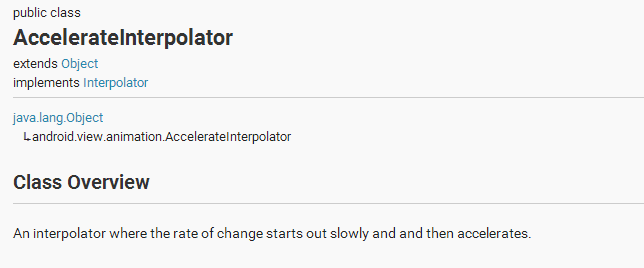
AccelerateInterpolator:起步慢,之後逐漸加速。
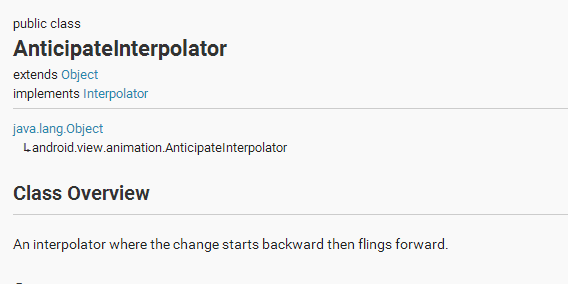
AnticipateInterpolator:先向反方向蓄力,再向前衝。
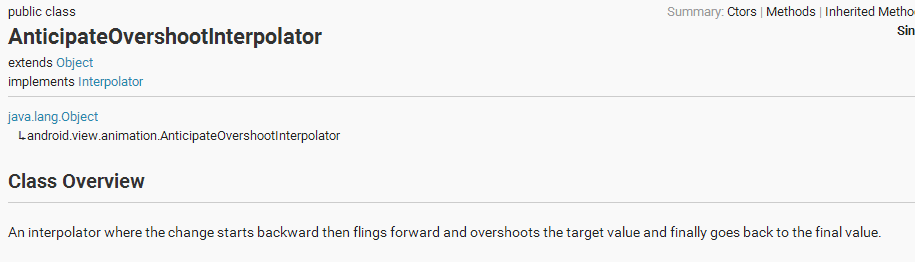
AnticipateOvershootInterpolator:先向後蓄力,衝過目標值後再回落到終點。
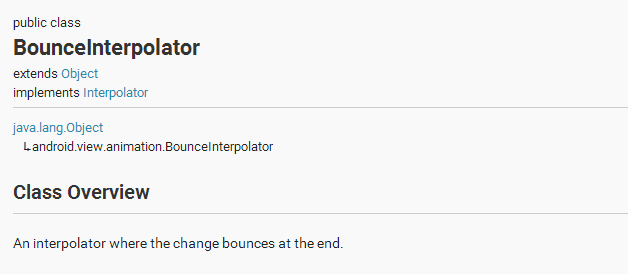
BounceInterpolator:結束時像球落地一樣彈跳。
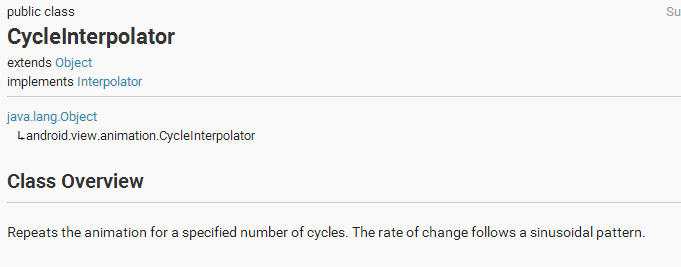
CycleInterpolator:循環播放指定次數,速率變化沿正弦曲線。
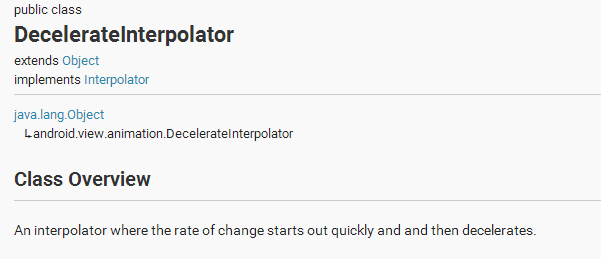
DecelerateInterpolator:起步快,隨後逐漸減速。
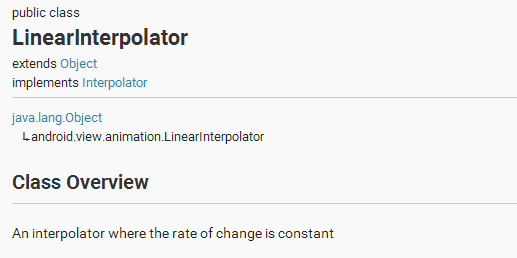
LinearInterpolator:以固定速率變化。
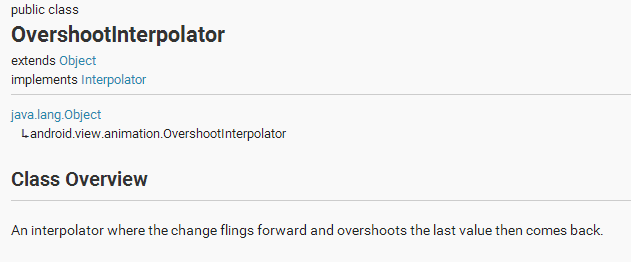
OvershootInterpolator:向前衝過最大值再回到原位。
逐幀動畫勝在簡單直白,適合幀數少的情境;補間動畫則用極低成本換到四種基本變換,日常 UI 動效幾乎都能應付。兩者共同的盲點是:補間動畫並未真正改變 View 的屬性,只是「看起來變了」。若需要真正操作位置、大小與透明度,下一篇要談的屬性動畫才是正解。
 Fragment 與 Activity 的資料互動方式
Fragment 通常依附在 Activity 中,彼此之間的資料傳遞需要透過宿主 Activity 協調。常見做法有兩種:Bundle 傳參與介面回呼。 Bundle
 Android TV 開發實戰:從環境配置到焦點導航的問題排查
前言 本文記錄了幾個 TV 應用開發中常見問題的解決方案。如果你對 TV 開發不感興趣,大可以直接跳過。 最近接到一個需求,要出一個 TV 版本的 App。由於此前並未深
 RecyclerView 開源方案五大推薦:下拉刷新、上拉加載與 Header/Footer 一次搞定
做項目時因為整體採用了 Material Design 設計規範,列表只能全面從 ListView 遷移到 RecyclerView。遷移本身不難,真正麻煩的是隨之而來的
 Android WebView File 域同源策略繞過漏洞淺析
問題起點 先來看 WebView 的這項設定: webView.getSettings().setAllowFileAccessFromFileURLs(false);