

編輯:關於 Android 程式設計
首先,什麼是 Transition?
Android 5.0 中 Activity 與 Fragment 的變換是建立在名為 Transitions 的新特性之上。這個誕生於 4.4 的 transition 框架,為在不同 UI 狀態之間產生動畫效果提供了非常方便的 API。該框架主要基於兩個概念:場景(scenes)與變換(transitions)。場景定義了當前的 UI 狀態,變換則定義了在不同場景之間動畫變化的過程。
當一個場景改變時,transition 主要負責:(1)捕捉每個 View 在開始場景和結束場景時的狀態;(2)根據兩個場景之間的差異建立一個 Animator。
transition 框架有兩個主要優點。第一,它抽象並封裝了屬性動畫,Animator 的概念對開發者是透明的,極大精簡了程式碼量——開發者只需改變 view 前後的狀態資料,Transition 便會自動依差異生成動畫。第二,不同場景之間的變換動畫可以簡單地透過使用不同的 Transition 類別來改變,一般的有 explode、fade、slide。
開始之前先做個約定(雖針對 Activity,但 Fragment 也一樣):AB 表示兩個 Activity,假設 A 跳轉 B。Activity transition API 圍繞退出(exit)、進入(enter)、返回(return)與再次進入(reenter)四種 transition。A 的退出變換決定 A 調用 B 時 A 中 View 的動畫;B 的進入變換決定 A 調用 B 時 B 中 View 的動畫;B 的返回變換決定 B 返回 A 時 B 中 View 的動畫;A 的再次進入變換決定 B 返回 A 時 A 中 View 的動畫。
具體使用步驟:
1. 在調用與被調用的 Activity 中,透過設定 Window.FEATURE_ACTIVITY_TRANSITIONS 與 Window.FEATURE_CONTENT_TRANSITIONS 啟用 transition API,可用程式碼或主題設定:
A. 程式碼方式,在 setContentView 之前呼叫:getWindow().requestFeature(Window.FEATURE_CONTENT_TRANSITIONS);
B. 主題 xml:item name="android:windowContentTransitions">true
2. 分別在調用與被調用的 Activity 中設定 exit 與 enter transition。Material 主題預設將 exit 設為 null、enter 設為 Fade。若 reenter 或 return transition 未明確設定,則以 exit 與 enter 替代。
getWindow().setExitTransition(explode);
getWindow().setEnterTransition(explode);
開始一個 activity 的 content transaction 需呼叫 startActivity(Context, Bundle),並將 bundle 作為第二個參數:
單純的 slide 或 fade 效果、只有一個 view 共享元素時:
Bundle = ActivityOptions.makeSceneTransitionAnimation(this).toBundle();
Bundle = ActivityOptions.makeSceneTransitionAnimation(this, view, "transitionName").toBundle();
多個 view 共享元素時用 Pair 更方便:
Pair first = new Pair<>(small, ViewCompat.getTransitionName(small));
Pair second = new Pair<>(small1, ViewCompat.getTransitionName(small1));
Pair thid = new Pair<>(small2, ViewCompat.getTransitionName(small2));
ActivityOptionsCompat optionsMore = ActivityOptionsCompat.makeSceneTransitionAnimation(MainActivity.this, first, second, thid);
熟悉基本步驟後,整理幾個學習 demo:
1. explode | slide | fade
explode:
final Transition explode = TransitionInflater.from(this).inflateTransition(R.transition.explode);
getWindow().setExitTransition(explode);
getWindow().setEnterTransition(explode);
getWindow().setReenterTransition(explode);
startActivity(intent, ActivityOptions.makeSceneTransitionAnimation(StartActivity.this).toBundle());

fade:
final Transition fade = TransitionInflater.from(this).inflateTransition(R.transition.fade);
findViewById(R.id.fade).setOnClickListener(new View.OnClickListener() {
@Override public void onClick(View v) {
getWindow().setExitTransition(fade);
getWindow().setEnterTransition(fade);
getWindow().setReenterTransition(fade);
startActivity(intent, ActivityOptions.makeSceneTransitionAnimation(StartActivity.this).toBundle());
}
});

slide:
final Transition slide = TransitionInflater.from(this).inflateTransition(R.transition.slide);
findViewById(R.id.slide).setOnClickListener(new View.OnClickListener() {
@Override public void onClick(View v) {
getWindow().setExitTransition(slide);
getWindow().setEnterTransition(slide);
getWindow().setReenterTransition(slide);
startActivity(intent, ActivityOptions.makeSceneTransitionAnimation(StartActivity.this).toBundle());
}
});

元素共享:
@Override protected void onCreate(Bundle savedInstanceState) {
super.onCreate(savedInstanceState);
setContentView(R.layout.activity_main);
final Intent intent = new Intent(MainActivity.this, Main2Activity.class);
small = (TextView) findViewById(R.id.small);
small1 = (TextView) findViewById(R.id.small1);
small2 = (TextView) findViewById(R.id.small2);
findViewById(R.id.btn).setOnClickListener(new View.OnClickListener() {
@Override public void onClick(View v) {
Pair first = new Pair<>(small, ViewCompat.getTransitionName(small));
Pair second = new Pair<>(small1, ViewCompat.getTransitionName(small1));
Pair thid = new Pair<>(small2, ViewCompat.getTransitionName(small2));
ActivityOptionsCompat optionsMore = ActivityOptionsCompat.makeSceneTransitionAnimation(MainActivity.this, first, second, thid);
startActivity(intent, optionsMore.toBundle());
}
});
}
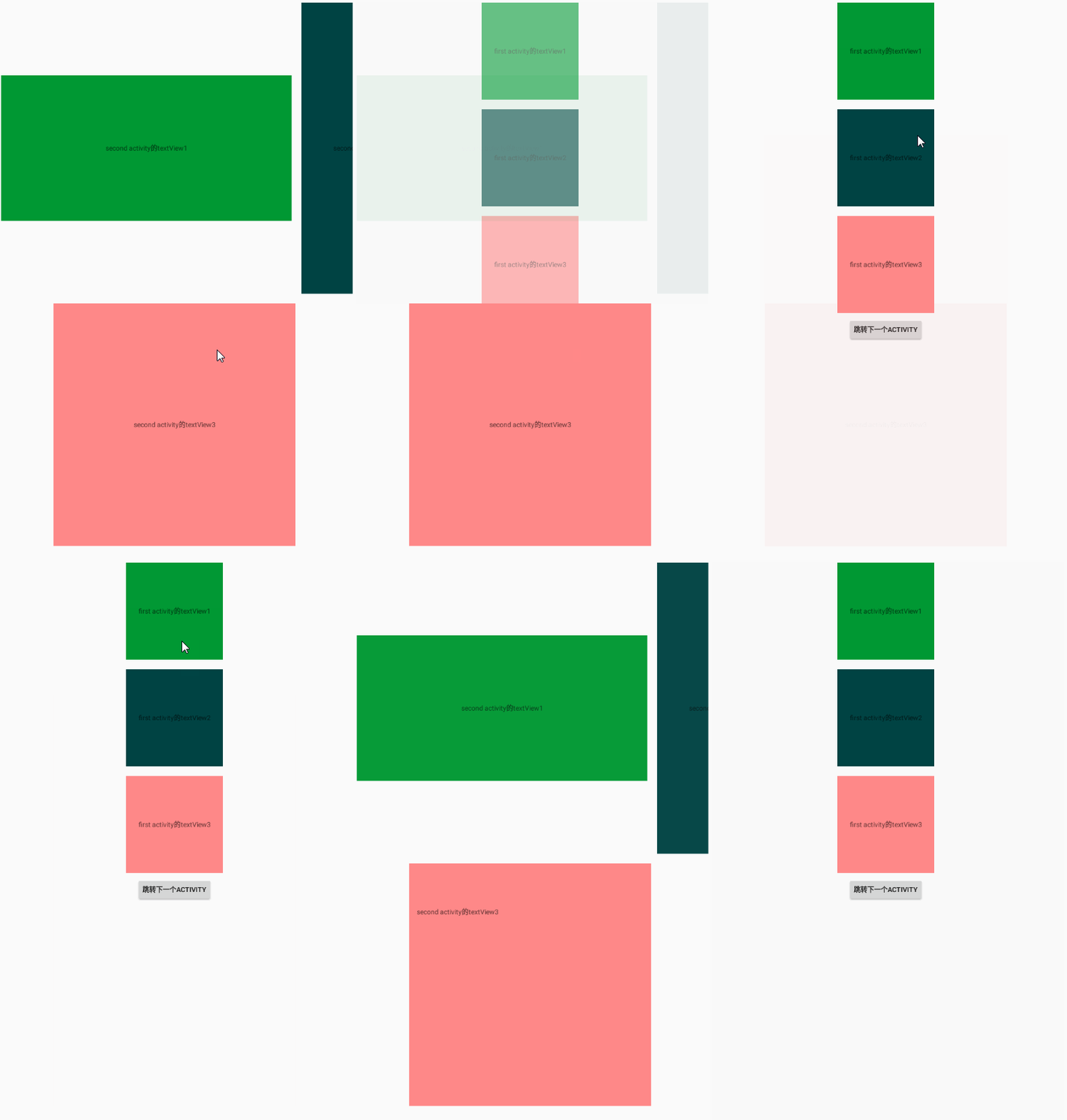
這裡要注意,此刻使用的不是 ActivityOptions 而是 ActivityOptionsCompat。
寫共享元素時出現了兩個問題。第一個:
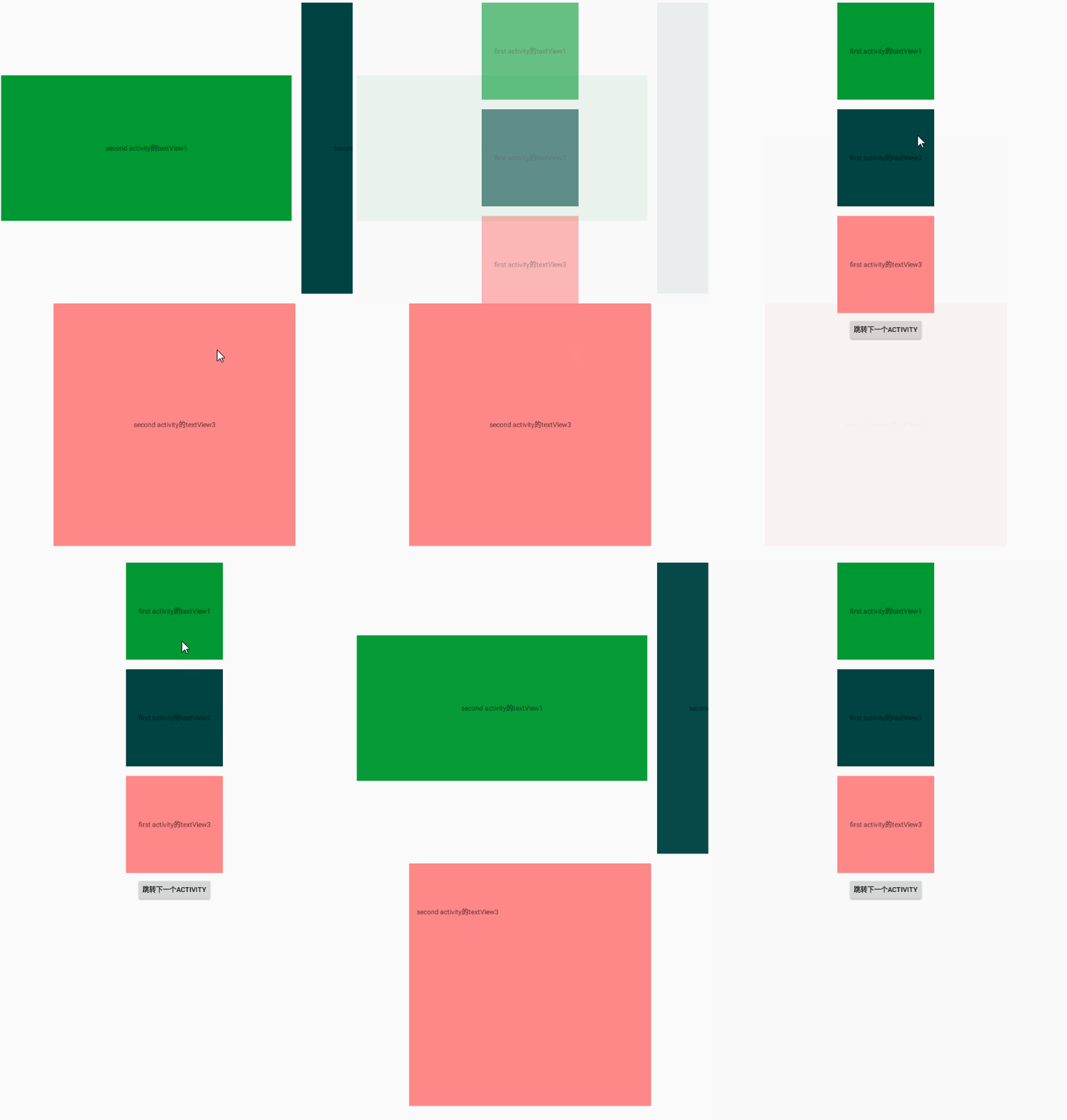
這是由於所有 TransitionName 設定的值都一樣,導致元素無法正確對應。
第二個問題:
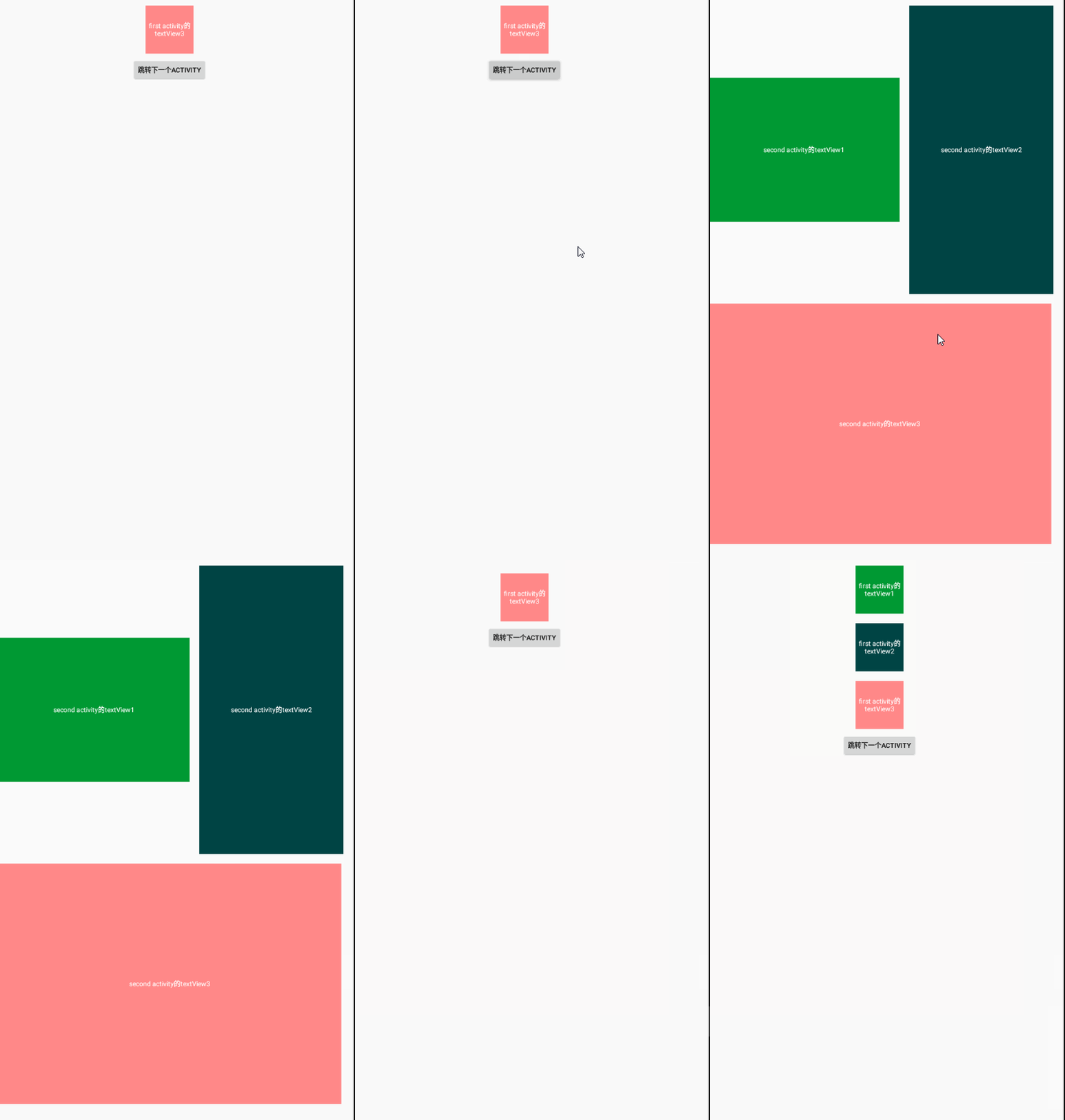
我打印了 Activity1 的 log,發現控件的可見值發生了變化,但具體原因還在查找中:
是否可見----第一個8 第二個8 第三個0
是否可見----第一個4 第二個0 第三個0
以上就是主要在 Activity1 中設定動畫的做法。還有一個問題:假設不在點擊事件中進行 startActivity,就會出現異常,這部分我也還在查找中。

這個效果是不是有點像側滑菜單?它其實只需直接在 Activity2 中呼叫 setupWindowAnimations 即可:
private void setupWindowAnimations() {
Transition fade = TransitionInflater.from(this).inflateTransition(R.transition.slide);
getWindow().setReturnTransition(fade);
getWindow().setEnterTransition(fade);
}
以上就是目前的學習整理,還有許多不清楚的地方仍在查找學習中,加油!
 Android 布局效能優化:從層級檢查到 Lint 建議
布局為什麼會影響效能 布局是使用者體驗的重要環節。若布局設計不良,可能造成測量、配置與繪製成本過高,尤其是在 ListView 或 RecyclerView 中重複加載大
 Android 回調機制淺析:讓 Fragment 與 Activity 輕鬆通信
緣起 第一次接觸回調,是在處理 Fragment 與 Activity 之間通信的時候。當時覺得它既抽象又難懂,可一旦用起來又格外順手,於是便認真研究了一番。研究下來才發
 Android ListView 出現「The specified child already has a parent」的原因與解法
在 Android 的 ListView 開發中,若於 getView 裡把外部傳入的 Poker 控制項直接加入 convertView,上下滑動時很容易看到「The
 ViewPager + Fragment 實作滑動切換,並比較兩種 PagerAdapter
在 Android 應用裡,多頁滑動是很常見的互動形式。若不用 ViewPager 自行實作,程式碼會相當冗長;改用 ViewPager 則簡潔許多。代價是過去需要自行引