

編輯:關於 Android 程式設計
SVG 自適應屏幕、體積小,優點不少。本文說明如何在 Android 項目裡使用 SVG。
SVG:Scalable Vector Graphics,可縮放矢量圖形。
IRI:Internationalized Resource Identifiers,國際化資源標識符。
先準備一張 SVG 圖片,新建項目後嘗試顯示它。
路徑:File -> New -> Vector Asset -> Local SVG file
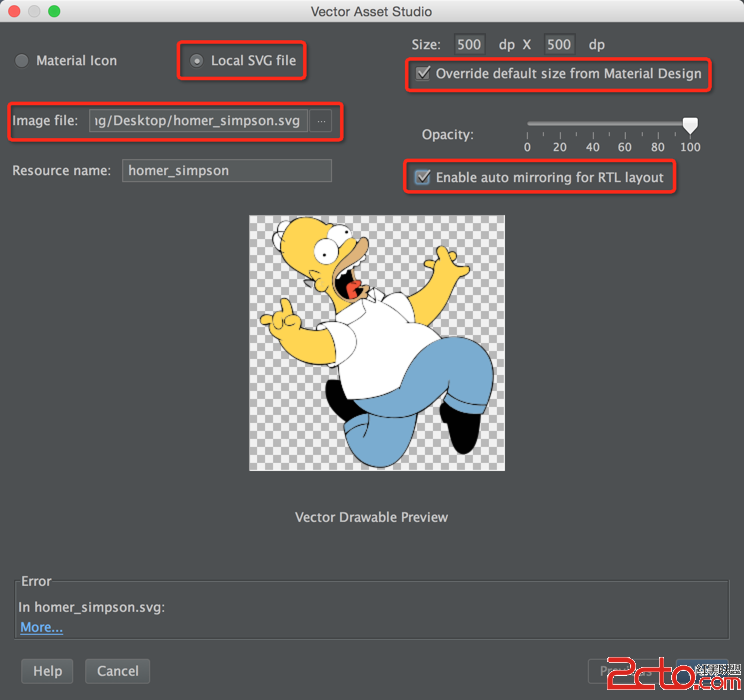
導入時可以勾選重置圖片大小與左右布局適配,讓生成的 VectorDrawable 更貼合使用場景。AS 會自動在 drawable 目錄下生成對應的 xml 文件。
使用方式和普通圖片資源完全一樣:
<ImageView
    android:contentDescription="@null"
    android:layout_height="match_parent"
    android:layout_width="match_parent"
    android:src="@drawable/homer_simpson" />
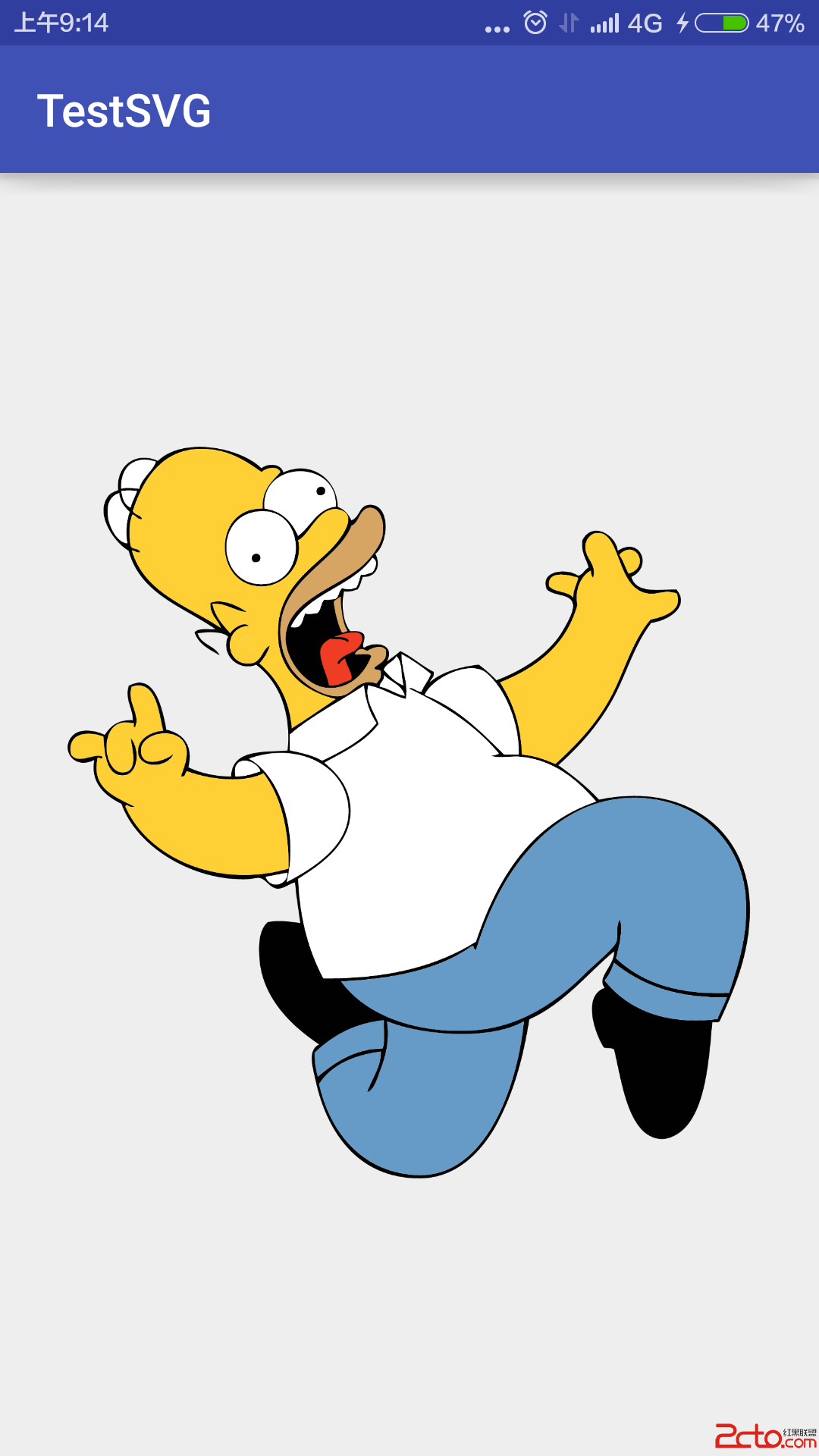
顯示效果:
舊版本沒有 Vector Asset 功能,可以改用在線工具。
網址:https://inloop.github.io/svg2android/
上傳 SVG 圖片後即可生成代碼:
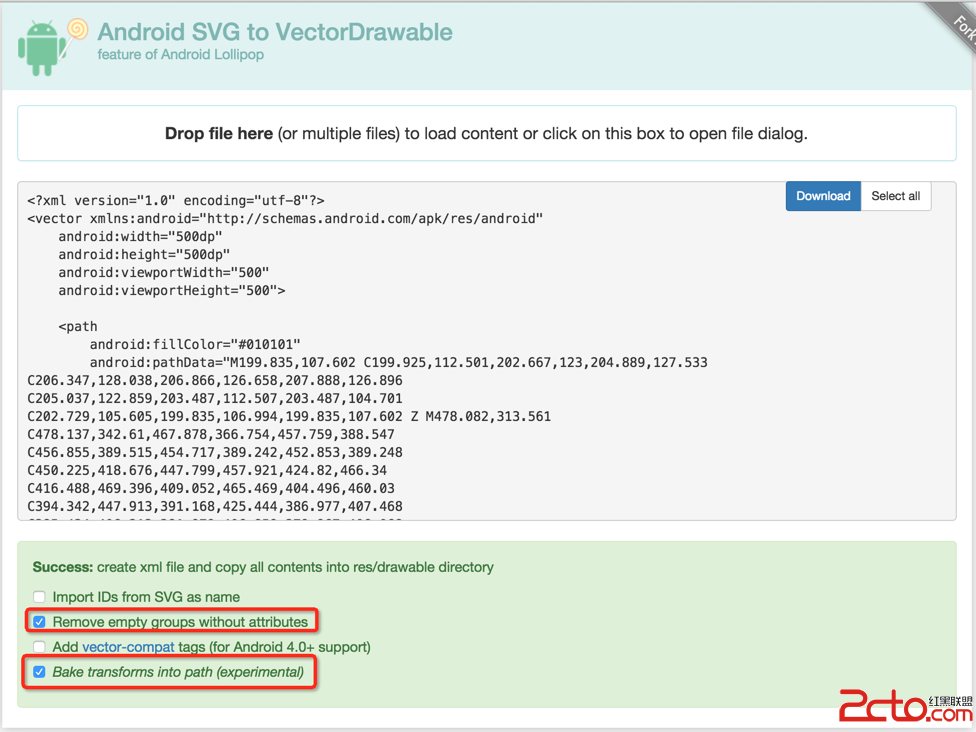
轉換時同樣建議勾選刪除空組與添加變換,能顯著精簡輸出結果。
生成後下載代碼,或者在 drawable 文件夾中新建 .xml 文件把代碼粘貼進去。使用方式與 AS 自動生成的完全一致,直接引用即可。
實測均為 500x500 的圖片:
· AS 自動生成的 SVG:約 20KB
· 在線生成的 SVG:約 29KB
· PNG(放大的系統圖片):約 732KB
差距非常明顯,SVG 在體積上的優勢不言而喻。對於圖片資源眾多的大型 App,全面擁抱 SVG 的吸引力相當大。
OK, Enjoy It.
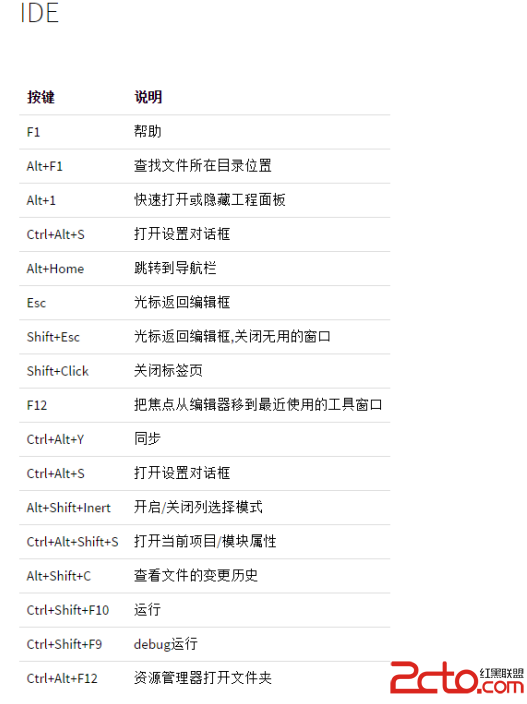 Android Studio 快捷鍵大全(附完整圖表)
熟練使用快捷鍵,是提升 Android Studio 開發效率最直接的方式。下面按常用場景整理了一份完整的快捷鍵圖表,涵蓋編輯、導航、重構、調試與版本控制等各類操作。 建
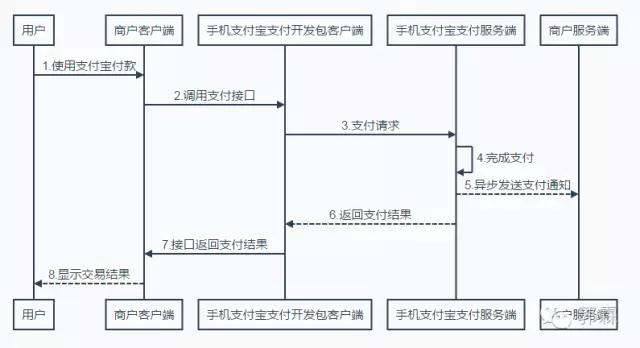 把微信支付與支付寶的服務端操作放到客戶端實作
前言 現在的 App 大多需要接入支付功能,而主流方案就是微信支付與支付寶支付。網上相關資料很多,但隨著官方不斷變動,部分資料可能早已失效,因此建議直接看官方文件(微信開
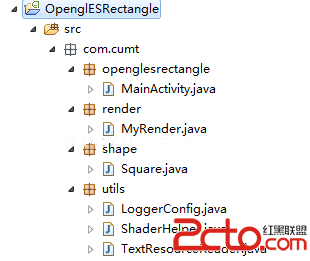 OpenGL ES 2.0 在 Android 上的紋理貼圖實戰全解析
開篇聊一聊紋理貼圖 紋理映射(Texture Mapping)也常被稱為紋理貼圖,本質上是一個把「紋理空間」裡的像素,對應映射到「螢幕空間」像素的過程。說得直白一點,就是
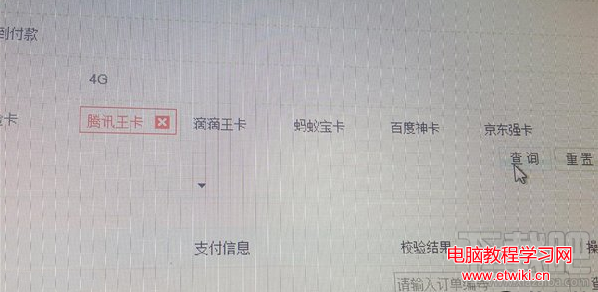 百度神卡怎麼獲取?百度神卡獲得方法
近來互聯網大廠紛紛推出自家流量卡:騰訊的大王卡/小王卡、支付寶的螞蟻大寶卡/小寶卡、滴滴的王卡等等。雖然都有使用限制,但比起傳統運營商的套餐,無論是資費還是靈活度都友好不