

編輯:關於 Android 程式設計
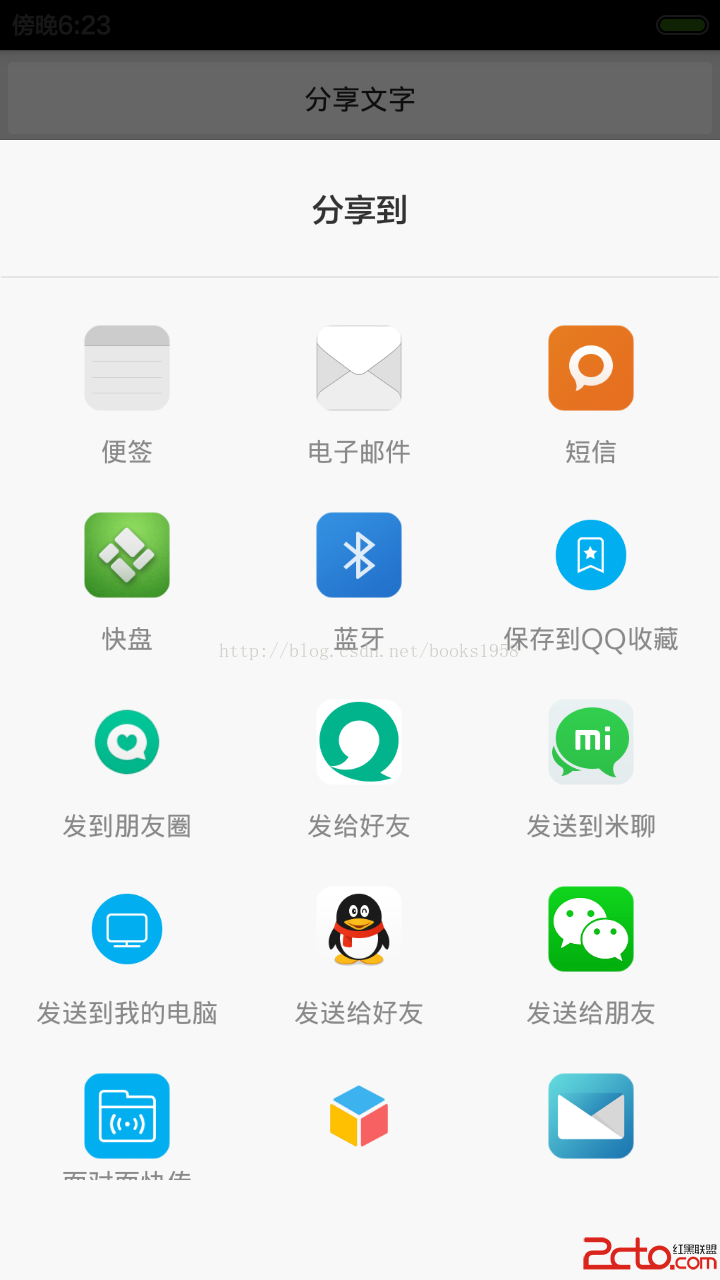
分享功能不必自己實現,Android 內建的 ACTION_SEND 就能把內容拋給微信、郵件、藍牙等所有已安裝的目標應用。核心只有三件事:設置 action、塞入數據、指定 MIME 類型,最後用 Intent.createChooser 彈出選擇列表。
public class ShareActivity extends Activity {

    @Override
    protected void onCreate(Bundle savedInstanceState) {
        super.onCreate(savedInstanceState);
        setContentView(R.layout.share_layout);
    }

    /** 分享純文字 */
    public void shareText(View view) {
        Intent shareIntent = new Intent();
        shareIntent.setAction(Intent.ACTION_SEND);
        shareIntent.putExtra(Intent.EXTRA_TEXT, "This is my Share text.");
        shareIntent.setType("text/plain");
        // 每次都顯示分享列表
        startActivity(Intent.createChooser(shareIntent, "分享到"));
    }

    /** 分享單張圖片 */
    public void shareSingleImage(View view) {
        String imagePath = Environment.getExternalStorageDirectory()
                + File.separator + "test.jpg";
        Uri imageUri = Uri.fromFile(new File(imagePath));
        Log.d("share", "uri:" + imageUri);   // file:///storage/emulated/0/test.jpg

        Intent shareIntent = new Intent();
        shareIntent.setAction(Intent.ACTION_SEND);
        shareIntent.putExtra(Intent.EXTRA_STREAM, imageUri);
        shareIntent.setType("image/*");
        startActivity(Intent.createChooser(shareIntent, "分享到"));
    }

    /** 分享多張圖片 */
    public void shareMultipleImage(View view) {
        ArrayList<Uri> uriList = new ArrayList<>();
        String path = Environment.getExternalStorageDirectory() + File.separator;
        uriList.add(Uri.fromFile(new File(path + "australia_1.jpg")));
        uriList.add(Uri.fromFile(new File(path + "australia_2.jpg")));
        uriList.add(Uri.fromFile(new File(path + "australia_3.jpg")));

        Intent shareIntent = new Intent();
        shareIntent.setAction(Intent.ACTION_SEND_MULTIPLE);
        shareIntent.putParcelableArrayListExtra(Intent.EXTRA_STREAM, uriList);
        shareIntent.setType("image/*");
        startActivity(Intent.createChooser(shareIntent, "分享到"));
    }
}
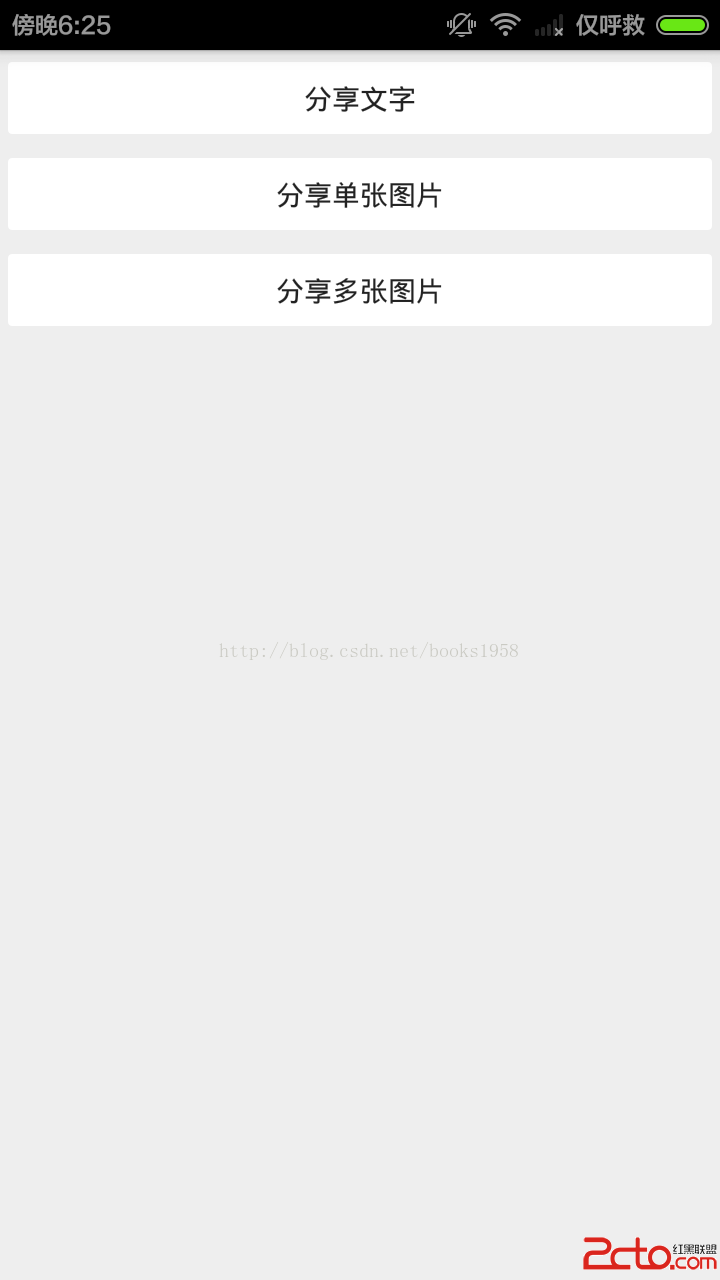
三個入口的關鍵差異:文字用 EXTRA_TEXT + text/plain;單圖用 EXTRA_STREAM + image/*;多圖改用 ACTION_SEND_MULTIPLE,並以 putParcelableArrayListExtra 傳遞 Uri 列表。
運行效果:
 用 Java 實作餘弦相似度(Cosine)匹配演算法完整範例
用 Java 實作餘弦相似度匹配演算法最近在做一个通訊交友專案,裡面有個需求:根據使用者填寫的興趣愛好,幫他推薦興趣相近的朋友。思路其實不複雜——把每個使用者的興趣標籤互
 Android FoldingLayout 折疊布局實戰:從 Matrix 原理到側滑菜單整合
FoldingLayout 那種「卡片折起來」的效果看起來很酷,但原理其實不複雜——核心就是 Matrix.setPolyToPoly()。本文從最基礎的座標變換出發,一
 Android 客戶端以 HTTP POST 協議與伺服器進行數據交互的完整實踐
本篇文章以 Servlet 為例,完整示範 Android 端如何透過 HTTP 協議與伺服器後台進行數據通信。 在 Android 開發中,客戶端與伺服器的通信主要分為
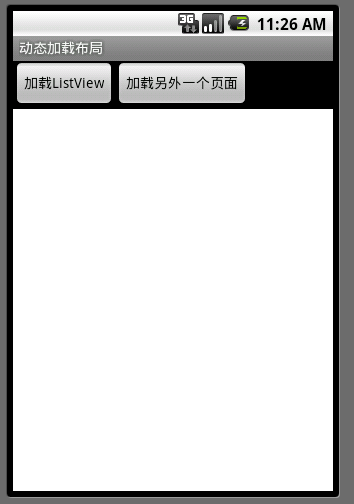 Android 動態載入版面配置:不用 TabHost 也能換頁
前陣子專案有個需求:同一個頁面要依不同按鈕載入不同的版面。原本想用 TabHost,但美工給的設計稿完全用不上頁籤樣式,所以改走「動態載入」這條路。整理成 DEMO 記錄