

編輯:關於 Android 程式設計
在朋友圈或 QQ 空間裡那種「贊」區域的簡易實現




EasyLikeArea 用於實現社交feed流中常見的「頭像 + 點贊/評論」橫向列表,支持超出數量後收起為「等 N 人」的省略樣式。
EasyViewProxy 是 EasyLikeArea 的緩存管理器,默認緩存數量為 17。
建議:先用 Glide 把圖片加載到 ImageView 中,再把該 ImageView 放入 EasyLikeArea。
https://github.com/CaMnter/EasyLikeArea
dependencies {
    compile 'com.camnter.easylikearea:easylikearea:1.4'
}
<declare-styleable name="EasyCountDownTextureView">
</declare-styleable>
更多細節請直接參考 demo。
<com.camnter.easylikearea.EasyLikeArea
    android:id="@+id/topic_ela"
    android:layout_width="match_parent"
    android:layout_height="wrap_content"
    android:layout_below="@id/topic_content_bottom_v"
    android:background="@color/white"
    android:paddingLeft="12.5dp"
    android:paddingTop="10dp"
    android:paddingRight="12.5dp"
    android:paddingBottom="10dp"
    app:easyLikeAreaOmitCenter="true"
    app:easyLikeAreaLikeSpacing="5dp"
    app:easyLikeAreaOmitSpacing="8dp" />
注意:必須先調用 EasyLikeArea.setOmitView(View view),之後才能 addView(…)。
private void initLikeArea() {
    this.setOmitView(Constant.AVATARS.length);
    for (int idRes : Constant.AVATARS) {
        EasyLikeImageView iv = this.createEasyLikeImageView();
        GlideUtils.displayNative(iv, idRes);
        this.topicEla.addView(iv);
    }
}

public void setOmitView(int count) {
    View omitView = LayoutInflater.from(this)
        .inflate(R.layout.view_omit_style_topic, null);
    this.omitTv = (TextView) omitView.findViewById(R.id.topic_omit_tv);
    this.omitTv.setText(this.getString(this.getOmitVieStringFormatId(), count));
    this.topicEla.setOmitView(omitView);
}
你也可以使用內建的 EasyLikeImageView:
private EasyLikeImageView createEasyLikeImageView() {
    EasyLikeImageView iv = new EasyLikeImageView(this);
    iv.setLayoutParams(new ViewGroup.LayoutParams(this.dp2px(36), this.dp2px(36)));
    return iv;
}
EasyLikeImageView 支持的屬性:
<declare-styleable name="EasyLikeImageView">
    <enum name="round" value="2601" />
    <enum name="circle" value="2602" />
</declare-styleable>
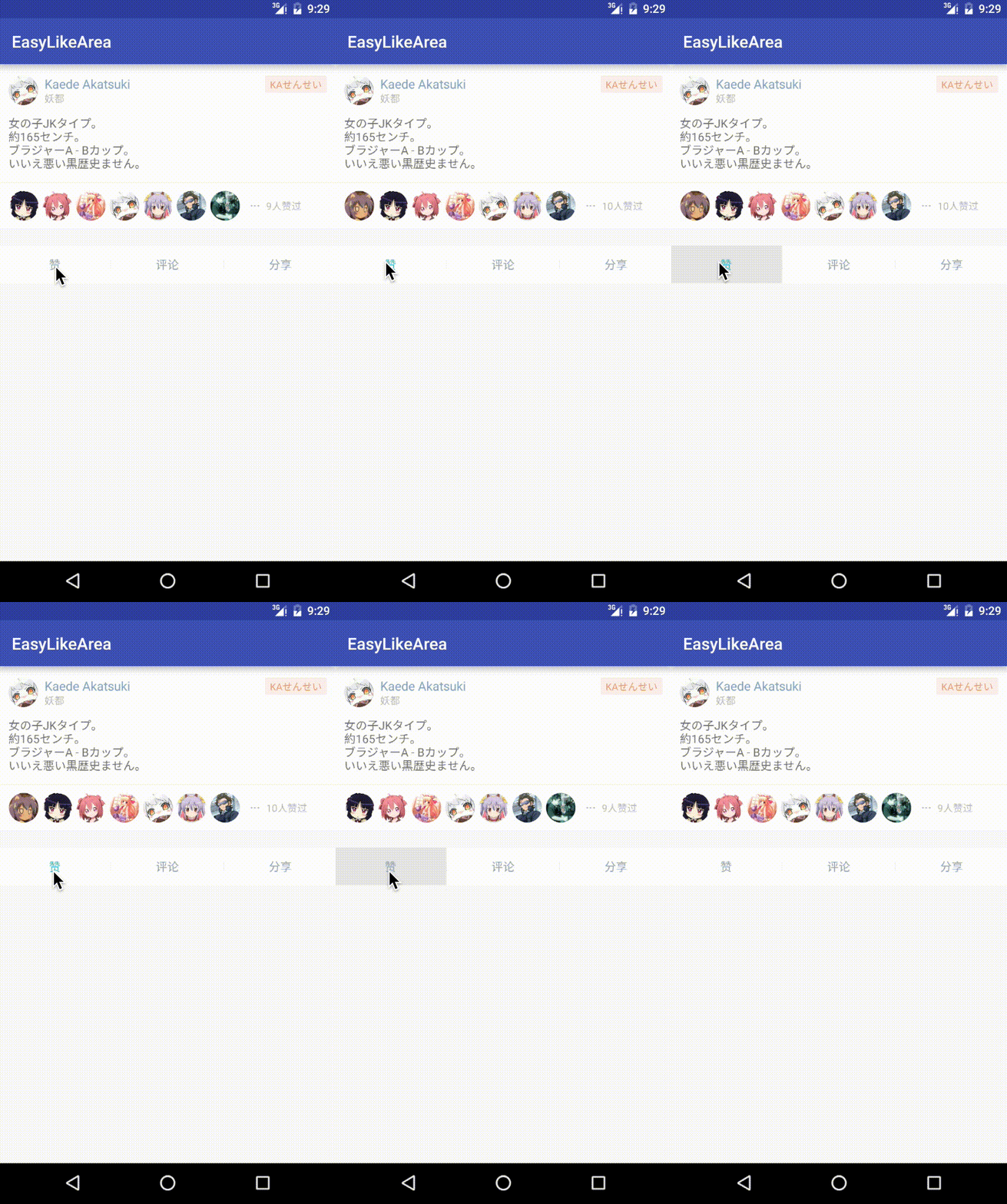
| 場景 | QQ 空間 | 樣式 |
|---|---|---|
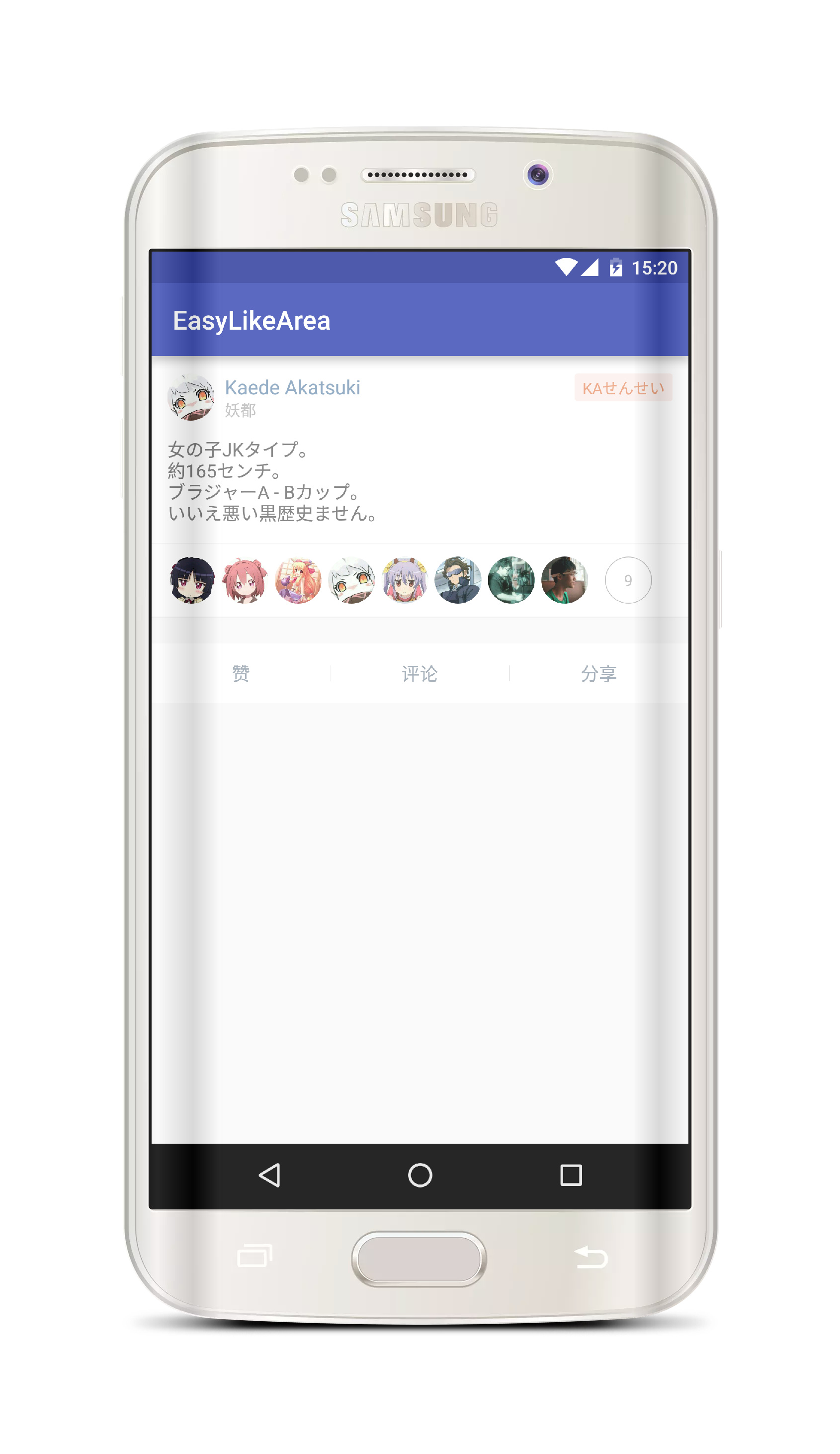 |
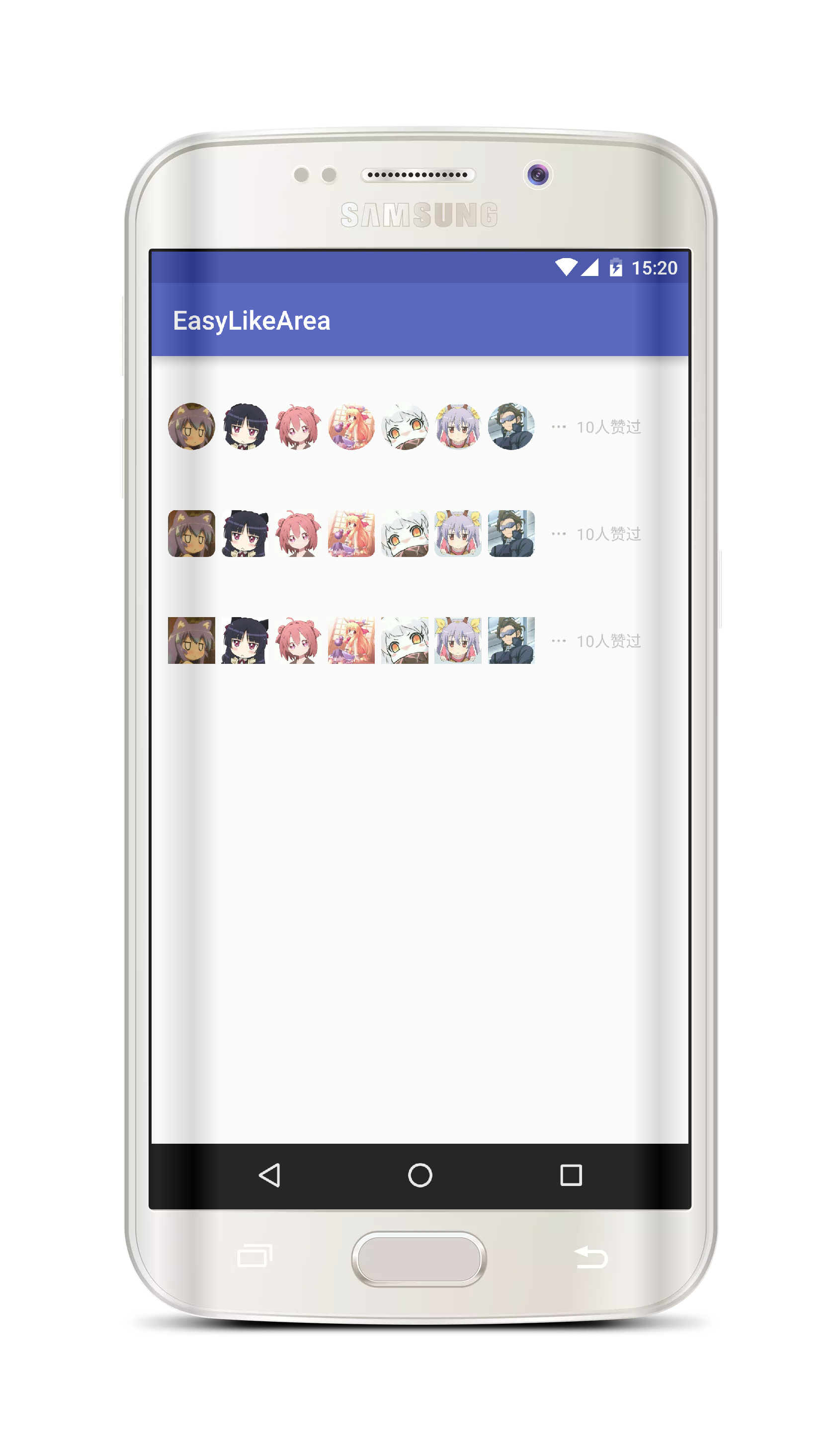 |
橫向頭像列表 + 省略樣式 |
| 分辨率 | 480x800 | 720x1280 |
|---|---|---|
 |
 |
Copyright (C) 2016 CaMnter yuanyu.camnter@gmail.com

Licensed under the Apache License, Version 2.0 (the "License");
you may not use this file except in compliance with the License.
You may obtain a copy of the License at

    https://www.apache.org/licenses/LICENSE-2.0

Unless required by applicable law or agreed to in writing, software
distributed under the License is distributed on an "AS IS" BASIS,
WITHOUT WARRANTIES OR CONDITIONS OF ANY KIND, either express or implied.
See the License for the specific language governing permissions and
limitations under the License.
 模板特化與偏特化的實例解析(Template Specialization)
本文透過一個可執行的範例,說明 C++ 中「模板特化(template specialization)」與「偏特化(partial template specializa
 Android 二維碼生成與識別:基於 ZXing 庫的實戰(附源碼)
二維碼可謂是移動互聯網時代最普及的技術之一,大街小巷、各類應用裡隨處可見。本文以實現為導向,帶大家用 Google 的 ZXing 庫完成兩件事:生成二維碼,以及通過攝像
 Android 中的 JSON 數據解析實戰
一、JSON 簡介 JSON 建立在兩種結構之上: (1)「名稱/值」對的集合。在不同語言中,它被理解為對象(object)、記錄(record)、結構(struct)、
 Android RadioGroup 被輸入法頂起?用 windowSoftInputMode 解決
當畫面同時有 RadioGroup 與輸入框時,輸入法彈出可能把 RadioGroup 推到鍵盤上方,造成佈局跳動。這個問題通常不是 RadioGroup 本身的錯,而是