

編輯:關於 Android 程式設計
TextView 的跑馬燈效果常用於顯示過長標題或公告。單一行做起來很簡單,但若畫面上有多個 TextView 都要跑馬燈,就需要多一點技巧。
先設定 android:singleLine=true 讓文字單行顯示,再用 android:ellipsize=marquee 啟動跑馬燈效果,同時讓元件取得焦點,例如設定 focusable 與 focusableInTouchMode。
系統預設通常只會讓一個已取得焦點的 TextView 跑動。若要多個同時跑,可自訂一個繼承 TextView 的類別,並覆寫 isFocused 永遠回傳 true,再把版面中的 TextView 換成這個自訂元件。
 Android Studio 實戰:從零開始寫一個 Fragment 小 Demo(上)
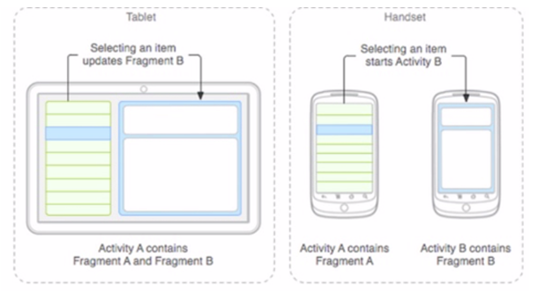
一、先搞清楚 Fragment 到底是什麼 做 Android 開發的人大概都遇過這種尷尬:同一套功能,手機上一屏放不下,平板上卻能整整齊齊攤開。早期的做法很粗暴——先做
 Android 音樂播放器實戰(十二):網絡歌單列表與搜索結果展示
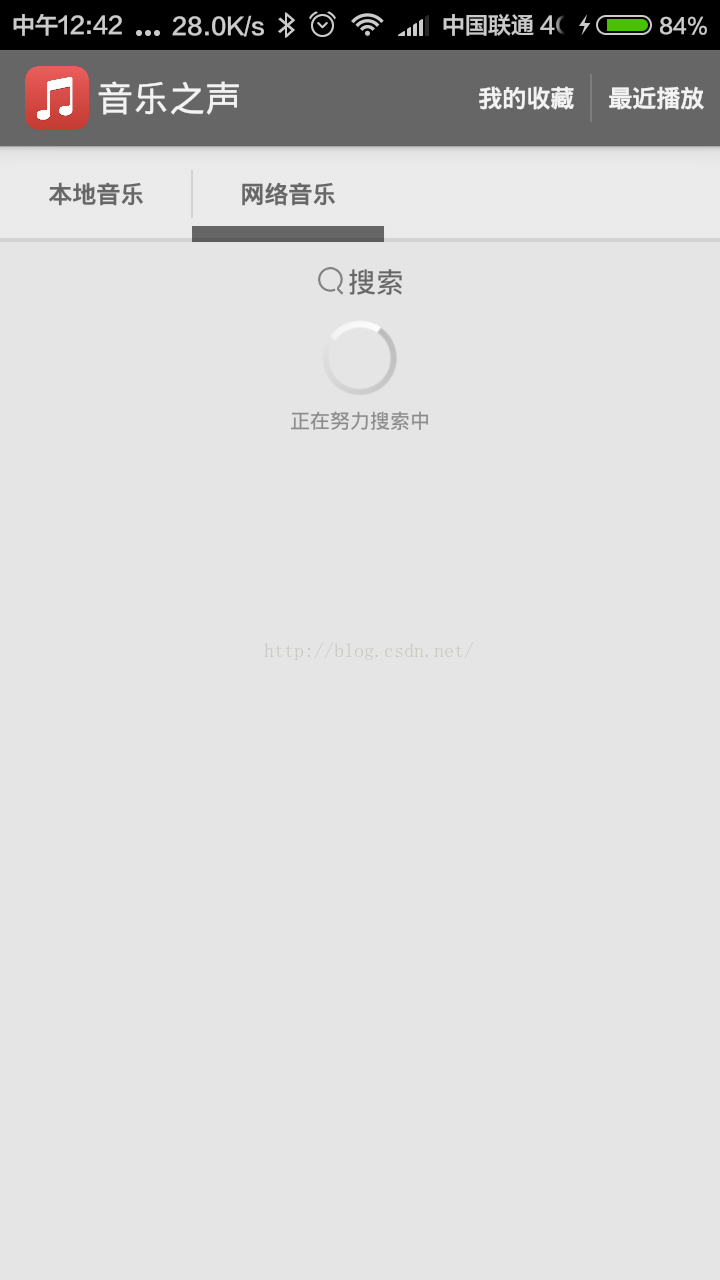
本系列的目標是做一個既能播本地音樂、也能播網絡音樂的播放器。前面已經搞定了本地掃描與播放,這一篇要解決的是「網絡這一頭」:怎麼把遠程數據抓回來、解析成音樂對象、再渲染到列
 自定義 View 實作:仿通訊錄側邊索引欄,實現 A–Z 字母快速定位
手機通訊錄大概都有這樣的效果: 這個互動幾乎成了 Android 通訊錄的標準配備。今天我們就來看看它是怎麼做出來的。 一、整體規劃 1. 頁面功能拆解 整個畫面可
 Android Service 詳解:概念、生命週期與兩種啟動方式的實際對照
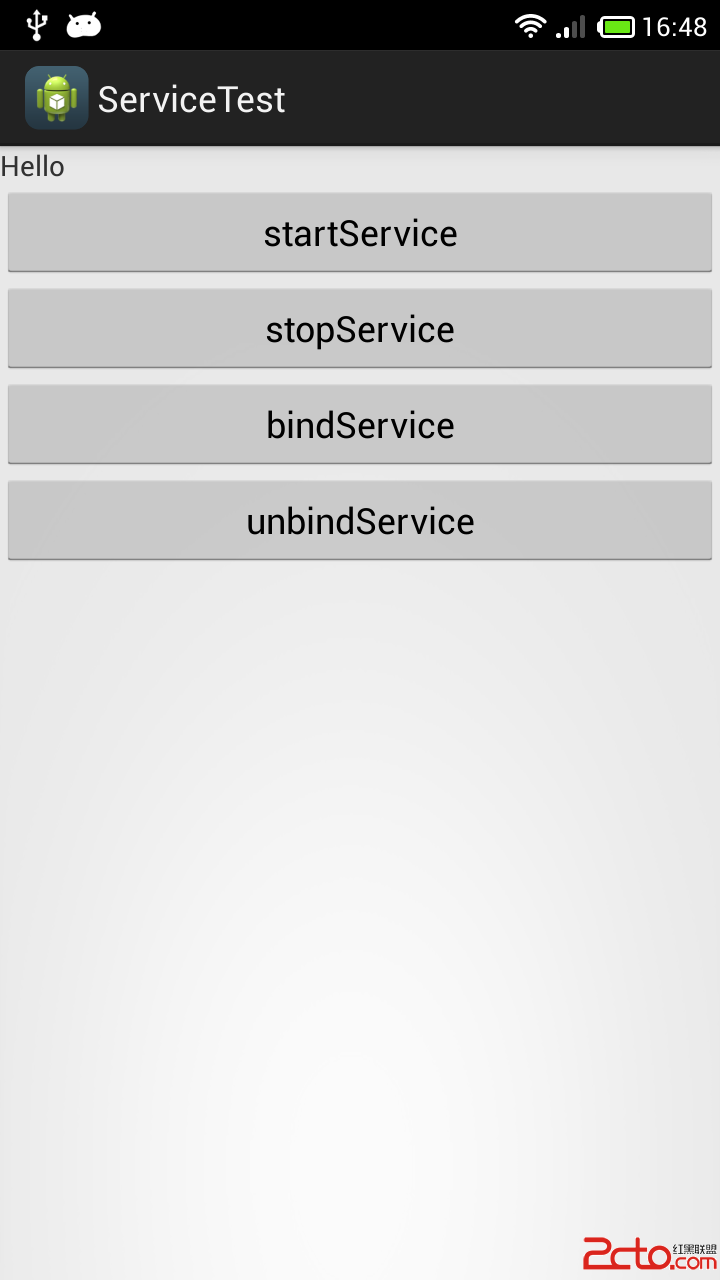
Service 是什麼 (1)可以粗略地把 Service 想成「一個沒有畫面的 Activity」。它不是獨立進程(除非另外指定),預設與 App 跑在同一個進程的主線