

編輯:關於 Android 程式設計
在 Android 開發中,軟鍵盤的顯示與隱藏經常需要手動控制。若需要獲取鍵盤高度,則可透過監聽根布局的顯示區域變化來估算。
可使用 InputMethodManager 呼叫 showSoftInput 或 toggleSoftInput 顯示鍵盤。隱藏時則可呼叫 hideSoftInputFromWindow,並傳入當前窗口令牌。
myLayout.getViewTreeObserver().addOnGlobalLayoutListener(new ViewTreeObserver.OnGlobalLayoutListener() {
    public void onGlobalLayout() {
        Rect r = new Rect();
        myLayout.getWindowVisibleDisplayFrame(r);
        int screenHeight = myLayout.getRootView().getHeight();
        int heightDifference = screenHeight - (r.bottom - r.top);
    }
});
當軟鍵盤彈出時,可見區域高度會減少,兩者差值即可作為鍵盤高度的參考值。
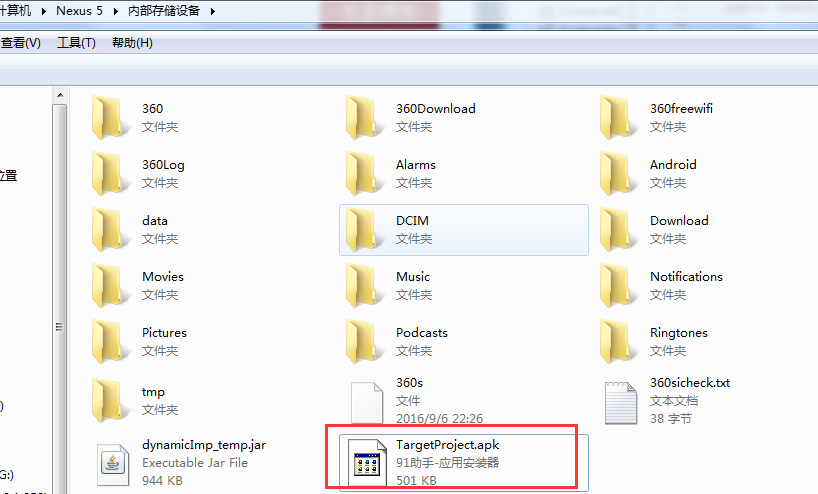 透過代理 Activity 模式:以移花接木方式動態載入 SD 卡中的 APK 介面
動態載入與外掛化開發是當今 Android 的重要技術,無論是 360 手機助手(DroidPlugin)、開源的 VirtualApp、百度 DL,還是攜程的 Dyna
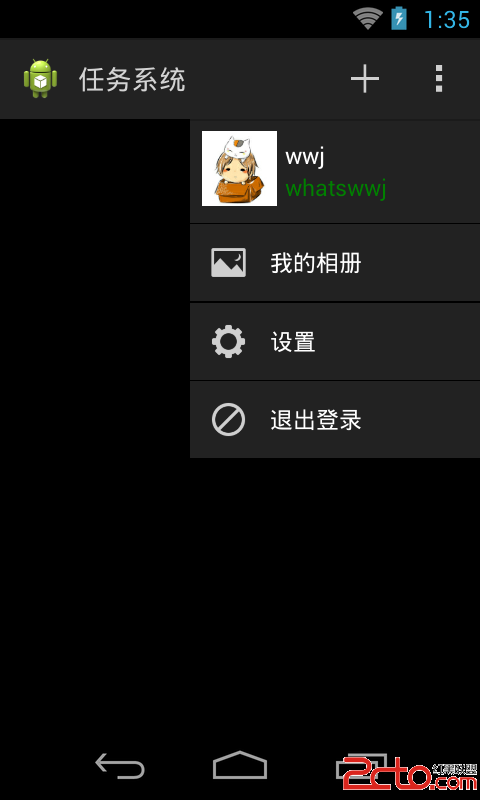 Android 自定義 PopupWindow 實現下拉菜單效果
PopupWindow 在 Android 應用中非常常見,常用於實現下拉菜單、浮動操作面板或臨時提示層。通過自定義 PopupWindow,開發者可以靈活控制顯示位置、
 Android 使用 DrawerLayout 實現右侧抽屉菜單效果
側邊欄(抽屜效果)是 Android 應用中很常見的界面效果,而利用 DrawerLayout 實現右側欄相對簡單,這個控件自帶滑動效果,十分方便。 DrawerLayo
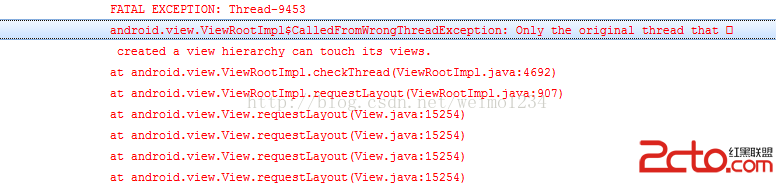 Android Handler 詳解:為什麼更新 UI 非它不可
Handler 是什麼 Handler 是 Android 提供的一套消息處理機制,同時也是更新 UI 的官方通道。我們可以用它發送消息,也可以用它處理消息。 為什麼需要