

編輯:關於 Android 程式設計
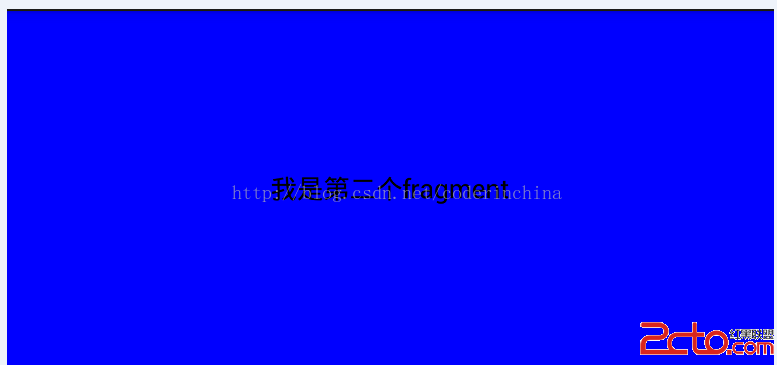
上一篇我們介紹了靜態建立 Fragment 的方式,但這在實際開發中幾乎不會用到,絕大多數情況都是採用動態建立。所謂動態建立,就是依據某個條件在執行期即時產生 Fragment。本文以依螢幕方向切換不同 Fragment 為例進行示範。
首先建立一個名為 dynamicFragment 的 Android 專案。
MainActivity.java
package com.example.dynamicfragment;

import android.app.Activity;
import android.app.FragmentManager;
import android.app.FragmentTransaction;
import android.os.Bundle;
import android.view.WindowManager;

public class MainActivity extends Activity {
    @Override
    protected void onCreate(Bundle savedInstanceState) {
        super.onCreate(savedInstanceState);
        setContentView(R.layout.activity_main);
        WindowManager wm = getWindowManager();
        int width = wm.getDefaultDisplay().getWidth();
        int height = wm.getDefaultDisplay().getHeight();
        // 1. 取得 fragment 的管理器
        FragmentManager fm = getFragmentManager();
        // 2. 開啟事務,保證界面更新要嘛同時成功、要嘛同時失敗
        FragmentTransaction ft = fm.beginTransaction();
        if (height > width) {
            // 直屏,android.R.id.content 代表當前應用的 activity
            ft.replace(android.R.id.content, new Fragment1());
        } else {
            // 橫屏
            ft.replace(android.R.id.content, new Fragment2());
        }
        ft.commit();
    }
}
Fragment1.java
package com.example.dynamicfragment;

import android.app.Fragment;
import android.os.Bundle;
import android.view.LayoutInflater;
import android.view.View;
import android.view.ViewGroup;

public class Fragment1 extends Fragment {
    @Override
    public View onCreateView(LayoutInflater inflater, ViewGroup container, Bundle savedInstanceState) {
        return inflater.inflate(R.layout.fragment1, null);
    }
}
Fragment2.java
package com.example.dynamicfragment;

import android.app.Fragment;
import android.os.Bundle;
import android.view.LayoutInflater;
import android.view.View;
import android.view.ViewGroup;

public class Fragment2 extends Fragment {
    @Override
    public View onCreateView(LayoutInflater inflater, ViewGroup container, Bundle savedInstanceState) {
        return inflater.inflate(R.layout.fragment2, null);
    }
}
XML 版面檔這裡就不再貼上,內容只是一個 TextView,沒有太多可說的。整體邏輯是:當螢幕為橫屏時顯示 Fragment1,為直屏時顯示 Fragment2。

 高仿知乎日報(四):主頁面條目點擊與詳情頁實作
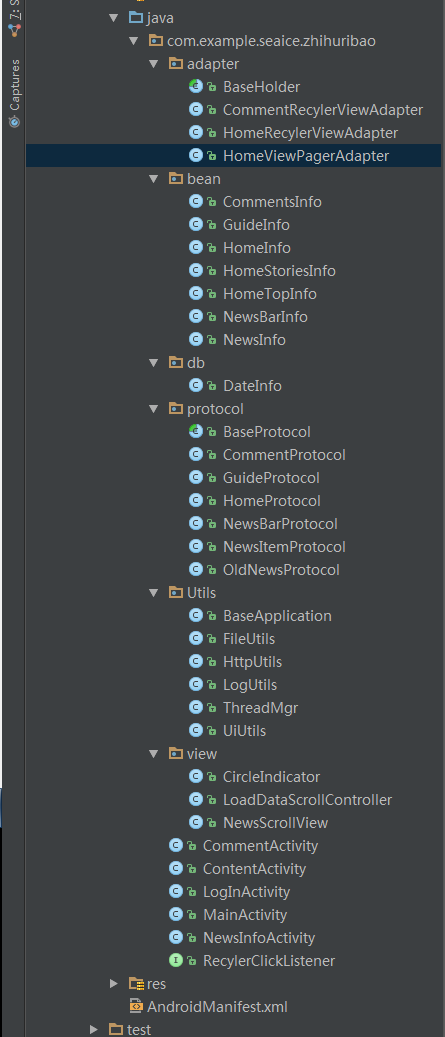
這一篇要接續處理上一篇遺留下來的問題:點擊條目後,如何顯示對應的知乎日報內容? 思路其實很簡單——只要讓 ContentActivity 的 RecyclerView 能
 自製可自動平分空間的 Android 宮格檢視 AdvancedGridView
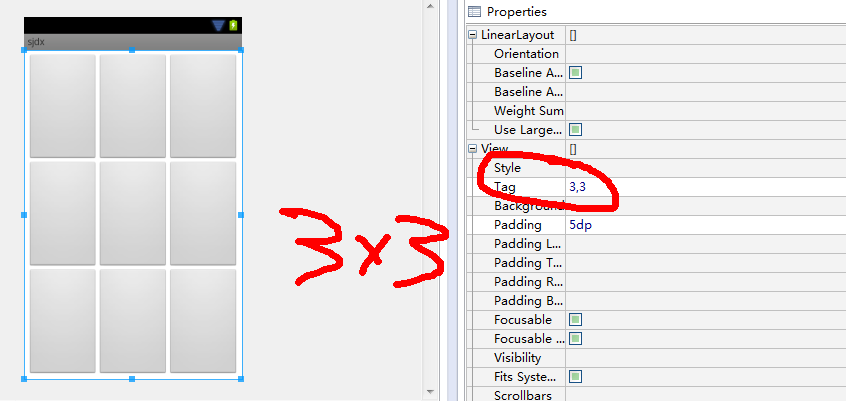
專案裡常會需要九宮格,而且不只九宮格——四宮格、十六宮格、4×3 宮格都可能出現。與其每次重寫,不如封裝一個能依分配到的空間自動調整每一格尺寸的元件。 設計思路 這個
 Android ListView 快速上手:三步驟做出簡易列表
ListView 是非常常見的控制項,以垂直列表的形式呈現資料。而完成一個最簡單的 ListView,只需要三個步驟: 1、在版面配置 XML 中加入 ListView
 Android 基礎入門教程——13 種 Drawable 全解析(下篇)
本節引言 在這個單元裡,我們要把剩下四種 Drawable 一次學完,它們分別是 LayerDrawable、TransitionDrawable、LevelListD