

編輯:關於 Android 程式設計
項目中有個需求:先對界面截圖,再對截圖內容做局部修改。截圖方法如下,傳入一個想要截圖的 Activity:
/**
 * 截圖,對相應的 activity 截圖
 */
public Bitmap takeScreenShot(Activity activity) {
    View rootView = activity.getWindow().getDecorView();
    rootView.setDrawingCacheEnabled(true);
    rootView.buildDrawingCache();
    Bitmap bitmap = rootView.getDrawingCache();
    // 獲取狀態欄高度
    Rect frame = new Rect();
    activity.getWindow().getDecorView().getWindowVisibleDisplayFrame(frame);
    int statusBarHeight = frame.top;
    // 獲取屏幕長和高
    int width = activity.getWindowManager().getDefaultDisplay().getWidth();
    int height = activity.getWindowManager().getDefaultDisplay().getHeight();
    // 去掉標題欄
    Bitmap b = Bitmap.createBitmap(bitmap, 0, statusBarHeight, width, height - statusBarHeight - height / 3 + 100);
    rootView.setDrawingCacheEnabled(false);
    return b;
}
但實際運行時發現,截取的圖像中有些內容需要替換,比如在無法修改原 Activity 的前提下,把截圖中的標題換成另一個樣子。此時只能重新生成一個 bitmap,再把它貼合到原截圖的相應位置:
float dimension = getResources().getDimension(R.dimen.activity_action_bar_height);

// conView 為自己想要加入的 View,用來生成替換的 bitmap
conView.setDrawingCacheEnabled(true);
conView.buildDrawingCache();
Bitmap bitmap3 = conView.getDrawingCache();
Bitmap bitmap2 = Bitmap.createBitmap(bitmap3, 0, statusBarHeight, width, (int) dimension);
int w = bitmap2.getWidth();
int h = bitmap2.getHeight();
int[] pixels = new int[w * h];
bitmap2.getPixels(pixels, 0, w, 0, 0, w, h);

Bitmap b = Bitmap.createBitmap(bitmap, 0, statusBarHeight, width, height - statusBarHeight - height / 3 + 100);
// 將生成的 bitmap 替換原來 bitmap 中的位置
b.setPixels(pixels, 0, w, width / 5, 0, w, h);
然而運行後卻報錯:自定義 View 生成的 bitmap 為空,也就是 conView.getDrawingCache() 返回了 null。仔細排查發現,原因是所需 bitmap 超出了系統內存限制。我們可以看看 buildDrawingCache() 方法中的一段判斷:
if (width <= 0 || height <= 0 ||
    (width * height * (opaque && !translucentWindow ? 2 : 4)
        > ViewConfiguration.get(mContext).getScaledMaximumDrawingCacheSize())) {
    destroyDrawingCache();
    return;
}
其中 width 和 height 是待 cache 的 view 繪制寬高,width * height * (...) 即為當前所需的 cache 大小;而 getScaledMaximumDrawingCacheSize() 是系統提供的最大 DrawingCache 值。當所需 cache 大於系統上限時,生成的 Bitmap 就會出問題,獲取到的即為 null。
因此,只要調整所需 cache 的大小即可解決。為此引入第二種方法——先手動測量並布局 View,再生成 bitmap:
public static Bitmap convertViewToBitmap(View view){
    view.measure(MeasureSpec.makeMeasureSpec(0, MeasureSpec.UNSPECIFIED),
                 MeasureSpec.makeMeasureSpec(0, MeasureSpec.UNSPECIFIED));
    view.layout(0, 0, view.getMeasuredWidth(), view.getMeasuredHeight());
    view.buildDrawingCache();
    Bitmap bitmap = view.getDrawingCache();
    return bitmap;
}
用此方法替換之前直接由 View 生成 bitmap 的寫法,即可避免 DrawingCache 超限導致返回空圖的問題。
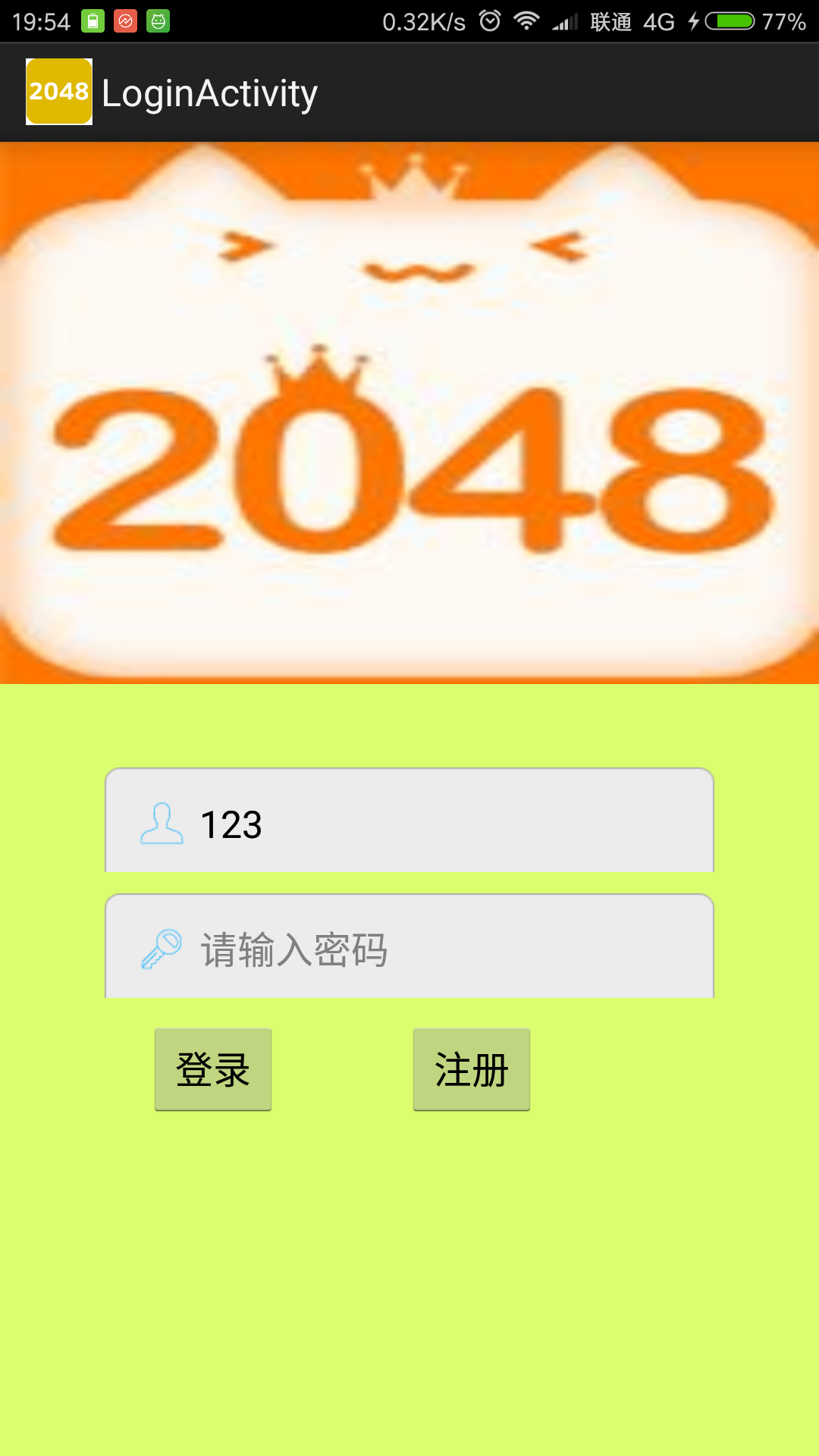 安卓模仿 2048 小遊戲:從啟動頁到核心合併邏輯
這是一個以 Android 原生方式模仿 2048 的小專案。它包含啟動頁、登入頁、主遊戲頁、卡片模型、手勢合併邏輯與簡單動畫,可以作為自定義遊戲 View 的練習。
 寫一個 Cocos2d-x 的 Android.mk 自動維護工具
用 Cocos2d-x 開發時,通常先在電腦上完成邏輯,再移植到手機平台。打包成 apk 的过程中,最惱人的往往不是程式碼,而是維護 Android.mk。 問題在於:
 打造可無限平滑循環的 ViewPager 廣告輪播條
很多應用的 banner 都能自動循環播放,還能手指滑動無限翻頁。實現它一定會想到 ViewPager,但 ViewPager 本身並不支持循環,最後一頁滑到底就卡住了。
 React Native 安卓打包實戰:簽名、混淆與多渠道極速打包
為什麼不能直接交 debug 包 React Native 在開發階段透過 run-android 產生的通常是 debug 版本。這個版本適合開發除錯,但不適合正式發布