

編輯:關於 Android 開發
這個範例要解決的是一個很常見的動畫題目:點擊按鈕後播放第一段動畫,等它結束再自動接上第二段動畫,而且第一段跑完後不要跳回原位。前者需要計時或動畫監聽,後者需要 setFillAfter(true)。
package com.example.animationdemo;

import java.util.Timer;
import java.util.TimerTask;

import android.os.Bundle;
import android.os.Handler;
import android.os.Message;
import android.app.Activity;
import android.view.Menu;
import android.view.View;
import android.view.View.OnClickListener;
import android.view.animation.Animation;
import android.view.animation.AnimationUtils;
import android.widget.Button;
import android.widget.ImageView;

public class MainActivity extends Activity {

    @Override
    protected void onCreate(Bundle savedInstanceState) {
        super.onCreate(savedInstanceState);
        setContentView(R.layout.activity_main);

        final ImageView imageView = (ImageView) findViewById(R.id.imageView);
        Button button = (Button) findViewById(R.id.button);

        final Animation animation1 = AnimationUtils.loadAnimation(this, R.layout.animation1);
        final Animation animation2 = AnimationUtils.loadAnimation(this, R.layout.animation2);

        // 讓動畫結束後停在最後一格,不回到初始位置
        animation1.setFillAfter(true);

        final Handler h = new Handler() {
            @Override
            public void handleMessage(Message msg) {
                if (msg.what == 0x11) {
                    imageView.startAnimation(animation2);
                }
            }
        };

        button.setOnClickListener(new OnClickListener() {
            @Override
            public void onClick(View arg0) {
                imageView.startAnimation(animation1);
                // 3.5 秒後送出訊息,接著播放第二段動畫
                new Timer().schedule(new TimerTask() {
                    @Override
                    public void run() {
                        h.sendEmptyMessage(0x11);
                    }
                }, 3500);
            }
        });
    }

    @Override
    public boolean onCreateOptionsMenu(Menu menu) {
        getMenuInflater().inflate(R.menu.main, menu);
        return true;
    }
}
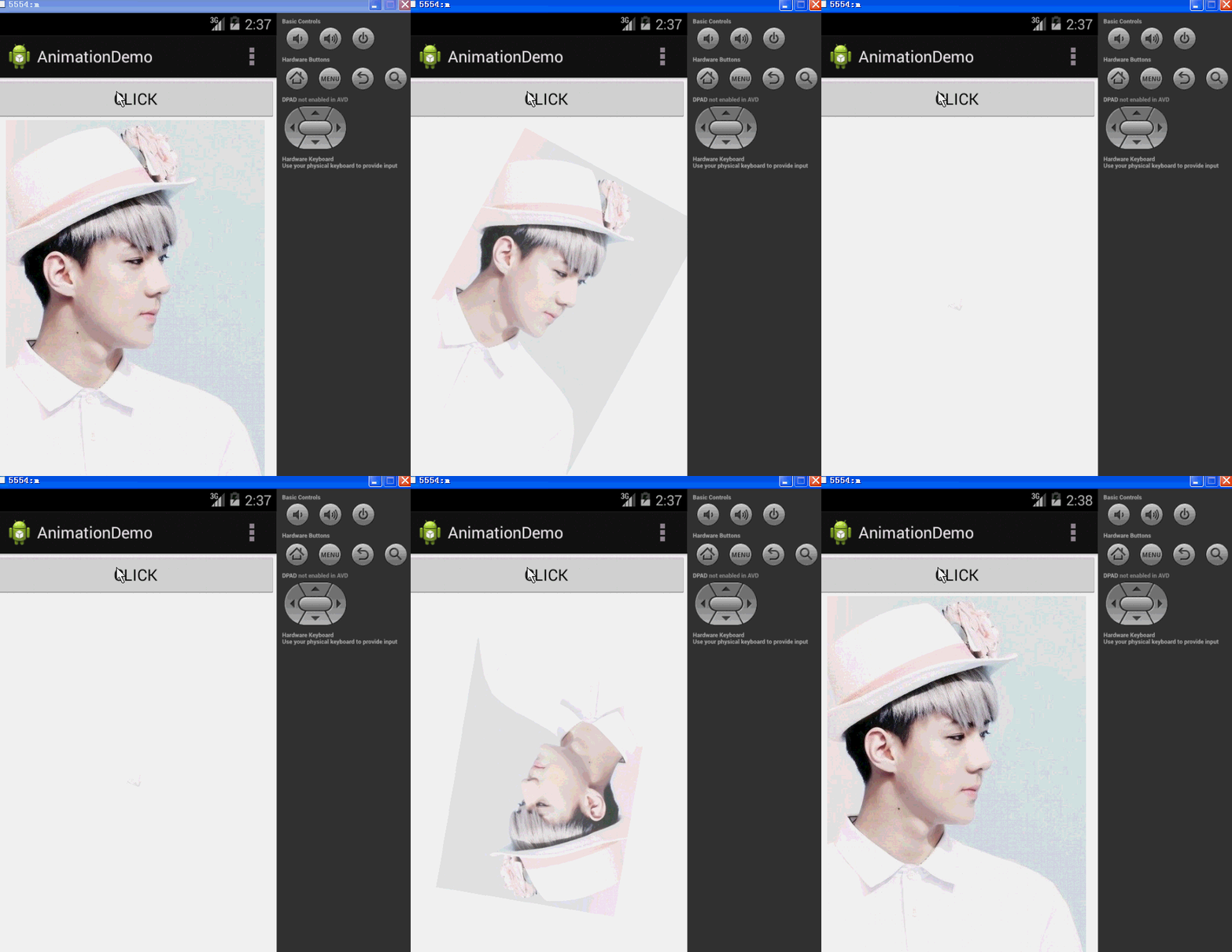
改用動畫監聽器取代硬編排時間。把 3500 毫秒寫死,等於假設 animation1 永遠剛好跑 3.5 秒;只要調了動畫時長,兩段就會對不上。更穩健的做法是掛 AnimationListener,在 onAnimationEnd() 裡直接啟動第二段:
animation1.setAnimationListener(new Animation.AnimationListener() {
    @Override public void onAnimationStart(Animation animation) { }
    @Override public void onAnimationRepeat(Animation animation) { }
    @Override public void onAnimationEnd(Animation animation) {
        imageView.startAnimation(animation2);
    }
});
補間動畫不改變真實位置。動畫跑完後 View 的實際座標其實沒動,只是畫面看起來移動了,因此後續若要根據位置做點擊判定,需要用 layout 參數或改用屬性動畫(ObjectAnimator、ViewPropertyAnimator)才能真正改變 View 的屬性值。
 Android 資料保存實戰:從私有檔案到 SharedPreferences 與 XML
 資料保存是 Android 開發中極為基礎卻又不可迴避的課題。本文以一個「QQ
 Android 開機自啟動實作:BOOT_COMPLETED 廣播與 SharedPreferences 開關
實作思路 開機自啟動的核心是 BOOT_COMPLETED 這個系統廣播。開機完成後系統會發出它,應用只要註冊接收就能被喚醒。至於「要不要自啟動」,則交給使用者透過設定介
 Android HAL 開發筆記:應用程式、庫、內核與驅動
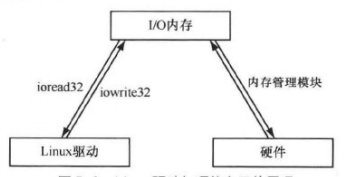
在 Android 系統中,從上到下可以分為應用程式、函式庫、作業系統內核與驅動程式幾個層級。開發者通常可以專注
 Android SQLite 數據庫開發筆記
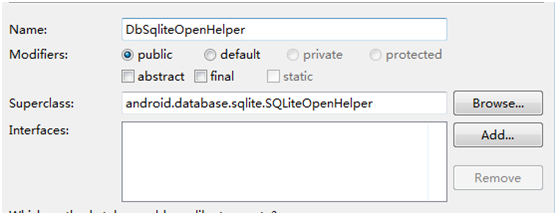
 SQLite 是 Android 內建的輕量級關聯式數據庫,適合用來保存結構化資料。開發時通常會建立 SQLiteOpenH