

編輯:關於 Android 開發
通知是 Android 應用與使用者互動的重要方式,常用於提示訊息、背景任務狀態或新內容抵達。本文以最基礎的寫法說明如何建立並發送一則通知。
在 activity_main.xml 中建立一個按鈕,id 設為 send_notice,文字可設為 Send notice,用來觸發通知。
MainActivity 先取得 NotificationManager,再建立 Notification 物件,設定通知圖示、提示文字、標題與內容,最後呼叫 notify 發送。
NotificationManager manager = (NotificationManager) getSystemService(NOTIFICATION_SERVICE);
Notification notification = new Notification(R.drawable.ic_launcher, "This is ticker text", System.currentTimeMillis());
notification.setLatestEventInfo(this, "This is content title", "This is content text", null);
manager.notify(1, notification);
此寫法屬於較舊的通知 API,適合理解基本概念;若為新專案,建議優先使用 NotificationCompat 與 NotificationChannel,以相容新版 Android 系統。
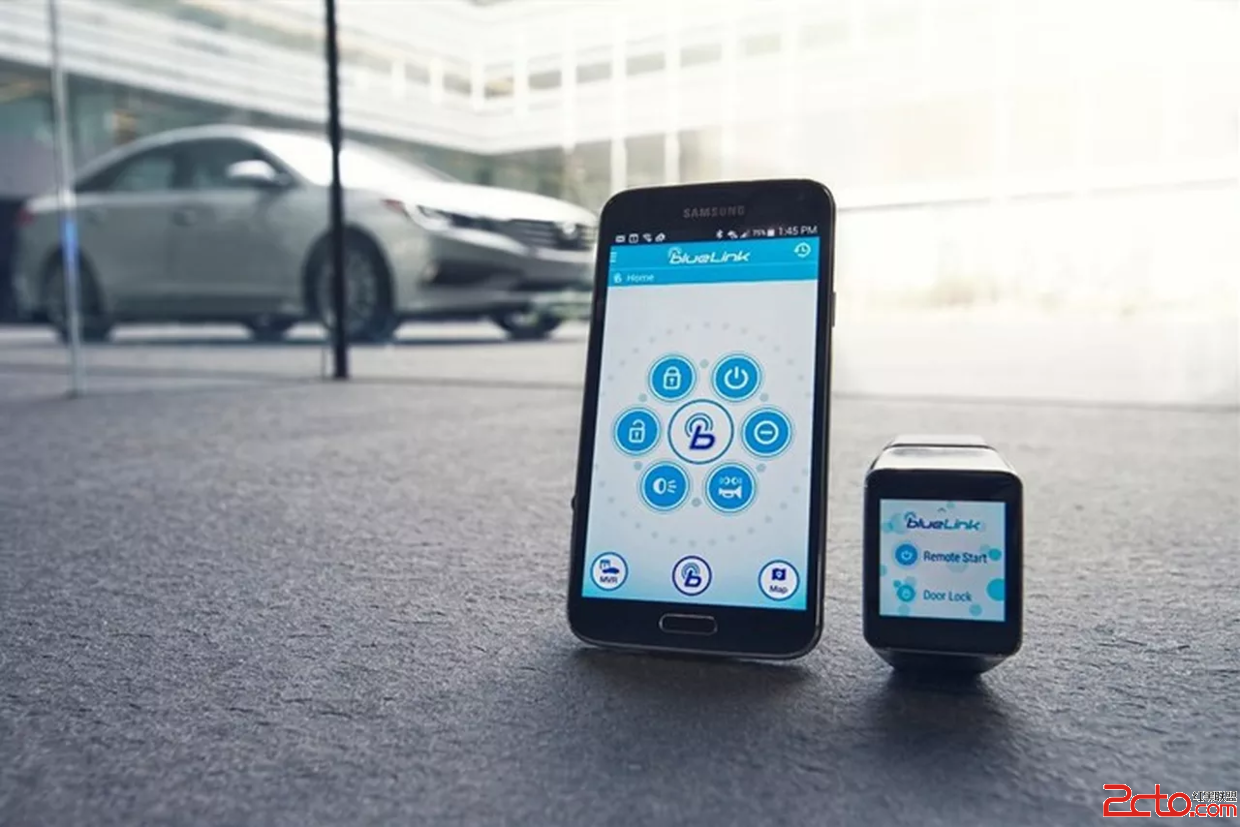 為啟動頁加上進場動畫,告別冷啟動的枯燥
什麼是冷啟動 打開 Android 應用時,若不做任何處理就直接顯示頁面,就稱為冷啟動(Cold Start)。使用者看到的是一个瞬間出現的畫面,生硬且缺乏層次感。 為了
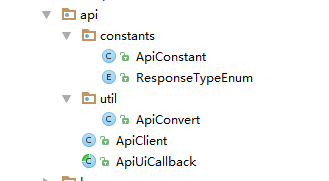 Android 網路請求回呼封裝實作
 在開發網路功能時,每個頁面都自行解析回傳資料,容易造成重複程式碼與混亂結構。透過回呼封裝,可以統一處理資料轉換、錯誤提示與 Toas
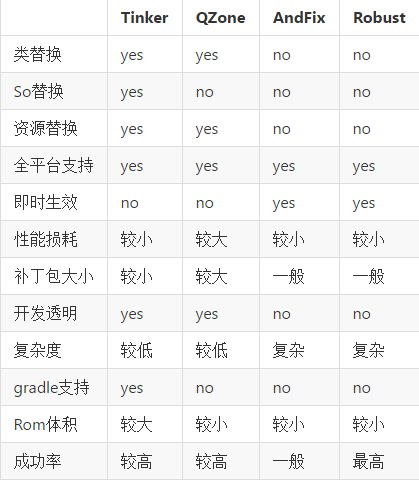 熱修復方案 Tinker 實戰:微信開源的入門與接入指南
熱修復 - Tinker 上手記 微信把 Tinker 開源出來,真是讓人喜出望外,二話不說就得來研究一番。比起 nuwa,Tinker 在各方面都成熟不少,而且 Git
 Android 學習第一天:架構與專案結構入門
 本文整理 Android 初學者最常需要理解的基礎概念,包含系統架構、專案資料夾用途與主要檔案功能。 Android 體系