

編輯:關於 Android 開發
前面我們介紹了 AndroidAnnotations 整合 Otto 事件總線,本篇接著說明如何與 OrmLite 這套資料庫持久化框架搭配,讓資料庫操作更加省心。OrmLite 官網:https://ormlite.com/sqlite_java_android_orm/。
自 AndroidAnnotations 2.7 起,我們可以用 @OrmLiteDao 標註 OrmLite 的 DAO(需 ORMLite 4.21 以上版本)。它有一個強制屬性 helper,用來指向持有資料庫的 Helper 類,該類必須繼承自 OrmLiteSqliteOpenHelper。
@EActivity
public class MyActivity extends Activity {
    // UserDao 是 Dao<User, Long>
    @OrmLiteDao(helper = DatabaseHelper.class)
    UserDao userDao;

    @OrmLiteDao(helper = DatabaseHelper.class)
    Dao<Car, Long> carDao;
}
特別注意:不要自行取得或釋放這個 Helper。框架內部使用 OpenHelperManager,它無法在同一次事件中同時管理多個 Helper,因此當你同時使用多個 DatabaseHelper 時,務必小心。
另外,在 AndroidAnnotations 4.0 之前的早期版本中,@OrmLiteDao 還有一個 model 屬性,用來指定與 DAO 關聯的資料模型。
自 AndroidAnnotations 3.0 起,DAO 的所有子類都可用 @OrmLiteDao 標註;而自 3.3 起,也能標註繼承自 RuntimeExceptionDao 的子類。這類子類必須提供一個接收對應 Dao 的建構子:
public class UserRuntimeExceptionDao extends RuntimeExceptionDao<User, Long> {
    public UserRuntimeExceptionDao(Dao<User, Long> dao) {
        super(dao);
    }
}

@EActivity
public class MyActivity extends Activity {
    @OrmLiteDao(helper = DatabaseHelper.class)
    UserRuntimeExceptionDao userDao;
}
透過 RuntimeExceptionDao,資料庫操作遇到問題時會以執行期異常拋出,省去大量 try-catch,讓程式碼更乾淨。至此,AndroidAnnotations 整合 OrmLite 的內容就講完了。
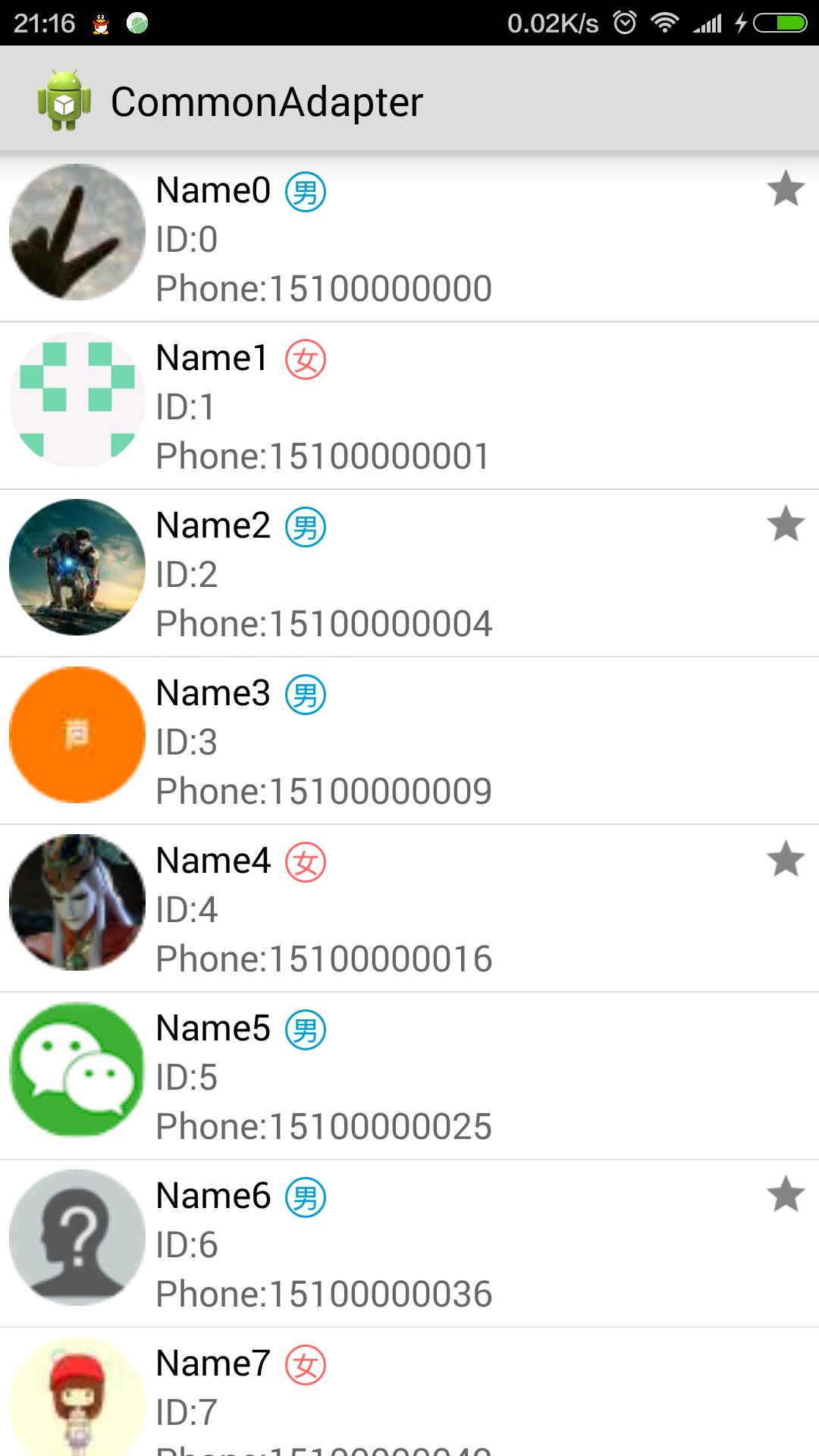 高靈活、低耦合的 Adapter 快速開發攻略
Android 開發中經常需要使用 Adapter。傳統做法是自訂一個 Adapter 並繼承 Android SDK 內的
 Android 自定義視圖進階篇:Canvas 六大核心技巧全解析
一、前言 今天我們繼續來看 Android UI 系列的自定義視圖進階篇。此前的基礎篇已介紹過 Paint、Canvas、Path、漸變色等基礎知識,這次我們要更上一層樓
 ListView 詳解:Android 列表控制項完整指南
 ListView 是 Android 開發中最常見的列表控制項之一,特別適合展示大量規則排列的資料。它具備記憶
 Android 搜尋功能實作:SQLite 保存搜尋歷史與即時篩選
搜尋框不只是輸入框 在許多 App 中,搜尋功能不只是把關鍵字送出,還需要記住使用者最近搜尋過的內容。適當的歷史紀錄能減少重複輸入,也能讓使用者快速回到感興趣的主題。本文