

編輯:關於 Android 開發
本文記錄了 Android 常用資料儲存方式之一 SQLite 的學習與操作重點。
0. 視頻地址:https://www.imooc.com/video/3382
1. 每個程式都有自己的資料庫,預設情況下彼此互不干擾。
1)建立一個資料庫並打開:
SQLiteDatabase db=openOrCreateDatabase("user.db",MODE_PRIVATE,null);
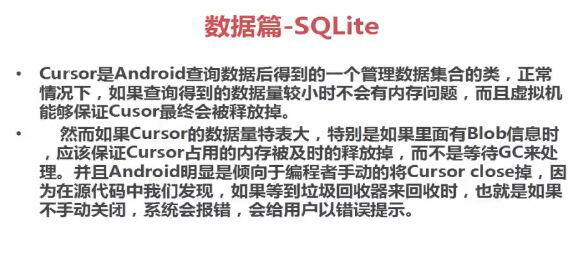
2)使用游標 cursor 儲存查詢結果,可理解為類似 list 的集合。
3)使用完畢後必須釋放游標。
2. 具體程式碼:

public class MainActivity extends Activity {
 @Override
 protected void onCreate(Bundle savedInstanceState) {
 super.onCreate(savedInstanceState);
 setContentView(R.layout.activity_main);
 // 每個程式都有自己的資料庫,預設情況下彼此互不干擾
 // 1. 建立一個資料庫並打開
 SQLiteDatabase db=openOrCreateDatabase("user.db",MODE_PRIVATE,null);
 db.execSQL("create table if not exists usertb(_id integer primary key autoincrement," +
 "name text not null,age integer not null,sex text not null)");
 // 建立用戶表,包括 _id 主鍵、姓名、年齡、性別
 db.execSQL("insert into usertb(name,age,sex)values('張三','男',26)");
 db.execSQL("insert into usertb(name,age,sex)values('劉明','男',22)");
 db.execSQL("insert into usertb(name,age,sex)values('於思','女',21)");
 // 2. 使用游標 cursor 儲存查詢結果,可理解為 list
 Cursor c=db.rawQuery("select * from usertb",null);
 if(c!=null){
 while(c.moveToNext()){
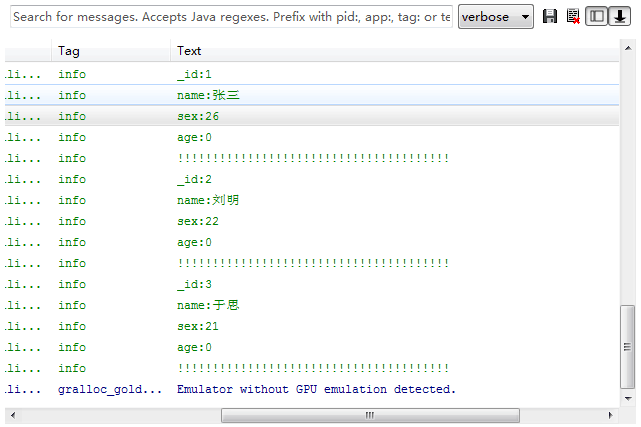
 Log.i("info","_id:"+c.getInt(c.getColumnIndex("_id")));
 Log.i("info","name:"+c.getString(c.getColumnIndex("name")));
 Log.i("info","sex:"+c.getString(c.getColumnIndex("sex")));
 Log.i("info","age:"+c.getInt(c.getColumnIndex("age")));
 Log.i("info","!!!!!!!!!!!!!!!!!!!!!!!!!!!!!!!!!!!!!!!");
 }
 c.close();// 3. 釋放游標
 }
 db.close();
 }
}
3. 運行結果:
4. 知識點小記:
1)可使用工具 navicat 打開並查看 db 格式檔案,檢視自己建立的用戶表。
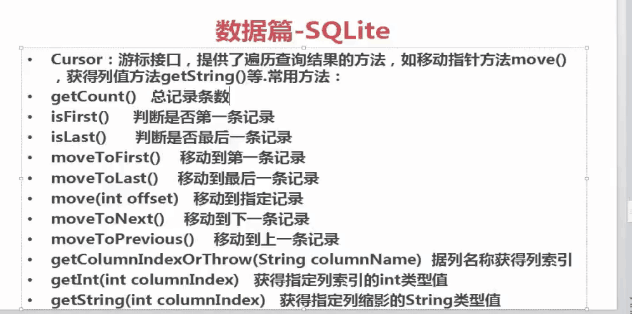
2)游標 cursor 相關操作:
小結:SQLite 是 Android 內建的輕量級關聯式資料庫,透過 openOrCreateDatabase 建立資料庫、execSQL 執行建表與插入、rawQuery 搭配 Cursor 遍歷結果,就能完成基本的資料操作。切記使用完畢後要記得釋放游標與資料庫連線。
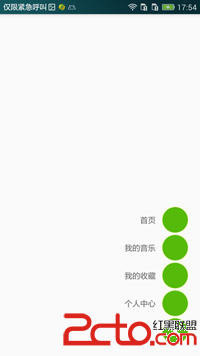 仿印象筆記底部導航欄:自定義 ViewGroup 實現弧形展開選單
最近使用印象筆記,覺得 Android 版的底部導航欄相當出色,許多應用都採用類似設計,於是動手實作了一個。先來看效果: 要完成這樣的效果,需要自定義一個 ViewGr
 設計精美的閱讀指讀應用「指讀」開源源碼分享
 今天要介紹的是一款名為「指讀」的應用。它走的是 Material Design 風格,整體設計簡約、UI 清新,相當耐看,個人
 Android 網路開發:實作一個網頁原始碼查看器(HttpURLConnection + Handler)
 本文示範如何打造一個簡易的網頁原始碼查看器:使用者輸入網址後
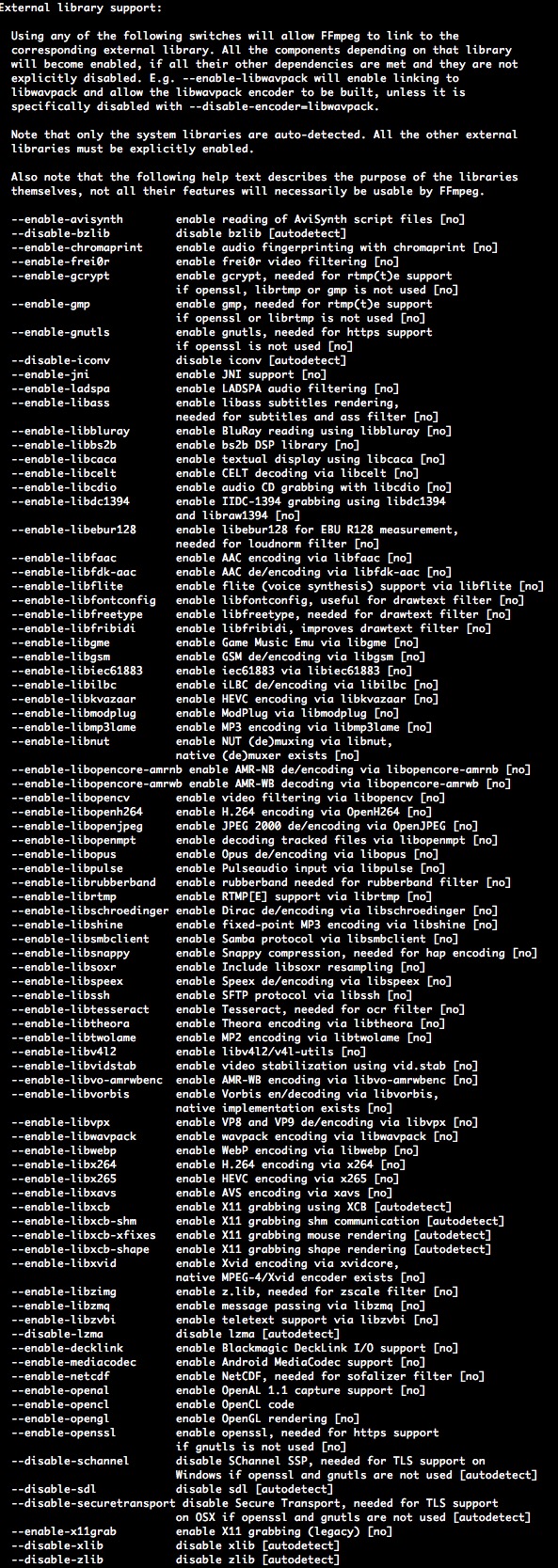 FFmpeg 編碼支援與自訂編譯指南
FFmpeg 的模組化設計 FFmpeg 本身提供了一套多媒體處理框架,但預設編譯不一定包含所有編碼、封裝與協議。部分功能受限於授權或體積,需要透過外部函式庫加入。可利用