

編輯:關於 Android 開發
剛開始使用 Android Studio 時,常會遇到 Gradle 同步失敗、提示無法啟動 daemon 程序的錯誤訊息,內容大致如下:
Gradle sync failed: Unable to start the daemon process.
This problem might be caused by incorrect configuration of the daemon.
For example, an unrecognized jvm option is used.
Please refer to the user guide chapter on the daemon at
https://docs.gradle.org/2.10/userguide/gradle_daemon.html
Please read the following process output to find out more:
-----------------------
Error occurred during initialization of VM
Could not reserve enough space for object heap
Error: Could not create the Java Virtual Machine.
Error: A fatal exception has occurred. Program will exit.
Consult IDE log for more details (Help | Show Log)
一開始在網路上查資料,一直以為是自己 gradle.properties 檔案中的這行設定出了問題:
org.gradle.jvmargs=-Xmx1024m -XX:MaxPermSize=512m -XX:+HeapDumpOnOutOfMemoryError -Dfile.encoding=UTF-8
並認為是 -Xmx1024m 的值設得太小。但最後才發現,真正的原因是自己的電腦記憶體太小——只有 2G,而 Windows 系統本身差不多就要佔掉 1G 左右,根本配置不出 1024m 的堆空間給 JVM,所以才會發生「Could not reserve enough space for object heap」。
因此解法很簡單:把 -Xmx1024m 改小成 -Xmx512m 即可:
org.gradle.jvmargs=-Xmx512m -XX:MaxPermSize=512m -XX:+HeapDumpOnOutOfMemoryError -Dfile.encoding=UTF-8
這也提醒我們:遇到這類「記憶體配置失敗」的錯誤時,除了檢查參數是否寫錯,也要回頭看看實際的機器記憶體是否足以支撐目前的設定值。
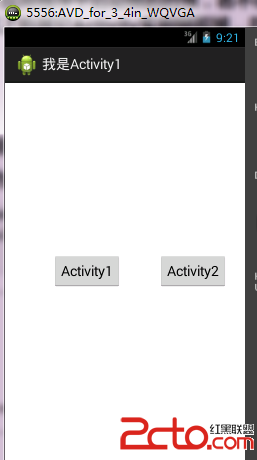 Android Activity 啟動模式:singleTask 同一應用內行為解析
singleTask 模式的核心特性是:在同一個應用程式中,該 Activity 通常
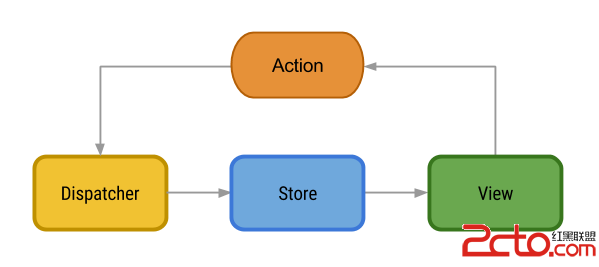 Android 架構模式整理:Flux、Clean Architecture、MVP 與 RxJava 實踐
Android 架構模式整理本文整理常見 Android 架構方向,包含 Flux、Clean Architecture、MVP,以及 MVP 搭配 RxJava 與 E
 Android ExpandableListView 使用與長按事件深解析
一、ExpandableListView 介紹 ExpandableListView 是一個垂直滾動、可顯示兩個級別(Group 分組與 Child 子項)列表項的視圖,
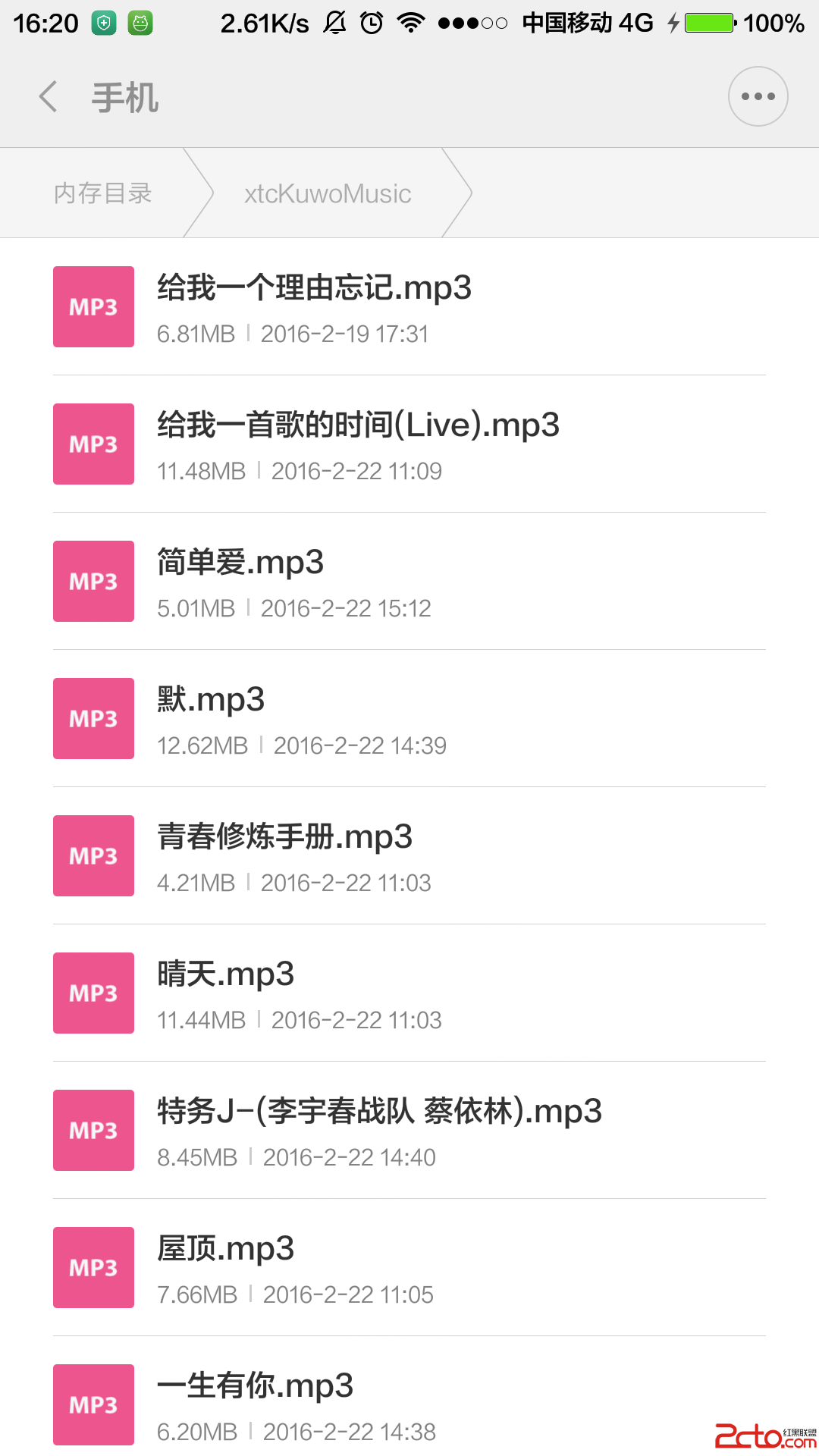 Java 檔案大小轉換工具類:B、KB、MB、GB、TB、PB 一鍵換算
Java 檔案大小轉換工具類(B、KB、MB、GB、TB、PB 之間的換算) 當我們需要呈現類似下圖所示的檔案大小效果時,就得先把原始位元組數轉換成人類易讀的單位,再進