

編輯:關於 Android 開發
讓使用者在安裝 App 後,桌面上自動出現一個捷徑圖示,是很常見的產品需求。這個功能背後其實是透過發送一段特定的廣播來完成的。下面一步步帶你實作。
先來看效果預覽:

要建立桌面捷徑,必須先在 AndroidManifest.xml 中宣告對應的權限:
<uses-permission android:name="com.android.launcher.permission.INSTALL_SHORTCUT" />
為捷徑要跳轉的目標 Activity 加上 intent-filter,讓它能被正確辨識:
<activity
    android:name="com.myself.news.activity.GuideActivity"
    android:label="@string/title_activity_guide" >
    <intent-filter>
        <action android:name="com.myself.news.ACTION_HOME" />
        <category android:name="android.intent.category.DEFAULT" />
    </intent-filter>
</activity>
在應用的閃屏(啟動)頁 Activity 的 onCreate 中呼叫 installShortcut():
// 創建快捷方式
// com.android.launcher.permission.INSTALL_SHORTCUT
private void installShortcut() {
    // 判斷有沒有創建過快捷方式
    boolean isCreated = SharedPreferencesUtils.getBoolean(this,
            GlobalConstantsUtils.PREF_IS_SHORTCUT_INTALLED, false);
    if (!isCreated) {
        // 發廣播
        Intent intent = new Intent();
        intent.setAction("com.android.launcher.action.INSTALL_SHORTCUT");

        // 圖標:根據資源文件 id 生成 Bitmap 對象
        intent.putExtra(Intent.EXTRA_SHORTCUT_ICON, BitmapFactory
                .decodeResource(getResources(), R.drawable.ic_launcher));
        // 名稱
        intent.putExtra(Intent.EXTRA_SHORTCUT_NAME, "手機安全衛士");

        // 動作:跳到主頁面
        Intent actionIntent = new Intent();
        actionIntent.setAction(GlobalConstantsUtils.ACTION_HOME);
        intent.putExtra(Intent.EXTRA_SHORTCUT_INTENT, actionIntent);
        sendBroadcast(intent);

        // 標記已經創建過快捷方式,下次不再創建
        SharedPreferencesUtils.setBoolean(this,
                GlobalConstantsUtils.PREF_IS_SHORTCUT_INTALLED, true);
    }
}
這段程式碼的關鍵在於:先透過 SharedPreferences 判斷是否已經建立過捷徑,避免重複建立;接著組裝一個 action 為 com.android.launcher.action.INSTALL_SHORTCUT 的 Intent,把圖示、名稱與點擊後要執行的 Intent 一併塞進去,最後用 sendBroadcast 發送出去,桌面就會出現對應的捷徑圖示。
在常量工具類 GlobalConstantsUtils 中定義需要用到的字串:
public static final String PREF_IS_SHORTCUT_INTALLED = "is_shortcut_intalled"; // 是否已經創建快捷方式
public static final String ACTION_HOME = "com.myself.news.ACTION_HOME";         // 跳轉到主頁面的 ACTION
透過這套機制,就能讓 App 在首次啟動時於使用者桌面建立捷徑,兼顧便利性與避免重複建立的體驗細節。
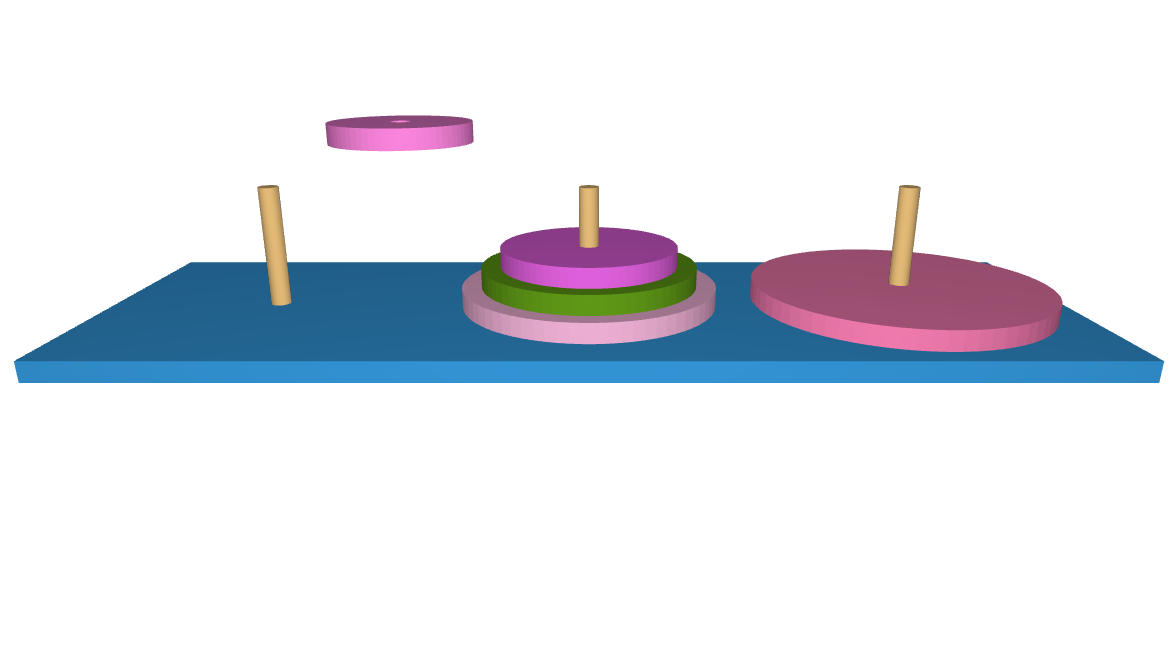 HTML5 WebGL 實作:漢諾塔 3D 遊戲開發解析
 漢諾塔是經典的遞歸問題。若要在瀏覽器中呈現 3D 版本,可結合 HTML5、JavaScript 與 WebGL
 Android XML 動畫入門:旋轉、縮放、平移三種跳轉效果
上一篇講了怎麼用系統內置動畫做 Activity 跳轉,這一篇往前一步:自己寫 XML 動畫。先有效果,再講屬性,最後是完整代碼。 先認識幾個關鍵屬性 interpol
 Android Fragment 深度解析:生命周期、底部導航與常見隱患
 Fragment 是 Android 上非常重要的界面組件,特別是在需要構建多面板、底部導航或模
 Android PopupWindow 懸浮窗口的入門實戰
快速上手 PopupWindow 懸浮容器 PopupWindow 是一個可以浮動顯示在當前 Activity 之上的容器,常用於製作菜單、快捷操作面板等效果。本文以一個