

編輯:關於 Android 開發
想在 App 裡直接打開一個網頁怎麼辦?Google 早就準備好了答案——WebView 控件。本文以一個帶標題欄的簡易瀏覽器為例,把它的用法完整走一遍。
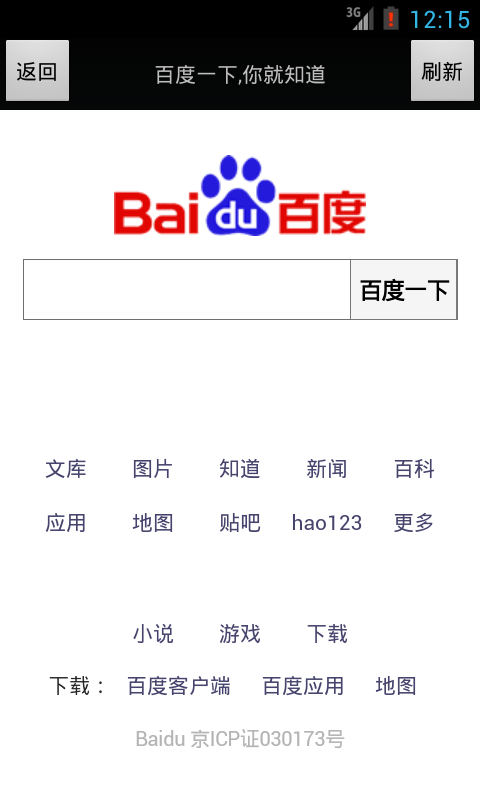
整個界面上下兩塊:頂部是一條自製標題欄,由兩個 Button(返回、刷新)和一個 TextView(顯示網頁標題)組成;下方鋪滿一個 WebView。系統自帶的標題欄通過 AndroidManifest.xml 中設置對應主題去掉,就能得到上圖的效果。
<LinearLayout xmlns:android="https://schemas.android.com/apk/res/android"
    xmlns:tools="https://schemas.android.com/tools"
    android:layout_width="match_parent"
    android:layout_height="match_parent"
    android:orientation="vertical"
    tools:context=".MainActivity">

    <LinearLayout
        android:layout_width="fill_parent"
        android:layout_height="wrap_content"
        android:weightSum="1">

        <Button
            android:id="@+id/quit"
            android:layout_gravity="left"
            android:layout_width="wrap_content"
            android:layout_height="wrap_content"
            android:text="返回" />

        <TextView
            android:id="@+id/web"
            android:layout_gravity="center"
            android:gravity="center"
            android:layout_width="222dp"
            android:layout_height="wrap_content"
            android:layout_weight="1.13" />

        <Button
            android:id="@+id/news"
            android:layout_gravity="right"
            android:layout_width="wrap_content"
            android:layout_height="wrap_content"
            android:text="刷新" />
    </LinearLayout>

    <WebView
        android:id="@+id/webView"
        android:layout_width="fill_parent"
        android:layout_height="fill_parent" />

</LinearLayout>public class MainActivity extends Activity {
private TextView mTextView;
private WebView mWebView;
private Button mbreak;
private Button mnews;
@Override
protected void onCreate(Bundle savedInstanceState) {
super.onCreate(savedInstanceState);
setContentView(R.layout.activity_main);
init();
}
public void init() {
mTextView = (TextView) findViewById(R.id.web);
mWebView = (WebView) findViewById(R.id.webView);
mbreak = (Button) findViewById(R.id.quit);
mnews = (Button) findViewById(R.id.news);
mbreak.setOnClickListener(new myListener());
mnews.setOnClickListener(new myListener());
// 指定要加載的網址
mWebView.loadUrl("https://www.baidu.com/");
// 讓標題欄能拿到網頁的 title
mWebView.setWebChromeClient(new WebChromeClient() {
@Override
public void onReceivedTitle(WebView view, String title) {
super.onReceivedTitle(view, title);
mTextView.setText(title);
}
});
// 頁面內跳轉不甩給系統瀏覽器
mWebView.setWebViewClient(new WebViewClient() {
@Override
public boolean shouldOverrideUrlLoading(WebView view, String url) {
view.loadUrl(url);
return super.shouldOverrideUrlLoading(view, url);
}
});
}
// 按鈕事件
class myListener implements View.OnClickListener {
@Override
public void onClick(View view) {
switch (view.getId()) {
case R.id.quit:
finish();
break;
case R.id.news:
mWebView.reload();
break;
}
}
}
}最後一步很多人會漏:在 AndroidManifest.xml 中加上網絡訪問聲明,否則頁面永遠白屏。
<uses-permission android:name="android.permission.INTERNET"/>至此,一個能顯示網頁、能同步標題、能返回與刷新的簡易瀏覽器就完成了。WebView 的能力遠不止這些——前進後退歷史管理、JavaScript 交互、緩存策略、自定義 User-Agent 等都值得後續深入,這裡先把地基打好。
 Android 插件化基礎(4):動態啟動插件中的 Activity
Author:鄭海波-莫川 簡介 如何動態啟動插件中的 Activity?先來分析需要做好哪些準備: 1. 插件中 Activity 類的加載,也就是 ClassLoad
 Android 應用內更新實作:APK 的檢查、下載與安裝
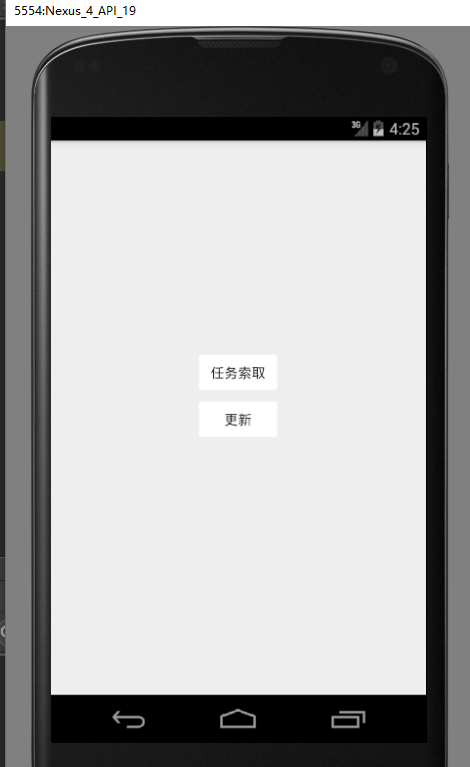
 先看成果,整個流程包含更新提示、下載進度與安裝三個階段: 原理不複雜:向伺服器問版本號,比本地的 vers
 實作Android檔案下載進度條:從UI到Handler的完整教學
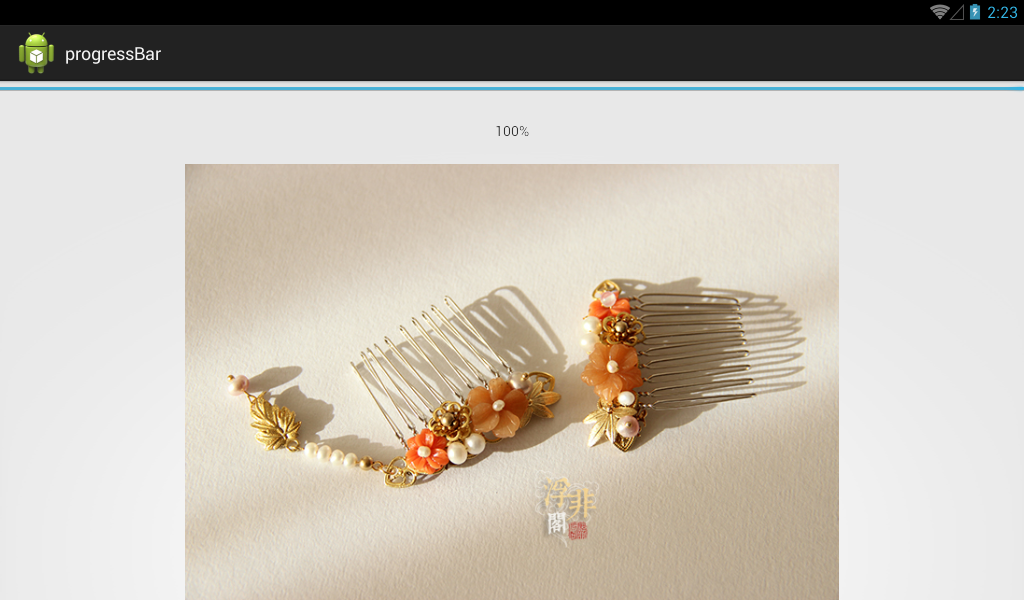
在App開發中,檔案下載是非常常見的需求,而如何讓使用者即時掌握下載進度,往往是提升使用體驗的關鍵環節。本文將帶你一步步實作一個具備動態進度顯示的Android下載功能,
 《Android源碼設計模式解析與實戰》讀書筆記(十九):組合模式
讀書筆記(十九):組合模式 第十九章、組合模式 組合模式又稱「部分—整體」模式,是結構型設計模式中的一員,擅長處理具有層次結構的對象集合。 1. 定義 組合模式將對象組合