

編輯:關於 Android 開發
本文示範如何使用 RadioButton 搭配 RadioGroup 實現單選功能,並在點擊按鈕後取得使用者選擇的項目。
布局檔:
<?xml version="1.0" encoding="UTF-8"?> <LinearLayout android:orientation="vertical" android:layout_height="fill_parent" android:layout_width="fill_parent" xmlns:android="https://schemas.android.com/apk/res/android"> <TextView android:layout_height="wrap_content" android:layout_width="fill_parent" android:text="單選控件:" android:id="@+id/label"/> <RadioGroup android:orientation="horizontal" android:layout_height="fill_parent" android:layout_width="fill_parent" android:id="@+id/radionGroup"> <RadioButton android:layout_height="wrap_content" android:layout_width="wrap_content" android:text="女" android:id="@+id/radioFemale"/> <RadioButton android:layout_height="wrap_content" android:layout_width="wrap_content" android:text="男" android:id="@+id/radioMale" android:checked="true"/> <Button android:layout_height="wrap_content" android:layout_width="wrap_content" android:text="確定" android:id="@+id/ok"/> </RadioGroup> </LinearLayout>
MainActivity.java:
package com.example.yanlei.mytk; import android.os.Bundle; import android.support.v7.app.AppCompatActivity; import android.view.View; import android.widget.Button; import android.widget.RadioButton; public class MainActivity extends AppCompatActivity { private RadioButton radioFemale; private RadioButton radioMale; private Button ok; @Override protected void onCreate(Bundle savedInstanceState) { super.onCreate(savedInstanceState); setContentView(R.layout.activity_main); radioFemale=(RadioButton)findViewById(R.id.radioFemale); radioMale=(RadioButton)findViewById(R.id.radioMale); ok=(Button)findViewById(R.id.ok); ok.setOnClickListener(new View.OnClickListener() { @Override public void onClick(View v) { String result = "你選擇的是:"; if (radioFemale.isChecked()) { setTitle(result + "女"); } else { setTitle(result + "男"); } } }); } }
透過 RadioGroup 管理一組 RadioButton,並用 isChecked() 判斷哪一個被選中,就能實現互斥的單選效果。
 Facebook 如何優化 React Native 性能,讓應用啟動速度提升一倍
 原文出處:Facebook 官方部落格 譯文出處:@Siva 海浪高 本文翻譯自 Fa
 Android View 事件分發機制解析:dispatchTouchEvent 與 onTouchEvent
Android View 事件分發機制解析 在開發中遇到滑動衝突時,通常都會回到 View 的事件分發機制。理解 dispatchTouchEvent、onTouchLi
 Android 消息機制透視:Handler、Looper 與 MessageQueue 的協作之美
 Handler、Looper、MessageQueue 與 Thre
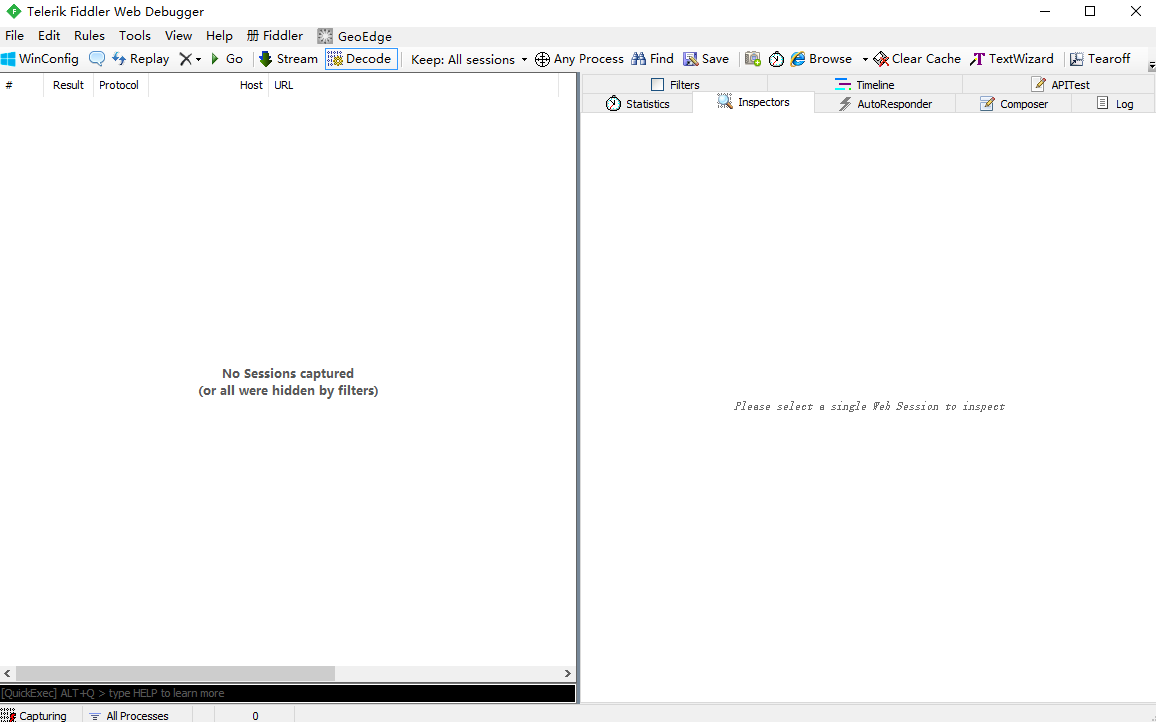 使用 Fiddler 擷取 App 封包的設定方法
近來專案需要分析 App 的網路請求,因此使用 Fiddler 進行封包擷取。實務上,部分 App 預設不會走一般代理設定,甚至会主動繞過常見的 8888 連接埠,因此需